About Native AI
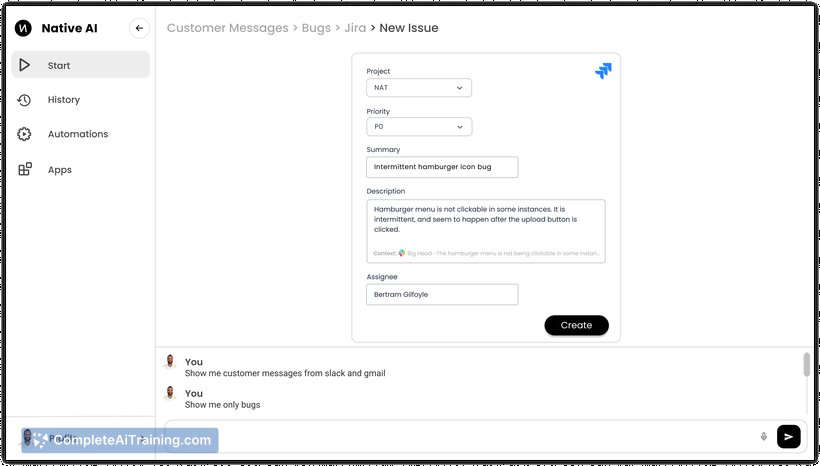
Native AI is a unified AI interface that integrates with multiple business applications such as Gmail, Slack, and Jira, allowing users to manage their workflows without switching contexts. It simplifies daily tasks by providing a streamlined user experience and automating routine processes.
Review
Native AI offers an innovative approach to handling multiple business apps through a single interface. By consolidating communication, task management, and automation, it aims to reduce the friction caused by toggling between various platforms. This review explores how effectively it delivers on these promises.
Key Features
- Unified Interface: Access and operate popular business apps like Gmail, Slack, Jira, Quickbooks, and calendars from one simple AI-driven platform.
- Fast Interactions: Communicate with the AI using typing, voice commands, or clicks, with support for autocomplete and command shortcuts to speed up tasks.
- Contextual Recommendations: Receive AI suggestions tailored to your current task, such as resolving meeting conflicts or creating invoices directly from emails.
- Natural Language Automations: Set up automations using everyday language without needing to create complex rules or flowcharts, for example, automatically filing tickets or generating reports.
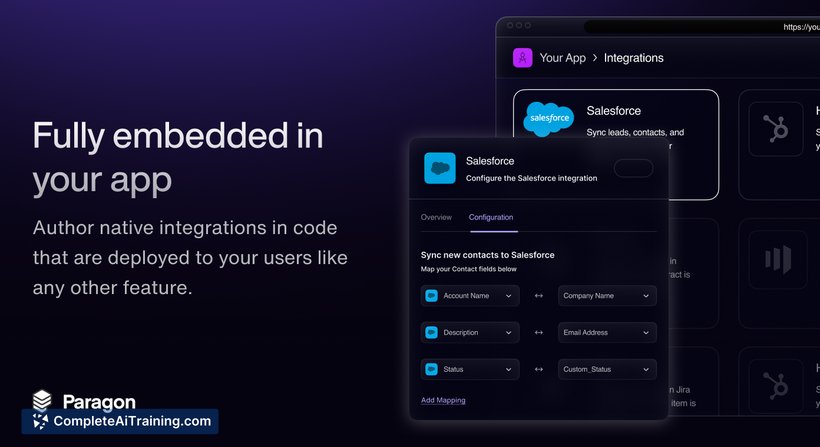
- Cross-App Task Management: Manage customer issues, track bugs, schedule meetings, and gather industry news from social channels all within one platform.
Pricing and Value
Native AI offers a free launch version, providing users with access to its core functionalities without initial cost. While detailed pricing tiers are not explicitly shared, the value proposition lies in saving time and increasing productivity by eliminating app switching and manual workflows. This can be especially beneficial for professionals who regularly juggle multiple business tools.
Pros
- Streamlines workflow by consolidating multiple apps into a single interface.
- Supports various input methods including typing, speaking, and clicking for flexibility.
- Automations are easy to set up using natural language, reducing setup complexity.
- Minimalistic and intuitive UI helps avoid clutter and simplifies user experience.
- Offers contextual AI suggestions that align with user intent and current tasks.
Cons
- Limited information on advanced pricing plans and long-term costs.
- May require some adjustment period for users accustomed to separate app environments.
- Integration scope depends on supported apps; users relying on unsupported apps may find it less useful.
Native AI is well-suited for professionals who manage multiple business applications daily and are looking to reduce time lost in switching between apps. It benefits teams seeking to automate routine tasks without complicated setups. Overall, it serves as a practical tool for improving productivity in environments where cross-app workflows are common.
Open 'Native AI' Website
Your membership also unlocks: