AI tool
NativeBridge
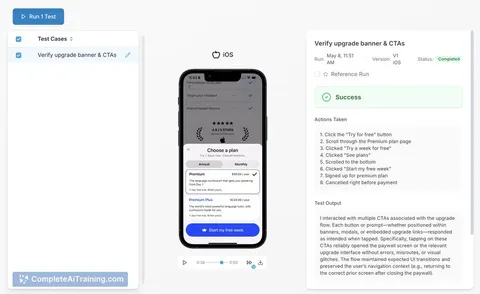
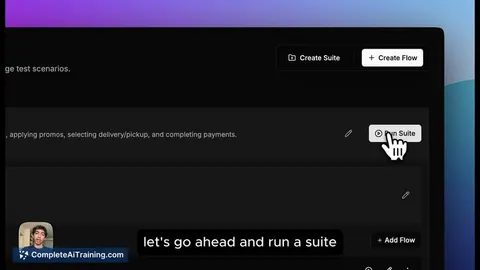
NativeBridge runs AI-driven Maestro tests on real iOS and Android devices via one Magic Link, capturing crashes and producing rich bug reports in minutes to speed mobile QA and issue triage.
About NativeBridge
NativeBridge provides instant access to real iOS and Android devices for mobile testing and collaboration. It combines AI-assisted test generation with crash capture, performance signals, and shareable build links to streamline feedback between teams.
Review
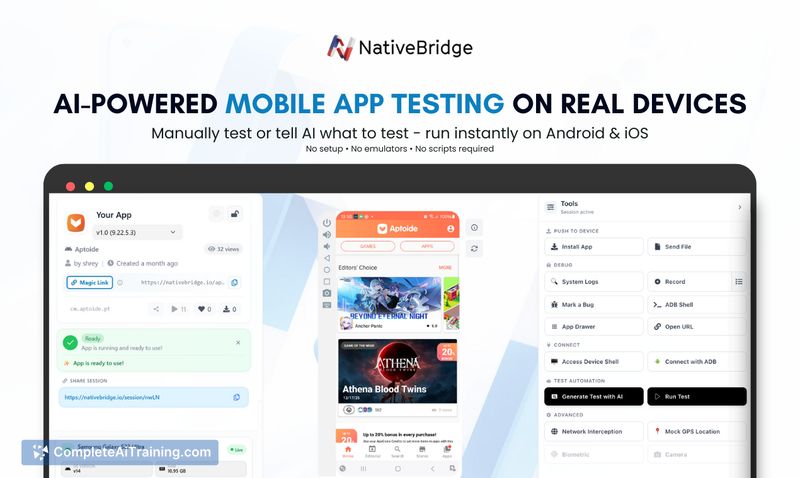
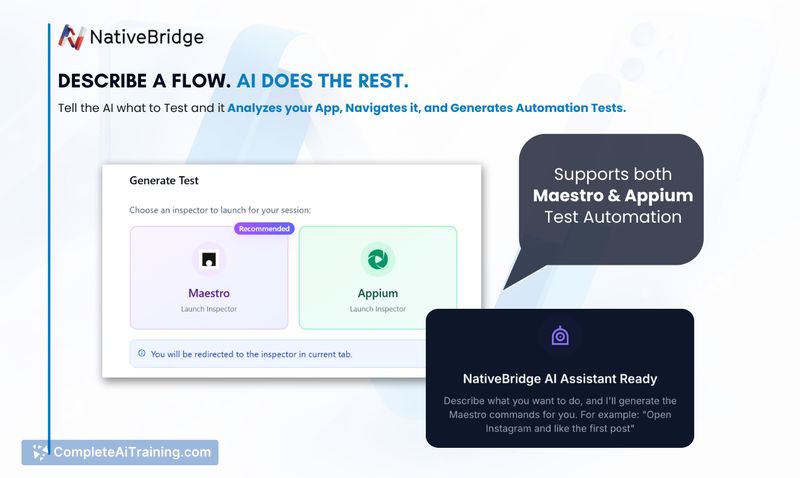
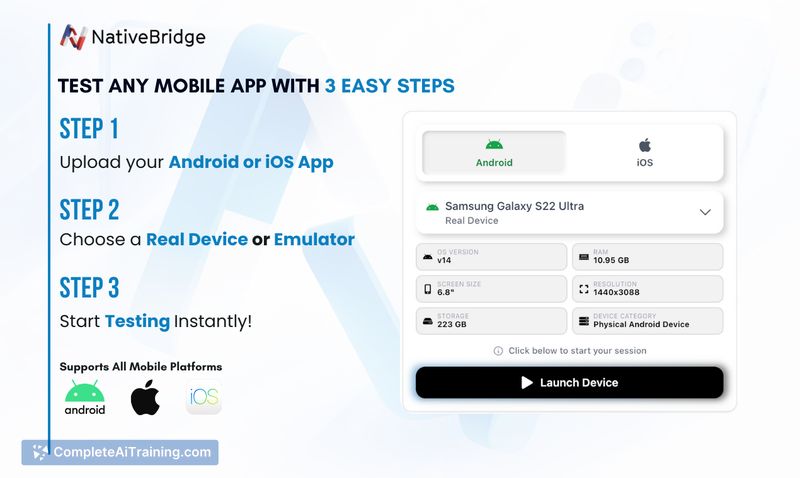
NativeBridge aims to simplify mobile testing by removing device setup friction and offering a single workflow for manual testing, automated checks, and bug reporting. The platform supports real-device sessions and emulators, and can convert plain-English test descriptions into Maestro or Appium scripts.
Key Features
- Instant access to real iOS and Android devices via a Magic Link for quick testing sessions.
- AI-powered test generation that outputs Maestro or Appium tests from plain-English descriptions.
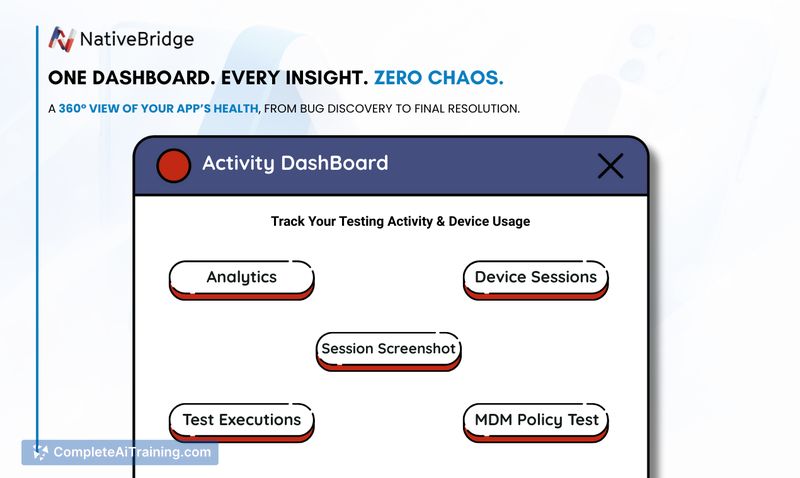
- Crash capture and performance signals including slow screens, FPS drops, CPU and battery metrics.
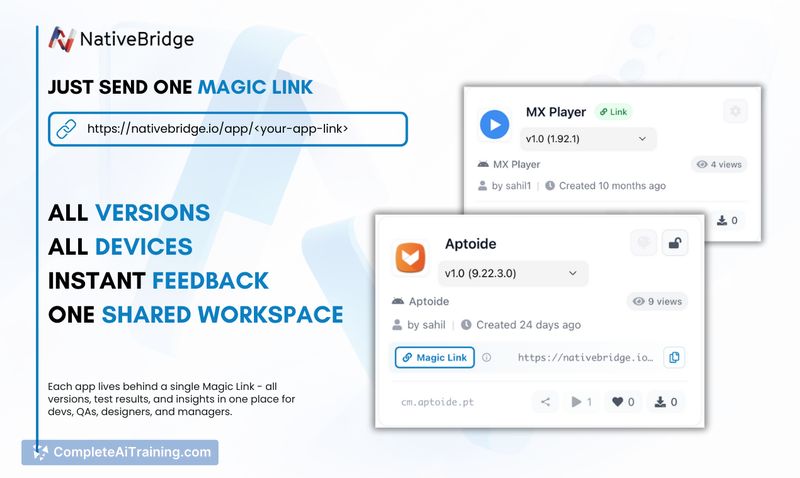
- Rich bug reports and a single shared link per app version to centralize builds, tests, and feedback.
- Support for both physical devices and emulators, plus editor integrations for earlier-stage testing.
Pricing and Value
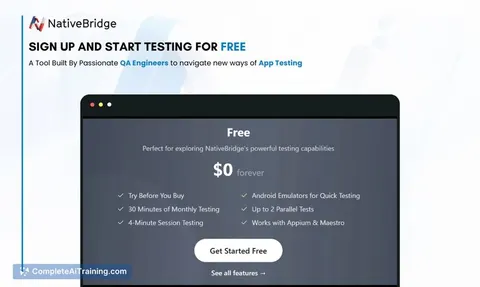
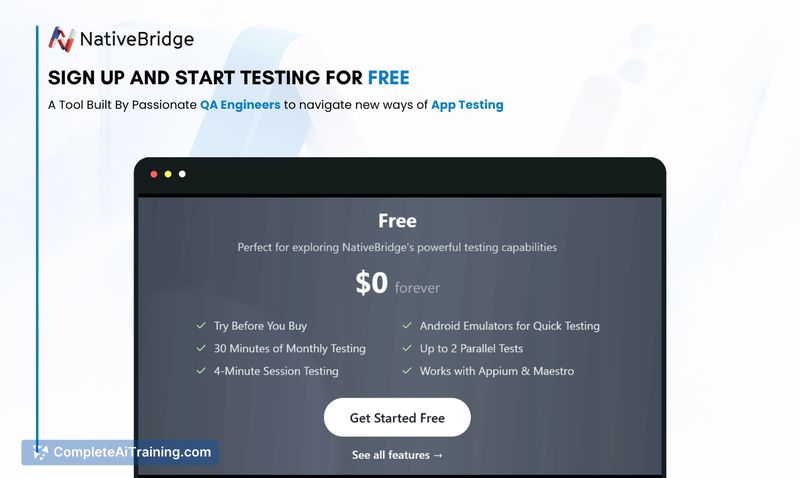
NativeBridge is offered as a SaaS product with free options and a 1-month free period for new users. Paid plans are available for teams and larger workloads; detailed pricing and plan comparisons are provided on signup or by contacting the vendor. For teams that value faster feedback on real devices, the service can reduce time spent on device setup and bug triage.
Pros
- Quick access to real devices removes common setup and lab-management overhead.
- AI-assisted test generation speeds up creation of repeatable automated tests.
- Shared Magic Links make it easy for developers, QA, and product reviewers to see the same context.
- Built-in crash and performance reporting helps surface issues that only appear on real hardware.
- Flexible use of emulators versus physical devices depending on the testing need.
Cons
- As a recently launched product, some integrations or enterprise features may still be expanding.
- Teams with very specific compliance or on-premise device-lab requirements may need clarification on deployment options.
- Detailed pricing for high-volume usage is not published on the landing page and may require direct discussions.
NativeBridge is a good fit for mobile development and QA teams that want faster, more consistent testing on real devices and simpler ways to share results across stakeholders. It makes most sense for teams shipping mobile apps regularly and looking to shorten the feedback loop between development, QA, and product review.
Jobs NativeBridge suits
We checked NativeBridge against 500+ jobs; these get the most out of it.
Alternatives to NativeBridge
Other tools that do the same main job. Our AI compared NativeBridge with similar tools and kept the ones you could use instead.