
AI tool
Notchware
Notchware displays system indicators and Now Playing info in the MacBook notch. It also delivers local alerts from AI coding agents like Claude Code or Cursor when they need approval or finish a task.
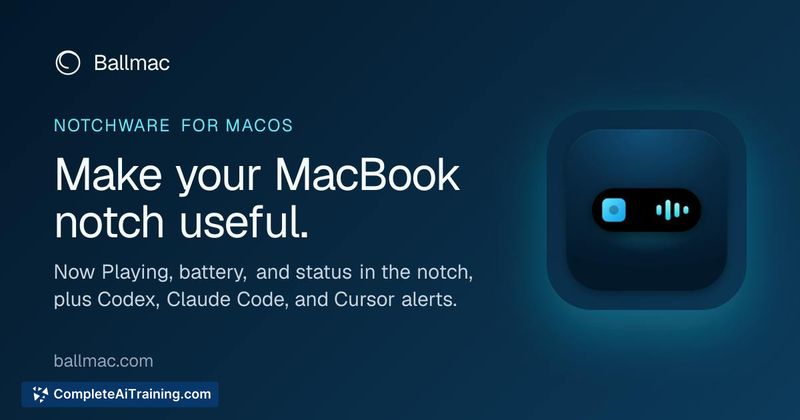
About Notchware
Notchware is a macOS utility that repurposes the inactive notch area on MacBook displays into a live information island. It shows system status indicators for Now Playing, battery, volume, brightness, Focus mode, and Wi-Fi. The Notchware Pro version ($3.99 one-time) adds alert monitoring for AI coding agents including Claude Code, Codex, and Cursor, notifying users when an agent requires approval or completes a task.
Review
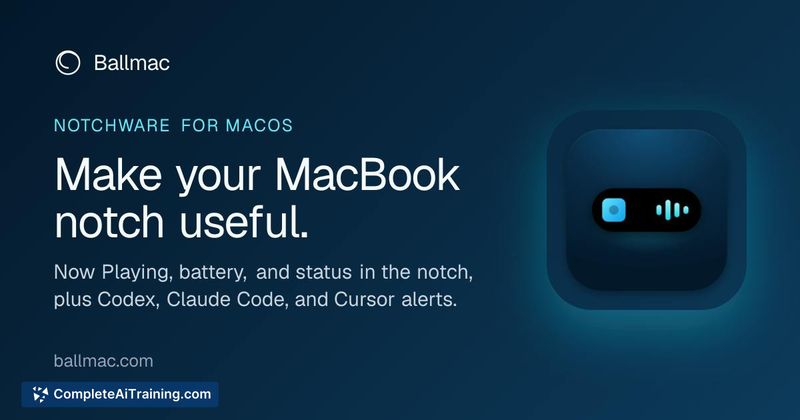
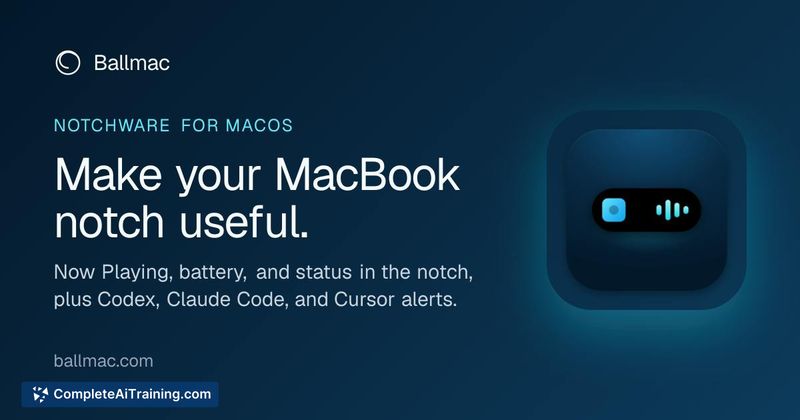
Notchware addresses a specific gap for MacBook users who want glanceable system information without dedicating menu bar space or switching windows. The tool runs entirely on-device with no account creation, analytics, or cloud connectivity. For developers working with AI coding agents, the Pro tier's ability to surface agent status alerts directly in the notch saves the repetitive task of checking terminal windows.
Key Features
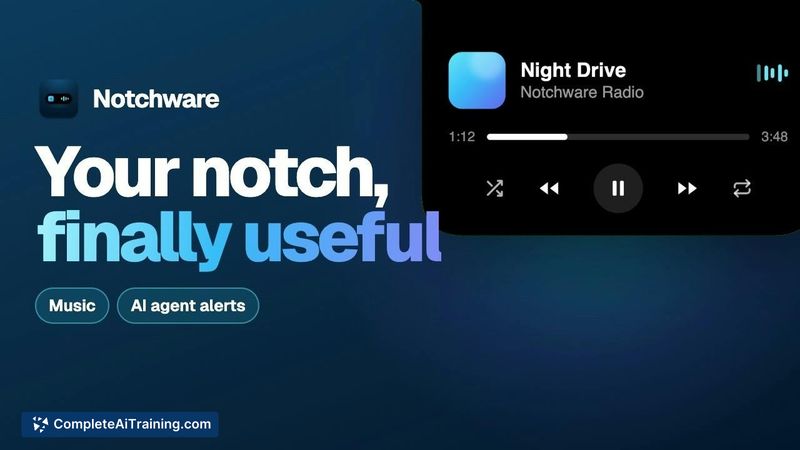
- Now Playing display with album artwork and playback controls accessible from the notch
- Real-time system indicators for battery level, volume, screen brightness, Focus status, and Wi-Fi connectivity
- Pro tier: local hooks that monitor Claude Code, Codex, and Cursor for agent approval requests and task completion alerts
- Toggle controls for each indicator, with automatic island hiding during fullscreen app usage
- Native SwiftUI build requiring macOS 14.6 or later, with no external accounts or data collection
Pricing and Value
The base version of Notchware is free. Notchware Pro costs a single $3.99 payment-not a recurring subscription. The Pro upgrade unlocks the AI agent alert functionality. The developer states the agent monitoring hooks are inspectable before installation and do not read user prompts or code. Apple notarization is not yet complete, so macOS presents a one-time security prompt on first launch; an installation guide is available on the product's website.
Pros
- Repurposes otherwise unused screen real estate for practical system information
- One-time purchase model avoids subscription fatigue
- Local-only architecture means no data leaves the device
- Individual indicators can be disabled to reduce visual clutter
- AI agent alerts surface actionable moments without terminal monitoring
Cons
- Functionality is limited to MacBook models that have a physical notch cutout
- Apple notarization is pending, which adds a manual approval step during setup
- The tool is not well suited for users who prefer a completely clean menu bar area or who find persistent notch animations distracting
Notchware fits naturally into the workflow of MacBook users who regularly check system status or interact with AI coding agents throughout the day. The free tier covers everyday system monitoring, while the Pro tier targets developers who want agent notifications without context-switching away from their current work. Users who don't own a notched MacBook or who disable the notch area entirely won't find a use case here.
Jobs Notchware suits
We checked Notchware against 500+ jobs; these get the most out of it.



