AI tool
Nut Studio
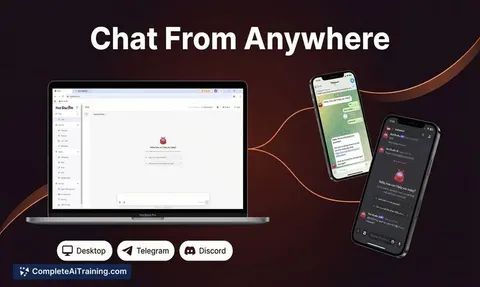
Nut Studio - desktop app that runs personal AI agents in minutes with no Docker or terminal. Multi-agent, multi-model, 100% local, chat from Desktop/Telegram/Discord. Windows & Mac; daily free API credits included.
About Nut Studio
Nut Studio is a no-code AI agent builder that lets you deploy a personal AI Agent on your own computer with minimal setup. It provides a desktop application and multi-channel access so you can chat with your agent from different platforms while keeping data local and private.
Review
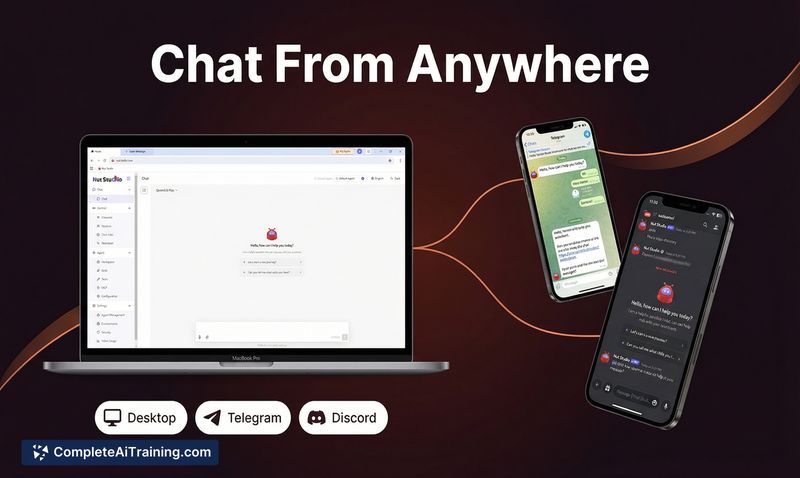

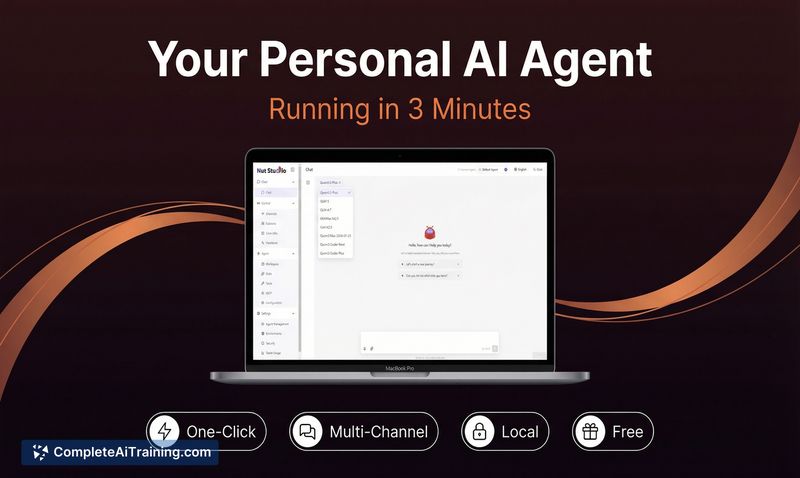
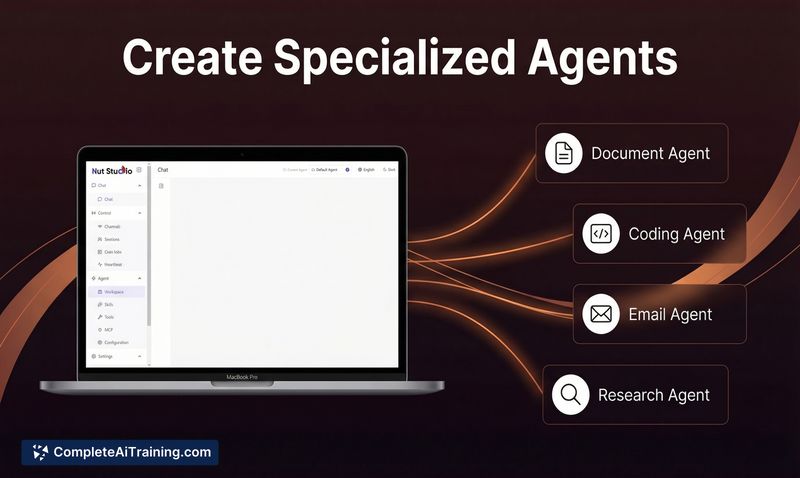
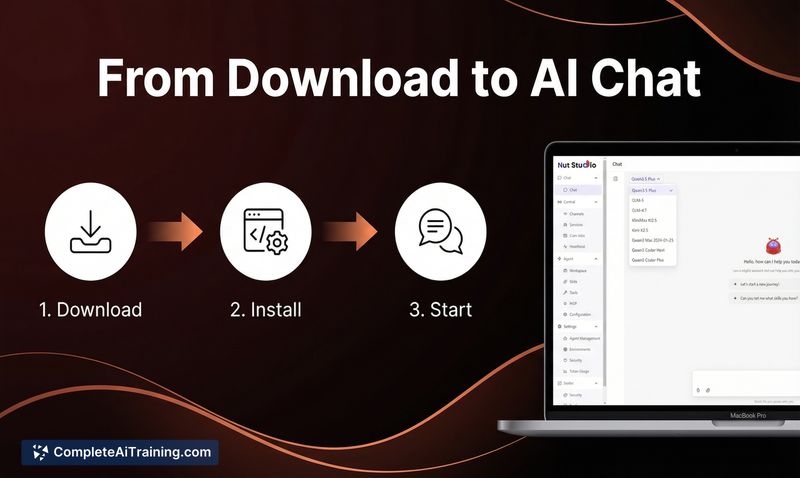
Nut Studio aims to simplify the process of running personal AI agents by removing common setup hurdles like Docker and terminal commands. The product launched recently and focuses on ease of use, local data privacy, and support for multiple agents and model choices.
Key Features
- Fast, one-click deployment-advertised as a very quick setup without command-line steps or config files.
- Multi-channel access-interact with your agent via the desktop app, Telegram, or Discord.
- Multi-agent support-create several specialized agents, each with its own memory, skills, and configuration.
- Local-first privacy-agents run on your machine so prompts and data remain on-device.
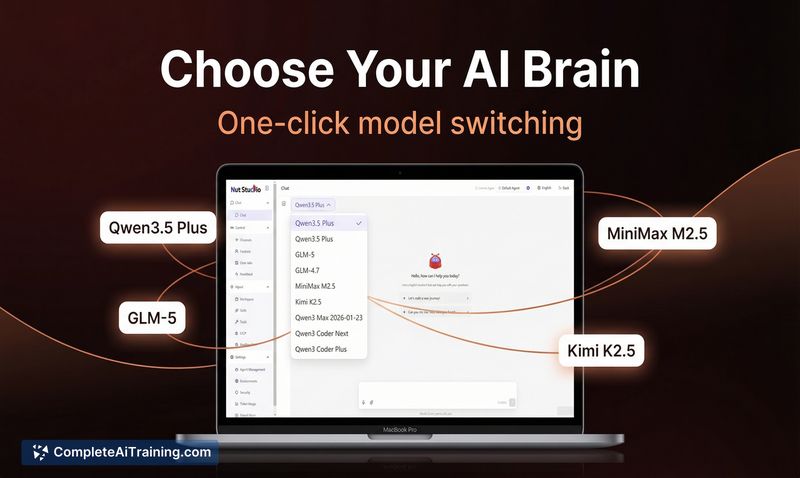
- Model freedom and starter credits-supports different models (including offline options) and offers free daily API credits to get started.
Pricing and Value
Nut Studio offers a free entry point with daily API credits so users can try the product without immediate cost. Details on paid tiers are not fully listed on the page, but the free starter credits and local deployment reduce initial barriers for hobbyists and small teams. For users who need sustained, heavy usage or enterprise features, a paid plan is likely required-check the official site for the latest pricing and limits.
Pros
- Very low-friction setup for getting an agent running quickly without technical overhead.
- Supports multiple access channels, which is convenient for switching between desktop and chat platforms.
- Local execution protects sensitive prompts and data by keeping them on your machine.
- Ability to create specialized agents helps organize workflows (e.g., coding agent, research agent, email agent).
- Supports a range of models, including offline options, giving flexibility in cost and privacy trade-offs.
Cons
- Newly launched product-expect early-stage rough edges and ongoing updates as the team responds to feedback.
- Desktop-only installers are available for Windows and Mac, so users on other platforms may be excluded.
- Running models locally can demand significant system resources depending on the model and use case.
Overall, Nut Studio is best suited for users who want a quick way to experiment with personal AI agents without dealing with technical setup, and for anyone prioritizing data privacy by keeping models and prompts on their own machine. It is a good fit for hobbyists, small teams, and power users who prefer local control, while organizations with large-scale needs should review the product roadmap and enterprise options.
Jobs Nut Studio suits
Useful in almost any job. We checked Nut Studio against 500+ jobs; these get the most out of it.
Alternatives to Nut Studio
Other tools that do the same main job. Our AI compared Nut Studio with similar tools and kept the ones you could use instead.