About Phantom
Phantom is a voice-first AI agent for macOS that lives in the Mac notch. Users speak or type to it from any application, and it interprets the current screen and app context to complete tasks like clicking, typing, and organizing files. The tool launched this week and is free to use at www.heyphantom.app.
Review
Phantom moves AI assistance out of a separate chat window and into an always-available overlay that acts on what the user sees. Instead of copying a prompt and pasting a response, a user can issue a command while staying in their current workflow. The agent understands screen content and can work across applications, though as a newly released product it raises practical questions about reversibility and accidental triggers.
Key Features
- Voice or text input accessible from the Mac notch at any time
- Screen and app context awareness to ground task execution
- Cross-application actions: clicking, typing, and organizing on the user's behalf
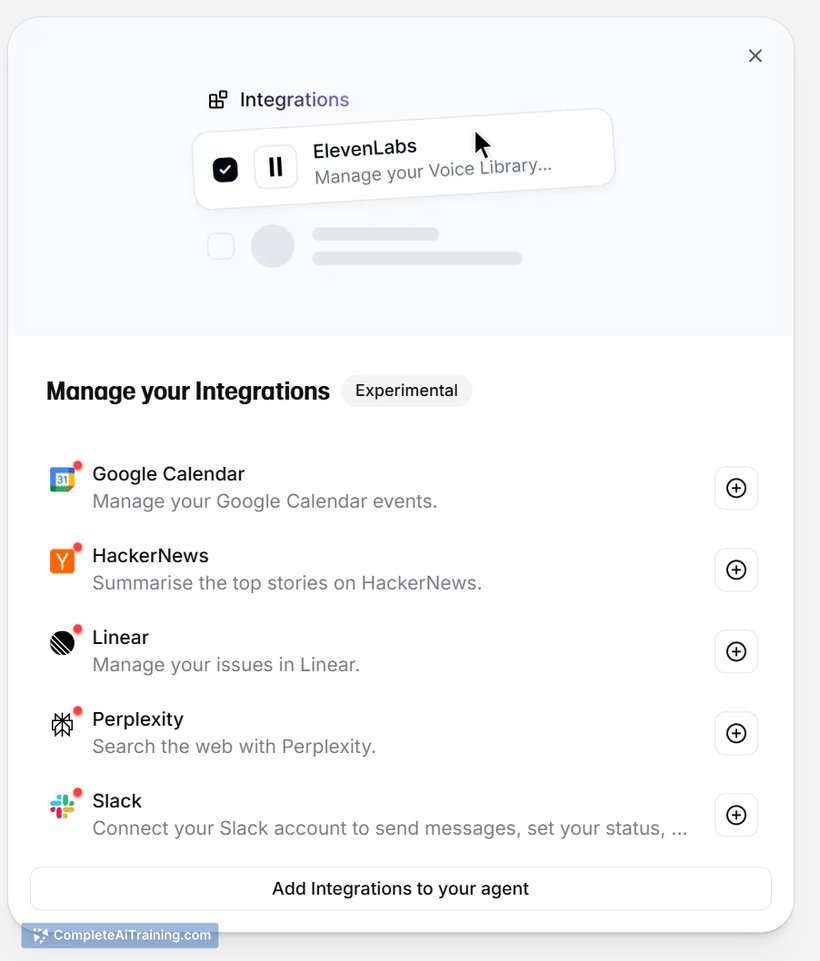
- Text-to-speech responses powered by ElevenLabs
- Presence that stays out of the way when not in use
Pricing and Value
Phantom is currently free. The developer has not published details about future pricing. At launch, it is available at no cost for macOS users.
Pros
- Always accessible without switching windows or apps
- Understands on-screen content to act with context
- Can execute direct actions like clicking and typing, not just generate text
- Accepts both voice and typed commands
- Works across multiple applications
Cons
- No described undo or reversal mechanism for agent-initiated actions
- Voice commands may be misheard, potentially causing unintended results
- Not well suited for users who require precise manual control or operate in environments where an agent with screen access introduces risk
Phantom fits users who want to hand off quick, multi-step tasks on a Mac without leaving their current application. It is less appropriate for workflows that demand a clear undo trail for every action. Early adopters comfortable with voice-first control may find the notch-based access and screen awareness a practical addition to their desktop.
Open 'Phantom' Website
Your membership also unlocks: