AI tool
Pipali
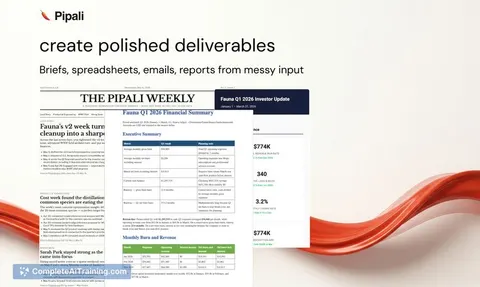
Pipali is a desktop AI coworker that automates work: research files and the web, draft briefs, spreadsheets, emails, reports and personal apps, run recurring tasks and monitor events with sandboxed permissions.
About Pipali
Pipali is a desktop AI coworker that runs on your computer and interacts with files, the browser, and apps to complete real work. It handles tasks such as deep research, drafting documents and spreadsheets, running recurring errands, and integrating with tools like Linear, Slack, and GitHub via MCP.
Review
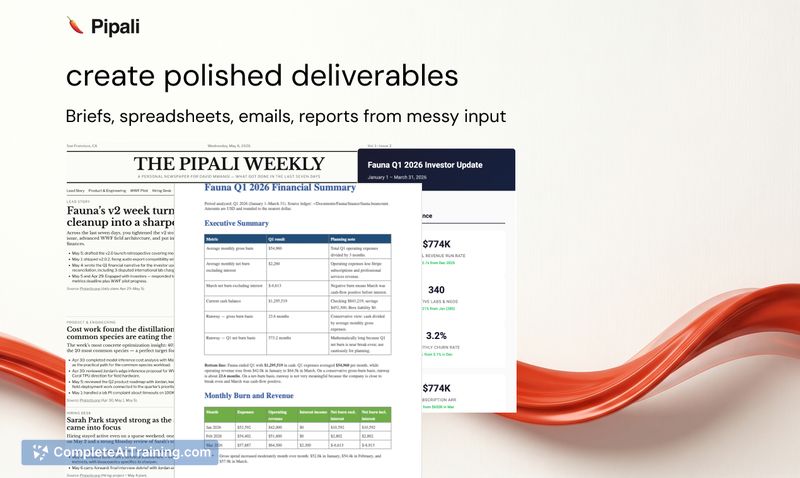
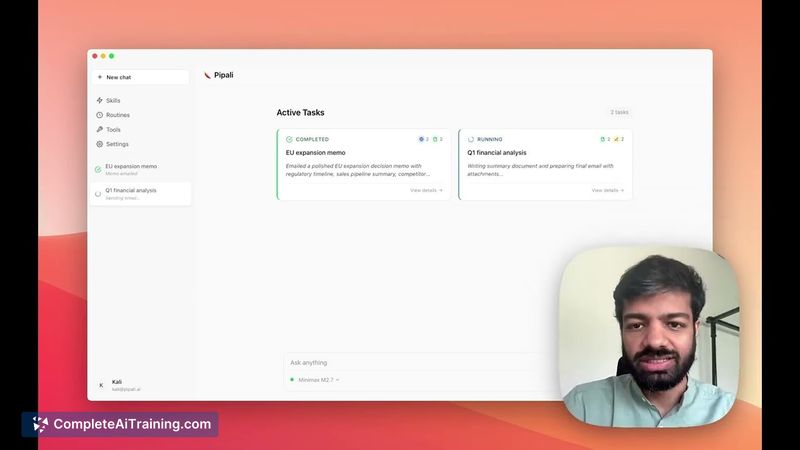
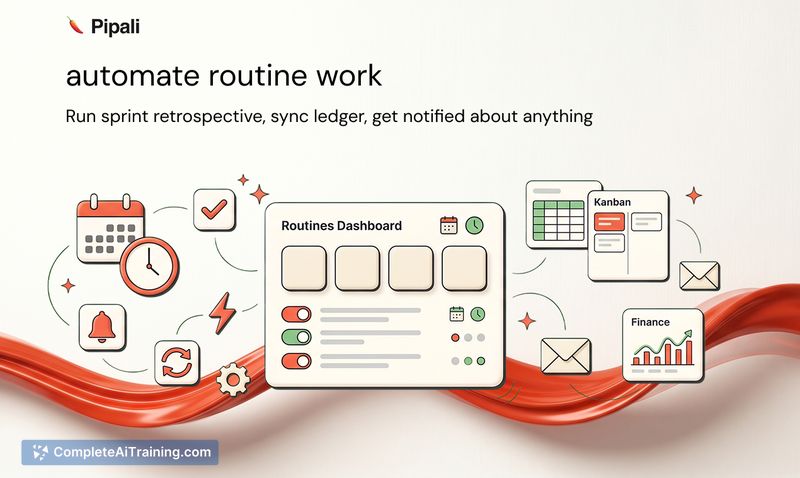
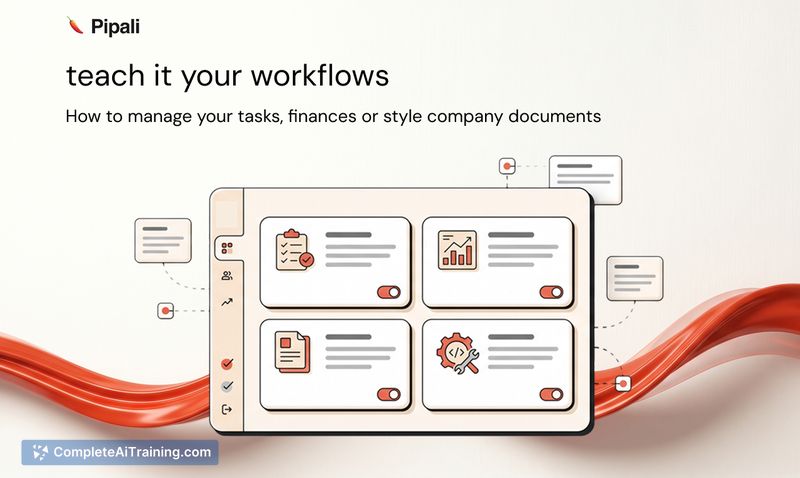
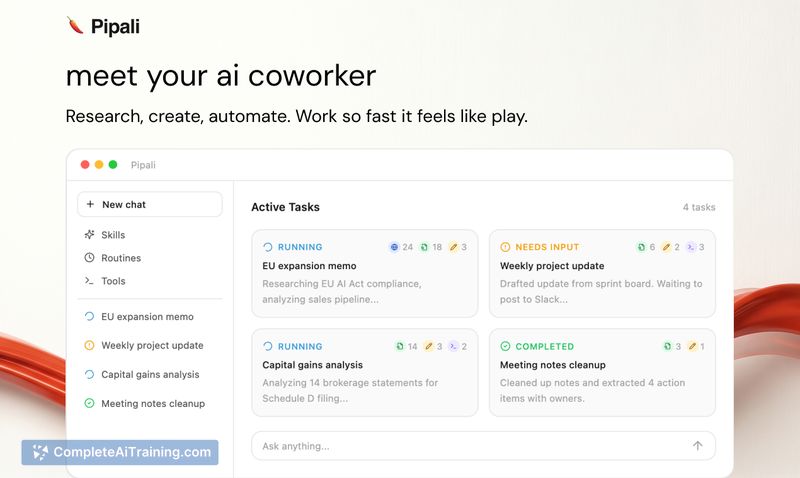
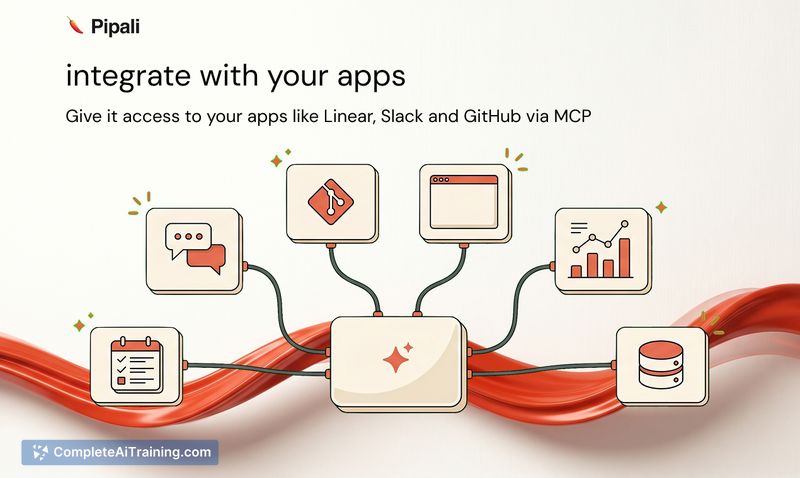
Pipali launched recently and aims to move beyond chat-based assistants by operating directly on your device and working asynchronously. Its core ideas-Skills for encoding workflows and Routines for recurring tasks-are practical choices for automating multi-step work while keeping control and permission boundaries in place.
Key Features
- Desktop coworker that can access your filesystem, browser, and supported apps to perform tasks.
- Skills: teach Pipali specific workflows so it repeats tasks consistently.
- Routines: schedule and run recurring tasks, and notify you when human input is required.
- MCP integrations with tools like Linear, Slack, and GitHub, plus fallbacks for browser and terminal actions.
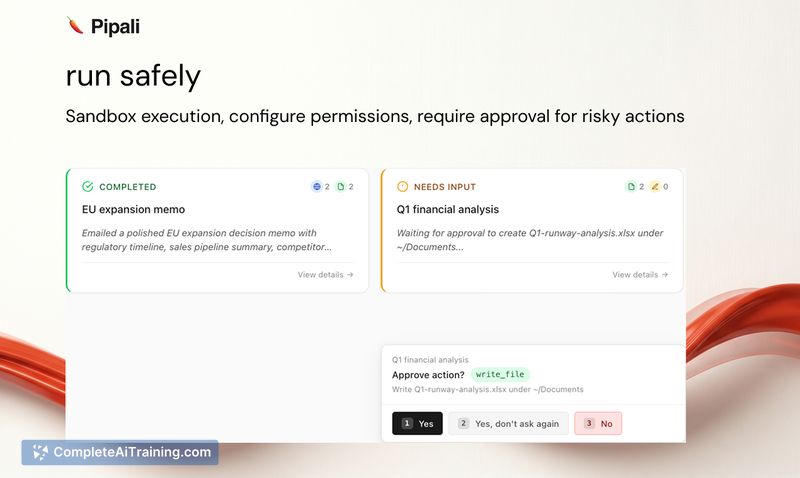
- Open-source, cross-platform native client built with Bun and Tauri; includes sandboxing, permissions, and explicit confirmations for safety.
Pricing and Value
The launch listing highlights free options and an open-source codebase (see the GitHub repo), but it does not provide a detailed pricing breakdown on the page. Value comes from delegating multi-step, context-rich tasks that usually require switching between apps and files-potential time savings are largest for users who frequently repeat workflows or need periodic reports assembled from multiple sources. Prospective users should evaluate how well Pipali's available integrations cover their specific toolset and whether any paid tiers or enterprise offerings are required for large-scale use.
Pros
- Automates multi-step computer workflows that combine files, web research, and app interactions.
- Skills and Routines help make results repeatable instead of one-off outputs.
- Direct integrations with popular productivity and developer tools reduce manual context-switching.
- Runs locally with sandboxing and explicit permission prompts for safer access to personal data.
- Open-source and cross-platform, which supports transparency and community contributions.
Cons
- New product with a limited track record; some rough edges and feature gaps are likely as it matures.
- Apps without MCP support have restricted automation; those workflows may need browser or terminal workarounds.
- Launch information lacks clear long-term pricing or enterprise support details, making ROI assessment harder for larger teams.
Overall, Pipali is best suited for technically inclined users, small teams, and anyone who repeatedly performs multi-step desktop work and wants an assistant that can access local files and team tools. It makes the most sense where integrations like Linear, Slack, and GitHub are already part of the workflow and when users are comfortable running an open-source agent on their own machines.
Jobs Pipali suits
Useful in almost any job. We checked Pipali against 500+ jobs; these get the most out of it.
Alternatives to Pipali
Other tools that do the same main job. Our AI compared Pipali with similar tools and kept the ones you could use instead.