AI tool
Plow Mac App
Plow Mac App helps developers build applications with GPT-5.6 that were previously impractical. It provides a native desktop environment for creating and testing these Mac software projects.
About Plow Mac App
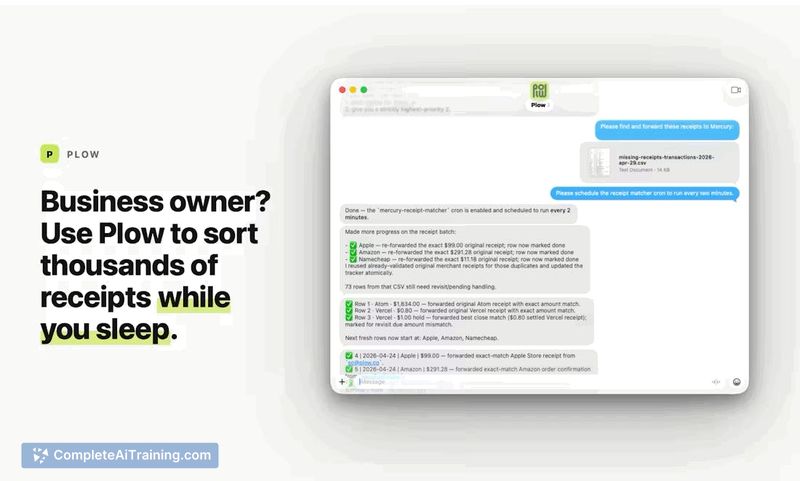
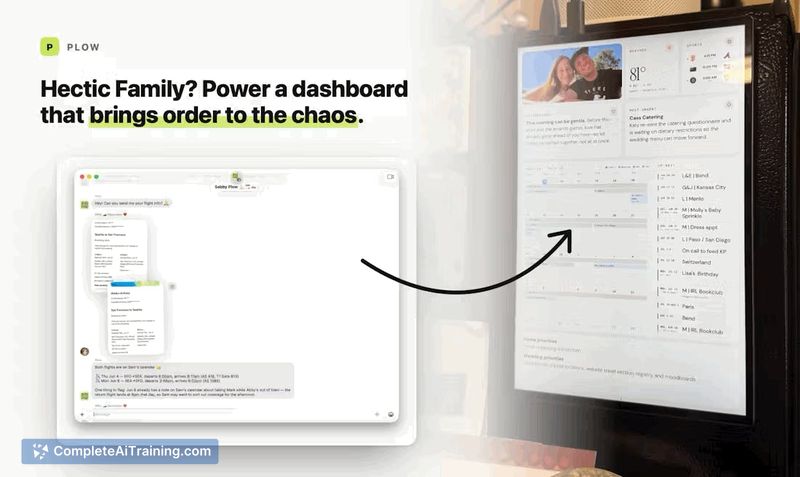
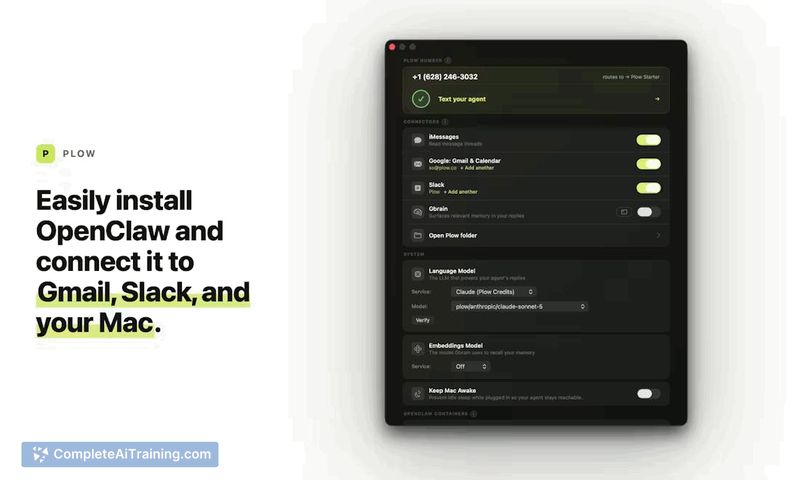
Plow is a drag-and-drop installer for OpenClaw and Hermes on macOS. It bundles these AI agent frameworks with GPT-5.6-sol and preconfigures connections to iMessage, Gmail, and Slack. The app also allows the agent to work with files on the user's desktop after explicit permission is granted.
Review
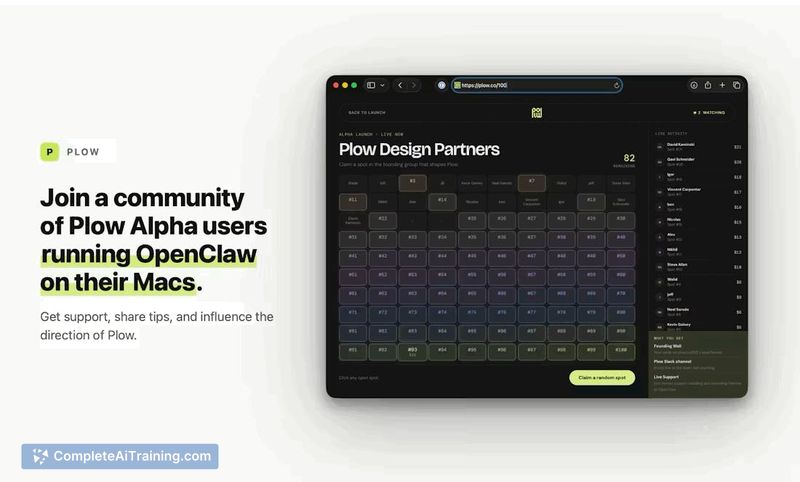
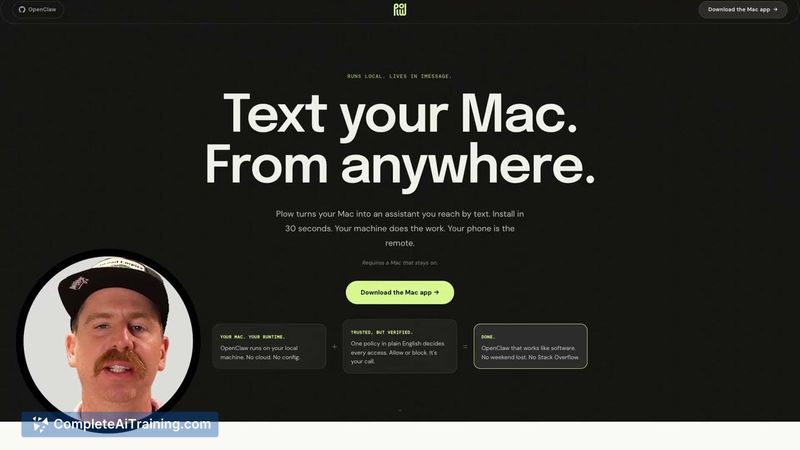
Installing OpenClaw or Hermes without prior command-line experience has been a known friction point. Plow collapses that setup into a single application that handles the configuration steps. Here's what the tool includes and where it may or may not fit a typical workflow.
Key Features
- Drag-and-drop installation that configures OpenClaw and Hermes without manual terminal commands.
- iMessage integration active from the first launch - no separate API keys or scripts needed.
- Optional Gmail and Slack connectors that let Plow read and send messages in those services, with a dashboard to review its activity.
- File-sharing mechanism that lets Plow access files on your desktop only after you permit it.
- Compatibility with GPT-5.6-sol, which its creators say reduces cost and latency for longer multi-step agent tasks.
Pricing and Value
The launch page lists the app as "Payment Required," but specific pricing numbers or plans have not been disclosed publicly at this time. Users will need to visit the product website to see current rates before downloading.
Pros
- Reduces the technical barrier for getting OpenClaw/Hermes running to a few clicks.
- Immediate iMessage connection without extra configuration files or developer accounts.
- Supports Gmail and Slack, covering the messaging tools many teams already use.
- Leverages GPT-5.6-sol, which runs tasks at lower cost and faster completion compared to earlier model generations, based on the maker's notes.
- Permission-based file access keeps the agent from reading desktop files without user consent.
Cons
- Limited to macOS; there is no version for Windows or Linux.
- Required payment, but no pricing details or trial option appeared at launch.
- Not well suited for developers who want to customize every aspect of an OpenClaw/Hermes setup through scripts or environment tweaks.
For Mac users who find manual OpenClaw or Hermes installations too technical, Plow trims that process down to a packaged app with ready-made integrations. It works for non-programmers curious about an AI agent that can handle messages and local files after approval. Those who need cross-platform support or a fully tailored build will likely continue with the standard, command-line‑based setup.
Jobs Plow Mac App suits
We checked Plow Mac App against 500+ jobs; these get the most out of it.
Alternatives to Plow Mac App
Other tools that do the same main job. Our AI compared Plow Mac App with similar tools and kept the ones you could use instead.