AI tool
Capacity Desktop
Capacity Desktop is a Mac app for Apple Silicon that converts plain English instructions into working applications stored locally on your machine. It is built for developers who want to own their code and use AI at cost, with no sign-up or credit ...
About Capacity Desktop
Capacity Desktop is a macOS application that generates web, mobile, desktop, and game apps from plain English prompts. It runs locally on the user's machine, storing projects as standard folders and git repositories rather than in a cloud workspace. The app is currently free during its beta period and requires users to supply their own AI API keys.
Review
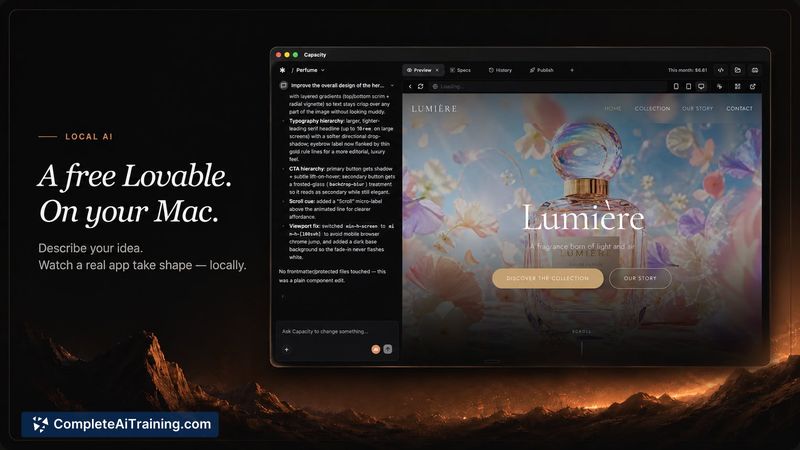
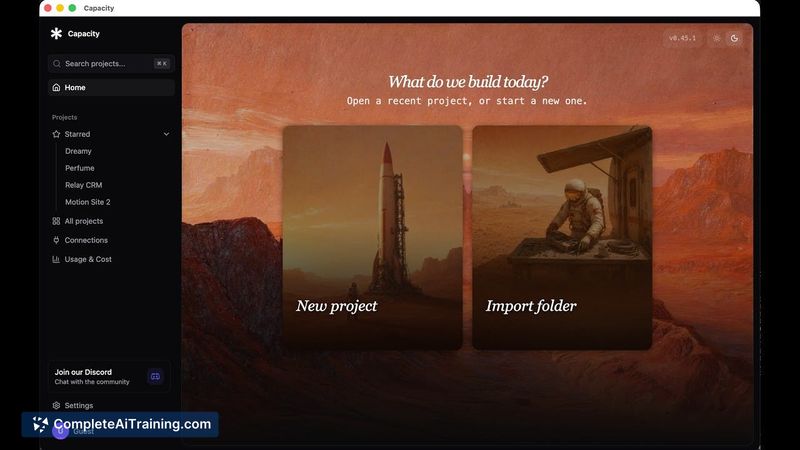
Capacity Desktop enters a crowded field of AI app builders with a different distribution model. Instead of selling AI credits or hosting projects on company servers, it operates entirely on the user's hardware. The tool is built around the idea that users should own their code, their git history, and their AI costs.
This is the third launch from the two-person team behind Capacity. Previous launches include Spec Coding, a planning assistant for vibe coding, and Capacity 2.0, a fullstack web app generator.
Key Features
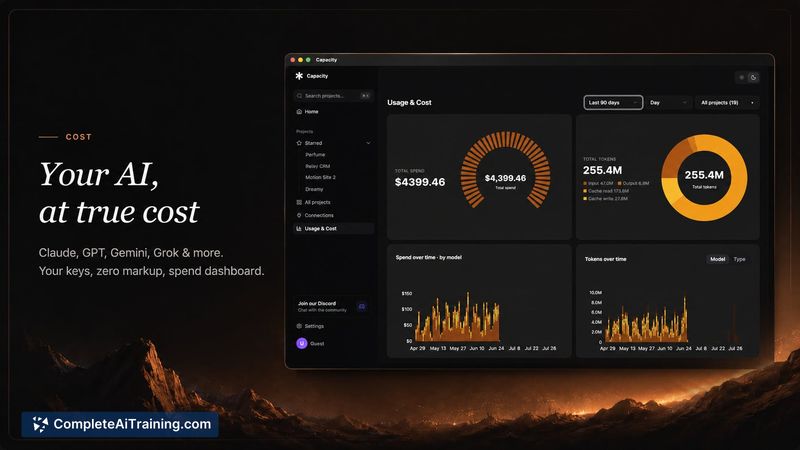
- Bring your own AI: Users connect their own API keys for Claude, GPT, Gemini, Grok, Kimi, DeepSeek, or Open Router. Billing goes directly through the provider, and a built-in spend dashboard tracks usage.
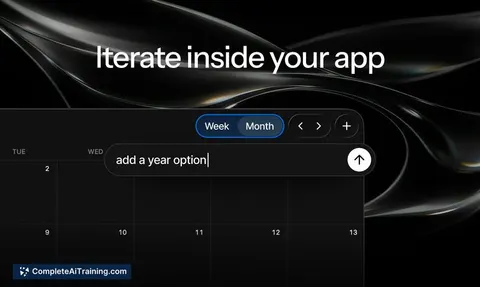
- Version restore timeline: Every change creates a restorable version. If an AI-generated modification goes wrong, users can roll back with one click.
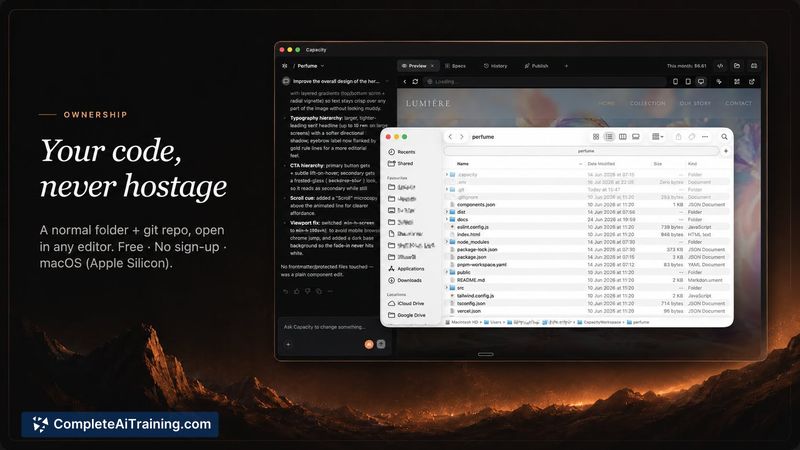
- Local file storage: Projects live as normal folders with git repositories. Users can open them in any editor, hand them to another developer, or leave the platform entirely.
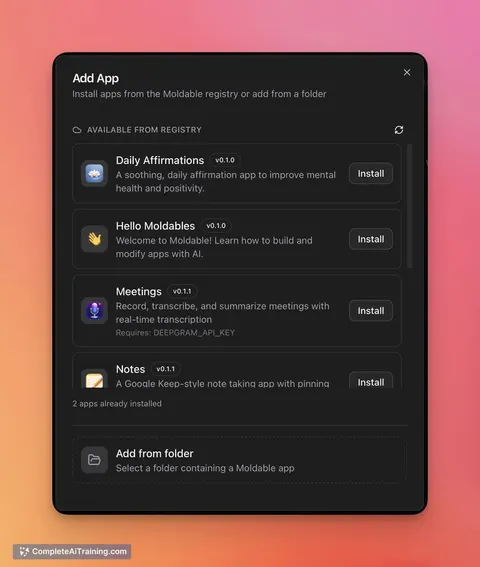
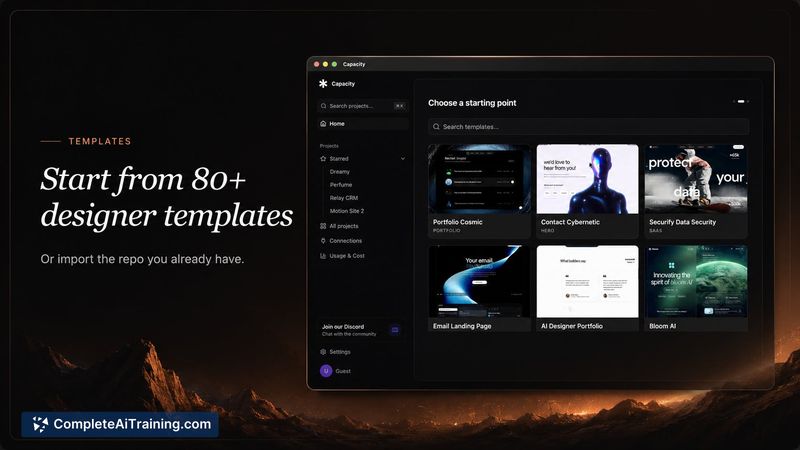
- Template library: The app includes 80+ hand-picked design templates, or users can import an existing repository.
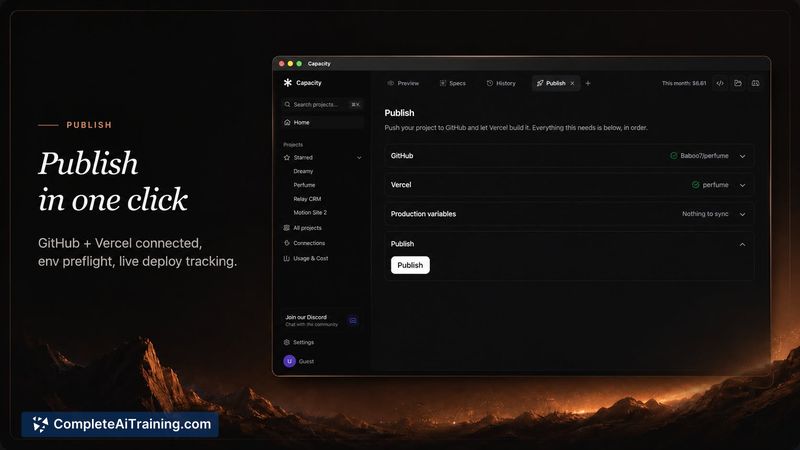
- One-click publishing: A publish tab connects GitHub and Vercel, preflights environment variables, and deploys directly from the app.
- Automatic dev tool installation: Capacity detects the tools each project needs, such as Git and Node, and installs them without requiring terminal access.
Pricing and Value
Capacity Desktop is free while in beta and requires no sign-up. The pricing model after beta is not yet finalized, but the developers state the plan is a one-time license, not a subscription. The company does not resell AI tokens; users pay their AI provider directly at cost. This removes the credit markup common in other AI app builders, and the spend dashboard shows exactly what each session costs.
Pros
- Projects remain fully portable as standard folders and git repos, so there's no vendor lock-in.
- AI costs stay transparent since users pay their provider directly rather than buying marked-up credits.
- The restore timeline protects against failed AI generations and preserves every state of the project.
- Non-technical users can skip terminal setup because the app installs required dev tools automatically.
Cons
- The app runs only on macOS with Apple Silicon; Windows and Linux support is on the roadmap but not yet available.
- Users must supply their own AI API keys, which adds setup friction and requires understanding how provider billing works.
- The tool is not well suited for users who want a fully managed, browser-based workflow with built-in AI credits and zero infrastructure decisions.
Capacity Desktop fits developers and hobbyists who want AI-assisted coding without surrendering ownership of their projects. It also suits users who already have AI API keys and prefer paying providers directly. The macOS-only restriction and the bring-your-own-key requirement narrow the audience, but for those who meet those conditions, the local-first approach addresses real concerns about lock-in and opaque pricing. Store-readiness for mobile apps, including app store submission workflows, is on the roadmap but not yet implemented.
Jobs Capacity Desktop suits
We checked Capacity Desktop against 500+ jobs; these get the most out of it.
Alternatives to Capacity Desktop
Other tools that do the same main job. Our AI compared Capacity Desktop with similar tools and kept the ones you could use instead.