AI tool
Port22
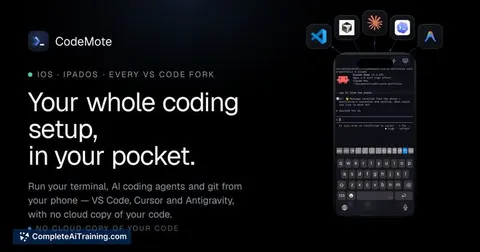
Port22 monitors AI agents running on a Mac from your phone. It alerts developers when an agent needs file approval and lets them select the exact screen option. This tool is for programmers running long coding agent sessions.
About Port22
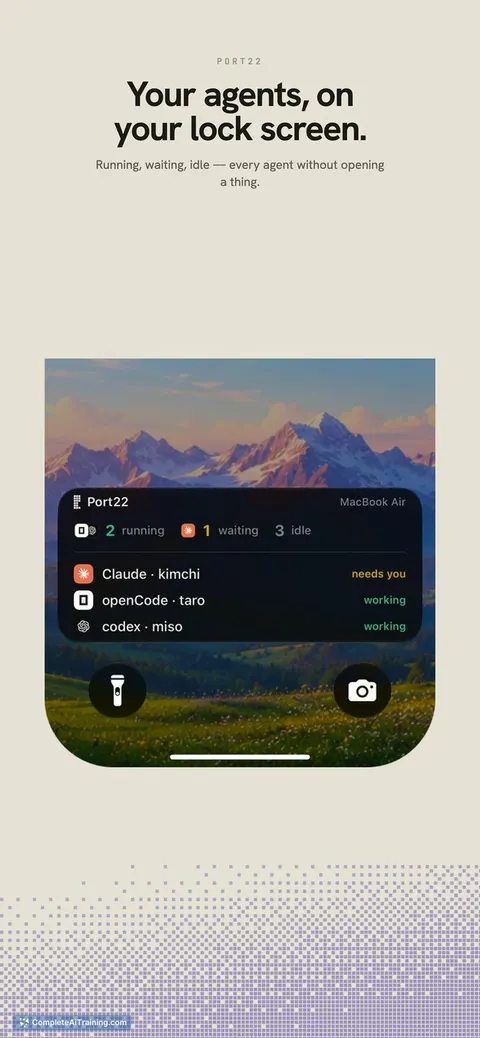
Port22 is an iOS app that mirrors coding agent sessions - such as Claude Code or OpenAI Codex - running on a Mac. It surfaces agent status, stuck sessions, and permission requests directly on a phone, using the agent's own prompt options rather than simulated keystrokes.
Review
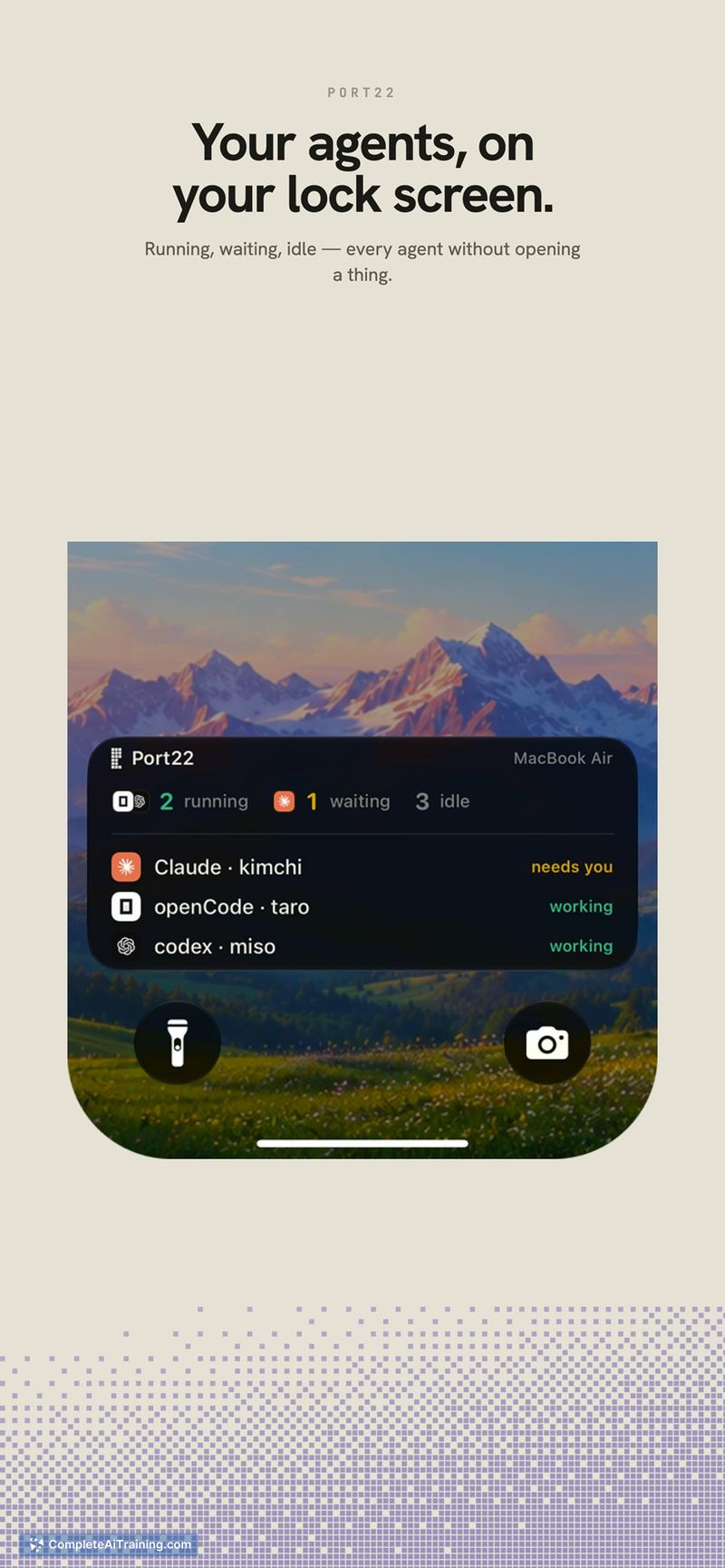
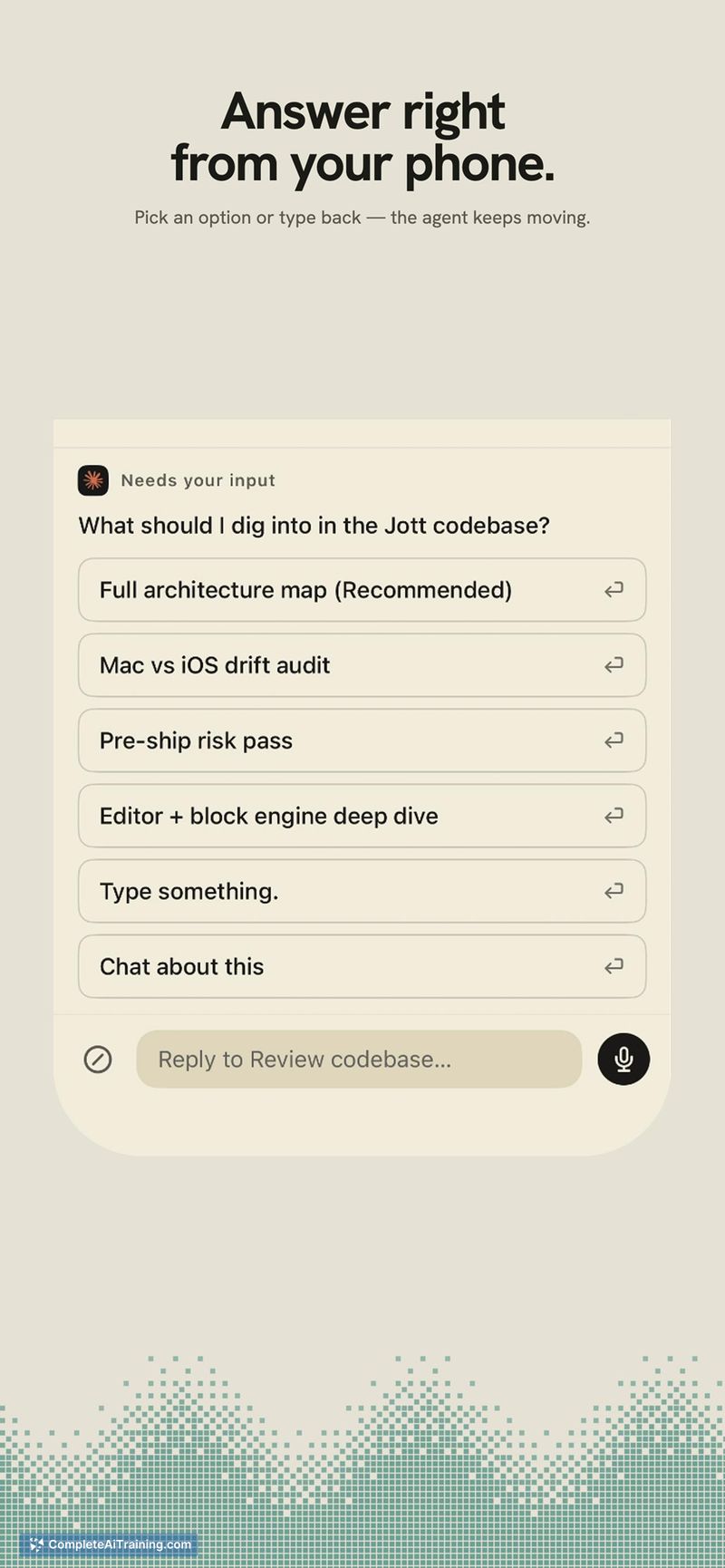
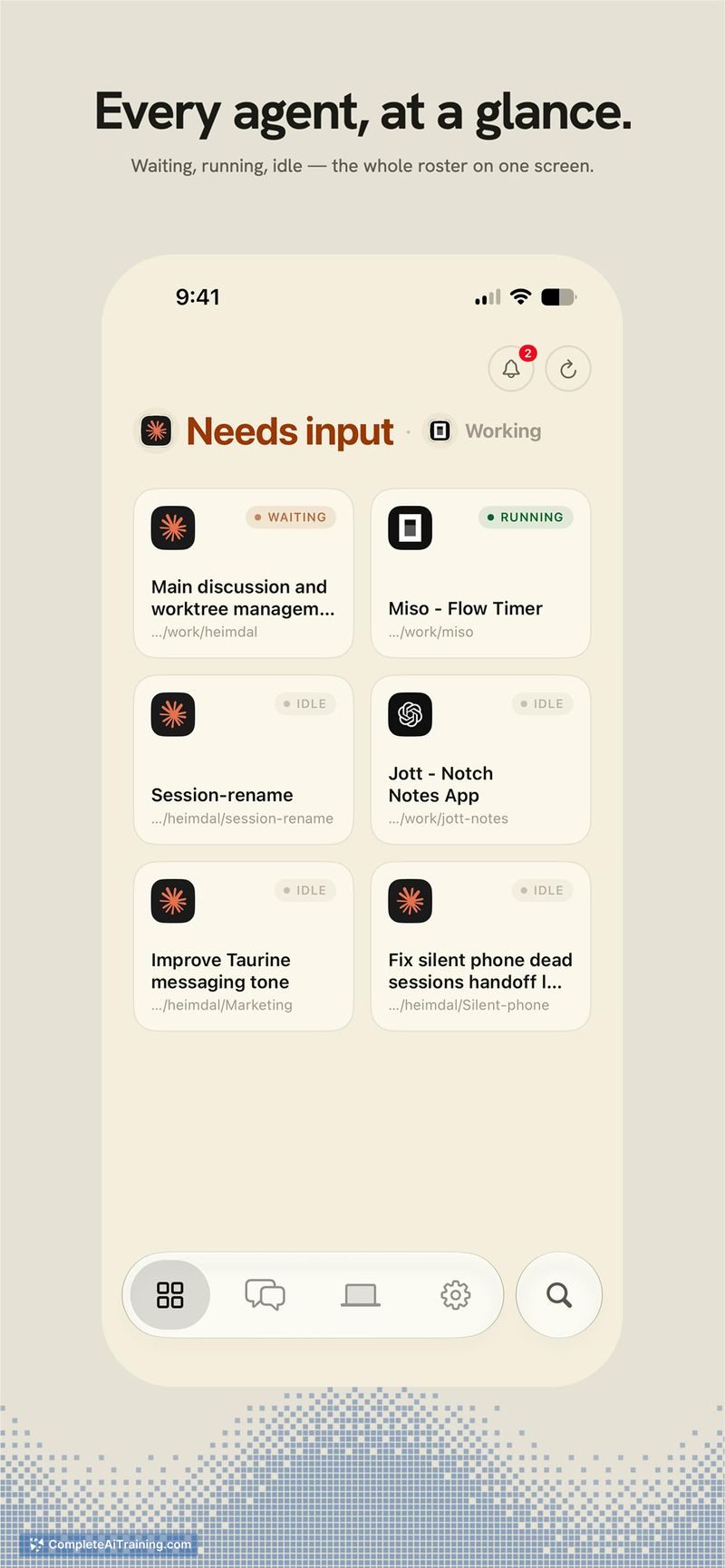
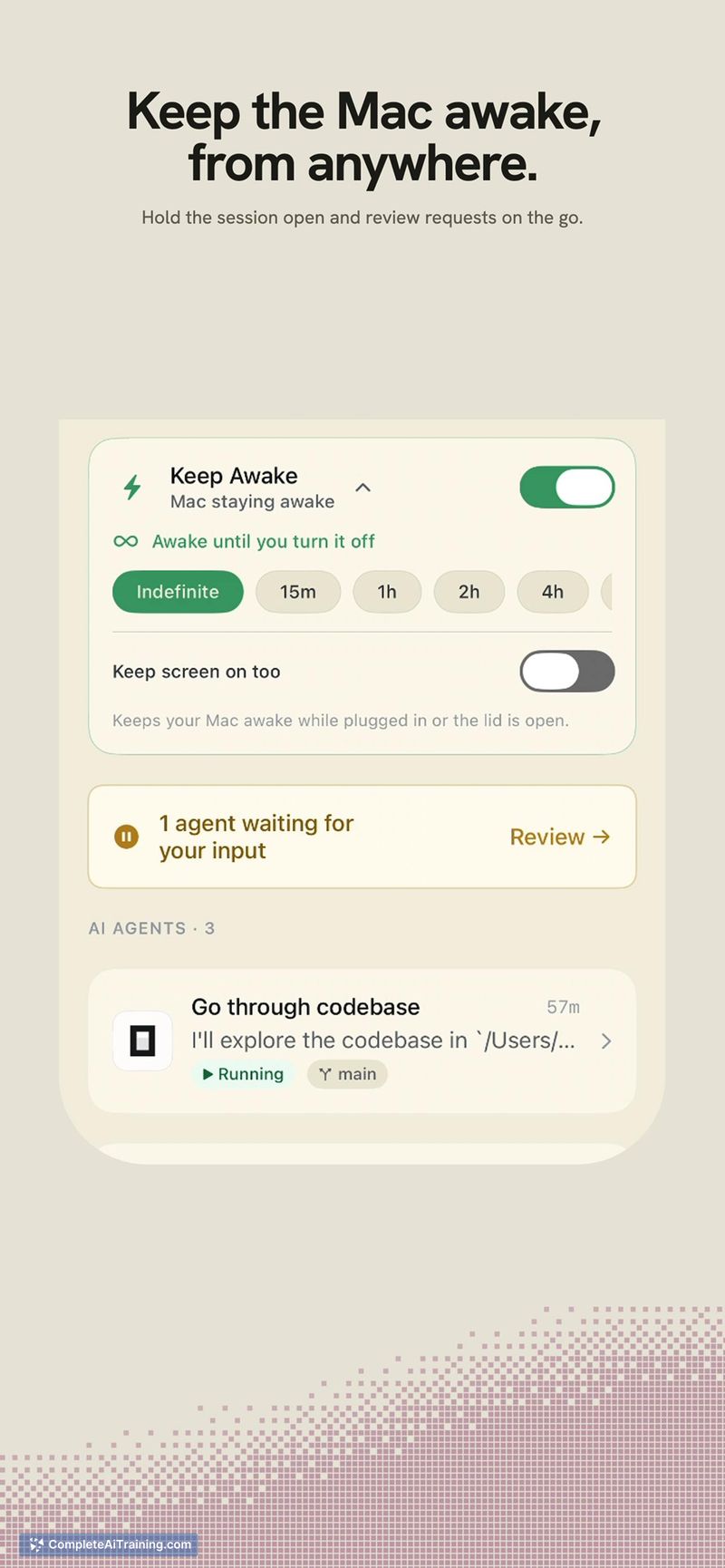

Port22 aims to solve the common frustration of walking away from a long agent run only to find it stalled on a file‑edit approval. The app attaches to whatever terminal‑based agents you already use, no wrapper or configuration required. When an agent needs input, the phone buzzes and shows the actual question the agent asked, with its real options as tappable buttons.
Key Features
- Phone dashboard that lists each running agent and whether it is working or stuck.
- Permission requests delivered as push notifications with the original prompt text and every option presented as a separate button.
- Zero‑config attachment: agents are started normally on the Mac and appear automatically without a special terminal or configuration file.
- Dual‑path connectivity: direct communication over local Wi‑Fi or an end‑to‑end encrypted relay when away from the home network.
- Free tier supporting one Mac and up to two concurrent sessions, with the full feature set available.
Pricing and Value
Port22 is currently free for one Mac and two sessions, including all features. There is no time-limited trial. Pricing beyond the free tier - for additional Macs or more sessions - has not yet been defined by the developer.
Pros
- Attaches directly to existing command-line agents without requiring any change to how they are launched.
- Reads the exact options from the live session and presents them as tappable buttons, avoiding the risks of a guessed keystroke.
- Automatically switches between local Wi‑Fi and an opaque relay with end‑to‑end encryption, so sessions stay reachable outside the local network.
- Sends a phone notification only when an agent actually needs permission, reducing unnecessary pings.
- Free tier gives access to everything; no feature gating behind a paywall for light usage.
Cons
- The approval card does not yet show a code diff inline; an extra tap is required to inspect file changes, which can encourage approving without full context.
- Port22 is not well suited for users who work exclusively on non‑macOS systems or need Android support, as the agent must run on a Mac and the mobile app is iOS‑only.
- No mechanism exists to set per‑agent or per‑project auto‑approval rules - every permission request still demands a manual response.
Developers who routinely step away from long‑running agent sessions will notice the time saved by approving edits from a phone. The tool fits best when the existing workflow is already Mac‑centric and the phone is an iPhone. Those who need full remote‑desktop control or cross‑platform mobile access will need different approaches, but for its specific gap - eliminating dead time waiting for single‑file approvals - Port22 is built directly around that moment.
Jobs Port22 suits
We checked Port22 against 500+ jobs; these get the most out of it.
Alternatives to Port22
Other tools that do the same main job. Our AI compared Port22 with similar tools and kept the ones you could use instead.