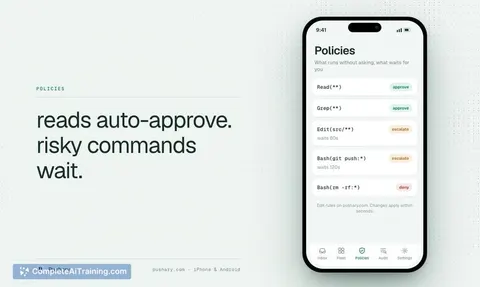
AI tool
CodeMote
CodeMote pairs your iPhone or iPad with your dev machine, streaming a live terminal as a Lock Screen Live Activity. It sends a push when your AI coding agent pauses for input, letting you approve plans remotely. It works with any terminal-based ag...
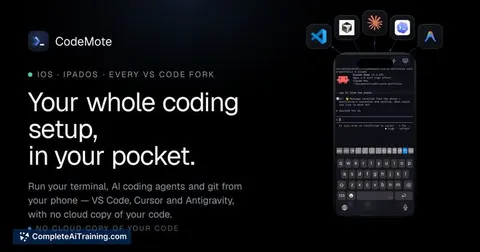
About CodeMote
CodeMote connects an iPhone or iPad directly to a development machine or VPS, giving you a real session mirror with a live terminal, git diff viewer, file editor, and speech-to-text input. The connection uses a direct encrypted tunnel-no relay server-so your code never touches the developer's infrastructure. It works with any CLI agent, including Claude Code, Codex CLI, Gemini CLI, and opencode.
Review
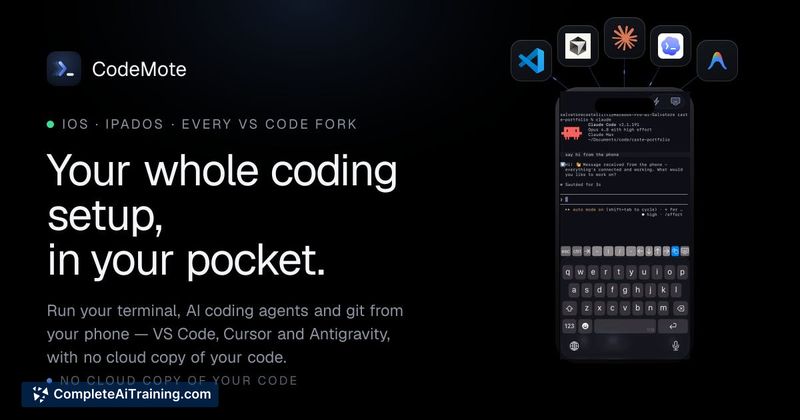
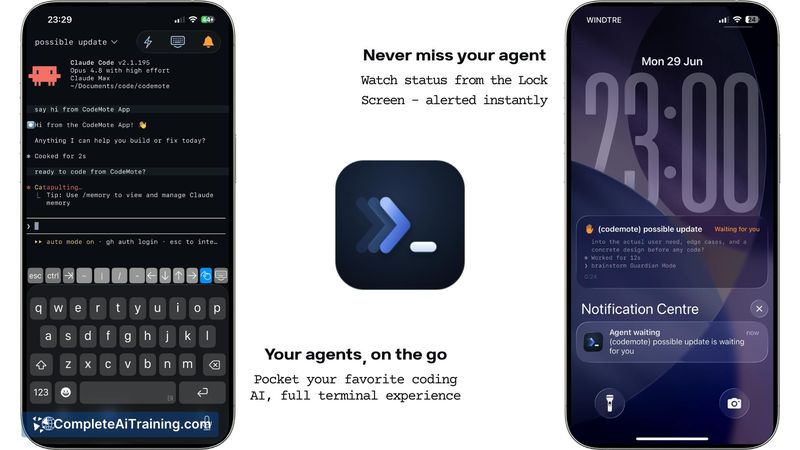
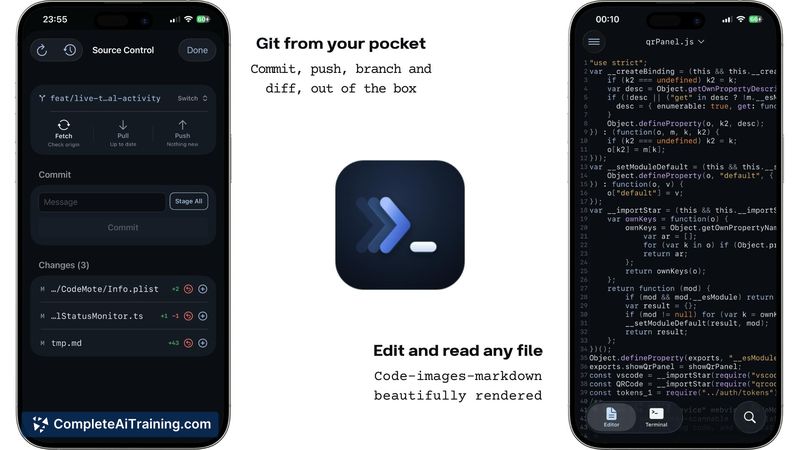
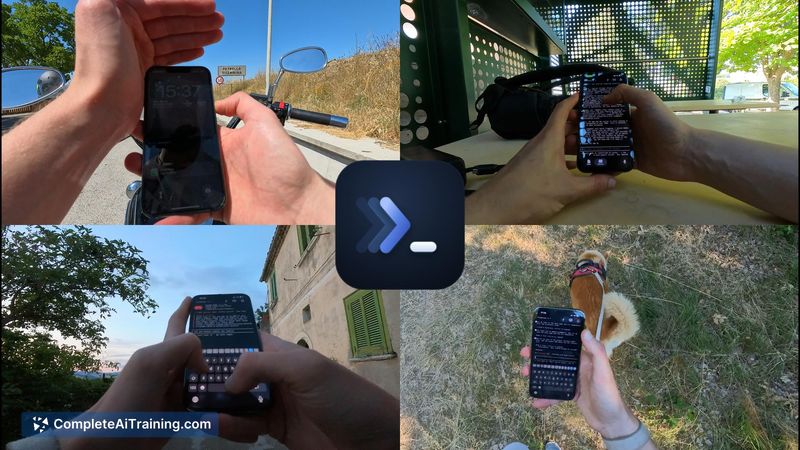

CodeMote attacks a specific frustration: being tethered to a desk while a coding agent churns through tasks and periodically stops for manual approvals. The core idea is to let you watch the terminal stream and approve actions from a phone, with lock screen notifications that tell you when your attention is needed. It doesn't try to replace a desktop IDE; instead it mirrors what's already running on your machine.
Key Features
- Live Activity on the lock screen. The terminal output streams in real time and flips to a "waiting" state when the agent needs input, sending a push notification so you don't have to keep the phone awake.
- Agent-agnostic terminal access. Any CLI tool that runs in a terminal can be driven through CodeMote. You start the agent on your machine, and the phone becomes a window into that session.
- Direct encrypted connection. Traffic travels over a devtunnel by default, with Tailscale, ngrok, or Cloudflare as alternates. There is no intermediate server that could see your code or session state.
- Multiple concurrent sessions. Each terminal gets its own Live Activity and independent push notifications, so you can juggle several agents and get pulled to whichever finishes or breaks first.
- Shortcuts and speech-to-text. Common commands can be stored as shortcuts, and you can dictate text instead of typing on the phone keyboard. Voice-triggered approvals are not yet implemented but have been noted as a potential future addition.
Pricing and Value
The launch page lists a "Free Options" tag and a "1 Months Free" badge, suggesting a trial period. Ongoing pricing after that trial is not detailed. As of this review, no subscription tiers or one-time purchase costs have been published. Developers evaluating the tool should expect to clarify the cost model with the maker before committing to long-term use.
Pros
- Lock-screen push alerts reduce the need to stay physically near your computer during long agent runs.
- Sessions survive network drops; the agent continues running on the host machine, and reconnecting restores the full terminal state without loss.
- The absence of a relay server means the developer never handles your source code or session data.
- Multiple terminals can run simultaneously with their own alerts, which helps when you have several agents working in parallel.
- Works over VS Code/Cursor extension or a minimal npx command on any machine, including headless VPS setups.
Cons
- Not well suited for developers who keep agents in auto-accept mode and rarely need to approve or intervene; the push-to-approve value drops when there's nothing to approve.
- The app is iOS-only at launch; Android users cannot use CodeMote.
- Speech-to-text shortcuts cannot be triggered from the lock screen or customized beyond the pre-set actions, limiting faster hands-free workflows.
CodeMote fits a narrow but real gap for developers who run CLI agents that stop for human input and who want to step away from the keyboard without abandoning a session. It's especially relevant if you regularly spin up multiple agents on a remote machine and need to monitor them from a phone, knowing you can reattach at any time. Those who never use interactive agent steps won't get much out of it, but for workflows full of mid-task halts-planning, code review, or approval gates-the lock-screen integration and persistent sessions remove a lot of the friction of being desk-bound.
Jobs CodeMote suits
We checked CodeMote against 500+ jobs; these get the most out of it.
Alternatives to CodeMote
Other tools that do the same main job. Our AI compared CodeMote with similar tools and kept the ones you could use instead.