
About Ray 3.0
Ray 3.0 is a desktop debugging app that consolidates console-style output from Laravel, PHP, and JavaScript into a single, dedicated window. The release adds support for an MCP server and agent skills so outputs produced by AI agents appear as properly formatted, interactive content next to your project code.
Review
Ray 3.0 builds on familiar dump-style debugging by keeping instant feedback visible without crowding browser tabs or terminal panes. The new features focus on making agent-generated output readable and interactive, while maintaining the same debugging syntax across multiple languages and integrations.
Key Features
- Dedicated output window that collects console-like dumps and agent output in one place.
- Consistent debugging syntax across Laravel, PHP, and JavaScript for a unified workflow.
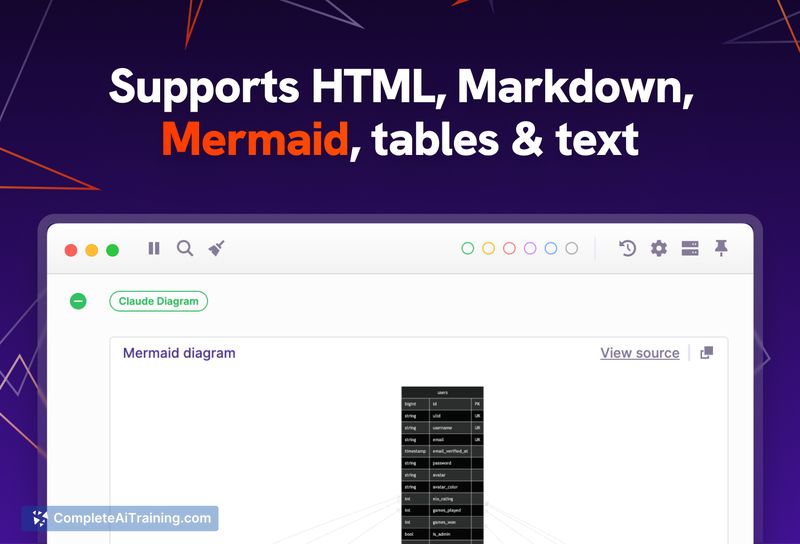
- MCP server and skills to capture AI agent output as formatted, interactive views (HTML, diagrams, structured text).
- Support for official and third-party integrations, with an active community contributing adapters.
Pricing and Value
Ray offers a free trial and free options to get started, with a paid license available for continued use and support. For developers who frequently litter code with dumps or run AI agents that emit mixed outputs, Ray can reduce context switching and make debugging and agent output inspection faster and clearer. The cost of a license is justified if you value a consistent, desktop-based debugging workspace and the improved readability of agent results.
Pros
- Centralizes debugging output so you don't have to juggle terminals, browser tabs, and editors.
- Same debugging commands work across multiple languages, shortening the learning curve.
- Turns AI agent output into interactive, well-formatted views (e.g., HTML mockups, diagrams).
- Expandable via integrations and community contributions, which broadens compatibility.
Cons
- Requires installing a desktop app and configuring integrations for full functionality.
- Some workflows may still need additional tooling for deep step-through debugging or profiling.
- Long-term use requires purchasing a license after the trial, which may be a consideration for smaller teams.
Overall, Ray 3.0 is a good fit for developers who prefer dump-style debugging and for teams running AI agents that produce varied output types. It works best for projects using Laravel, PHP, or JavaScript and for anyone who wants a focused, interactive output pane next to their code.
Open 'Ray 3.0' Website
Your membership also unlocks:


















