AI tool
Smart Chrome Tabs
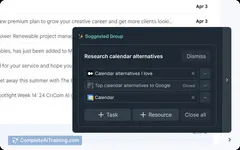
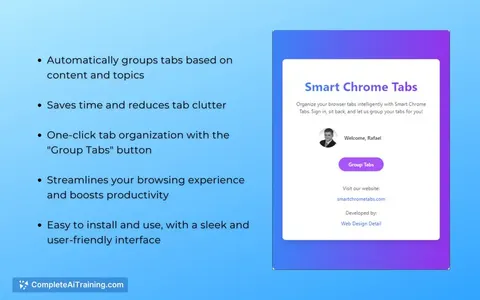
Smart Chrome Tabs automatically groups your Chrome tabs by content, helping you stay organized and focused. Reduce clutter, easily find related tabs, and improve productivity—perfect for multitaskers and power users managing many tabs.
About Smart Chrome Tabs
Smart Chrome Tabs is a browser extension designed to help users manage and organize their open tabs more efficiently. It offers features that reduce clutter and improve productivity by streamlining tab usage within Google Chrome.
Review
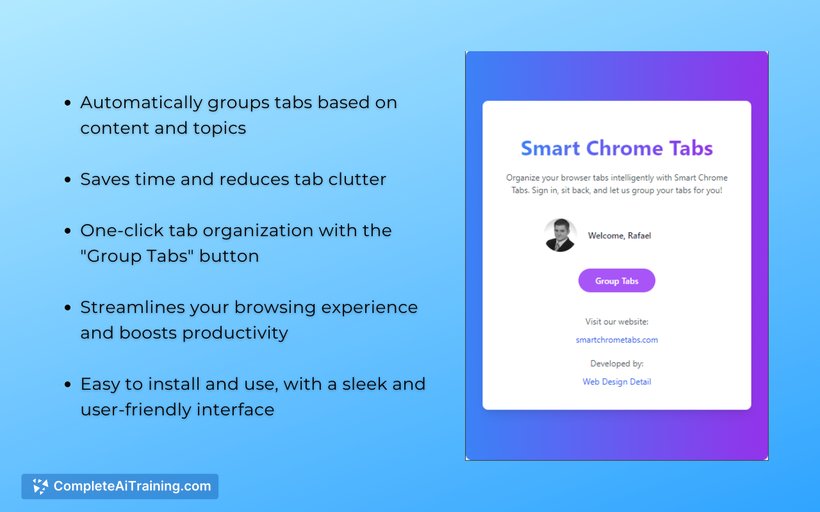
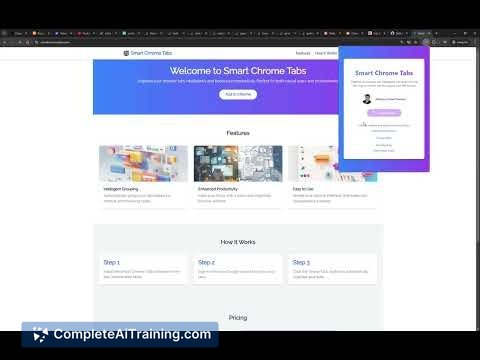
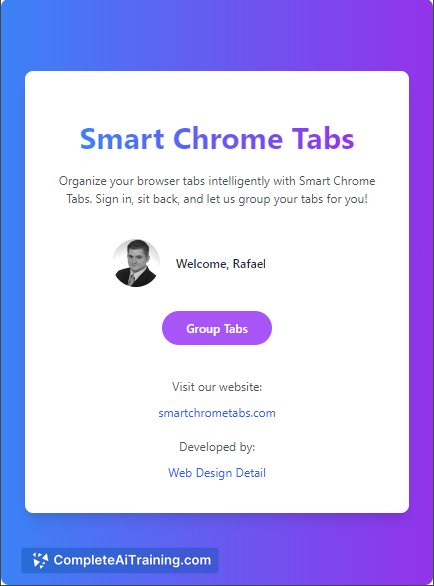
Smart Chrome Tabs provides a practical solution for users who often deal with numerous open tabs and find it challenging to keep track of them. By offering intuitive management tools, it helps maintain a cleaner browsing environment and enhances workflow. The extension balances simplicity with useful functionality, making it accessible to a wide range of users.
Key Features
- Automatic grouping of related tabs for better organization.
- Quick search functionality to locate tabs instantly.
- Tab suspension to save memory by putting inactive tabs to sleep.
- Customizable tab layouts and color coding for visual clarity.
- Easy restoration of closed tabs and session management.
Pricing and Value
The tool offers a free version with essential features suitable for casual users. For more advanced options, such as extended tab suspension and enhanced customization, a premium subscription is available at a reasonable monthly fee. Overall, the pricing reflects the value provided by improved tab management and potential productivity gains.
Pros
- Helps reduce browser clutter effectively.
- User-friendly interface with minimal setup required.
- Improves system performance by suspending unused tabs.
- Supports quick access and recovery of tabs.
- Flexible customization options to suit individual preferences.
Cons
- Some advanced features require a paid subscription.
- May occasionally conflict with other Chrome extensions.
- Limited to Google Chrome, no support for other browsers.
Smart Chrome Tabs is ideal for users who frequently work with multiple tabs and need a straightforward way to manage them efficiently. It is particularly useful for professionals and students who aim to maintain focus and organization during extended browsing sessions.
Jobs Smart Chrome Tabs suits
We checked Smart Chrome Tabs against 500+ jobs; these get the most out of it.
Alternatives to Smart Chrome Tabs
Other tools that do the same main job. Our AI compared Smart Chrome Tabs with similar tools and kept the ones you could use instead.