
About Subspace
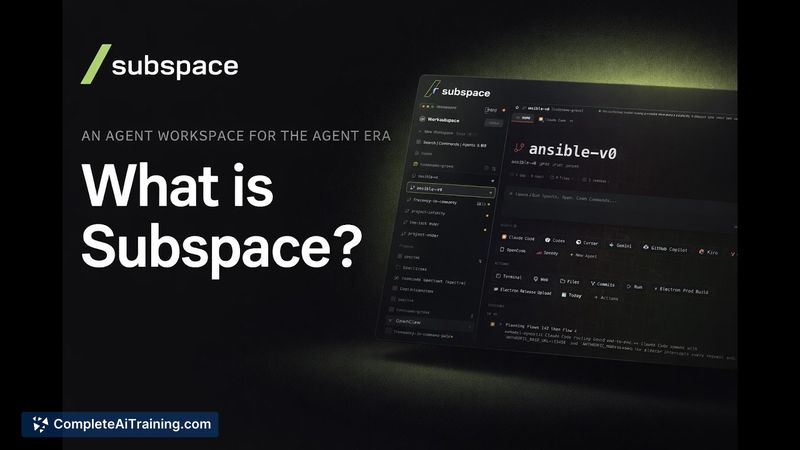
Subspace is an Agent Workspace that brings multiple code-focused AI agents into a single app, letting you run different models side-by-side. It groups agents, chat history, terminals, documents, files, and a browser into per-project workspaces and keeps context persistent across sessions.
Review
Subspace aims to reduce repetitive setup and context loss when working with multiple AI coding agents. Its persistent memory and keyboard-first interface make it straightforward to pick up active projects and switch between agents without rebuilding context each time.
Key Features
- Multi-agent support: run multiple code-oriented AI models side-by-side in one workspace.
- Workspace organization: each project holds agents, terminals, docs, files, browser, and chat history together.
- Persistent memory: background memory preserves context so new sessions continue where previous ones left off.
- Keyboard-first design and command palette for fast navigation and agent control.
- Collaboration-focused tools such as comments and shared history to treat agents like ongoing collaborators.
Pricing and Value
Subspace offers a free 14-day trial with no credit card required. After the trial the stated pricing is $12 per month or $99 per year. At this price point it provides good value for developers who frequently switch models, manage multiple terminals and files, and want to avoid repeating setup and context for each new agent session.
Pros
- Persistent memory that reduces repeated explanation and preserves project state across sessions.
- Consolidates terminals, code agents, docs, and browser into one project-focused workspace.
- Keyboard-first workflow and command palette speed up common tasks and agent switching.
- Affordable subscription with a no-card trial to evaluate the product risk-free.
Cons
- Initial release is limited to Apple Silicon Macs, with other platforms on the roadmap.
- Early-stage product may still add integrations and refinements that power users expect.
- Dependence on multiple external models means experience can vary based on which agents are used.
Subspace is best for developers and small teams who juggle several code agents, multiple terminals, and large sets of notes or files and want to keep project context intact. If you value continuity between sessions and a keyboard-driven workflow, Subspace is worth trying during its free trial; organizations needing broad platform support should watch the roadmap for Windows and Intel builds.
Open 'Subspace' Website
Your membership also unlocks:




















