AI tool
SuprSend AI
SuprSend AI delivers AI-native notification infrastructure with six interfaces: IDE tools, CLI config-as-code, Agent Skills, dashboard Copilot, Slack Agent and Claude extension. Used by 500+ companies. Free tier.
About SuprSend AI
SuprSend AI is an AI-first platform for building and managing multi-channel notification infrastructure. It offers a set of AI-native interfaces and tools that help teams create, test, and operate notifications across email, SMS, push, chat, and in-app channels.
Review
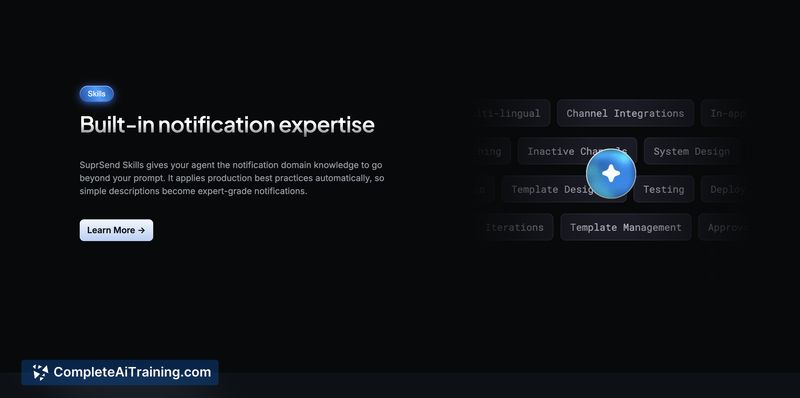
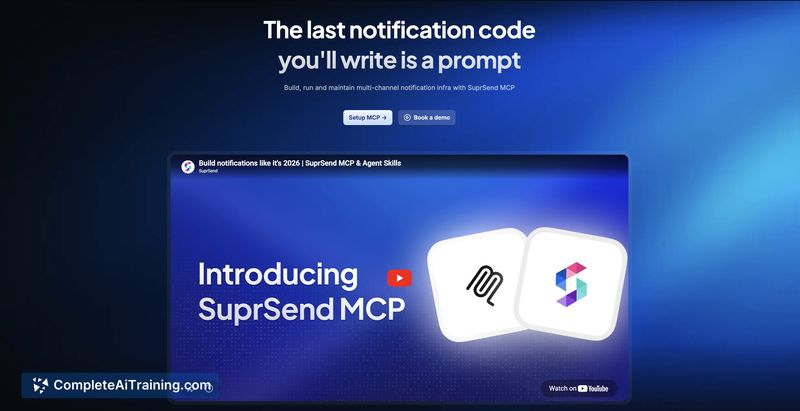
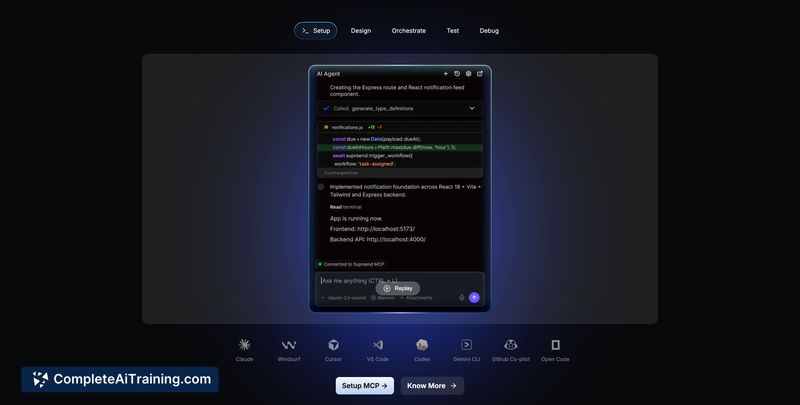
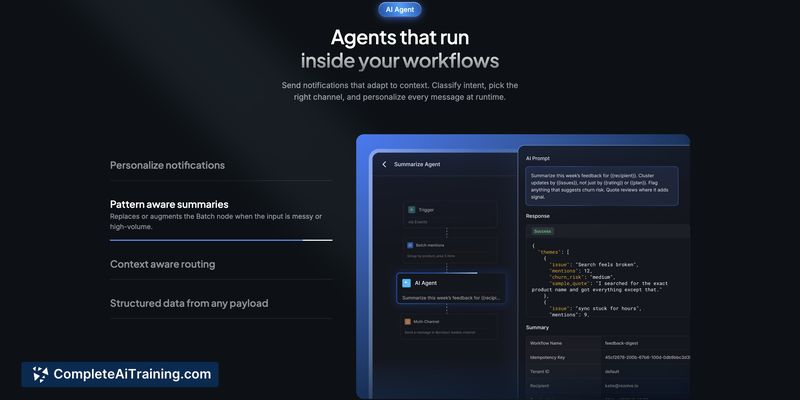
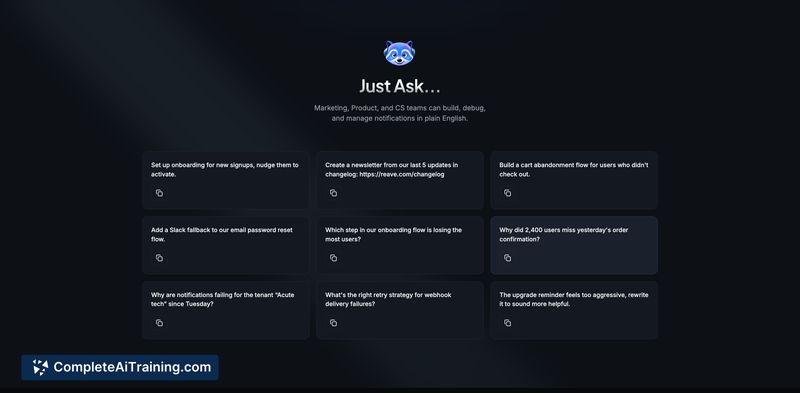
SuprSend AI focuses on making notification engineering faster and less error-prone by combining familiar developer workflows with AI assistance. The product packs IDE and dashboard integrations, config-as-code tooling, and AI agents that are aware of notification schemas to reduce common mistakes.
Key Features
- MCP Server with a suite of developer tools available inside code editors for building workflows, managing users, and debugging delivery from the IDE.
- CLI and config-as-code workflow that lets teams version notification configuration in Git and ship changes through CI/CD pipelines.
- Agent Skills that load notification schemas and domain knowledge into the AI context so generated actions align with your API and fields.
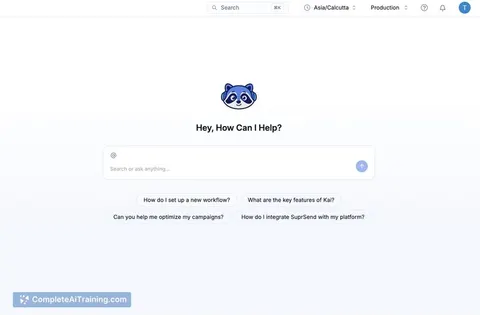
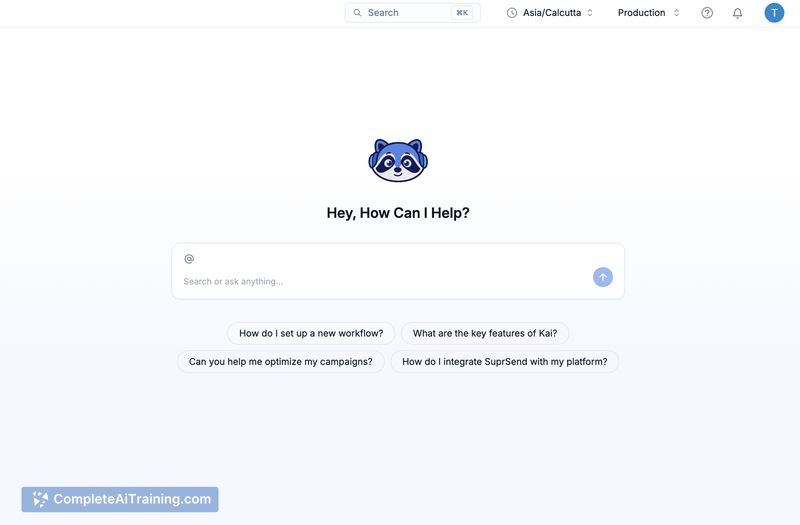
- AI Copilot in the dashboard for PMs and operations to create and iterate on templates and workflows without heavy manual steps.
- Chat-platform agent and model extensions to trigger, query, and debug notifications from team chat or supported model interfaces.
Pricing and Value
SuprSend AI offers a free tier for evaluation and initial usage, with paid plans that scale based on usage and features. Pricing tends to follow a volume-based model (for example, notifications sent), which can be a good fit for teams with predictable volumes. Some organizations may prefer per-user or seat-based pricing instead of per-notification billing, so it's worth comparing expected monthly volumes against plan tiers before committing.
Pros
- Speeds up integration and template creation with AI-assisted workflows and IDE tooling.
- Supports multi-channel delivery and channel-specific content adaptation to suit different audiences and contexts.
- Config-as-code and Git integration make notification changes auditable and CI/CD-friendly.
- AI features are schema-aware, reducing hallucination of API fields and making agent outputs safer.
- In-dashboard copilot and chat agent reduce context switching for PMs, ops, and marketers.
Cons
- Volume-based pricing may not align with teams that prefer per-seat or per-user billing models.
- AI-driven automation relies on keeping schemas and configs up to date; teams need processes to manage schema drift and permissions.
- Some advanced orchestration and deduplication scenarios require careful configuration and testing for edge cases.
SuprSend AI is a strong fit for engineering teams, product owners, and operations groups that need to ship and iterate on multi-channel notifications quickly. It works well for startups and larger teams that value config-as-code, IDE integrations, and AI assistance for routine notification tasks, provided they evaluate the pricing model against their expected volume.
Jobs SuprSend AI suits
We checked SuprSend AI against 500+ jobs; these get the most out of it.
Alternatives to SuprSend AI
Other tools that do the same main job. Our AI compared SuprSend AI with similar tools and kept the ones you could use instead.