AI tool
The Factory Desktop App
Factory Desktop App brings multi-agent AI to macOS and Windows: run parallel Droids, control your desktop, connect persistent cloud or local machines, and visualize workflows-included in all Factory plans at no extra cost.
About The Factory Desktop App
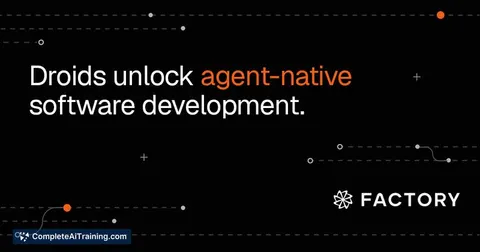
The Factory Desktop App is a native macOS and Windows application that runs multi-agent AI development sessions alongside your existing tools. It lets teams run parallel agents (called Droids), grant those agents control of desktop apps, and connect persistent local or cloud machines for ongoing work.
Review
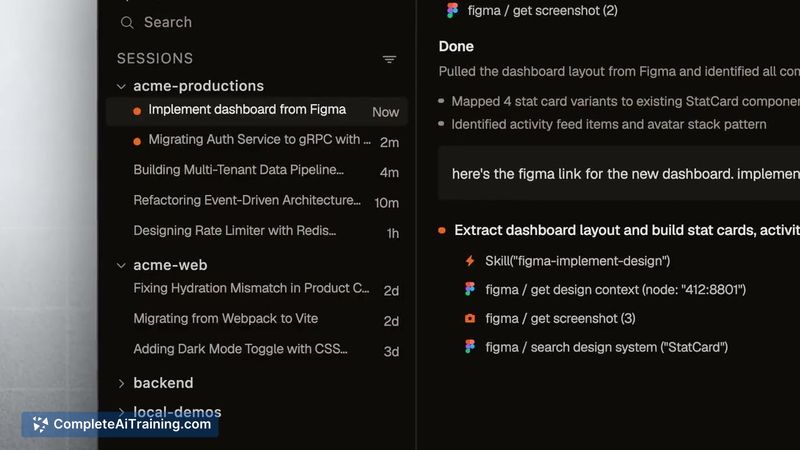
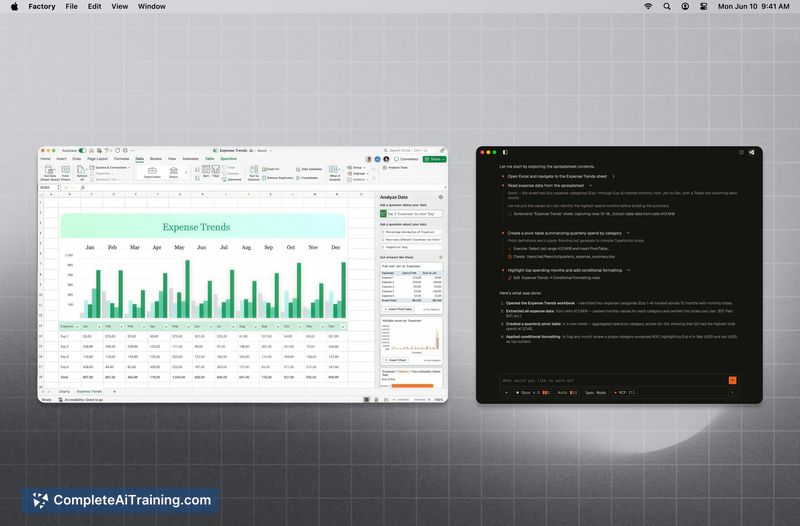
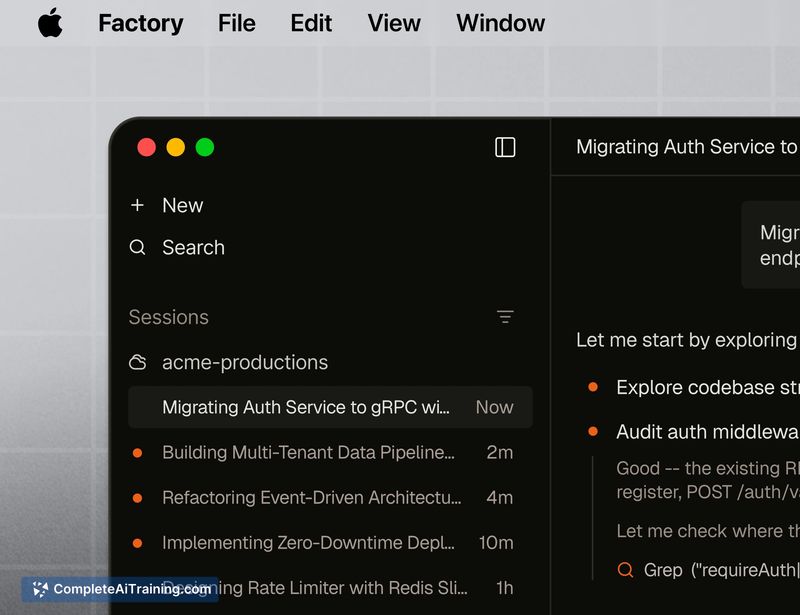
The Factory Desktop App brings agent-based software development into a desktop experience, combining multi-agent sessions, desktop control, and integrations with IDEs and CI/CD workflows. It emphasizes persistent environments, local model support, and visual outputs such as diagrams and dashboards to keep work observable and reproducible.
Key Features
- Multi-agent sessions: run several Droids in parallel, each with its own context and history.
- Desktop control: grant Droids access to VS Code, browser tabs, terminals, and local documents for hands-on tasks.
- Persistent Machines: register Droid Computers that remember installed packages, repositories, and credentials; or use managed Cloud Computers with SSH and checkpoints.
- Local model support: option to run models entirely on-device via tools like Ollama or vLLM so data can remain on your network.
- Developer-friendly integrations: VS Code browsing and editing linked to a Droid session, visual outputs (Mermaid diagrams, charts), and mobile status checks.
Pricing and Value
The Factory Desktop App is included with available product plans at no additional cost beyond plan billing, though access requires an account and appropriate plan level. For teams already using agent-driven workflows or seeking closer integration between AI agents and developer tooling, the app can reduce context switching and accelerate repeatable tasks; organizations should review plan details and any infrastructure costs for cloud or BYO machines before committing.
Pros
- Enables parallel agent workflows so multiple tasks can proceed at once without constantly switching contexts.
- Deep desktop and IDE integration makes agents more effective at real code edits, testing, and incident response.
- Persistent and cloud machine options support reproducible environments and credential continuity across sessions.
- Local model support and air-gapped deployment options address data privacy and compliance concerns for sensitive teams.
- Visual outputs and VS Code linkage help make agent actions transparent and easier to review.
Cons
- Concurrent agents editing overlapping parts of a codebase can create merge conflicts; teams must define coordination practices and guardrails.
- Full value requires configuration of machines, SSH keys, and permissions; initial setup can be time consuming for some teams.
- Granting agents control of desktop applications raises security and trust questions that teams will need to evaluate and mitigate.
For engineering teams that want to offload repeatable development tasks, incident triage, or migration work to persistent agents while keeping activity visible in the IDE, The Factory Desktop App is a practical option. It fits organizations that can invest time in setup and governance, especially those with privacy or compliance needs that benefit from on-device model execution and air-gapped deployment choices.
Jobs The Factory Desktop App suits
We checked The Factory Desktop App against 500+ jobs; these get the most out of it.
Alternatives to The Factory Desktop App
Other tools that do the same main job. Our AI compared The Factory Desktop App with similar tools and kept the ones you could use instead.