About there
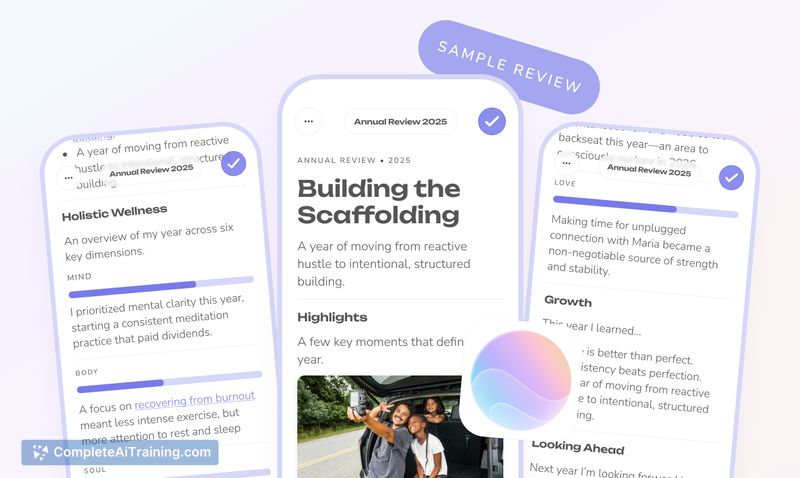
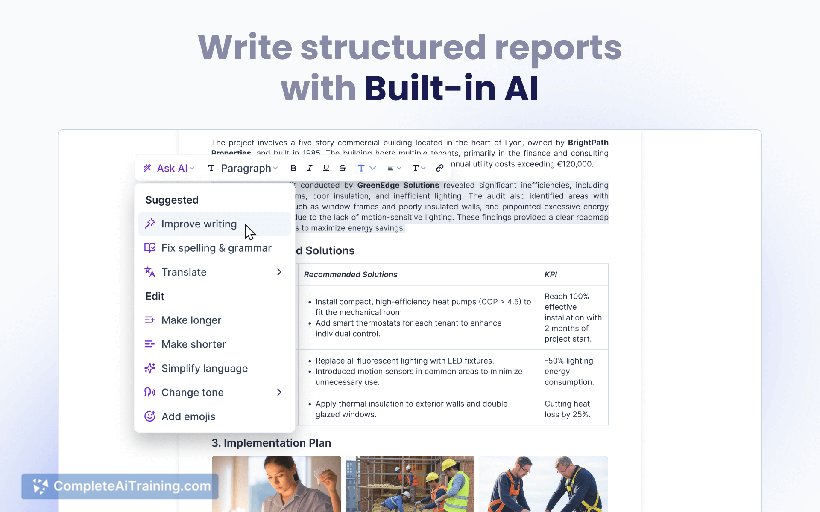
there is an AI-powered word editor designed to streamline the entire process of note-taking, document creation, and sharing. By combining multiple tools into one platform, it allows users to write, enhance, and distribute impactful documents effortlessly while tracking recipient engagement.
Review
there offers a modern solution that simplifies the cumbersome workflow many professionals face when preparing and sharing reports or notes. Instead of juggling numerous apps for writing, editing, and sending documents, there centralizes everything into a sleek, AI-assisted environment. This makes document management faster, more collaborative, and more transparent.
Key Features
- Unified workspace to take notes, write documents, and create reports using built-in AI tools without switching apps.
- Drag-and-drop support for notes and photos, including flexible galleries and specialized content blocks like tasks, progress updates, and signatures.
- AI-assisted email drafting with refinement features and direct sending, eliminating the need for attachments or PDF compression.
- Recipient tracking that shows who has viewed the document, with no account required on their end and an optimized mobile reading experience.
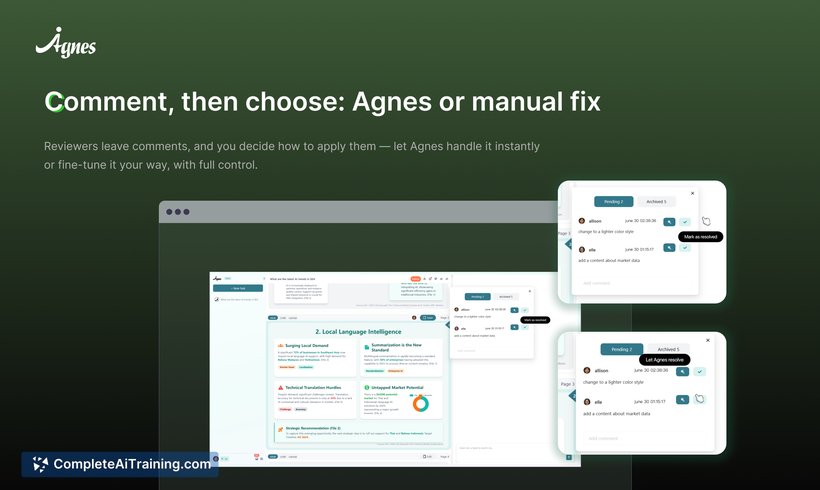
- Real-time collaboration on documents with live editing capabilities and the option to invite others to contribute to shared notes.
Pricing and Value
there offers a free tier which is ideal for individuals and small teams to get started with note-taking and document creation using AI. While detailed pricing plans were not explicitly outlined, the value proposition lies in replacing multiple tools such as Word, OneNote, ChatGPT, PDF compressors, and DocSend with a single integrated platform. This consolidation can save significant time and reduce the friction in workflows, making it a cost-effective solution for businesses looking to boost productivity.
Pros
- Significantly reduces the number of apps needed for document workflows, simplifying productivity.
- Built-in AI features enhance writing, email drafting, and summarization without leaving the app.
- Recipient tracking provides valuable insights into who has read the documents, improving communication transparency.
- Mobile-friendly design and no account requirements for recipients make document sharing hassle-free.
- Supports collaboration with live editing and shared note completion, fostering teamwork.
Cons
- Some advanced integrations with popular workplace tools like Slack or Notion are not yet available but planned.
- Pricing details beyond the free tier are not fully disclosed, which may require direct inquiry for enterprise use.
- Users accustomed to traditional document editors might face a learning curve adapting to the new interface and workflow.
In conclusion, there is ideally suited for professionals, project managers, and business leaders who seek to streamline their document creation and sharing processes. Its all-in-one approach combined with AI enhancements makes it a compelling choice for teams aiming to improve efficiency and engagement without the hassle of multiple software. Those who frequently handle collaborative reports and want real-time insights into document readership will find it particularly valuable.
Open 'there' Website
Your membership also unlocks: