AI tool
Tidy
Tidy is a Mac app for users who want to automatically organize new desktop files and downloads. It uses on-device Apple Intelligence to apply plain-English rules, safely archiving or trashing items without permanently deleting data.

About Tidy
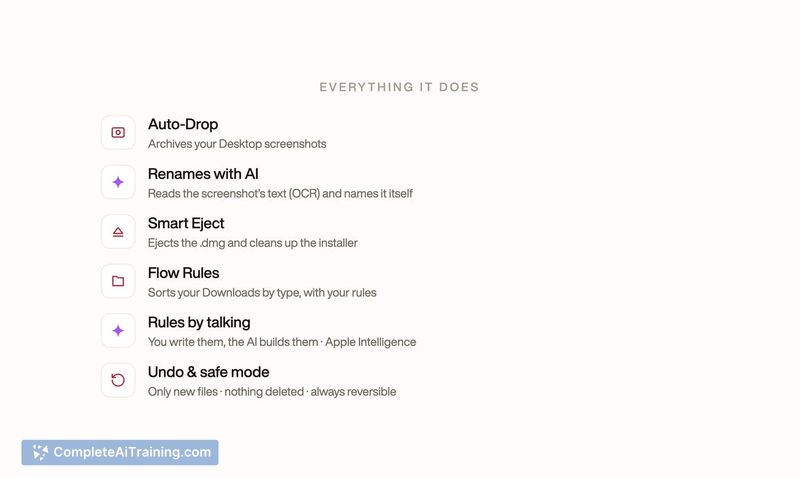
Tidy is a Mac menu bar utility that automates three common desktop tasks: archiving and renaming screenshots using on-device OCR, ejecting and trashing disk image installers, and sorting new files in the Downloads folder. It runs locally, works only on files that arrive after installation, and never deletes anything permanently.
Review


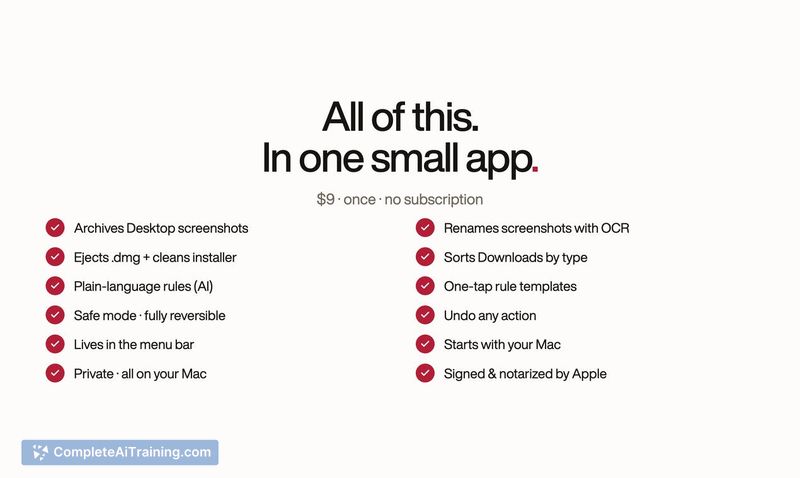
Tidy addresses a narrow but persistent friction for Mac users who regularly deal with screenshot clutter, leftover .dmg files, and a Downloads folder that collects random file types. The app doesn't touch existing files, so your backlog stays exactly as you left it. All processing happens on-device, which means no data leaves your Mac.
Key Features
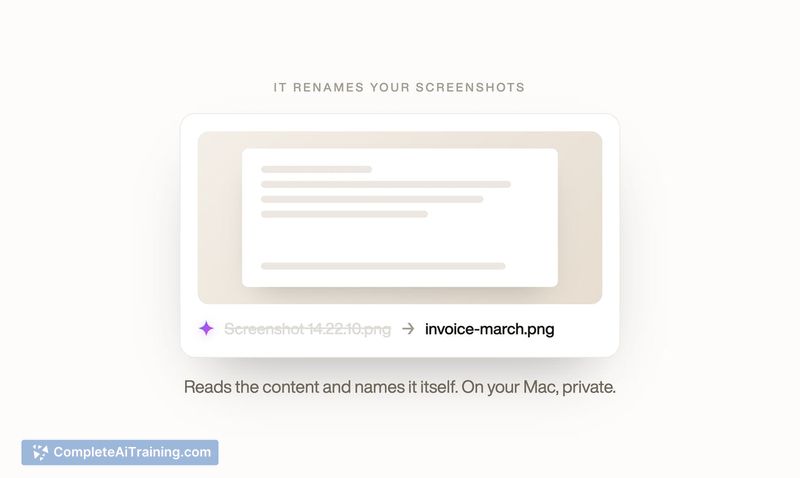
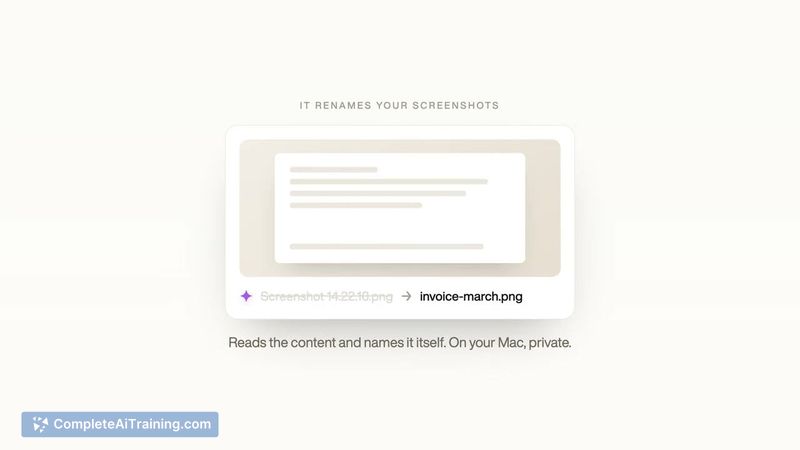
- Screenshot archiving with OCR renaming. New screenshots on the Desktop get moved to an archive and renamed based on their visible text - "Screenshot 14.22.10.png" might become "invoice-march.png".
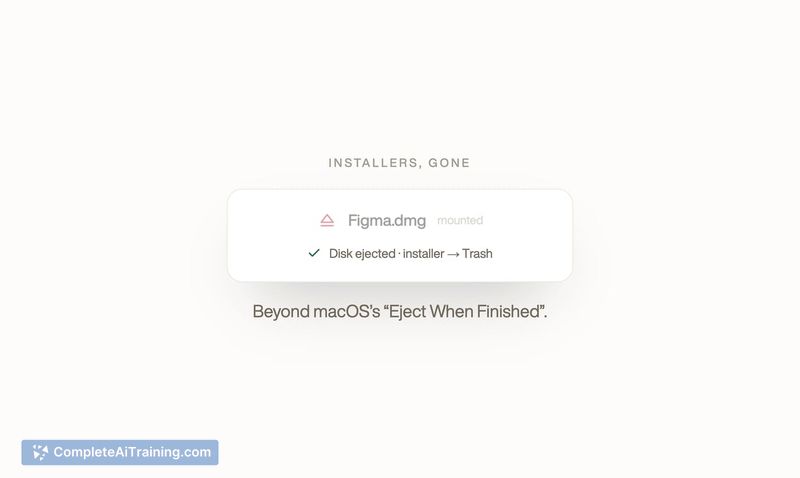
- Installer cleanup. When you mount a .dmg and later drag the app to Applications, Tidy ejects the disk image and moves the .dmg file to the Trash.
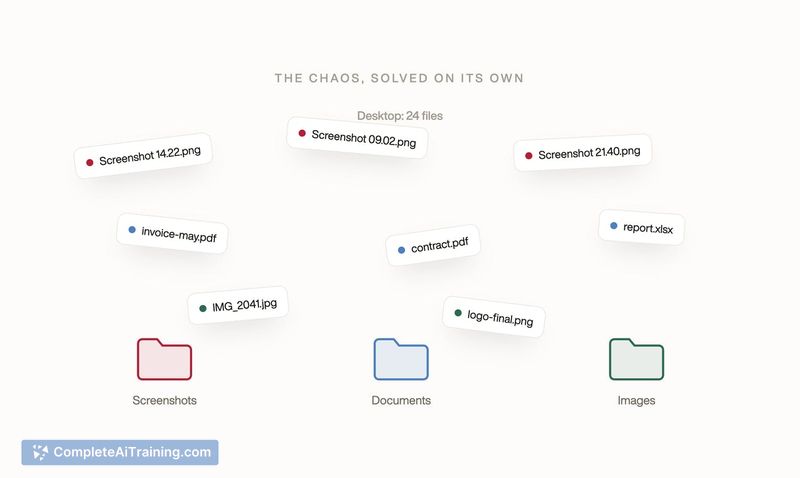
- Rule-based Downloads sorting. You define rules in plain English - like "PDF invoices to Finance" - and Apple Intelligence builds the rule on-device, inferring file extensions and destination folders. Rules can include a minimum age (e.g., only move installers older than one day), group files into monthly subfolders, and be toggled on or off.
- Activity log with undo. A menu bar panel shows every action with filename, timestamp, and destination. A one-click undo reverses any move, and because nothing is deleted, files are always recoverable.
- Prebuilt defaults and templates. Seven sorting rules ship active (Documents, Spreadsheets, Presentations, Images, Web pages, Archives, Installers) and a template gallery adds Audio, Video, Design files, eBooks, and Code with a single click.
Pricing and Value
Tidy is sold for a one-time payment of $9, with no subscription. The developer states that on-device processing means the marginal cost per user is zero, which is why the price is a single purchase.
Pros
- Works only on new files, leaving your existing desktop and Downloads folder untouched.
- Never deletes - files are archived or moved to the Trash, so recovery is always possible.
- Plain-English rule creation requires no syntax knowledge and runs entirely on-device via Apple Intelligence.
- Activity log and one-click undo give you a clear view of what happened and a fast way to reverse it.
- One-time $9 payment, no recurring fees.
Cons
- Requires a Mac with Apple Intelligence support (Apple Silicon running macOS Sequoia or later), so Intel Macs and older systems are excluded.
- No dry-run or preview mode - you see actions only after they happen, though a dry-run feature is on the roadmap for version 1.1.
- Not well suited for users who want to clean up an existing backlog of files; the tool ignores anything created before installation.
People who consistently generate screenshots, download installers, and let their Downloads folder accumulate mixed file types will notice the most day-to-day benefit. The plain-English rules lower the barrier for non-technical users, while the on-device design keeps sensitive file contents local. Those with older Macs or who need to organize thousands of pre-existing files will need to look elsewhere.
Jobs Tidy suits
We checked Tidy against 500+ jobs; these get the most out of it.
Alternatives to Tidy
Other tools that do the same main job. Our AI compared Tidy with similar tools and kept the ones you could use instead.