AI tool
Tine
Tine is a Mac notch assistant that understands your active app and selections. It suggests autofills, drafts, and can navigate across apps to complete tasks like messaging or form-filling, with your permission. For users wanting AI that acts on th...

About Tine
Tine is an AI-driven second cursor for macOS that lives in the menu bar notch. It sees the active app, selected text, and recent actions and can move the real cursor across applications to complete tasks like posting messages, taking notes, gathering research, or filling forms-with no need to copy and paste context into a separate chat window.
Review

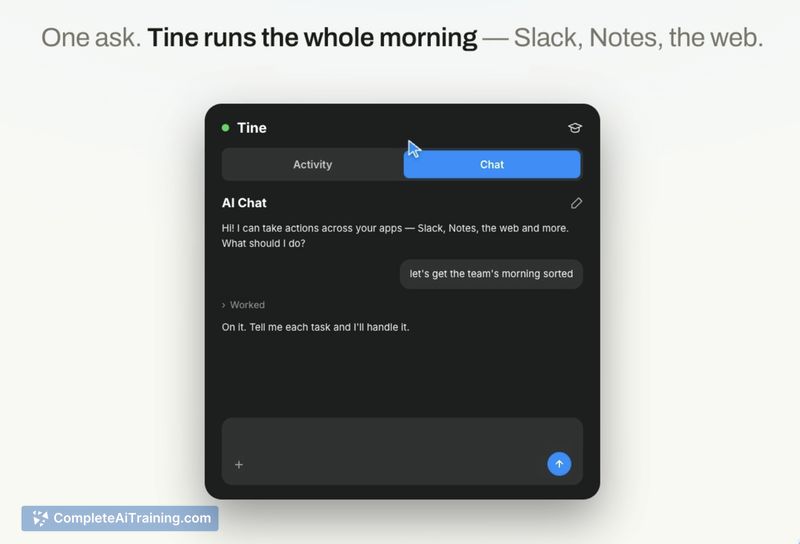
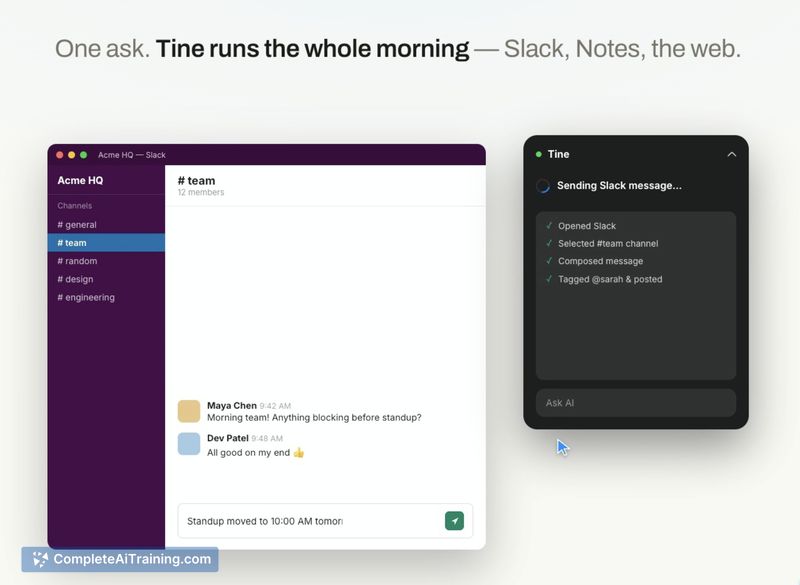
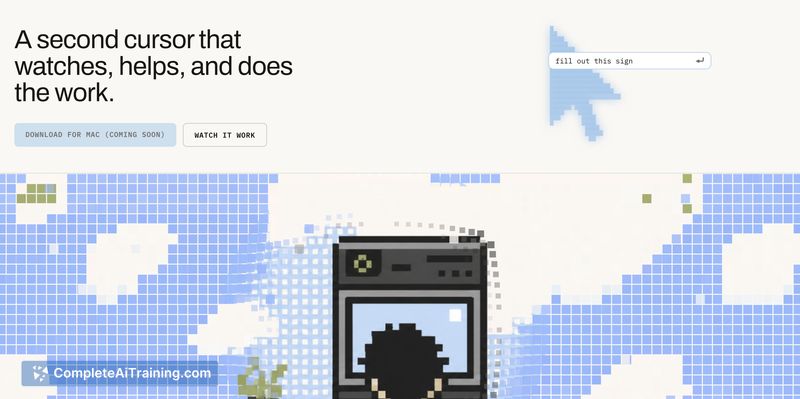
Tine approaches desktop automation by acting as a parallel cursor rather than a detached assistant. Because it reads the screen directly, users don't have to re-explain what they're doing. The tool runs on-device by default, logs each step, and releases control the moment the physical mouse moves.
Key Features
- Screen-aware cursor detects the active application, current selection, and last user action so context is understood without manual input.
- Cursor driving across apps performs multi-step tasks such as writing a note, sending a Slack message, researching a topic, or populating form fields.
- On-device execution keeps processing local by default and maintains a visible log of all actions taken.
- Explicit permission and instant interrupt require user approval before actions and stop the AI immediately when the mouse is touched, putting control back in the user's hands.
- Notch integration places the tool in the menu bar notch for persistent access without consuming additional screen real estate.
Pricing and Value
Tine is currently listed as free. The product page does not detail whether paid plans will appear later, so the long-term pricing model remains undefined. For now, users can try the tool at no cost.
Pros
- Cuts out repetitive copy-paste work by picking up screen context and selections directly.
- Works across multiple real applications without requiring per-app plug-ins or custom scripts.
- Shows users what it intends to do and records every step, making its behavior transparent.
- Mouse movement acts as an immediate stop, reducing the chance of unintended actions.
- Local processing keeps data on the device, which addresses some privacy concerns.
Cons
- Restricted to macOS, so Windows and Linux users cannot install it.
- Apps that block screen capture or accessibility APIs may limit functionality; the fallback of screenshot-based coordinate clicking might not work inside secure or DRM-protected windows.
- Not well suited for users who need complex conditional logic or integration with external APIs, since Tine focuses on on-screen actions rather than programmable workflow automation.
Tine fits people who regularly repeat the same data entry or navigation between macOS apps and want to hand off those tasks without scripting. It's less appropriate for those working in locked-down environments or needing backend API-driven automations. The notch placement and on-device processing make it a low-friction assistant for everyday Mac multitasking.
Jobs Tine suits
Useful in almost any job. We checked Tine against 500+ jobs; these get the most out of it.
Alternatives to Tine
Other tools that do the same main job. Our AI compared Tine with similar tools and kept the ones you could use instead.