
About: Uiino
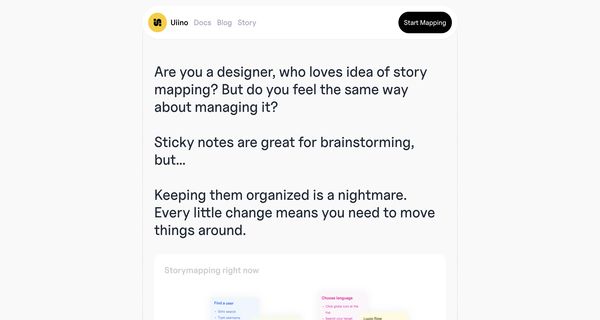
Uiino is a sophisticated story mapping tool designed to streamline the creation and management of user story maps, catering specifically to the needs of designers and product teams. By enabling users to construct these maps using plain text, either manually or through its AI-driven Storymapper, Uiino eliminates the confusion often associated with physical sticky notes or complex digital platforms. Key features include a user-friendly text-based interface, clearly defined tags for easy navigation, and built-in version control that allows teams to monitor changes effectively. This tool is particularly valuable for visualizing user journeys and outlining clear product roadmaps, fostering collaboration among team members without the distractions of traditional software. Uiino stands out with its simplicity and focus on essential functionalities, making it an ideal choice for those looking to enhance their workflow while maintaining clarity and organization in the design process. Whether for brainstorming sessions or detailed project planning, Uiino adapts seamlessly to various use cases in product design.
Review: Uiino
Introduction
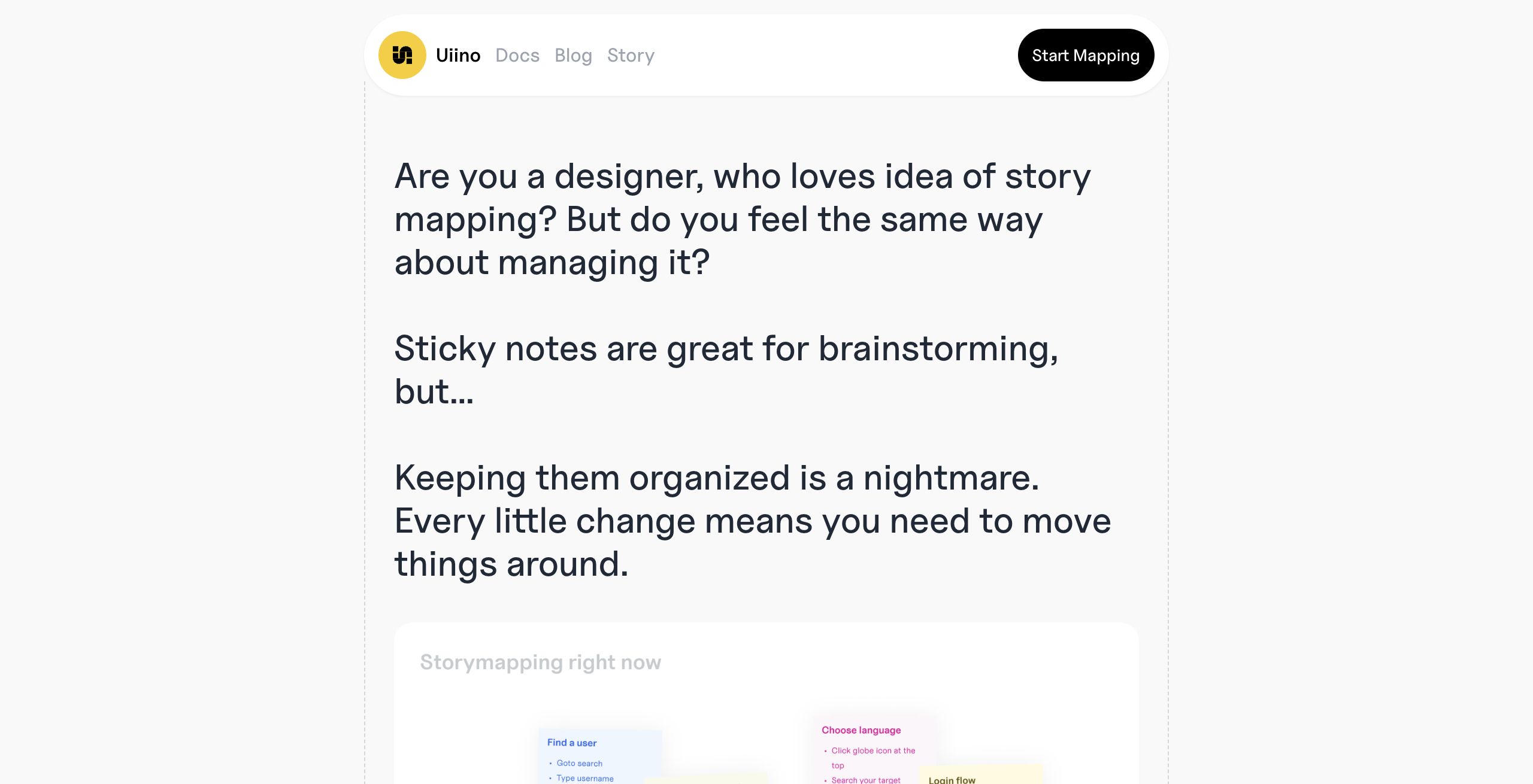
Uiino is an innovative story mapping tool designed to help designers and product teams create and manage user story maps and product design workflows. By offering both manual text input and an AI-powered Storymapper, Uiino simplifies the process of visualizing the user experience and developing clear product roadmaps. This review explores how Uiino addresses common challenges found in traditional sticky note sessions and complex digital tools, making it a relevant solution for those looking to streamline their planning process.
Key Features
Uiino stands out with a variety of compelling features tailored for effective story mapping:
- Text-Based Interface: Users can create story maps using any text editor or typing field, eliminating the clutter of overly complex design software.
- AI-Powered Storymapper: With just a brief description of an app, the AI generates story maps instantly, speeding up the planning process and reducing manual effort.
- Clear Tag System: The use of simple, dedicated tags establishes a shared language among team members, promoting clarity and understanding from the outset.
- Built-in Version Control: Track every change in your story map with an integrated version control system that allows you to undo errors and identify who made specific updates.
- Collaborative Focus: By moving away from the chaos of physical sticky notes, Uiino emphasizes team collaboration while keeping the roadmap clear and straightforward.
Pricing and Value
Uiino is available at no cost, making it particularly attractive for small teams or individual designers who want to optimize their story mapping process without financial investment. This free pricing structure, combined with its rich feature set, positions Uiino as a high-value alternative compared to more complex and costly project management solutions.
Pros and Cons
- Pros:
- Intuitive text-based interface that is easy to learn and use.
- AI-powered capabilities reduce manual workload and streamline story mapping.
- Robust version control ensures every change is tracked and reversible.
- Enhanced collaboration through a clear and consistent tagging system.
- Free to use, offering excellent value for the features provided.
- Cons:
- May lack advanced visual or graphical elements for teams that require more detailed design tools.
- A text-centric approach might not suit all workflows, particularly for users who prefer a heavily graphical interface.
Final Verdict
Overall, Uiino is a highly effective tool for designers and product teams who value simplicity, efficiency, and collaboration in their story mapping process. Its innovative combination of a text-based interface with AI assistance and robust version control offers a refreshing alternative to the disorganized world of sticky notes and overly complex digital tools. While it may not be ideal for those seeking advanced graphical features, Uiino is an excellent choice for teams looking to streamline their product planning process without incurring additional costs.
Open 'Uiino' Website
Your membership also unlocks:




















