
AI tool
Unscary AI
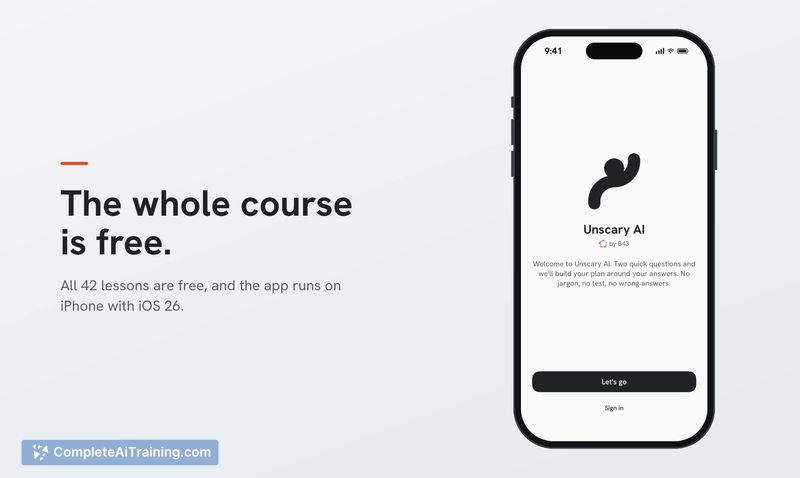
Unscary AI is a free iPhone course with 42 short, hands-on lessons that teach how AI tools like ChatGPT and Claude work and how to use them. It is designed for people who feel behind on AI and want clear, practical instruction a few minutes at a t...
About Unscary AI
Unscary AI is an iOS learning app that packages a live AI training curriculum into 42 short lessons. The content was originally developed by B43 for in-person workshops with small businesses in the Midwest and South, then refined through work with hundreds of trainees. The app runs on iOS 26 and covers how tools like ChatGPT, Claude, Gemini, and Copilot work, along with practical usage techniques.
Review
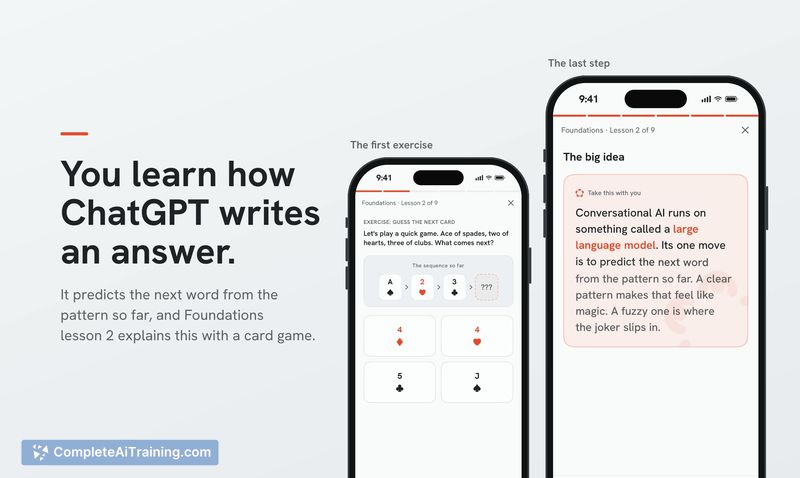
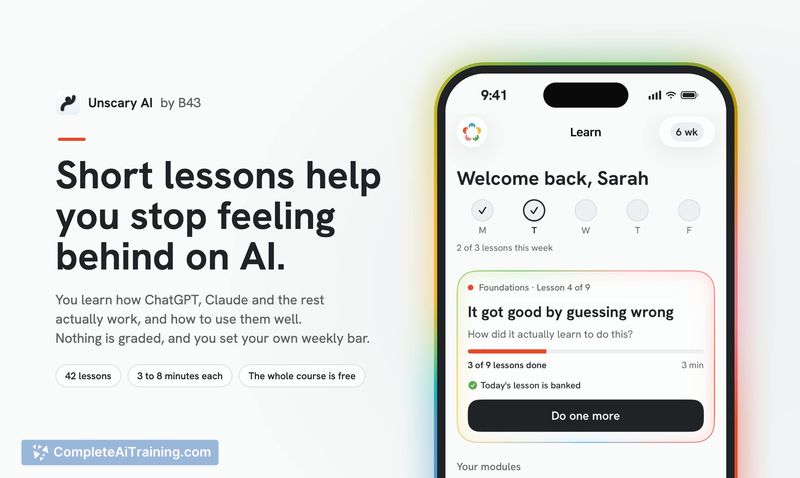
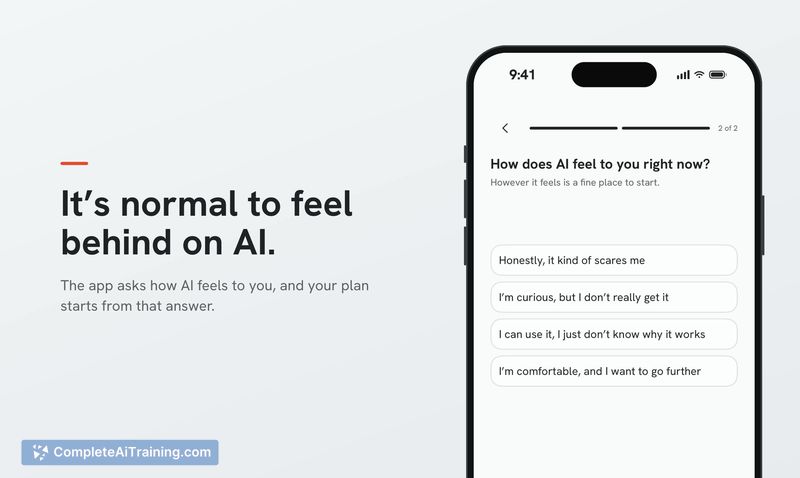
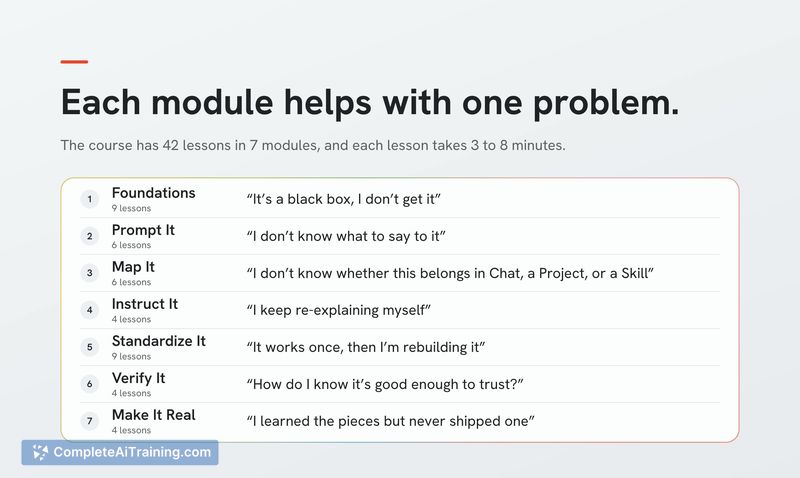
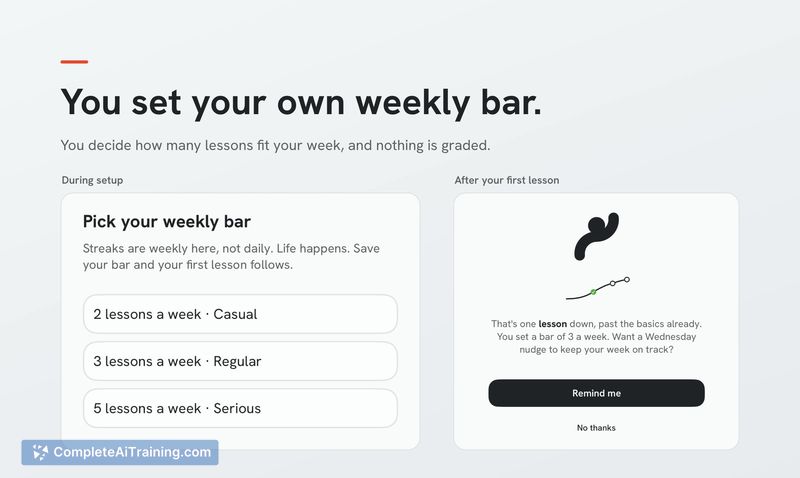
Unscary AI takes a workshop-tested curriculum and shrinks it into bite-sized phone lessons. Each lesson runs 3 to 8 minutes and displays one concept per screen. The app targets people who feel behind on AI, though the maker acknowledges that Product Hunt readers may not be the core audience.
Key Features
- 42 lessons that explain how ChatGPT, Claude, Gemini, Copilot, and other AI tools work
- One-concept-per-screen format with lessons lasting 3 to 8 minutes each
- Content refined through hundreds of in-person trainees at B43 workshops
- First lesson titled "What is AI, really?" that runs 3 minutes
- Native iOS app built with Cursor and Supabase, requiring iOS 26
Pricing and Value
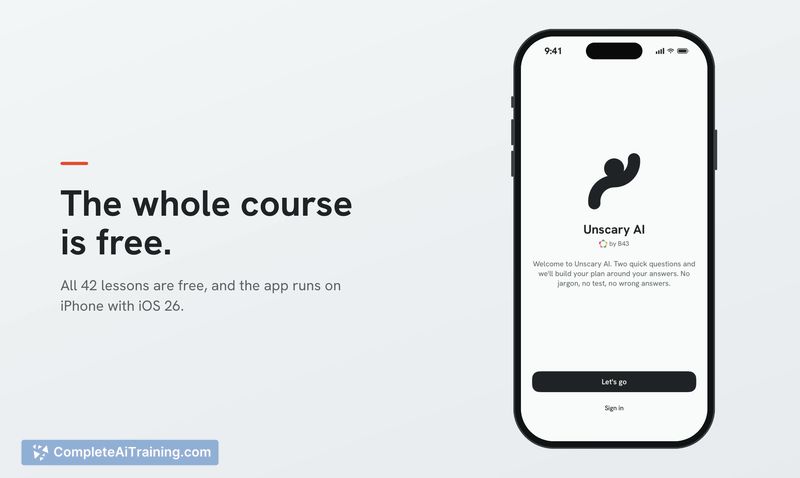
The entire course is free. There are no paid tiers, subscriptions, or in-app purchases mentioned. The makers have not indicated any plans to introduce pricing.
Pros
- Lesson length fits into short gaps like a bus ride or waiting for tea, as one early commenter noted
- Content comes from a course that has already been tested and adjusted with real trainees
- Single-concept screens prevent information overload during a lesson
- Free access removes cost as a barrier for anyone curious about AI
- Maker has a PhD in Explainable AI, which informs how concepts are broken down
Cons
- Requires iOS 26, which locks out users on older iPhones or Android devices
- No web or desktop version exists, so learning stays confined to a phone screen
- The course is not suited for people who already use AI tools regularly and want advanced techniques
The app fits best for someone who hasn't used AI tools much and wants a structured starting point they can work through in small chunks. People who attend the B43 in-person workshops will find the same material here, just reformatted for solo mobile use. Those already comfortable prompting ChatGPT or Claude will likely move through the lessons without encountering new information.
Jobs Unscary AI suits
Useful in almost any job. We checked Unscary AI against 500+ jobs; these get the most out of it.



