AI tool
Upsolve AI for CSVs
Upsolve AI for CSVs: Upload a CSV in your browser, ask questions, and get instant English summaries and interactive charts-no SQL, no pivot tables, no extra setup.
About Upsolve AI for CSVs
Upsolve AI for CSVs is a browser-based tool that converts CSV files into interactive dashboards using an AI chat interface. You upload a file, ask questions in plain language, and the tool suggests and renders appropriate charts without requiring SQL or pivot tables.
Review
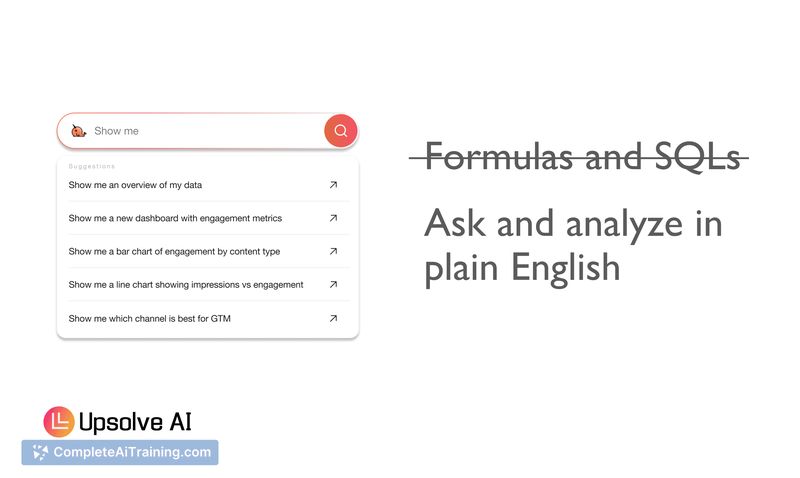
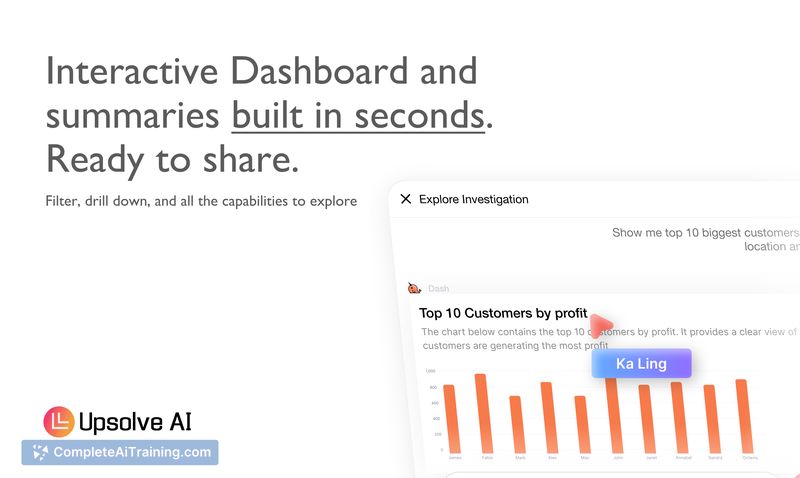
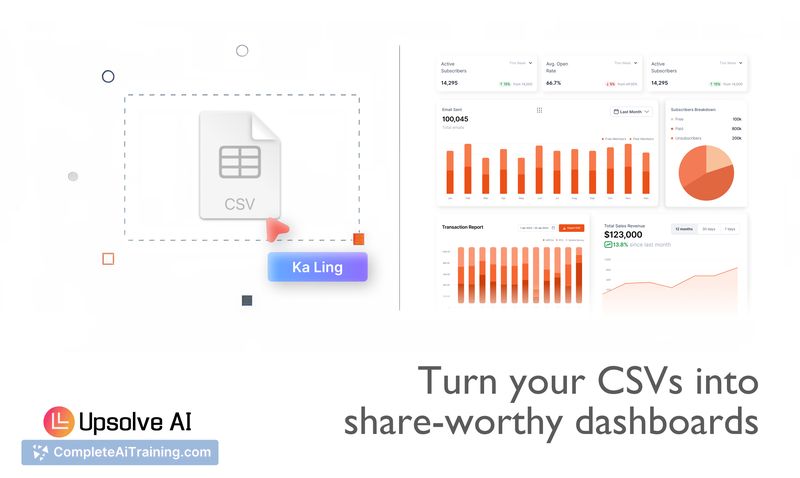
Overall, Upsolve AI for CSVs delivers a fast, approachable way to get visual insights from CSV exports and data dumps. The interface focuses on simplicity: upload a file, ask a question, and receive charts and an interactive dashboard you can share or iterate on.
Key Features
- AI-driven conversational interface that interprets plain-language queries and recommends visualizations.
- Instant dashboard generation from uploaded CSVs - no database setup, SQL, or pivot table work required.
- Privacy-first operation: files are kept in local browser storage and do not leave your device.
- Shareable, interactive dashboards for quick reporting and review across teams.
- Low-friction onboarding - create an account and start analyzing in minutes.
Pricing and Value
The product is offered for free rather than as a limited trial, with reasonable monthly AI usage limits for the free tier. That makes it a strong value for individuals and small teams who need occasional analytics without investing in full BI infrastructure. Organizations with heavy or continuous data-processing needs should expect to evaluate paid options or alternative tools that accommodate higher volumes.
Pros
- Fast setup and very friendly for non-technical users who want immediate insights from CSVs.
- Privacy-focused: data remains in the browser, which is useful for sensitive exports like customer or sales data.
- Conversational questions produce sensible chart suggestions, reducing time spent on manual charting.
- Free tier allows meaningful exploration before committing to other solutions.
Cons
- Best suited for single-file or lightweight workflows; it is not a substitute for a full-featured BI platform or data warehouse.
- Monthly AI usage limits may be restrictive for high-frequency or high-volume users.
- Advanced analytics that require complex joins, long-term storage, or extensive custom SQL logic are outside its scope.
In my view, Upsolve AI for CSVs is ideal for small businesses, e-commerce sellers, analysts needing a quick way to visualize exports, and anyone who wants fast, shareable dashboards without setting up databases or learning SQL. It works particularly well as a stopgap for ad-hoc analysis and for teams that prioritize privacy and fast iteration over deep, enterprise-scale analytics.
Jobs Upsolve AI for CSVs suits
We checked Upsolve AI for CSVs against 500+ jobs; these get the most out of it.
Alternatives to Upsolve AI for CSVs
Other tools that do the same main job. Our AI compared Upsolve AI for CSVs with similar tools and kept the ones you could use instead.