
Learning path
Learning AI as an Online Seller
A guided path for online sellers who want AI to help with listings, buyer messages, stock planning, and shipping updates. Start with setup, connect your AI, practice job prompts, then follow video courses chosen for your store.

Your path
Everything in the Online Seller AI kit, in the order that makes sense. Members tick off each step and see their progress.
Set up your AI
We guide you through each click.
Let skills do your everyday tasks
Connect your apps and pick your AI apps
Hand whole tasks to AI agents
Build your own tools
Keep growing
Everything for online sellers
All the courses, certifications, AI tools, MCP servers and apps for online sellers, most relevant first. Open any list to see more.
Take the prompt courses
A short framework course to learn how to ask, then 8 lessons with ready-to-use prompts for online sellers.
Start with this framework: how to talk to AI
AIDA and PAS help online sellers write product descriptions and ads that turn browsers into buyers, like a cart abandonment email.
Then your prompt course for online sellersWatch the video courses or add them to your Favorites for later
159 video courses our AI picked for online sellers, most useful first. Save the ones you want to watch later with the heart.
Favorites are saved to your account: sign in or get your AI kit first.
Show all 159 video courses
Get certified, or add certifications to your Favorites
Every course ends in an exam and a certificate you can add to LinkedIn. Save the certifications you are aiming for with the heart.
Favorites are saved to your account: sign in or get your AI kit first.
More certifications for online sellersShow all 24 certifications
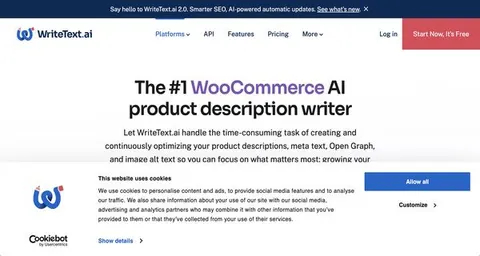
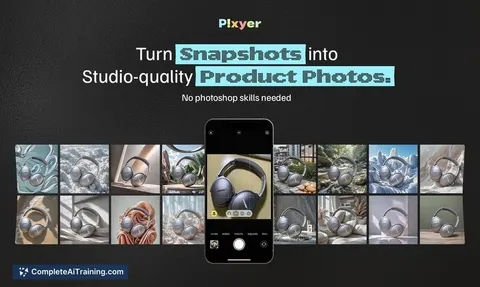
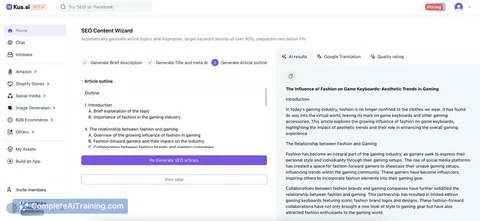
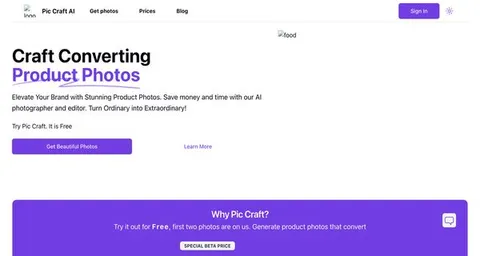
Try the AI tools for online sellers
24 AI tools our AI matched to the work of online sellers, best fit first. Each review shows what it does, its alternatives and the jobs it suits.
Favorites are saved to your account: sign in or get your AI kit first.
Show all 24 AI tools
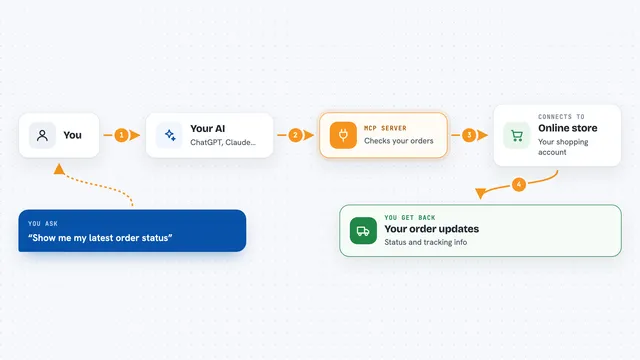
Connect your AI to the apps online sellers use
MCP servers let ChatGPT, Claude or Copilot look things up and get work done in other apps, like your email, calendar or bookkeeping software. These 12 fit the work of online sellers best, well-known apps first.

agentcentral Amazon MCP server
by agentcentral-toLets your AI look up your Amazon Seller Central and Amazon Ads data and make some guarded changes for you.
AnalyticsNo install
Amazon Seller MCP server
by MarceauSolutionsLets your AI check Amazon inventory, orders, fees and restock ideas for your seller account.
A1-x-Tech/mcp-google-merchants
by A1-x-TechGoogle Merchant Center: diagnose disapproved products and manage product data, promotions and reports.
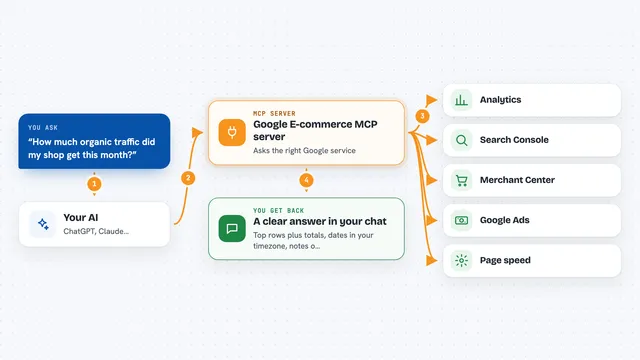
Google E-commerce MCP server
by MoonEyesAsk your AI about your shop's traffic, search, product feed, tags, speed and ads, and get answers from your own accounts.

Apiguru Amazon Data MCP server
by apiguru-appLets your AI look up live Amazon product details, reviews, prices and best-sellers across 20 countries.
Research Official
ReplenishRadar MCP server
by ReplenishRadarLets your AI check stockout risks, forecasts, and purchase orders from your ReplenishRadar inventory data.
Show all 12 MCP servers
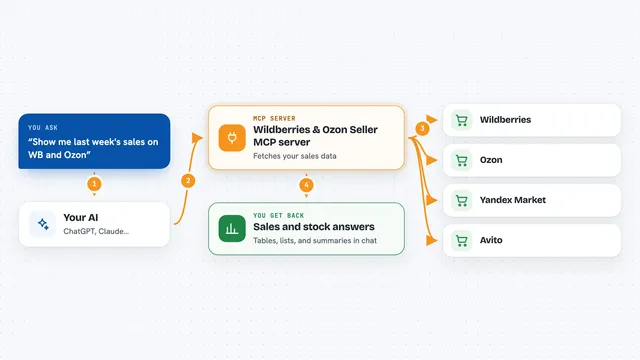
Wildberries & Ozon Seller MCP server
by ilyautovAsk your AI for sales, stock, prices, finance and reviews from Wildberries, Ozon, Yandex Market and Avito.
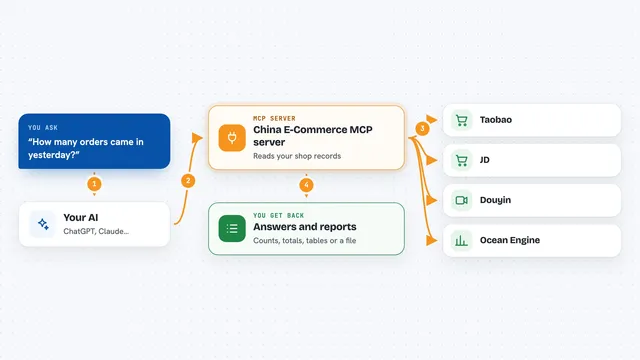
China E-Commerce MCP server
by TonyWang-hubLets your AI read your shop data from Taobao, JD, Douyin and other Chinese marketplaces: orders, refunds and ad accounts.
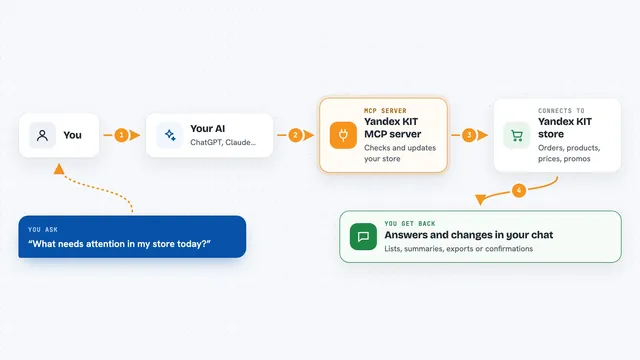
Yandex KIT MCP server
by ztemerbekovLets your AI check and update your Yandex KIT store: orders, products, prices, promos, and webhooks.
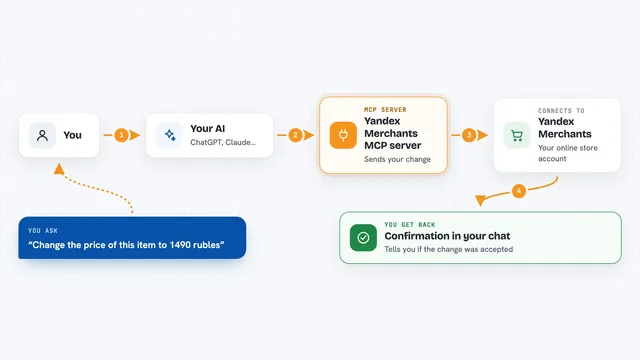
Yandex Merchants MCP server
by A1-x-TechChange prices, discounts and product visibility in Yandex Merchants by just asking your AI.

WooCommerce MCP server
by wppolandLet your AI look up products, orders, sales totals, and blog posts from your WooCommerce store.

Intelligence API MCP server
by samrothschild23Your AI can analyze Shopify stores, score Amazon product ideas, and find sales leads from Google Maps.
Build your own AI apps for online sellers
Apps you build yourself with your own AI, no coding needed and no monthly fee. Our AI picked the 12 that fit the work of online sellers.
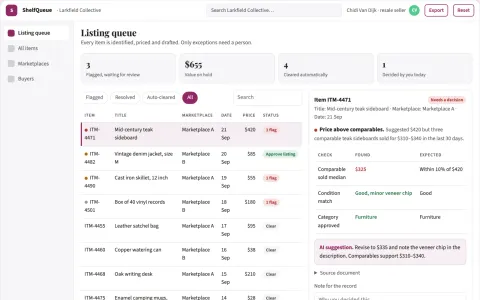
Secondhand resale listing and sales coordination portal
Reduce listing and follow-up effort while keeping pricing and buyer decisions under the seller's control.
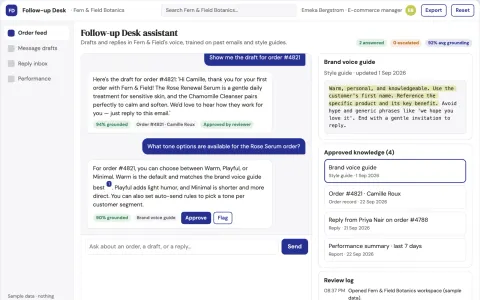
Purchase Follow-up Agent
Messages that remember what each customer bought and why, trained on the brand's voice, for every single order.
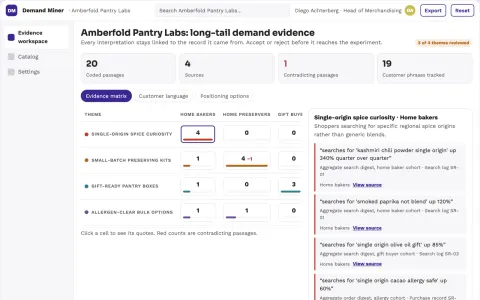
Product catalog long-tail demand miner
Find underserved demand that current stock can satisfy.
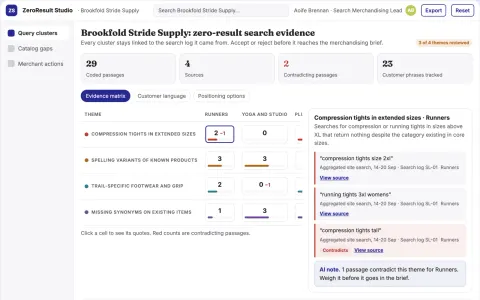
Retail search zero-result analyst
Turn failed on-site searches into specific catalog fixes.
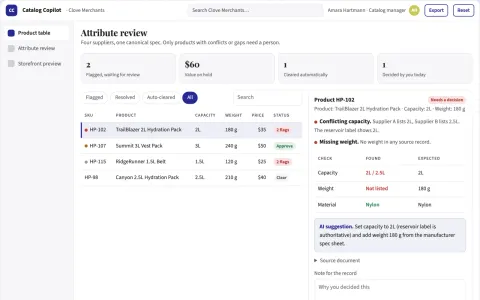
E-commerce merchandising assistant
Specification accuracy and consistent comparison attributes for one product niche.
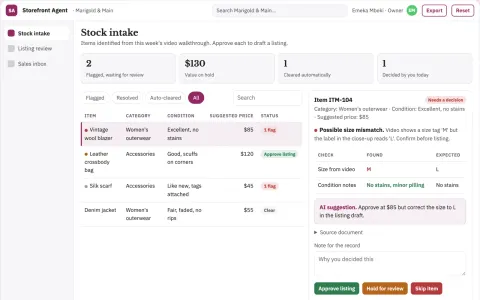
Nightshift Storefront Agent
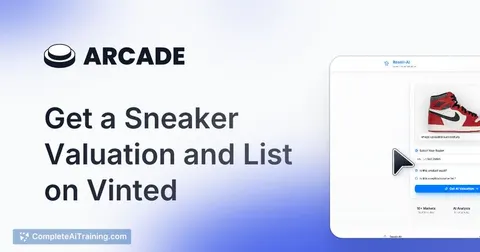
The whole shop floor becomes an online storefront from nothing but a phone video, with no manual listing at any point.
Show all 12 apps
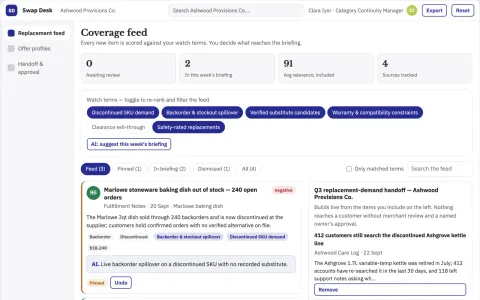
Product replacement demand recovery service
Recover otherwise lost demand with transparent alternatives.
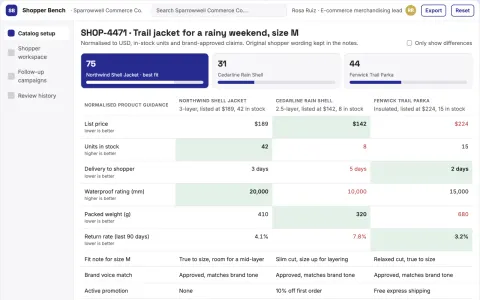
Shopper guidance and store follow-up workbench
Reduce disconnected shopping tools while keeping product answers and follow-ups in one owned workflow.
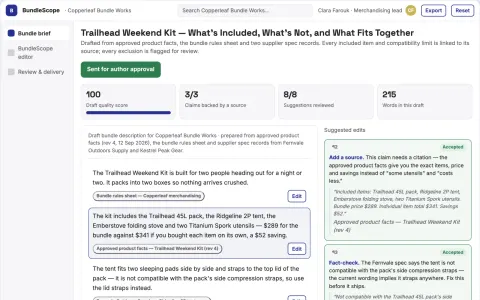
Retail bundle explanation designer
Clear bundle scope before purchase.
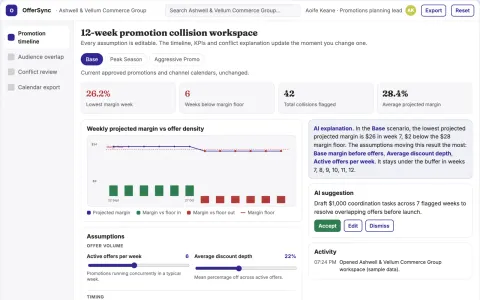
Promotional calendar collision checker
Find operational offer collisions before launch.
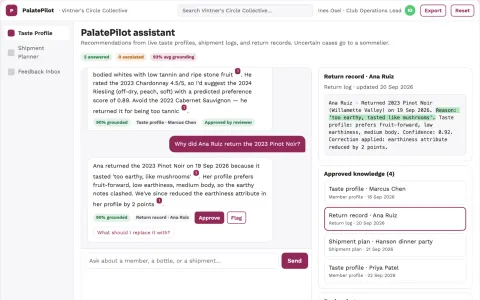
PalatePilot Wine Club
A taste model that learns continuously from every sip, voice note and return, not just a one-time quiz.
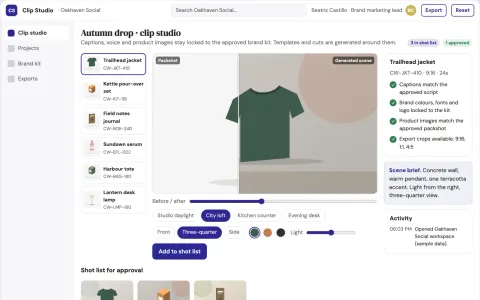
Branded short-video production workbench
Produce social-ready short videos from text or product links inside one owned workflow.








































































































































About this learning path
7 topicsAI skills for online sellers, step by step
If you sell online, your day is a mix of listings, messages, stock counts, and shipping updates. AI can help you move through that work with less copy-paste and more calm.
This path is built for working sellers who are not technical. You will set up your tools, practice prompts for real store tasks, and follow short video courses picked for your job.
Why AI matters now
Buyers expect quick answers, listings need clear details, and stock moves faster than ever. AI can help you draft, organize, and check your work without adding more tabs to your day.
You still make the final call. The tools simply help you get to a good first draft sooner.
What the path includes
You start with setup questions, then connect your AI to ChatGPT, Claude, or Gemini. Next you add skills for the job inside your AI, so it understands your store, your products, and your voice.
The path includes this prompt course and video courses chosen for online sellers, plus the certificates that come with them. Everything is short and practical.
How it saves you time
You will use prompts for listings, buyer replies, restock notes, and shipping updates. Instead of starting from a blank page, you edit a useful draft.
That time adds up. You can spend it packing orders, sourcing new products, or stepping away from the screen.
How it protects your work
You learn to check facts, protect buyer privacy, and follow marketplace rules. AI can suggest words, but your judgment keeps the store safe and trustworthy.
This path helps you use AI as a support, not a replacement for the care you already bring to your business.
Video courses and certificates
The video courses are picked for online sellers, with lessons on store tasks, tools, and good habits. They are broken into small parts you can watch between orders.
When you finish, you can earn certificates that show you completed the training. They are a simple way to keep your skills current.
How to start this week
Pick one task that slows you down, like writing a listing or answering a return question. Ask the setup questions, connect your AI, and try one prompt from this course.
Then choose one short video lesson. Small steps are enough to see where AI fits your store.
Frequently asked questions
Do I need to be technical?
No. If you can write a product title or reply to a buyer, you can use these lessons. The path starts with setup and simple questions.Which AI tool should I use?
ChatGPT, Claude, or Gemini all work. Choose one you can access and practice the prompts. You can switch later if another tool feels better.Will AI write my listings for me?
It can draft and improve your listing copy, but you still check specs, prices, and claims. Your knowledge of the product keeps the listing accurate.How long does the path take?
You can move at your own pace. Many sellers do one short lesson a day. The video courses are broken into small parts for busy schedules.