AI tool
Vida
Vida is an AI agent that learns your work habits and gradually acts as a clone of you. It handles repetitive tasks in the background, drafting replies and summarizing updates. Designed for professionals who want to offload routine work and stay fo...
About Vida
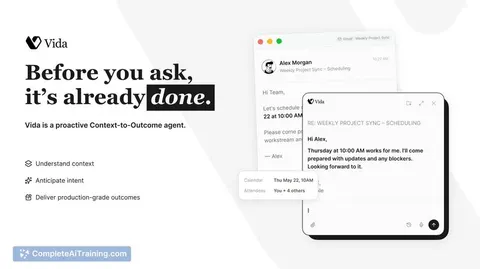
Vida is an AI assistant designed to learn how a user works and handle repetitive tasks in the background over time. It connects to tools like Slack, Notion, and Figma to pull relevant context for specific work scenarios. The team has shipped five initial use cases and is publicly working toward 100 real-world work outcomes.
Review
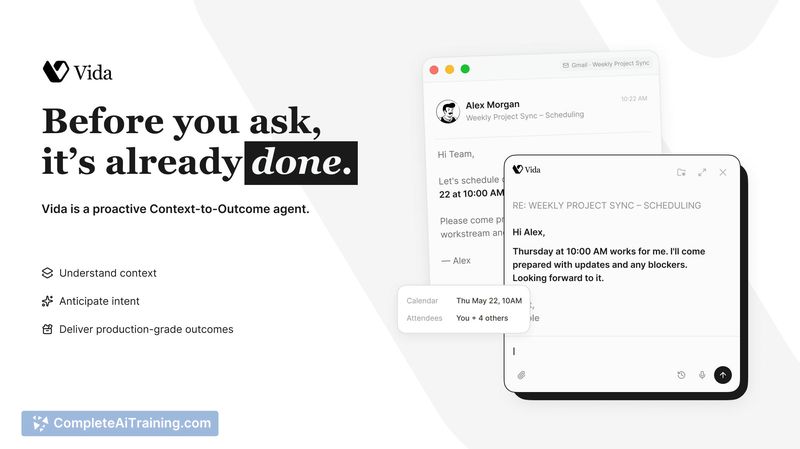
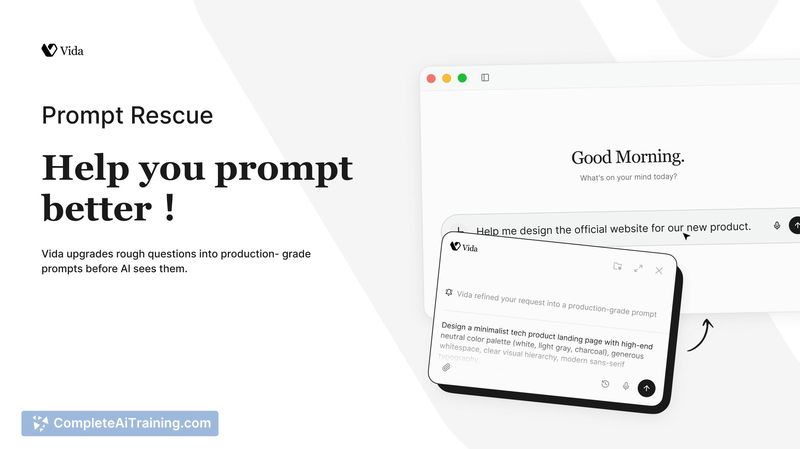
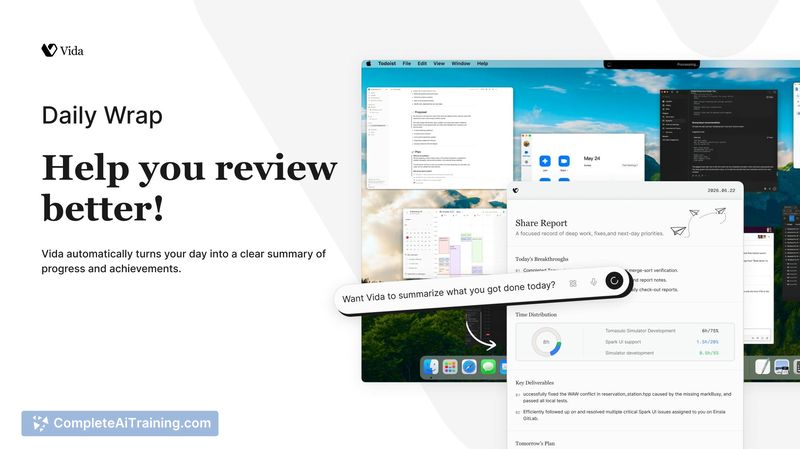
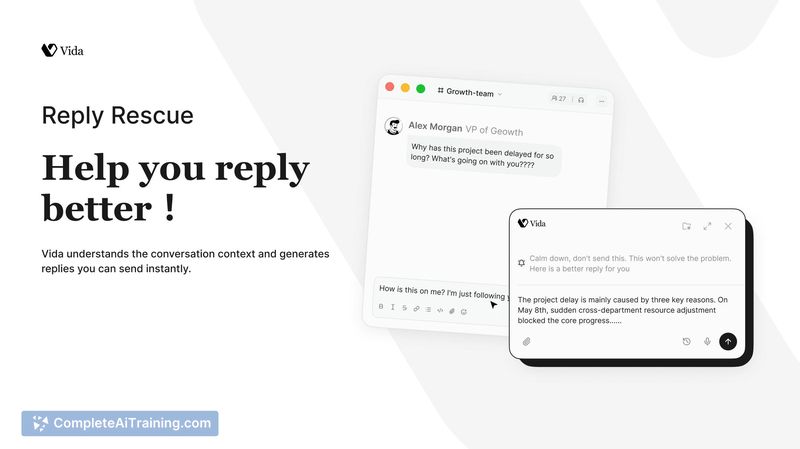
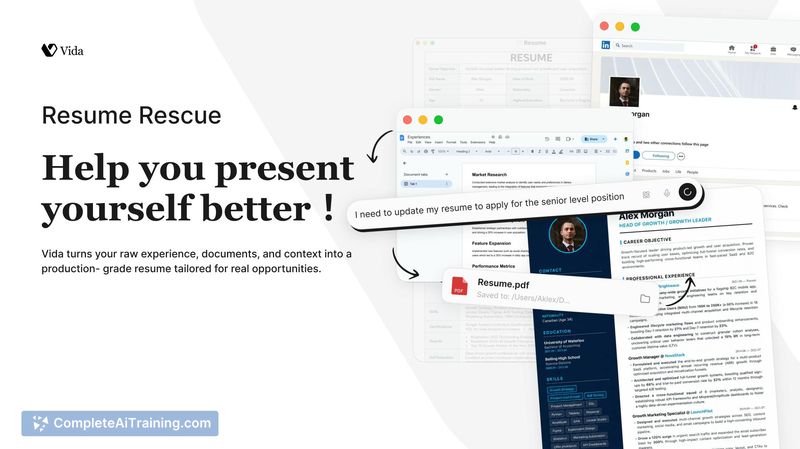
Vida positions itself as a personal AI clone that adapts to individual work patterns rather than relying solely on generic AI outputs. The focus is on consistent, reliable outcomes for defined use cases, with an emphasis on local data storage and user control. At launch, the available feature set is narrow, which makes it better suited for early adopters willing to shape the product's direction.
Key Features
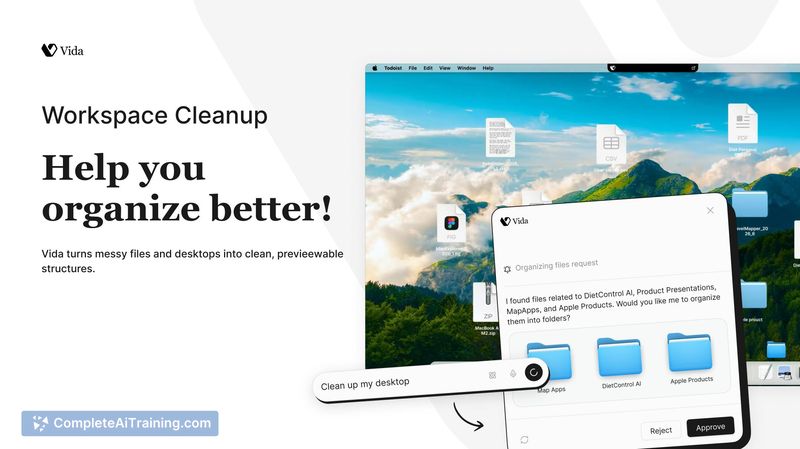
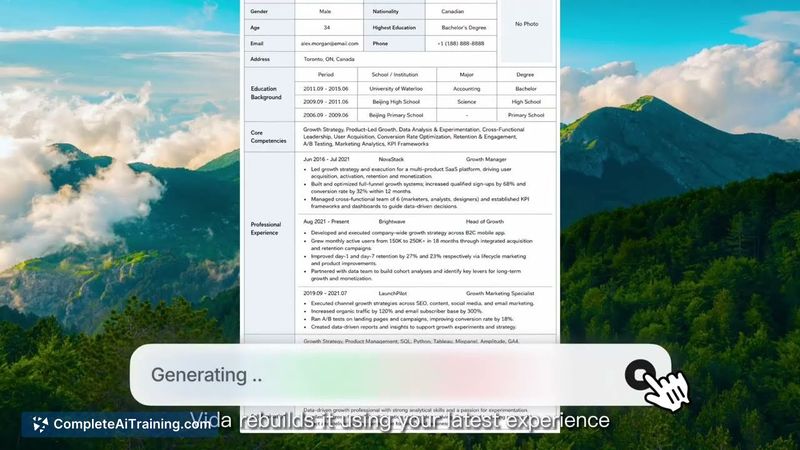
- Five shipped use cases: Reply Rescue (drafts context-aware replies from integrated tools), Prompt Rescue (converts unclear prompts into refined versions), Resume Rescue (rebuilds a CV based on recent experience and target role), Workspace Cleanup (structures desktop files with a preview, never deletes), and Daily Wrap (summarizes daily progress and next steps).
- Local-first memory: interaction history and profile data stay on the user's device, not on company servers, and are never used for model training.
- Tool integrations: Vida pulls context from Slack, Notion, and Figma only for the specific task at hand, with zero cloud retention of original inputs according to the maker.
- User confirmation before actions: all organizational changes, including Workspace Cleanup, show a preview and wait for explicit approval.
- Continuous adaptation based on recent work context, so patterns that become outdated can shift as tools, projects, and priorities change.
Pricing and Value
Pricing information is not yet defined. The product launched with a free option, but no details about future subscription tiers or one-time costs are available at this stage.
Pros
- Stores interaction data locally, which reduces privacy risks compared to cloud-only memory systems.
- All cleanup and reorganization tasks require a preview and user confirmation, avoiding unintended changes.
- Never deletes files during workspace organization, only structures and archives them.
- Adapts to shifts in work habits over time rather than locking into a static profile.
- Transparent development approach with a public roadmap for upcoming use cases.
Cons
- Only five use cases are live now, limiting the scope of automation for users who need broader task support right away.
- The tool relies on integrations with specific apps; workflows outside Slack, Notion, or Figma may not benefit from the current context pulling.
- Not well suited for those who want a ready-made agent with pre-built coverage across many common business tasks - Vida is still early in its public use case rollout.
Vida fits professionals who are comfortable with a developing product and want an AI that learns locally over time. The five existing use cases target specific pain points like drafting replies, refining prompts, tidying workspaces, and summarizing daily progress. Users who need a broader automation suite today might find the current scope too narrow, but the team's transparent approach and local-first memory model could appeal to those who value privacy and gradual personalization.
Jobs Vida suits
Useful in almost any job. We checked Vida against 500+ jobs; these get the most out of it.
Alternatives to Vida
Other tools that do the same main job. Our AI compared Vida with similar tools and kept the ones you could use instead.