AI tool
Wandesk
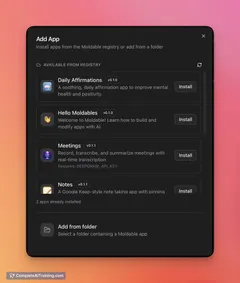
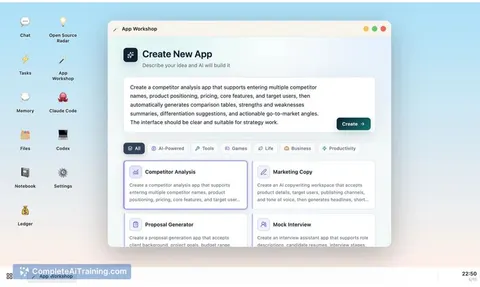
Wandesk is an AI desktop that builds working apps on your computer from plain descriptions-calorie trackers, invoice generators, reading lists-keeps them with chat, files, tasks and memory, and is 100% local, free, and requires no account.
About Wandesk
Wandesk is an AI desktop that generates small apps from plain-language descriptions and runs on macOS and Windows. It keeps apps, files and memory local, supports OpenAI-compatible models, and can be used without signing up.
Review
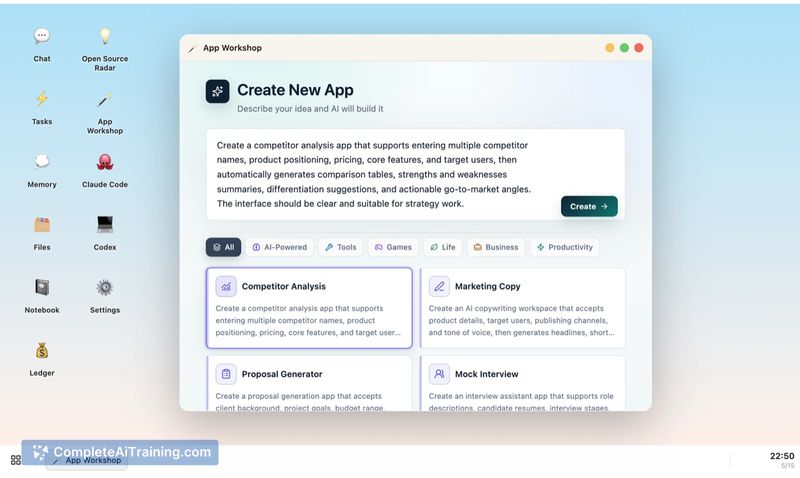
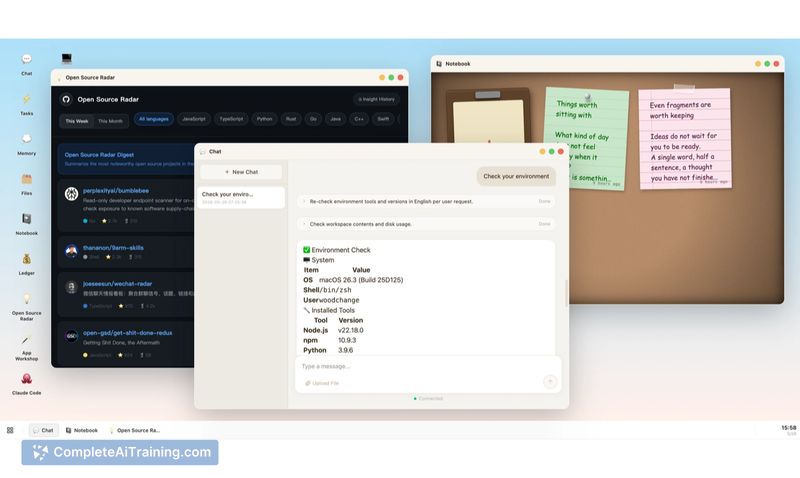
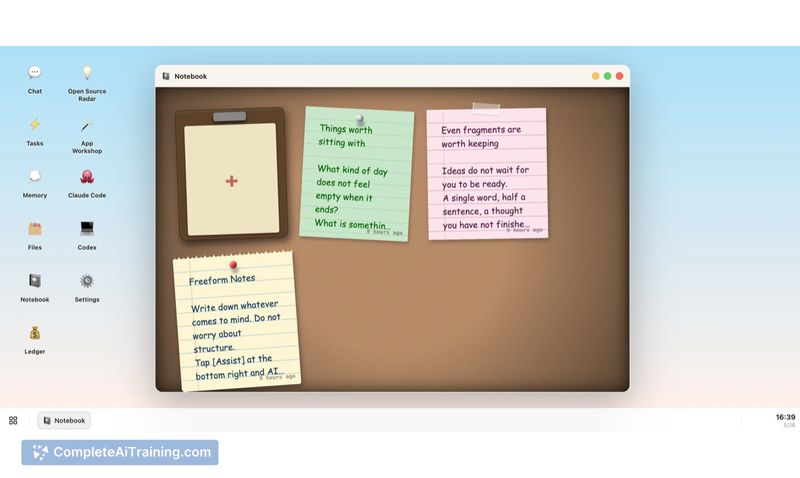
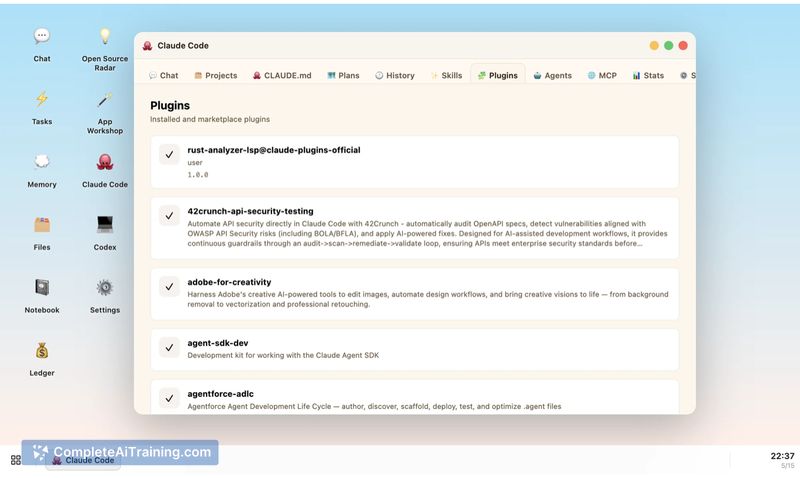
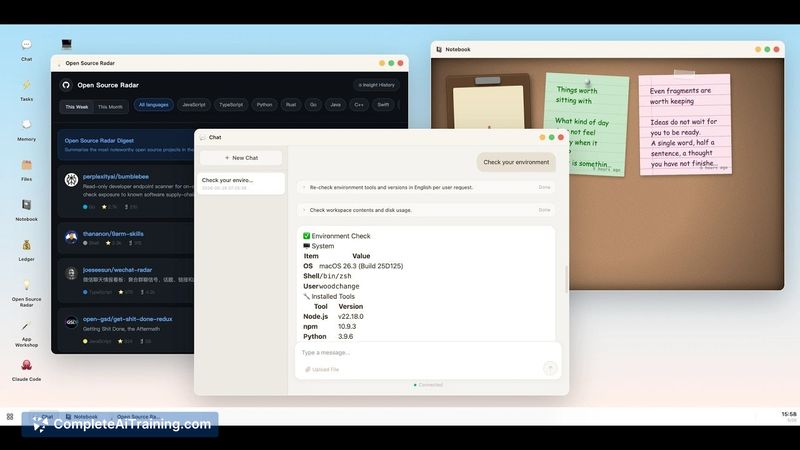
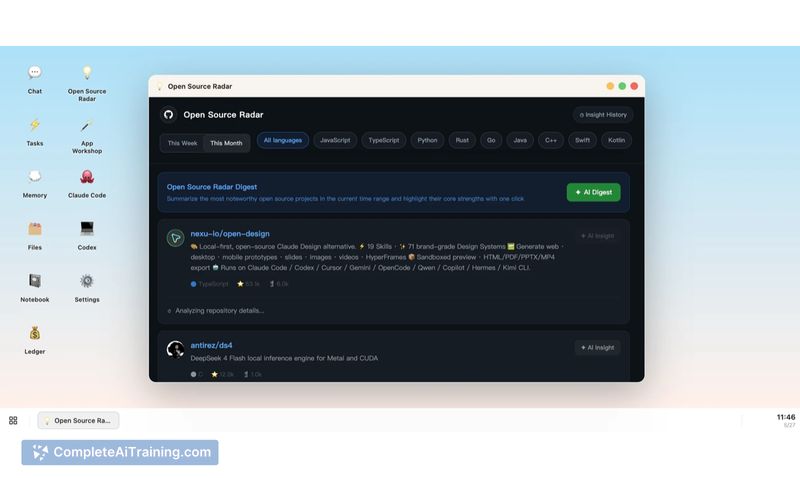
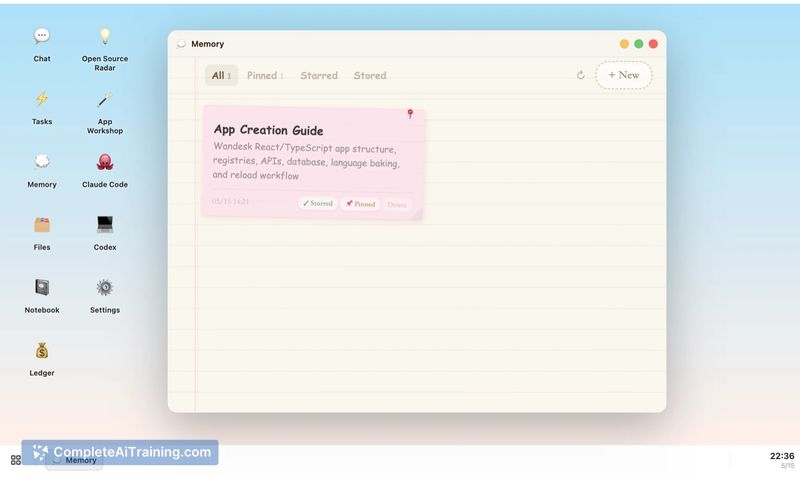
This review looks at how Wandesk performs as a local-first app builder and AI workspace, covering capabilities, limitations, and typical workflows. The product is focused on rapid prototyping and builder workflows, with features that help apps persist beyond a single chat session.
Key Features
- Describe an app in natural language and have Wandesk generate a working desktop app (UI, logic, data).
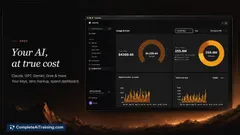
- Plug in any OpenAI-compatible model API key (Claude Code, OpenAI, Qwen, Kimi, DeepSeek, etc.) or point to local inference tooling.
- Shared memory and context across apps so preferences and state persist between tools in the same workspace.
- Local workspace with editable files and clear app structure (UI / logic / data) and visible change logs for AI-run commands.
- Open source and free to use with no signup; runs in a small native desktop shell powered by Tauri.
Pricing and Value
Wandesk itself is offered for free and is open source, with no account or cloud lock-in required. However, generative actions depend on the model you connect via your own API keys, so usage costs depend on the provider you choose. The value proposition is privacy-conscious app prototyping and local data control, combined with the flexibility to choose models and infrastructure that match your budget and performance needs.
Pros
- 100% local workspace: apps, memory and files remain on your machine rather than a third-party cloud.
- No signup or account required; quick to try and open source for inspection or customization.
- Flexible model integration lets you select providers for quality or cost, or use local inference tools for end-to-end local operation.
- Apps persist as structured, editable projects (not ephemeral chat), making iteration and manual edits straightforward.
- Shared context across apps helps keep preferences and ongoing tasks consistent across tools.
Cons
- Memory is currently a single shared pool across apps with no per-app permission scoping yet, which may be undesirable for mixed personal/work data.
- The desktop shell is not fully sandboxed: the AI can run local commands and users must review actions; this requires attention for safety-sensitive environments.
- Early-stage polish favors developer users; non-technical users may encounter rough edges and need stronger templates and error recovery.
Wandesk is best for developers and builders who want a fast, local environment to prototype small utilities and workflows using models they control. It also appeals to privacy-conscious users who prefer keeping app data on-device, though those needing strict per-app isolation or a turnkey non-technical experience may want to wait for further maturity and permission controls.
Jobs Wandesk suits
We checked Wandesk against 500+ jobs; these get the most out of it.
Alternatives to Wandesk
Other tools that do the same main job. Our AI compared Wandesk with similar tools and kept the ones you could use instead.