AI tool
Webdraw Beta
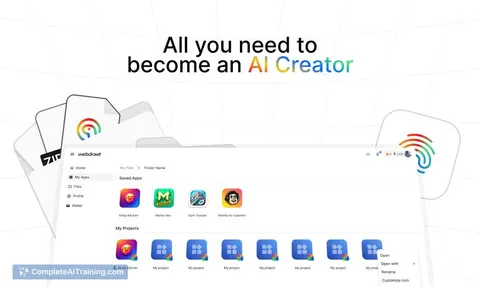
Webdraw Beta lets you explore, customize, and build AI apps without coding. Access 50+ AI models and thousands of tools to quickly create and adapt AI solutions that fit your needs—all in one platform.
About Webdraw Beta
Webdraw Beta is a platform that allows users to explore, customize, and build AI applications without any coding skills. It provides access to over 50 AI models and thousands of AI tools in one place, streamlining the process of creating and experimenting with AI apps.
Review
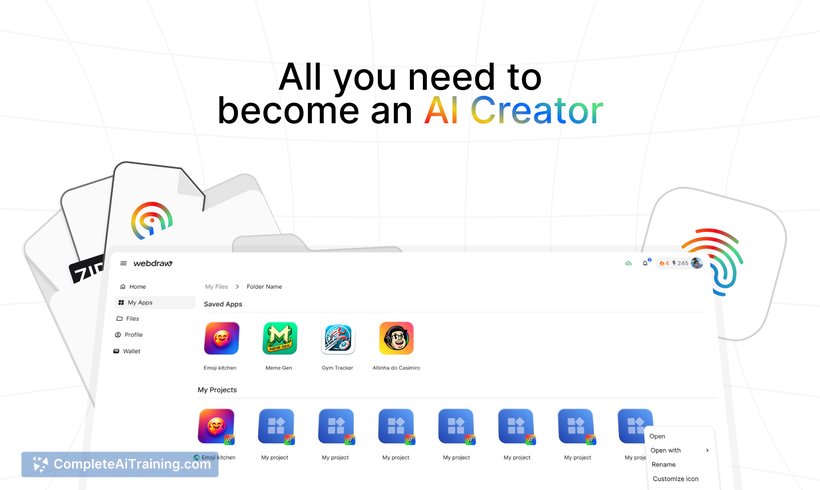
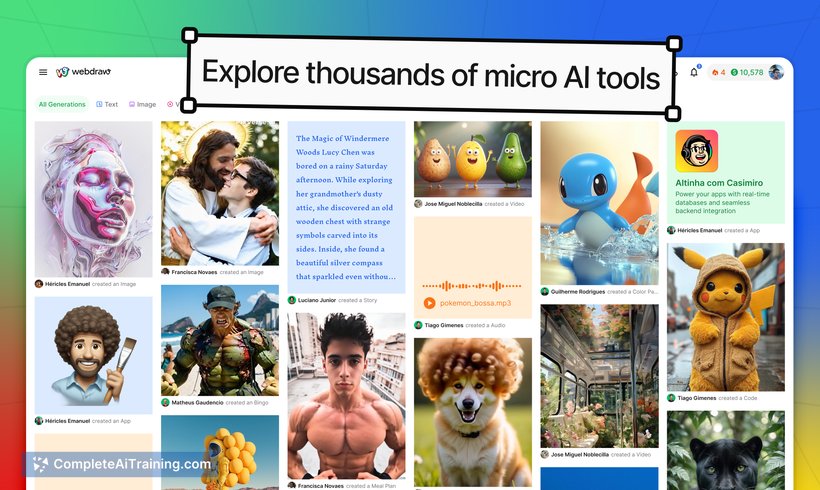
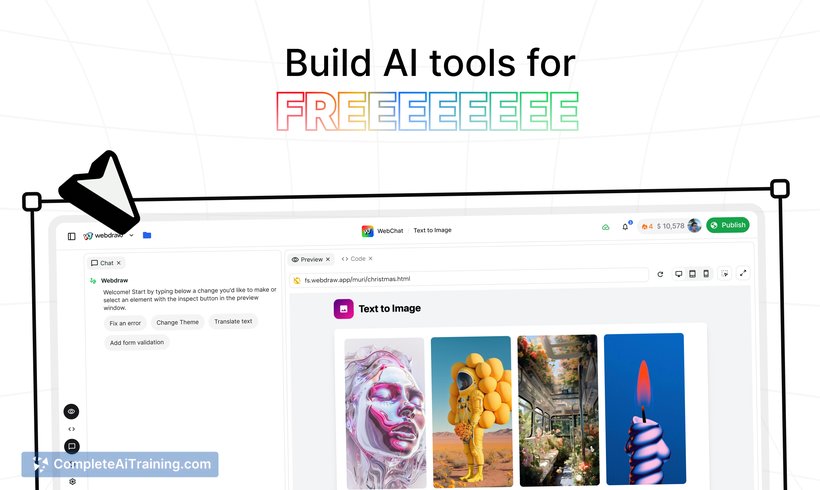
Webdraw Beta offers a user-friendly environment for both newcomers and experienced users interested in AI applications. By combining a wide variety of AI models and customizable tools, it simplifies the creation and remixing of AI apps, removing the need for technical expertise or complex integrations.
Key Features
- Access to 50+ AI models within a single platform
- Ability to explore and remix thousands of AI tools without coding
- Shared filesystem for uploading and using images, documents, spreadsheets, and videos across apps
- One login for seamless access without extra authentication steps
- Upcoming integrated monetization feature to earn revenue from AI apps
Pricing and Value
Webdraw Beta offers free options, allowing users to start exploring and building AI apps immediately without upfront costs. The platform’s value lies in its all-in-one access to multiple AI models and tools, eliminating the need for multiple subscriptions or technical setups. As monetization features roll out, it could provide additional value for creators looking to generate income from their AI apps.
Pros
- No coding required to create or customize AI applications
- Wide variety of AI models and tools available in one place
- Simple and intuitive user interface with quick onboarding
- Shared filesystem enhances workflow by allowing file reuse across apps
- Single login reduces friction in accessing the platform
Cons
- Monetization features are still in development and not yet available
- As a beta product, it may have occasional bugs or incomplete features
- Advanced users might find some customization options limited compared to coding solutions
Overall, Webdraw Beta is well-suited for individuals and small teams who want to experiment with AI apps without technical barriers. It works particularly well for creators looking to quickly prototype or customize AI-driven tools. Users interested in monetizing their AI apps may want to monitor the platform’s development for upcoming features.
Jobs Webdraw Beta suits
We checked Webdraw Beta against 500+ jobs; these get the most out of it.
Alternatives to Webdraw Beta
Other tools that do the same main job. Our AI compared Webdraw Beta with similar tools and kept the ones you could use instead.