About WM Studio
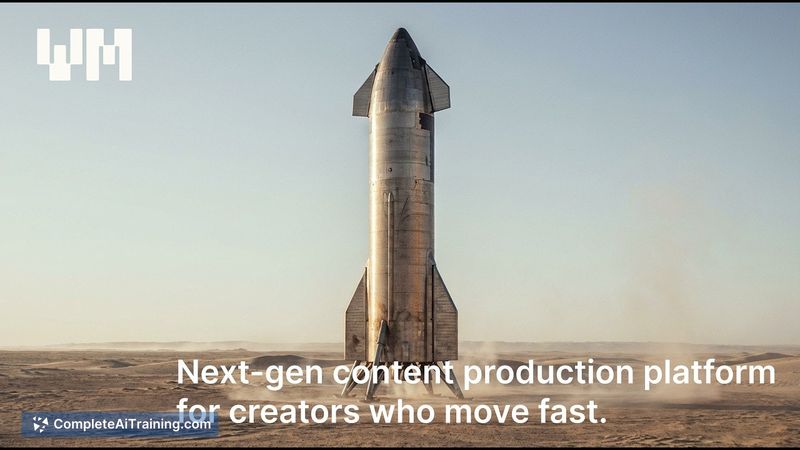
WM Studio is an AI generative media platform and video editor that promotes a "One-Shot" workflow for creating images and videos. Using an Automode engine, it aims to turn simple text descriptions into production-ready visuals quickly, with minimal setup or skill required.
Review
This review covers WM Studio's core workflow, output quality, and practical fit for content creators and marketers. The platform promises to reduce trial-and-error by delivering usable assets from a single prompt, and I evaluate how well that claim holds up in practice.
Key Features
- One-Shot AI Media Studio: Generate production-ready images and videos from a single description without repeated prompt tweaking.
- Automode: An automated engine that interprets user intent (e.g., "F1 race car exploding in neon city") and produces ready-to-use assets.
- Support for both image and video generation, plus built-in editing and polishing tools to refine outputs.
- Digital twin capability for crafting campaign-ready content and consistent visual assets.
- Free options available at launch, with promotional discounts on paid plans.
Pricing and Value
WM Studio offers a free tier and multiple paid plans, with a launch promotion listing a 40% discount on all plans. Exact pricing tiers are kept on the provider's site, but the model follows the common pattern of a no-cost entry level plus subscriptions for higher-volume or advanced features. For users who need rapid content for social, ads, or campaigns, the speed and ready-to-use focus can provide strong time savings; heavier or highly customized production may require a higher-tier plan or additional manual work.
Pros
- Fast, simple prompt-to-asset workflow that minimizes iteration.
- Handles both images and videos, reducing the need to use multiple tools.
- Automode lowers the skill barrier, making it accessible for marketers and solo creators.
- Built-in editing and polishing tools help move from rough output to usable asset quickly.
- Free tier and launch discounts make initial testing low-risk.
Cons
- Less granular control over every aspect of a shot compared with manual editing or advanced pipelines.
- Output consistency can vary with complex or highly specific prompts, so some trial runs may still be needed.
- Costs can add up for frequent high-resolution or long-form video demands beyond the free tier.
WM Studio is best for creators, marketers, and small teams who need quick, production-ready visuals for social posts, ads, and short campaigns without steep technical overhead. Those requiring deep, frame-by-frame control or high-volume studio pipelines may find the platform a useful fast-prototyping tool but will likely complement it with traditional editing workflows. For more details, visit the WM Studio website: https://wmstudio.io/en.
Open 'WM Studio' Website
Your membership also unlocks: