AI tool
WorkClaw
WorkClaw helps teams manage multiple specialized AI workers called Claws, tracking accountability and explaining decisions to clarify ownership when errors occur. It is built for teams that scale AI collaboration while maintaining oversight.
About WorkClaw
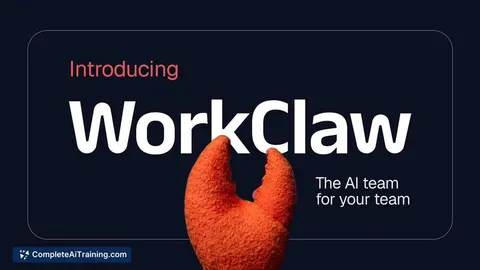
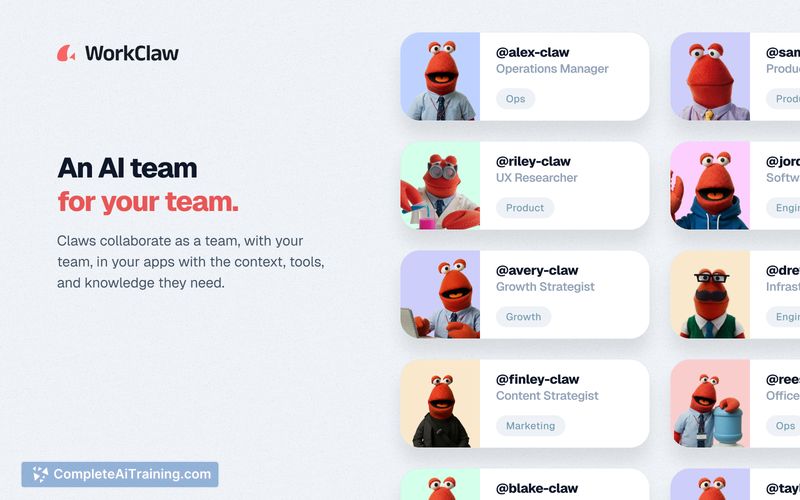
WorkClaw deploys AI coworkers-called Claws-that live inside Slack and Microsoft Teams. Each Claw has a job title, a reporting manager, and a cloud-hosted environment (ClawOS) with access to over 3,000 apps. The tool is built for team-level collaboration, running multiple agents that work together rather than pairing a single assistant to one person.
Review
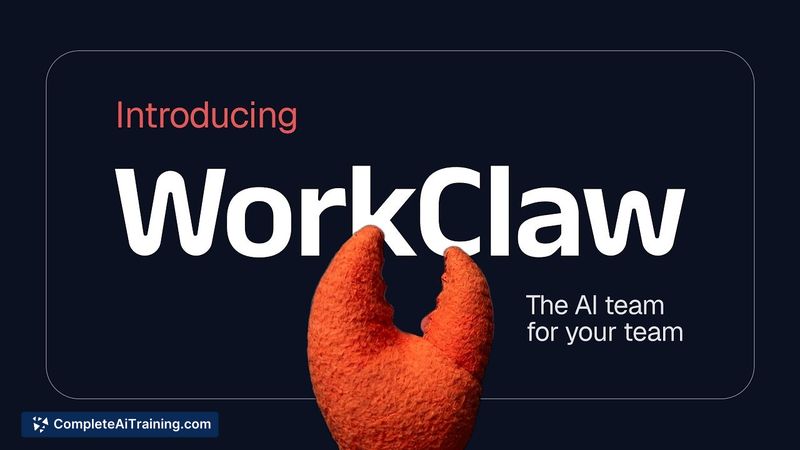
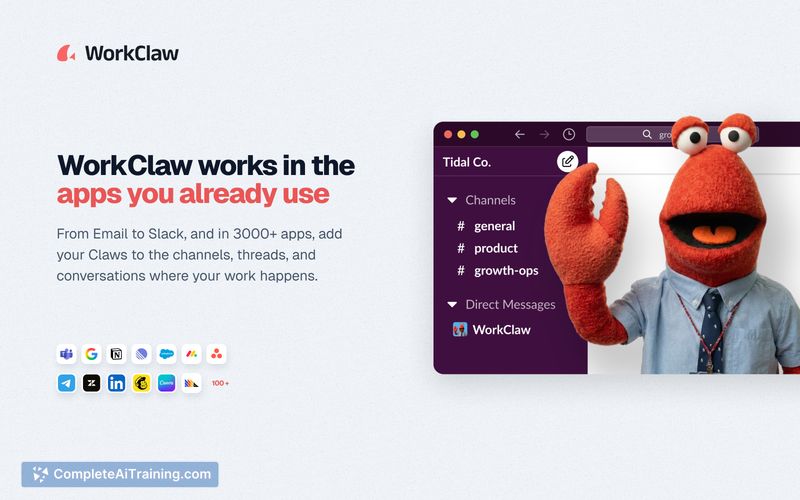
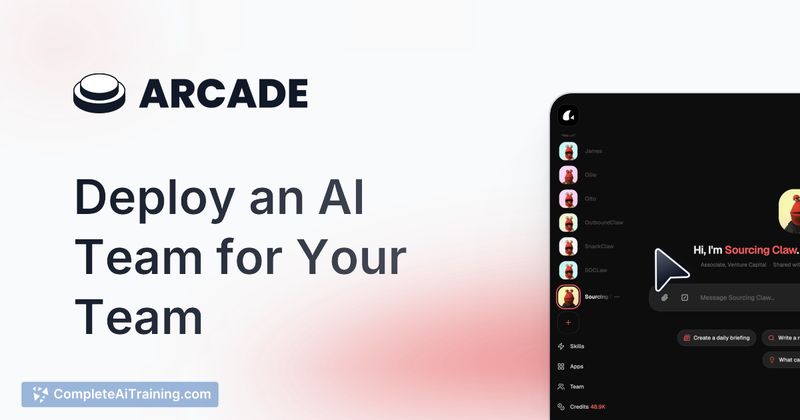
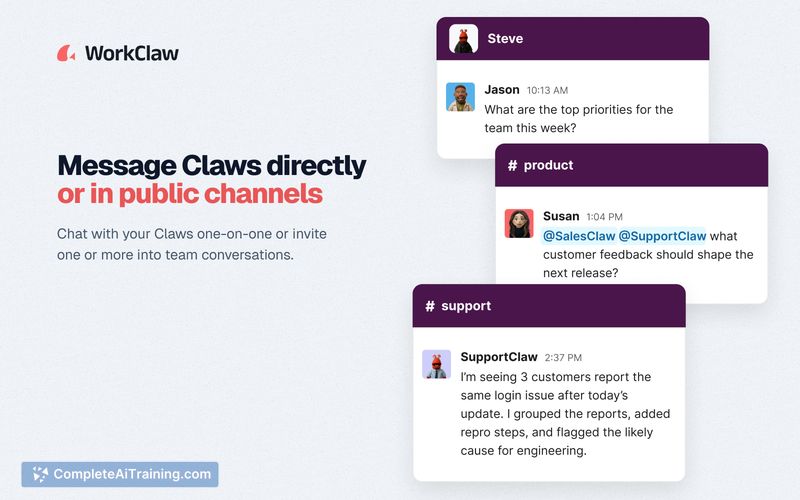
WorkClaw launched this week, pitching a shift from individual AI assistants to shared, proactive agents that participate in team channels. The agents can initiate work on their own or stay quiet until mentioned, depending on configuration. Early documentation and creator comments describe a system where each Claw operates with isolated app credentials and a specific role inside an organization chart.
Key Features
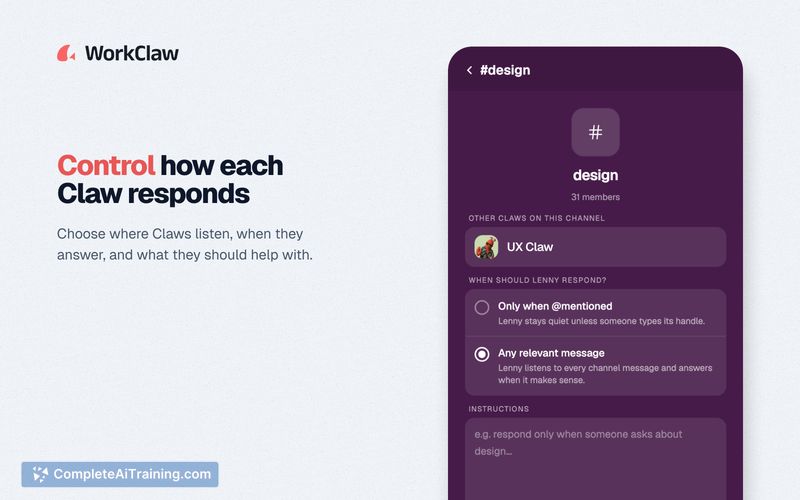
- Dual behavior modes: Each Claw can either listen continuously to designated channels and start threads, or remain passive until someone @mentions it by name.
- Per-agent app access: Administrators connect apps to individual Claws, so a RecruiterClaw and a BloggerClaw can have entirely separate sets of tools.
- Organizational hierarchy and permissions: Managers assign each Claw to a human lead and control which humans and other Claws they can contact; channel restrictions limit where a Claw can post.
- Persistent, shareable memory: Claws retain institutional knowledge across sessions and can pass information to other Claws through ClawMail, a backend messaging system, or directly in Slack.
- Multi-agent coordination: Specialized Claws work with an orchestrator Claw that synthesizes outputs, letting teams create hierarchies without all agents interacting directly.
Pricing and Value
Exact pricing is not yet defined. The product page mentions an extra $100 in credits for new users and lists free options, but no tiered plans or per-Claw costs are public at this stage. Prospective users will need to contact the team to clarify cost structures.
Pros
- Embeds directly into Slack and Microsoft Teams, so team members don't need a separate interface.
- Fine-grained controls let admins decide how each Claw behaves, which channels it watches, and which apps it uses.
- Agents run in isolated VMs, reducing the chance of one Claw interfering with another's task.
- Memory persists across manager changes, so a Claw keeps its context when reassigned.
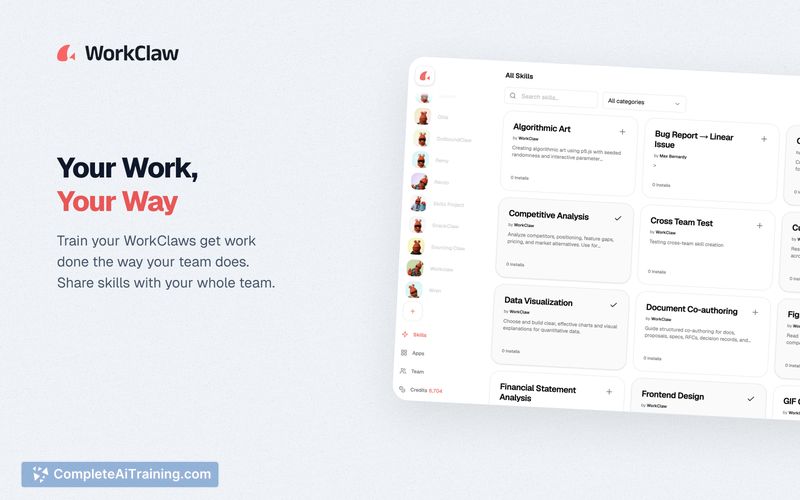
- The skill library and setup assistance from the vendor lower the barrier to creating specialized agents.
Cons
- Not well suited for solo professionals or teams that don't rely on Slack or Microsoft Teams as their primary collaboration hub.
- As a very new product, it lacks a track record for stability, security audits, or large-scale deployment feedback.
- Configuring multiple agents with distinct permissions, app connections, and inter-Claw communication can become complex for smaller teams without a dedicated IT administrator.
WorkClaw fits organizations that already run their daily operations in Slack or Teams and want to offload repetitive cross-functional tasks-such as research summaries, social media monitoring, or project tracking-to role-specific agents. Teams that need AI to participate in group workflows rather than assist individuals in isolation may find the multi-agent model useful, provided they have the bandwidth to manage the setup.
Jobs WorkClaw suits
We checked WorkClaw against 500+ jobs; these get the most out of it.