AI app for marketing · no coding needed
Document Live AI Host
A fully automated live host that reads any document, presents with slides and answers questions in real time, all without human presence on camera.
Made for: Content marketers, course creators and report publishers
What it does for you
The problem
Written reports, decks and blog posts deserve a live audience but creators lack time and on-camera skill to go live consistently.
What it gives you
Scheduled live broadcast with AI host, chat transcript and viewer engagement report
What you give it
DocumentslinksNotion pagesavatar preferencesstream schedule
How it works, step by step
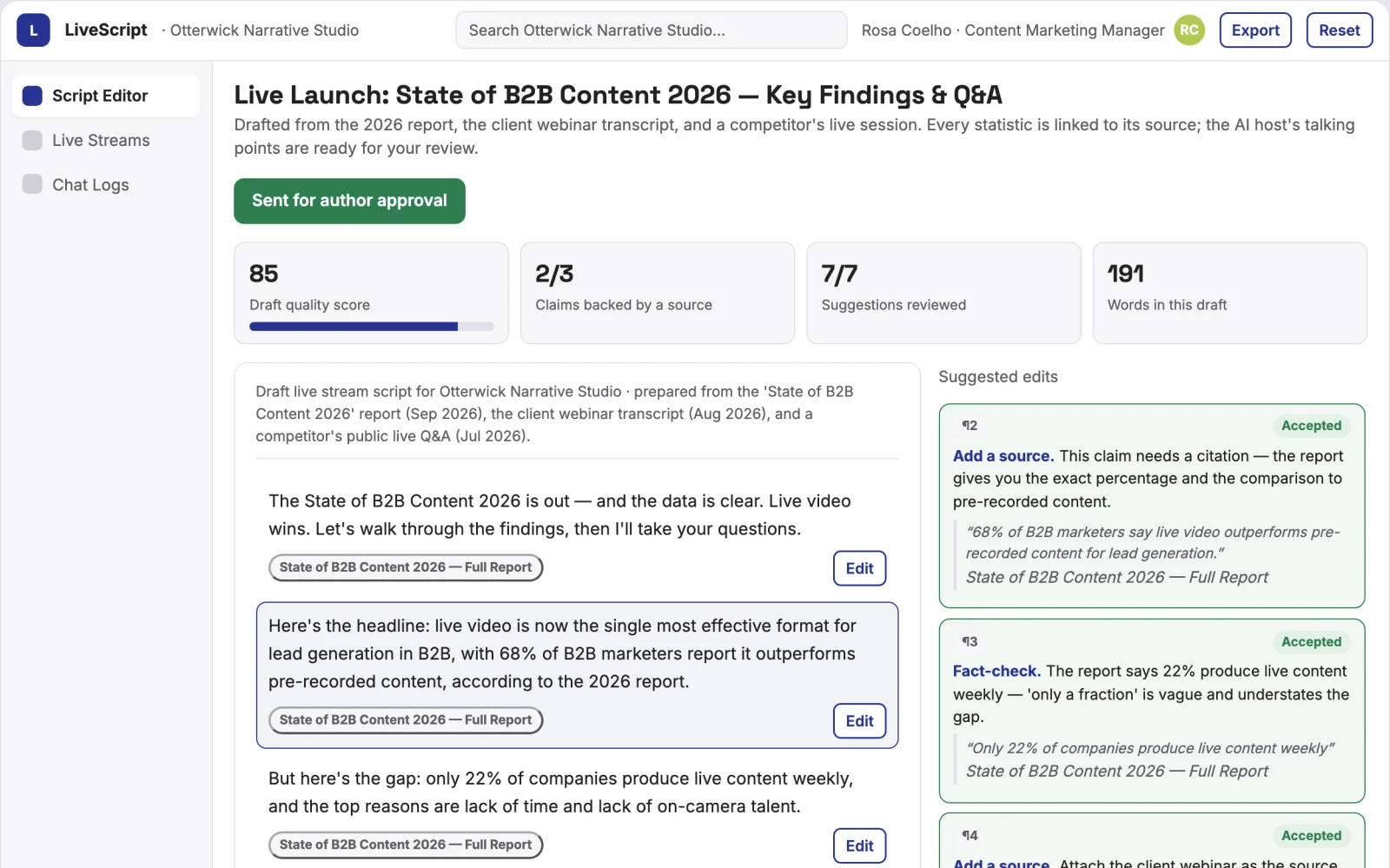
- Extract and summarise document content into a script
- Select an AI avatar and synthetic voice
- Schedule a live stream to Facebook Live, YouTube or RTMP
- Present slides and images alongside spoken script
- Answer live chat questions using a language model
- Label the stream as synthetic media and moderate responses
What you see on screen
- Document upload
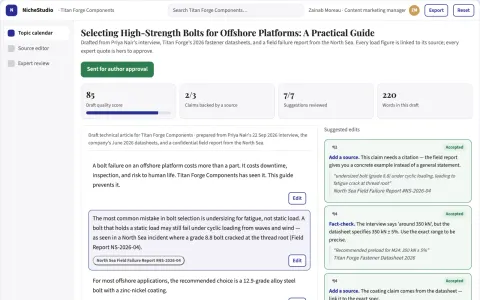
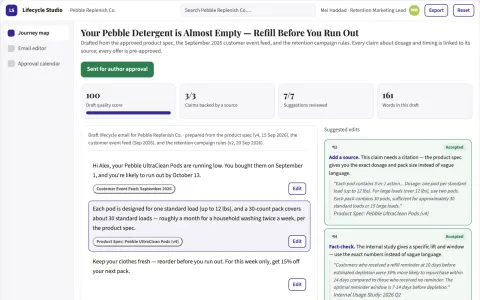
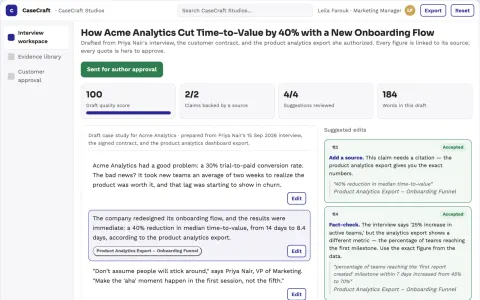
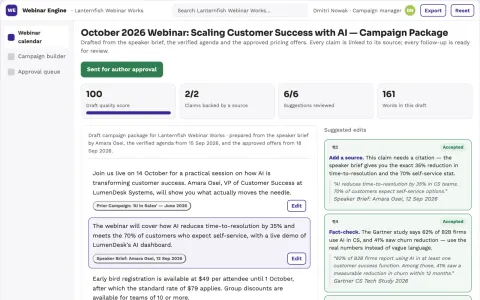
- script editor
- avatar and voice picker
- live stream scheduler
Jobs this app suits
Our AI checked this app against 500 jobs; these get the most out of it. Each job links to its learning path.
Build it yourself with your AI system
Build this app yourself, no coding needed
Start with a quick version you can try in a few minutes. Like it? Then build the full app by copying and pasting our step-by-step instructions: everything is prepared for you.
Sign in to see how to build it yourself
Build a quick version to try, or get the full app pack for Document Live AI Host with the step-by-step building instructions. You don't need any technical skills: you copy, paste and answer a few questions. Both are included in the membership.
4 Have it built for you days to a few weeks
Rather not do it yourself, or want it fully tailored to your data, your way of working and your brand? Nexibeo builds Document Live AI Host with you.
What's in the app pack
Included in the Complete AI Training membership.
- The building instructions your AI follows, step by step
- The questions your AI will ask you about your business before it starts
- A clickable demo you can open in your browser, to see how it should work
- A detailed blueprint of the screens, the information it keeps and the checks it runs
Become a member to get the app packAlready a member? Sign in
The files, for the technically curious
- START-HERE.mdHow to build it with your own AI (read first)3 KB
- README.mdOverview and links1 KB
- questions.mdQuestions to answer before you build2 KB
- prompt-cloudflare.mdThe full build prompt, hosted on Cloudflare20 KB
- prompt-vps.mdThe same build on your own server (Docker)20 KB
- spec.jsonData model, API, AI pipeline, acceptance criteria10 KB
- demo/index.htmlThe working demo on sample data199 KB
Questions
Do I need to know how to code?
No. You copy and paste the prompts on this page into ChatGPT or Claude, and the AI does the building. When it asks you something, you answer in your own words.
What does it cost?
The quick version, the app pack and the step-by-step instructions are for members: you pay the membership price, not a price per app (see the plans). Building the full app uses your own ChatGPT or Claude subscription. Putting it online is often cheap or no cost at the start, and your AI tells you before anything costs money.
How long does it take?
The quick version: about two minutes. The real app: an afternoon for a first version you can use, longer if you want every feature.
Can I change it to fit my business?
Yes. Tell your AI what to change in plain words, like “add a column for the price” or “use our logo and colours”. Or have Nexibeo build and customise it for you.
More detailsHow the AI works, safeguards and what to build first
For content marketers, course creators and report publishers, turn uploaded documents, links or Notion pages into scheduled live broadcasts with an AI host that reads, presents and answers questions. Address the recurring problem: written content stays static because live presentation demands time and performance skill. The value hypothesis is a fully automated live experience that reaches audiences without human presence; the pilot must establish whether viewer trust and engagement hold up.
Upload a document, extract and review the script, choose avatar and voice, schedule the stream, run a test broadcast, go live on autopilot, and review chat logs after the event. Start with a text file or link and finish with a live broadcast and chat transcript.
How the AI works
Use language models to extract content, generate a script and answer chat questions. Use text-to-speech and avatar generation for presentation. A human reviews the script and avatar before scheduling to ensure accuracy and tone. Moderation filters block inappropriate responses before they reach viewers.
Safeguards
Require clear synthetic media disclosure on all streams. Moderate chat with filters and human review queue. Block inappropriate responses. Do not impersonate real people or present false information as fact. Limit access to authorised users and keep audit logs of all broadcasts.
What to build first
First cut: one buyer (content marketer), one use case (blog post to Facebook Live), first two modules (script generation and basic avatar broadcast), manual review of script and chat responses before going live.
What it can connect to
Start with Facebook Live, YouTube and RTMP endpoints; later add Notion, Google Drive, Slack for notifications and Zoom for hybrid events.
The screens in detail
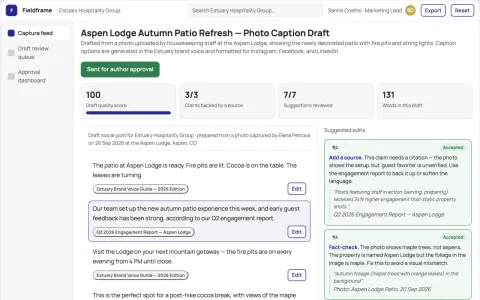
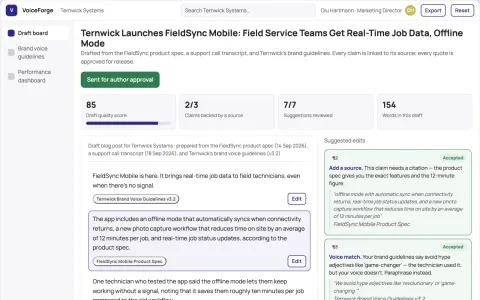
Use a simple upload drop zone for documents or links, a script editor showing extracted content with editable sections, an avatar and voice selection panel with preview, and a scheduler with platform and time settings. Show stream status and chat moderation queue during broadcast. In this product, the first view is document upload, followed by script editor, avatar picker and scheduler.