AI app for operations · no coding needed
Fleet Service Orchestrator
The orchestration layer that matches telematics thresholds, garage live calendars and supplier history into a single confirmable card, without requiring any party to change their existing tools.
Made for: Fleet managers at 15 to 80 vehicle light commercial fleets
What it does for you
The problem
Fleet managers wait for driver complaints or dashboard lights, then lose days to unplanned downtime because sensor data is never read.
What it gives you
Confirmed service bookings, parts purchase orders, fleet calendar slots, booking confirmation cards
What you give it
Telematics API datagarage calendar linksvehicle service planssupplier purchase history
How it works, step by step
- Ingest telematics usage counters and fault codes hourly
- Match thresholds against service intervals and ignore transient faults
- Fetch garage availability via CalDAV or API
- Rank slots by distance from overnight GPS fix
- Draft booking request and purchase order
- Post confirmable card to messaging channel
What you see on screen
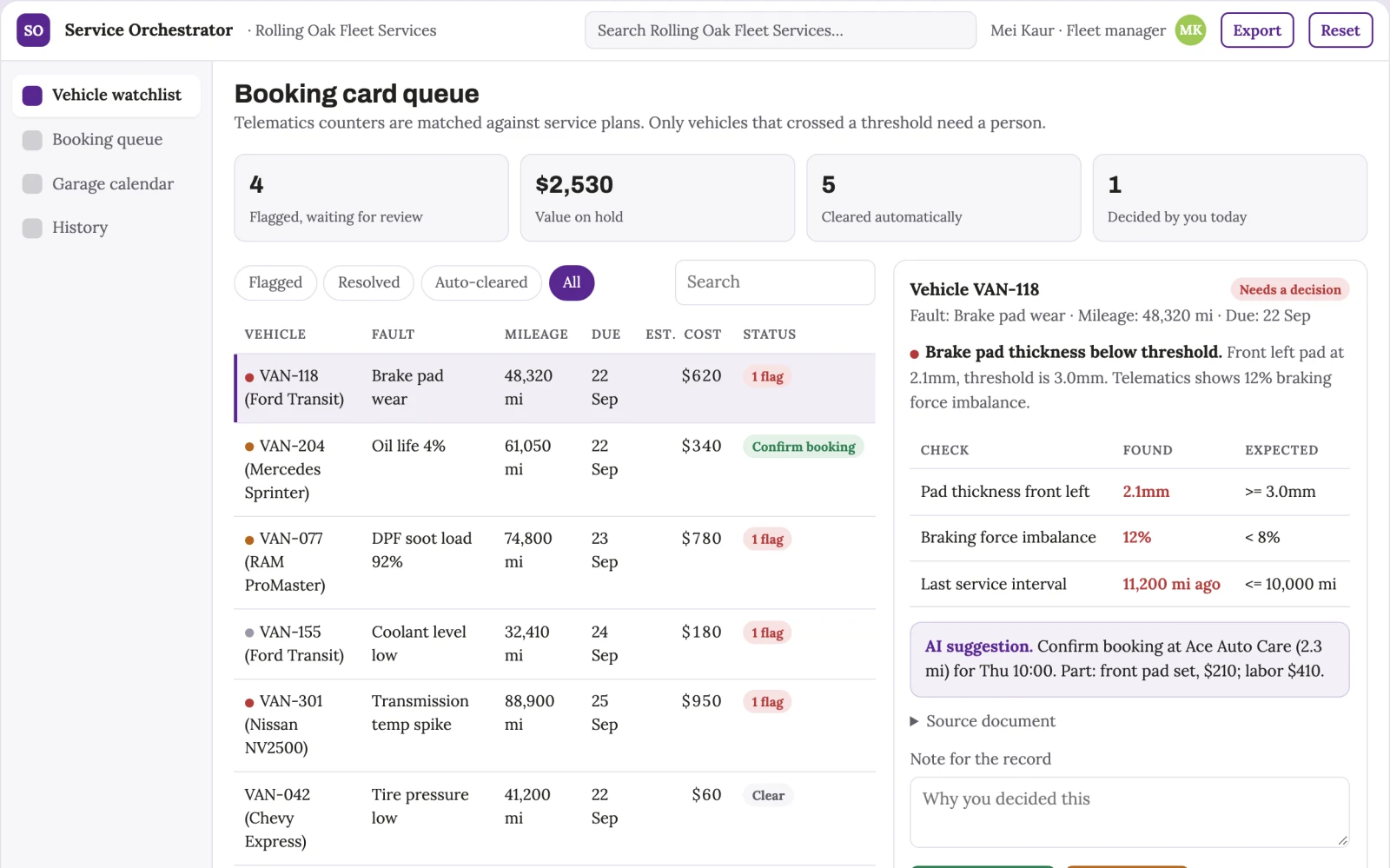
- Vehicle watchlist
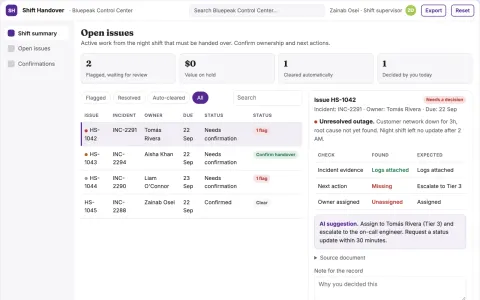
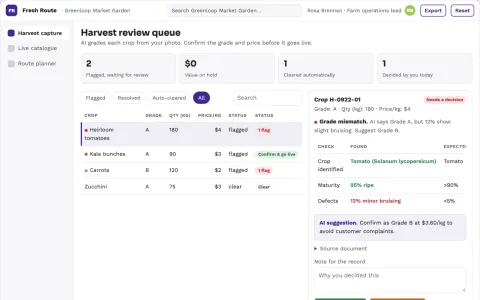
- booking card queue
- garage calendar view
Jobs this app suits
Our AI checked this app against 500 jobs; these get the most out of it. Each job links to its learning path.
Build it yourself with your AI system
Build this app yourself, no coding needed
Start with a quick version you can try in a few minutes. Like it? Then build the full app by copying and pasting our step-by-step instructions: everything is prepared for you.
Sign in to see how to build it yourself
Build a quick version to try, or get the full app pack for Fleet Service Orchestrator with the step-by-step building instructions. You don't need any technical skills: you copy, paste and answer a few questions. Both are included in the membership.
4 Have it built for you days to a few weeks
Rather not do it yourself, or want it fully tailored to your data, your way of working and your brand? Nexibeo builds Fleet Service Orchestrator with you.
What's in the app pack
Included in the Complete AI Training membership.
- The building instructions your AI follows, step by step
- The questions your AI will ask you about your business before it starts
- A clickable demo you can open in your browser, to see how it should work
- A detailed blueprint of the screens, the information it keeps and the checks it runs
Become a member to get the app packAlready a member? Sign in
The files, for the technically curious
- START-HERE.mdHow to build it with your own AI (read first)3 KB
- README.mdOverview and links1 KB
- questions.mdQuestions to answer before you build2 KB
- prompt-cloudflare.mdThe full build prompt, hosted on Cloudflare19 KB
- prompt-vps.mdThe same build on your own server (Docker)19 KB
- spec.jsonData model, API, AI pipeline, acceptance criteria9 KB
- demo/index.htmlThe working demo on sample data197 KB
Questions
Do I need to know how to code?
No. You copy and paste the prompts on this page into ChatGPT or Claude, and the AI does the building. When it asks you something, you answer in your own words.
What does it cost?
The quick version, the app pack and the step-by-step instructions are for members: you pay the membership price, not a price per app (see the plans). Building the full app uses your own ChatGPT or Claude subscription. Putting it online is often cheap or no cost at the start, and your AI tells you before anything costs money.
How long does it take?
The quick version: about two minutes. The real app: an afternoon for a first version you can use, longer if you want every feature.
Can I change it to fit my business?
Yes. Tell your AI what to change in plain words, like “add a column for the price” or “use our logo and colours”. Or have Nexibeo build and customise it for you.
More detailsHow the AI works, safeguards and what to build first
For fleet managers at 15 to 80 vehicle light commercial fleets, turn telematics usage counters, fault codes and garage calendars into confirmed service bookings with parts orders and a three-day slot in the fleet calendar. Address the recurring problem: vans sit idle for days because a sensor knew about wear but nobody acted on it. The value hypothesis is fewer breakdowns and less admin; the pilot must establish whether the booking loop closes reliably.
Connect telematics source, sync garage calendars, define service thresholds, monitor vehicle data, trigger on rule match, generate booking card, and finalise on confirmation. Start with telematics usage counters and fault codes and finish with confirmed service booking and parts order.
How the AI works
Use rule-based threshold matching to detect wear and fault patterns, and language models to draft the booking request and part order text. A fleet manager reviews the card and confirms or snoozes before anything is sent to the garage.
Safeguards
Only authorised fleet managers can confirm bookings. The system must not send anything to a garage without human confirmation. It must not order parts above a set value without a second approval. It must ignore transient faults that clear within a cycle and must not book slots outside agreed working hours.
What to build first
One vehicle type, one telematics source, one garage calendar, and the confirmable booking card. Cover brake pad wear and one common DTC mapped to a known part. Manual review of every card before sending.
What it can connect to
Telematics APIs, garage CalDAV calendars, messaging platforms like Slack, supplier purchase order systems, and fleet calendar tools.
The screens in detail
Use a dashboard of vehicles with status flags, a queue of confirmable booking cards, and a calendar grid showing proposed slots. Let users click a card to see fault details, part number, supplier price and garage distance. Display confirm, snooze and defer actions. Show a history of confirmed bookings and false triggers. In this product, the first view is vehicle watchlist, followed by booking card queue and garage calendar view.