
Learning path
Learning AI as a Maintenance Manager
AI helps maintenance managers turn shift notes, complaints, and vendor calls into clear records and plans. This path shows where to start, with prompts built for the work you already do.

Your path
Everything in the Maintenance Manager AI kit, in the order that makes sense. Members tick off each step and see their progress.
Set up your AI
We guide you through each click.
Let skills do your everyday tasks
Connect your apps and pick your AI apps
Hand whole tasks to AI agents
Build your own tools
Keep growing
Everything for maintenance managers
All the courses, certifications, AI tools, MCP servers and apps for maintenance managers, most relevant first. Open any list to see more.
Take the prompt courses
A short framework course to learn how to ask, then 9 lessons with ready-to-use prompts for maintenance managers.
Start with this framework: how to talk to AI
As a maintenance manager, RISEN structures your preventive maintenance plan from asset list to schedule to safety checks.
Then your prompt course for maintenance managers- 1Work Orders & Site Communication3 prompts
- 2Preventive Maintenance Planning4 prompts
- 3Troubleshooting From Descriptions3 prompts
- 4Coordinating Repairs & Vendors3 prompts
- 5Safety Compliance & Incident Reports3 prompts
- 6Emergency Response Planning2 prompts
- 7Budgets & Repair-Vs-Replace3 prompts
- 8Failure Trends & Analysis2 prompts
- 9Hiring & Training Staff2 prompts
Watch the video courses or add them to your Favorites for later
83 video courses our AI picked for maintenance managers, most useful first. Save the ones you want to watch later with the heart.
Favorites are saved to your account: sign in or get your AI kit first.
Show all 83 video courses
Get certified, or add certifications to your Favorites
Every course ends in an exam and a certificate you can add to LinkedIn. Save the certifications you are aiming for with the heart.
Favorites are saved to your account: sign in or get your AI kit first.
More certifications for maintenance managersShow all 24 certifications
Try the AI tools for maintenance managers
10 AI tools our AI matched to the work of maintenance managers, best fit first. Each review shows what it does, its alternatives and the jobs it suits.
Favorites are saved to your account: sign in or get your AI kit first.
Show all 10 AI tools
Connect your AI to the apps maintenance managers use
MCP servers let ChatGPT, Claude or Copilot look things up and get work done in other apps, like your email, calendar or bookkeeping software. These 12 fit the work of maintenance managers best, well-known apps first.

FoundryNet Forge MCP server
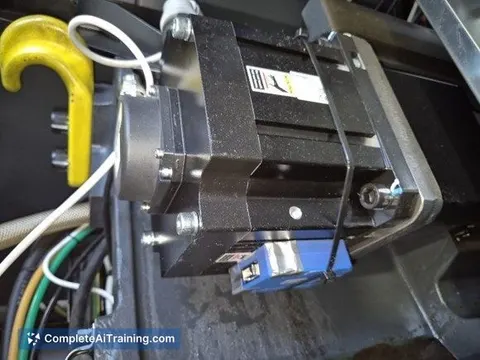
by FoundryNetLets your AI read and manage data from industrial machines like CNC machines and robots in plain language.
AnalyticsNo install
ThingsBoard MCP server
by thingsboardAsk your AI about your ThingsBoard devices, alarms and sensor data in plain words.
Analytics Official
Crisphive MCP server
by crisphiveLets your AI book, quote, and reschedule field-service jobs using live technician availability.
Productivity Official
Yellow Pages MCP server
by HasDataLets your AI search Yellow Pages for local businesses and pull up full listing details for you.
ResearchNo install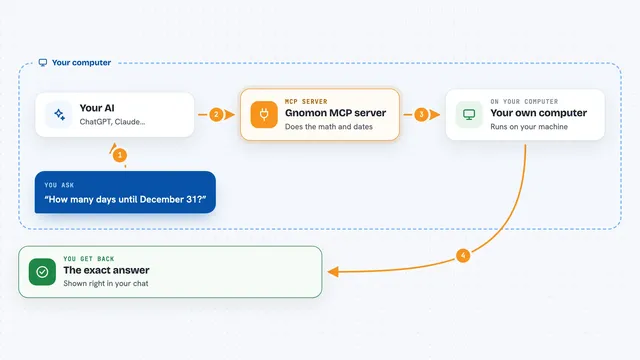
Gnomon MCP server
by lihtnessGives your AI a reliable calculator and calendar so dates, math, and unit conversions stop being guesses.

Pinecone Assistant MCP server
by pinecone-ioLet your AI search your Pinecone Assistant knowledge base and bring back answers with sources.
Notes OfficialShow all 12 MCP servers
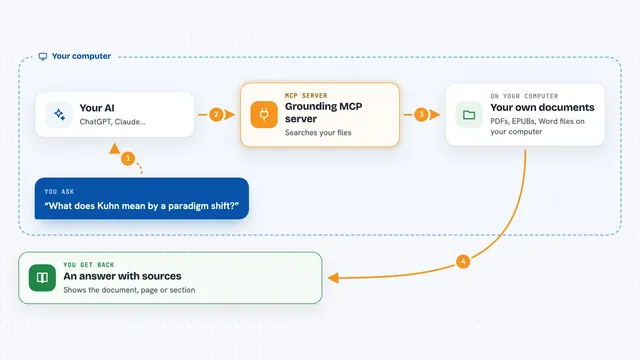
Grounding MCP server
by andyliszewskiSearch your own PDFs, EPUBs and Word files locally and get answers with page and section citations.
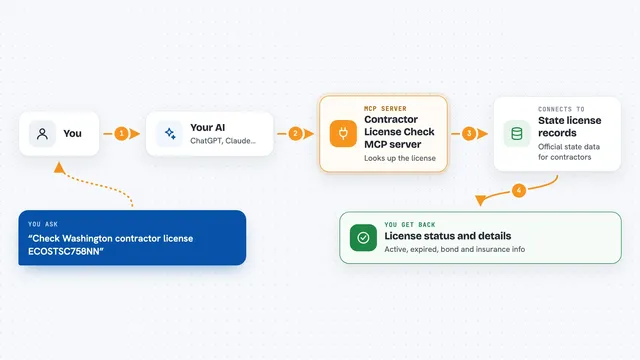
Contractor License Check MCP server
by lmanirarutaCheck a US contractor's license, bond and insurance straight from state records, right inside your chat.

Ossian document search and memory server
by dockndevaiLet your AI answer questions from your team's own documents with real sources, and keep notes across chats.

Local RAG MCP server
by shinprSearch your own PDF, Word, text and Markdown files from your AI chat, all on your own computer.

Calculator MCP server
by githejieLets your AI do exact math instead of guessing at numbers.

GNU Units MCP server
by laszlopereLets your AI convert between thousands of units and check unit math, all offline.
Build your own AI apps for maintenance managers
Apps you build yourself with your own AI, no coding needed and no monthly fee. Our AI picked the 12 that fit the work of maintenance managers.
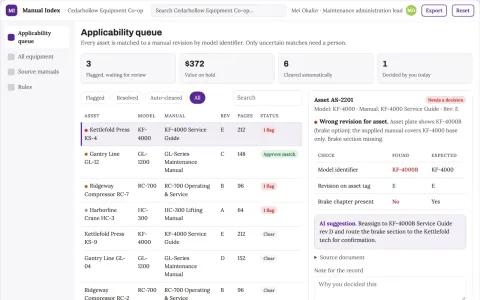
Equipment manual applicability index
Correct source manual before maintenance planning.
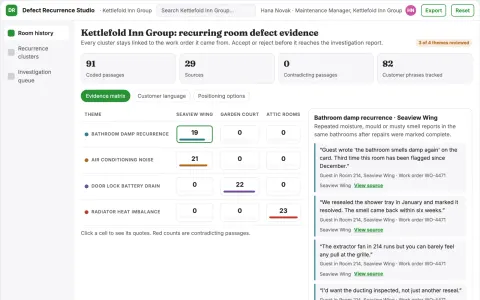
Hotel room defect recurrence analyst
Reveal recurring room defects across different complaint wording.
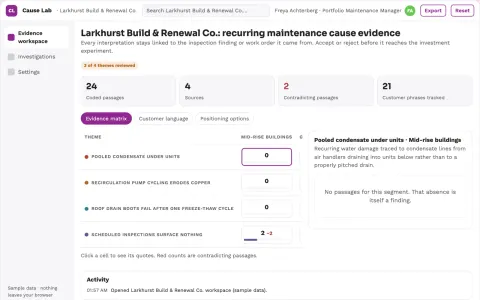
Property maintenance root-cause investment lab
Replace repeated reactive expense with tested preventive work.
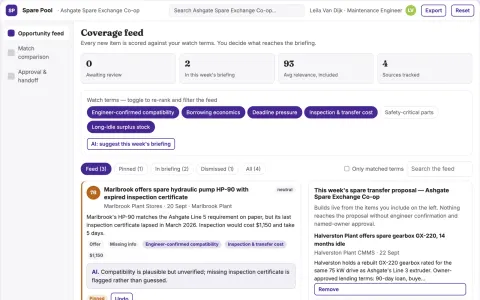
Industrial maintenance spare pooling exchange
Reduce emergency procurement delay using existing stock.
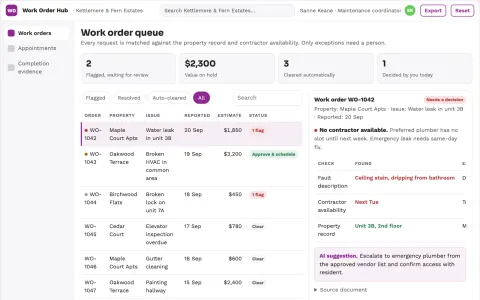
Maintenance coordination assistant
One accountable work order carries context through every handoff.
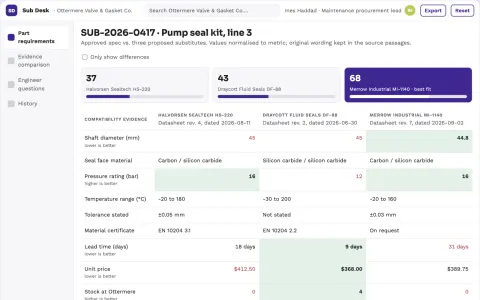
Spare-parts substitution review desk
Make missing substitution evidence explicit before ordering.
Show all 12 apps
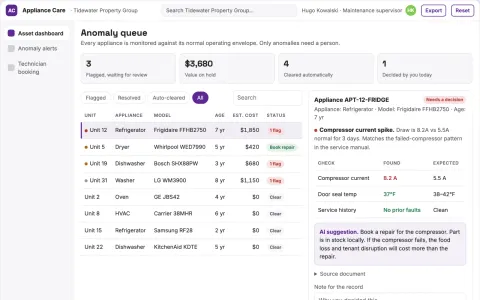
Predictive Appliance Care
Appliances are replaced before they fail, so customers get uninterrupted use instead of emergency repairs.
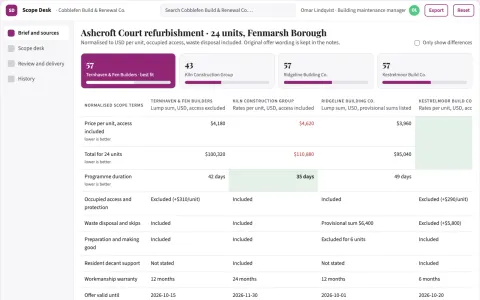
Property contractor quote exclusion desk
Compare omissions before headline pricing.
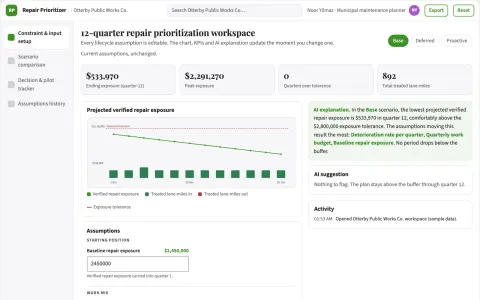
Public works preventive repair prioritizer
Target preventive work with explicit lifecycle assumptions.
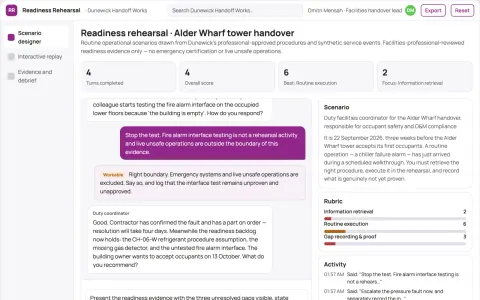
Building handover operational rehearsal
Find practical handover gaps before normal occupancy.
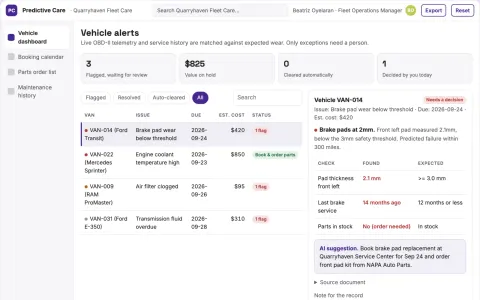
Predictive Car Care Agent
A single agent that watches live data, books the shop and orders parts without any human phone tag.
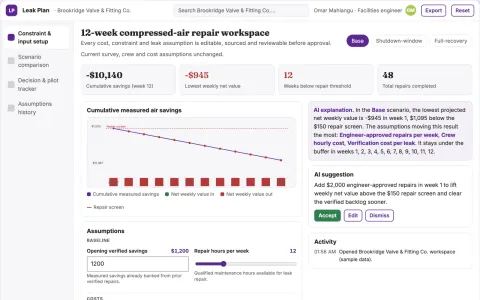
Compressed-air repair investment optimizer
Target verified repairs with measurable operating value.



















































































About this learning path
6 topicsAI for Maintenance Managers: A Practical Path
Maintenance managers carry a lot at once: schedules, technicians, vendors, safety rules, and the paperwork that proves all of it happened. AI will not run your buildings, but it can take the writing, planning, and comparing off your desk.
This path starts with setup questions, then shows you how to connect an AI assistant, load it with the skills your job needs, and work through prompts built for maintenance work. Video courses picked for your role come with their certifications listed, so you know what you are earning.
Why AI Matters for This Job Now
Maintenance work has always been about judgment, and that has not changed. What has changed is how much writing sits around the judgment: work orders, vendor scopes, incident reports, budget notes, and briefings for the crew.
AI assistants are good at the first draft of all of that. You still decide what is true, what is safe, and what gets approved.
What the Path Includes
Setup questions get your assistant configured for your role. Then you connect your AI, add the skills for the job inside your AI, and work through this prompt course lesson by lesson.
Alongside it, video courses are picked for maintenance work, and each one lists the certification you receive when you finish.
How the Path Saves You Time
The prompts cover the tasks that eat afternoons: turning a technician's verbal report into a work order, writing a scope a contractor can price, and drafting an incident report while the details are fresh.
Most people find the time savings show up first in writing, then in planning, because a good preventive calendar stops the same work from coming back.
How It Protects Your Career
Good records protect you. A clear work order, a dated safety briefing, and a written recommendation are what stand up when someone asks why a decision was made.
This path teaches you to produce those records quickly and in plain language, which is also what leadership reads when they decide who to trust with more.
How to Start
Start with the setup questions and connect one assistant, ChatGPT, Claude, or Gemini. Then take the first lesson, Work Orders and Site Communication, and use it on a real task the same day.
Add one lesson a week. By the end you will have a set of prompts you have already tested on your own buildings and grounds.
Frequently asked questions
Do I need to be technical to use this?
No. If you can write an email, you can use these prompts. The setup questions walk you through connecting an assistant step by step.Will the AI make maintenance decisions for me?
No. It drafts, ranks, and organizes. You approve the work order, sign off on the repair, and decide what is safe.Is it safe to type maintenance details into an AI tool?
Treat it like any other work document. Leave out tenant names, access codes, and anything your employer marks confidential, and check your company's rules before you start.How long does the path take?
Most people work through it over a few weeks, one lesson at a time. The video courses can be watched in short sittings around your shift.