
Learning path
Learning AI as an Accounts Payable Specialist
Learn how AI helps you process invoices, match purchase orders, and keep vendor records clean. A guided path built for accounts payable work, with prompts you can use the same day.
Your path
Everything in the Accounts Payable Specialist AI kit, in the order that makes sense. Members tick off each step and see their progress.
Set up your AI
We guide you through each click.
Let skills do your everyday tasks
Connect your apps and pick your AI apps
Hand whole tasks to AI agents
Build your own tools
Keep growing
Everything for accounts payable specialists
All the courses, certifications, AI tools, MCP servers and apps for accounts payable specialists, most relevant first. Open any list to see more.
Take the prompt courses
A short framework course to learn how to ask, then 9 lessons with ready-to-use prompts for accounts payable specialists.
Start with this framework: how to talk to AI
ICIO and CIDI help you classify invoices, extract totals, and reuse templates for weekly vendor payment runs.
Then your prompt course for accounts payable specialists- 1Invoice Data And Coding3 prompts
- 2Purchase Order Matching3 prompts
- 3Vendor Emails And Follow-Ups3 prompts
- 4Resolving Invoice Discrepancies2 prompts
- 5Vendor Statement Reconciliation2 prompts
- 6Payment Runs And Scheduling3 prompts
- 7Tax Info And Vendor Records3 prompts
- 8Batch Review And Fraud Checks2 prompts
- 9Month-End, Reporting And Learning3 prompts
Watch the video courses or add them to your Favorites for later
80 video courses our AI picked for accounts payable specialists, most useful first. Save the ones you want to watch later with the heart.
Favorites are saved to your account: sign in or get your AI kit first.
Show all 80 video courses
Get certified, or add certifications to your Favorites
Every course ends in an exam and a certificate you can add to LinkedIn. Save the certifications you are aiming for with the heart.
Favorites are saved to your account: sign in or get your AI kit first.
More certifications for accounts payable specialistsShow all 24 certifications
Try the AI tools for accounts payable specialists
24 AI tools our AI matched to the work of accounts payable specialists, best fit first. Each review shows what it does, its alternatives and the jobs it suits.
Favorites are saved to your account: sign in or get your AI kit first.
Show all 24 AI tools
Connect your AI to the apps accounts payable specialists use
MCP servers let ChatGPT, Claude or Copilot look things up and get work done in other apps, like your email, calendar or bookkeeping software. These 12 fit the work of accounts payable specialists best, well-known apps first.

Synder GL Importer for QuickBooks and Xero
by SynderAccountingLet your AI import CSV or Excel accounting files into QuickBooks Online or Xero for you.
Finance and crypto Official
Mistral MCP server
by SwihTurn invoices and documents into clean data, and use Mistral AI for chat, OCR, audio and images.

MCP Emails server
by AlbretsenLet your AI read, search, send and organize email in your own mailbox.
EmailNo install
Outlook Attachment Reader MCP server
by ZacccckLet your AI open and read the files attached to your Outlook emails, and send local files as drafts.

Box MCP server
by hmkLets your AI search and read files stored in your Box account.

iCloud Mail MCP server
by JulienRabaultLet your AI search, read, file and draft replies in your iCloud Mail, without marking anything as read.
Show all 12 MCP servers
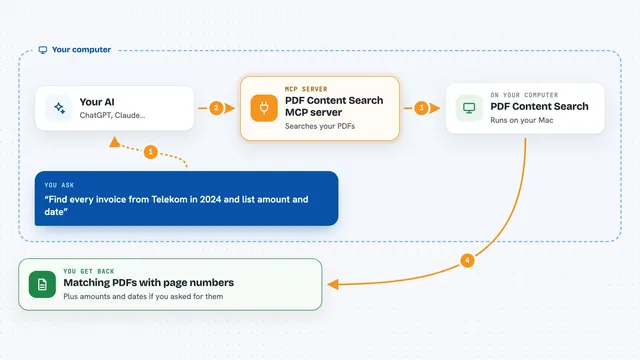
PDF Content Search MCP server
by juergenkoller-softwareLet your AI search all your PDFs, including scanned ones, and pull out dates, senders and amounts.

Talonic MCP server
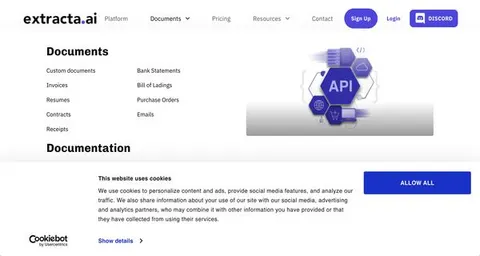
by talonicdevTurn PDFs, scans and forms into clean, checked data your AI can search and reuse.
ProductivityNo install
Facturolia MCP server
by toomasgutman-blipLet your AI read European e-invoices and check them against the EN 16931 standard.
Finance and crypto Official
Czech National Bank FX rates MCP server
by martinhavelYour AI can look up official Czech National Bank exchange rates and convert amounts to or from Czech koruna.
Finance and cryptoNo install
FlexOrch MCP server
by flexorchTurn PDFs, invoices and contracts into tidy datasets your AI can read, search and export.

VAT number checker MCP server
by vatnodeCheck European VAT rates and validate EU VAT numbers right inside your AI chat.
Build your own AI apps for accounts payable specialists
Apps you build yourself with your own AI, no coding needed and no monthly fee. Our AI picked the 12 that fit the work of accounts payable specialists.
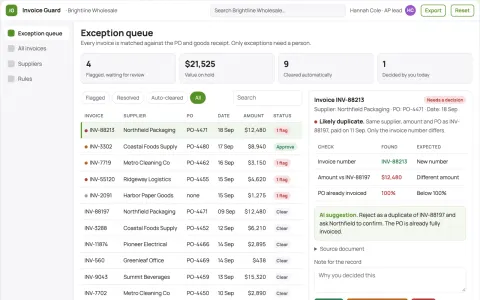
Invoice exception detector
Evidence-led exception review before payment approval.
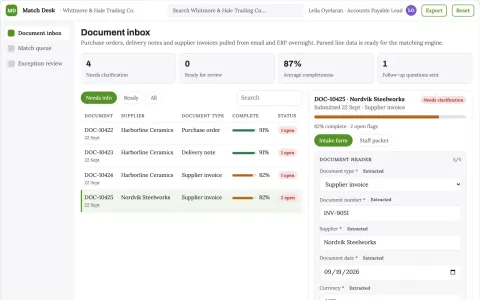
Overnight Invoice Matcher
Invoices matched overnight within the tolerances you set, with every exception waiting in a review queue.
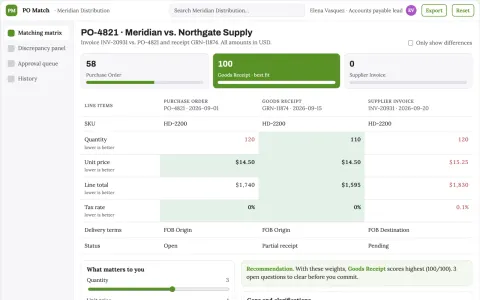
Purchase order matching assistant
Explains each mismatch using the corresponding order and receipt lines.
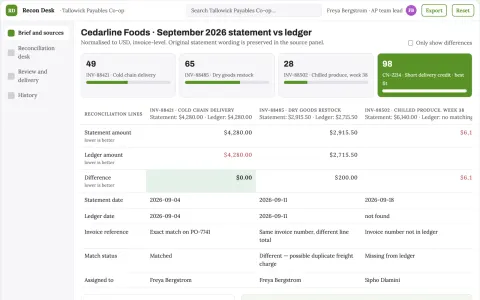
Vendor statement reconciliation desk
Statement-level evidence for supplier discussions.
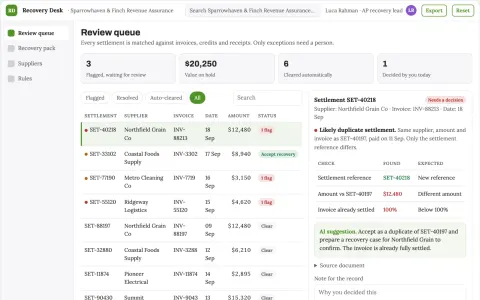
Supplier overpayment recovery workspace
Recover verified excess payments rather than merely flag anomalies.
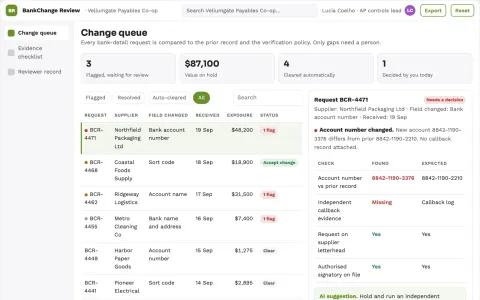
Finance master-data change reviewer
Separate requested bank changes from verified approval evidence.
Show all 12 apps
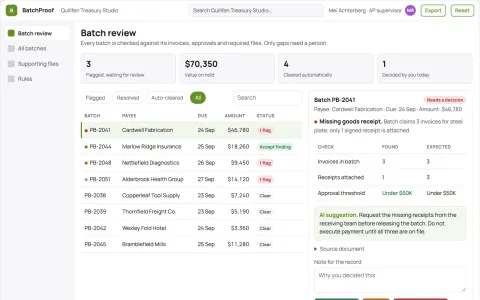
Payment batch supporting-file checker
Preparation checks without payment execution.
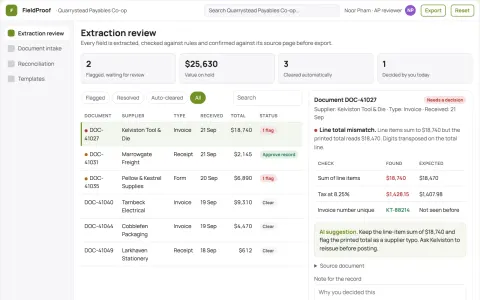
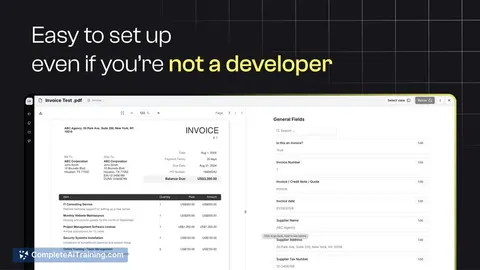
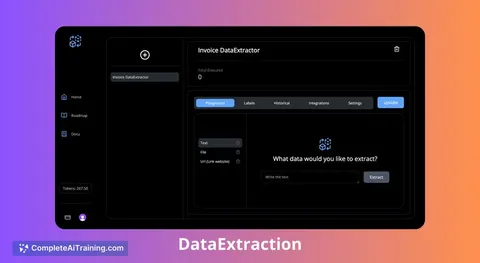
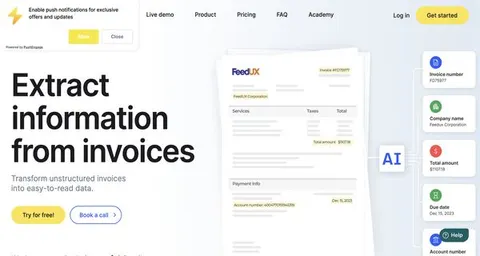
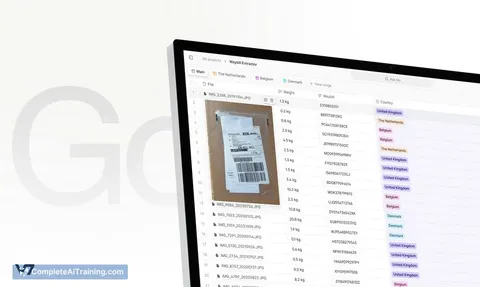
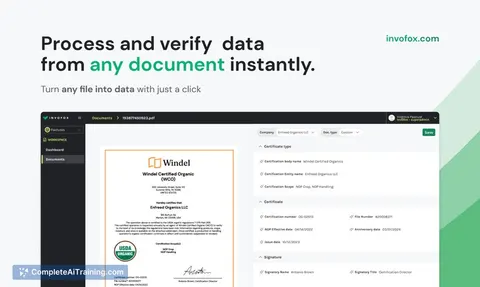
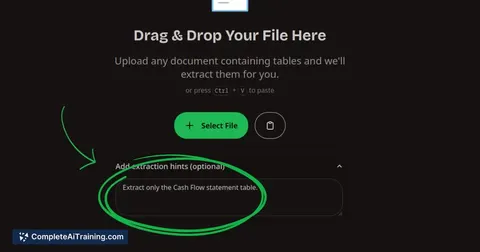
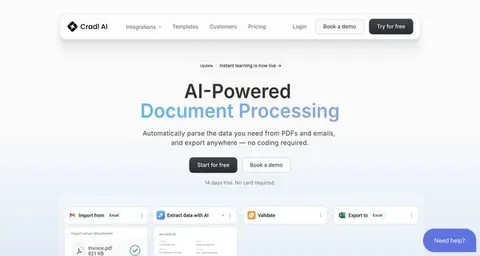
Document data extraction and validation portal
Reduce manual re-keying while keeping a named reviewer accountable for every extracted field.
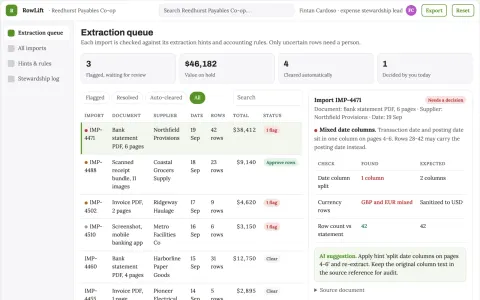
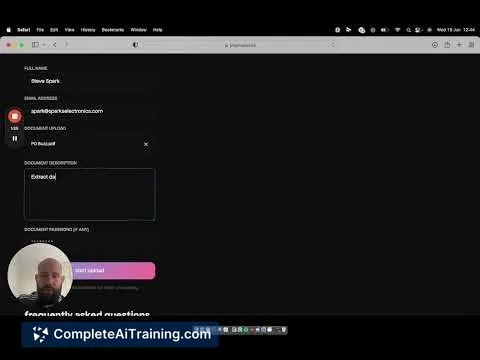
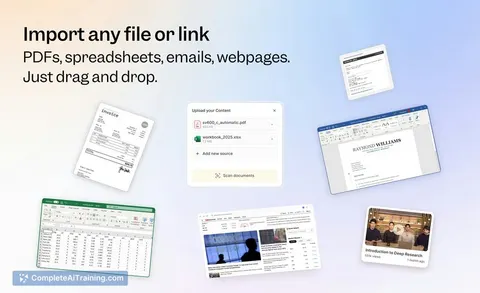
Document-to-spreadsheet extraction and expense stewardship console
Reduce manual data entry while preserving an auditable trail from source document to exported row.
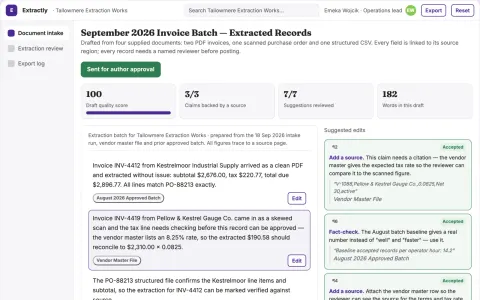
Document data extraction and validation workspace
Reduce manual document handling while keeping a named reviewer accountable for every extracted record.
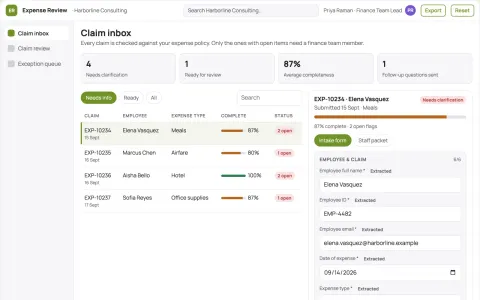
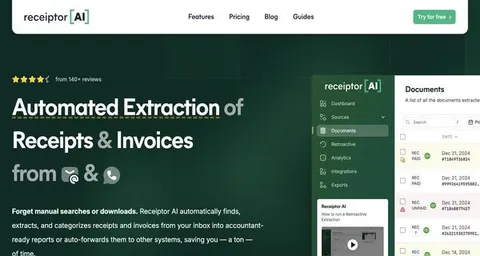
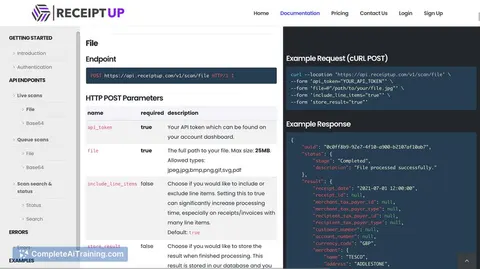
Expense Claim Review Assistant
Deterministic policy checks on top of accurate receipt extraction mean clean claims are approved without hallucination risk and every rejection comes with a specific, fixable reason.
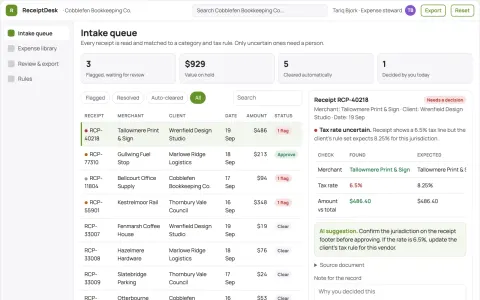
Receipt capture and expense data stewardship console
Reduce manual receipt entry while keeping a reviewable record of every extracted field.










































































About this learning path
6 topicsAI for Accounts Payable: A Practical Learning Path
Accounts payable work runs on accuracy and speed. You check invoices, match them to purchase orders, chase missing details, and keep vendors paid on time. AI can help with the reading, the drafting, and the checking, so you spend less time on repetitive steps.
This learning path starts with the basics of setting up your AI tool and connecting it to your work. Then it walks through the prompt course built for AP tasks, followed by video courses chosen for your role and the certifications that come with them.
Why AI Matters For AP Now
Invoice volumes keep growing, and vendor expectations for quick answers have not slowed down. Many teams are being asked to do more with the same headcount. AI tools can read a PDF invoice, suggest a GL code, and draft a vendor email in seconds.
The specialists who learn to use these tools well become the ones who catch errors faster and free up time for the judgment calls that matter.
What The Path Includes
You start with setup questions that help you choose the right AI tool and get it ready for AP work. Then you connect your AI to the files and systems you use, learn skills for the job inside your AI, and move into the prompt course.
After the prompt course, you pick from video courses chosen for accounts payable, and you earn the certifications that come with them. Each step builds on the last.
How It Saves You Time
The prompts in this path are written for the tasks that eat your day: pulling invoice details, matching a PO, writing an exception note, or checking a vendor statement. You paste in the details, and the AI gives you a first draft or a clean summary.
That means fewer blank pages and less back and forth. You still review everything, but you start from something useful.
How It Protects Your Career
AI will not replace the person who understands why an invoice does not match the PO. It will replace some of the typing and the searching. The path teaches you to use AI as a careful assistant, with checks for privacy and accuracy.
You also learn how to explain your work to auditors and managers, which makes you more valuable, not less.
How To Start
Begin with the setup questions. Pick one AI tool, such as ChatGPT, Claude, or Gemini, and follow the connecting steps. Then open the first prompt lesson and try it on a real invoice that is already cleared for you to work on.
Give yourself a small window each day. One lesson, one prompt, one real task. By the end of the path, you will have a set of habits you can use every week.
Frequently asked questions
Do I need to be technical to use this path?
No. The path is written for accounts payable specialists who use email, spreadsheets, and an ERP. If you can copy and paste an invoice line into a chat window, you can do this.Will the AI make up invoice details?
It can, if you ask it to guess. The lessons teach you to give the AI the actual invoice text and to ask it to show what it found and what is missing. You always check the source document before you post anything.Is it safe to paste vendor information into an AI tool?
That depends on your company policy. The path includes a section on safety and privacy for AP work, and it shows you how to remove or mask sensitive details before you paste. When in doubt, ask your manager or IT.How long does the path take?
Most people move through the prompt course in a few short sittings, then take the video courses at their own pace. You can start using the prompts on real work after the first lesson.