
Video course · 8 chapters · 21 min · certificate
Create AI Voice Assistants with n8n and ElevenLabs: Step-by-Step Guide
Add voice to n8n agents with ElevenLabs: a Telegram agent that hears and speaks, the ElevenLabs connection, agent speech output, an ElevenLabs conversational agent calling an n8n webhook, its system prompt, the backend automation and live testing.
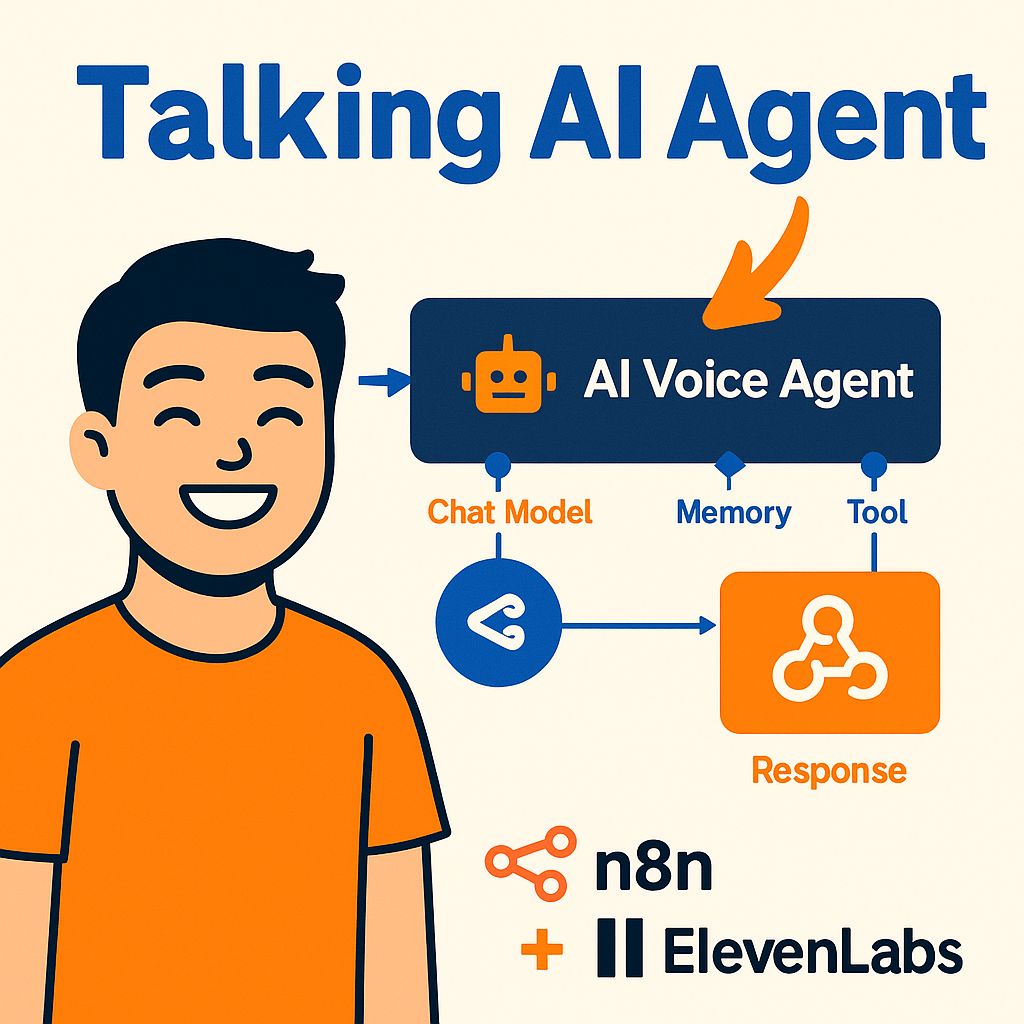
What you'll learn
- Transcribe voice input with ElevenLabs
- Connect an n8n AI agent
- Generate spoken replies
- Build an ElevenLabs conversational agent
- Call n8n via webhook tools
- Test a live voice agent
Chapters
8 chapters · 20:35-
 1:57
01Intro Free preview
Overview and Telegram voice agent
Two ways to add voice.
1:57
01Intro Free preview
Overview and Telegram voice agent
Two ways to add voice.
-
 1:50
02Setup Members
ElevenLabs connection
Speech to text.
1:50
02Setup Members
ElevenLabs connection
Speech to text.
-
 1:15
03Agent Members
Connecting the AI agent
The brain.
1:15
03Agent Members
Connecting the AI agent
The brain.
-
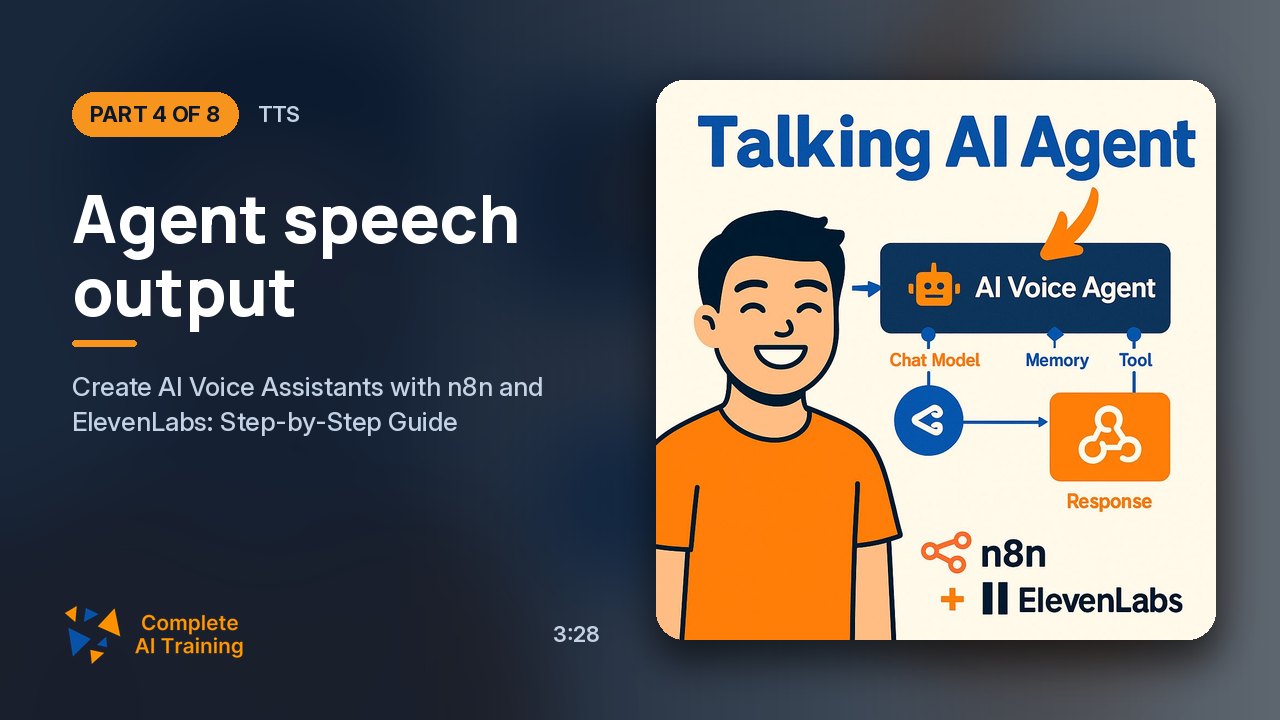 3:28
04TTS Members
Agent speech output
Speaking replies.
3:28
04TTS Members
Agent speech output
Speaking replies.
-
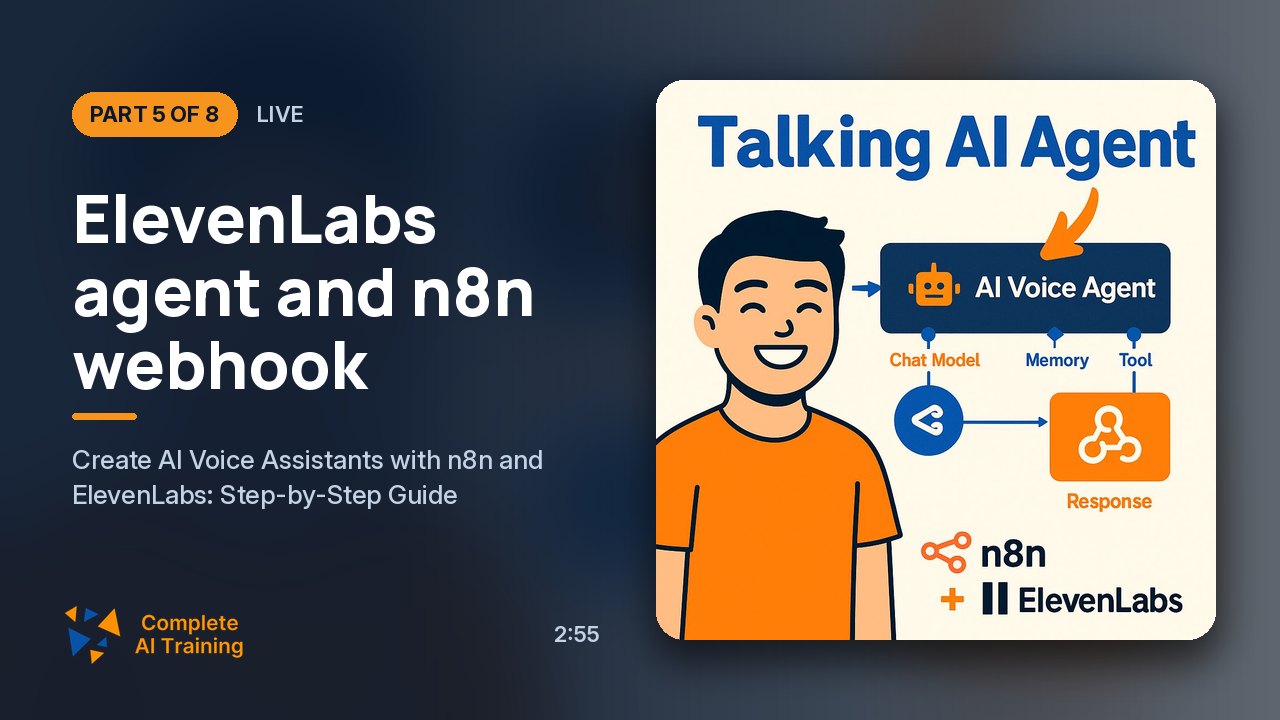 2:55
05Live Members
ElevenLabs agent and n8n webhook
Conversational agents.
2:55
05Live Members
ElevenLabs agent and n8n webhook
Conversational agents.
-
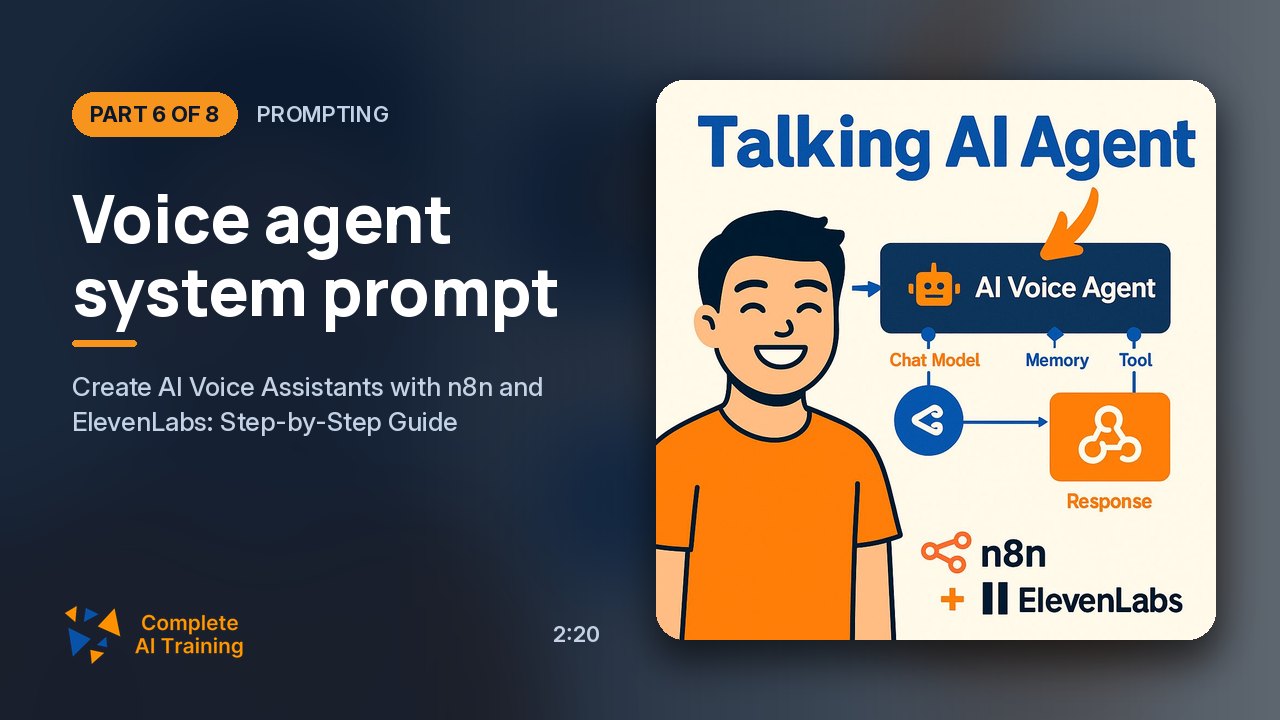 2:20
06Prompting Members
Voice agent system prompt
When to call tools.
2:20
06Prompting Members
Voice agent system prompt
When to call tools.
-
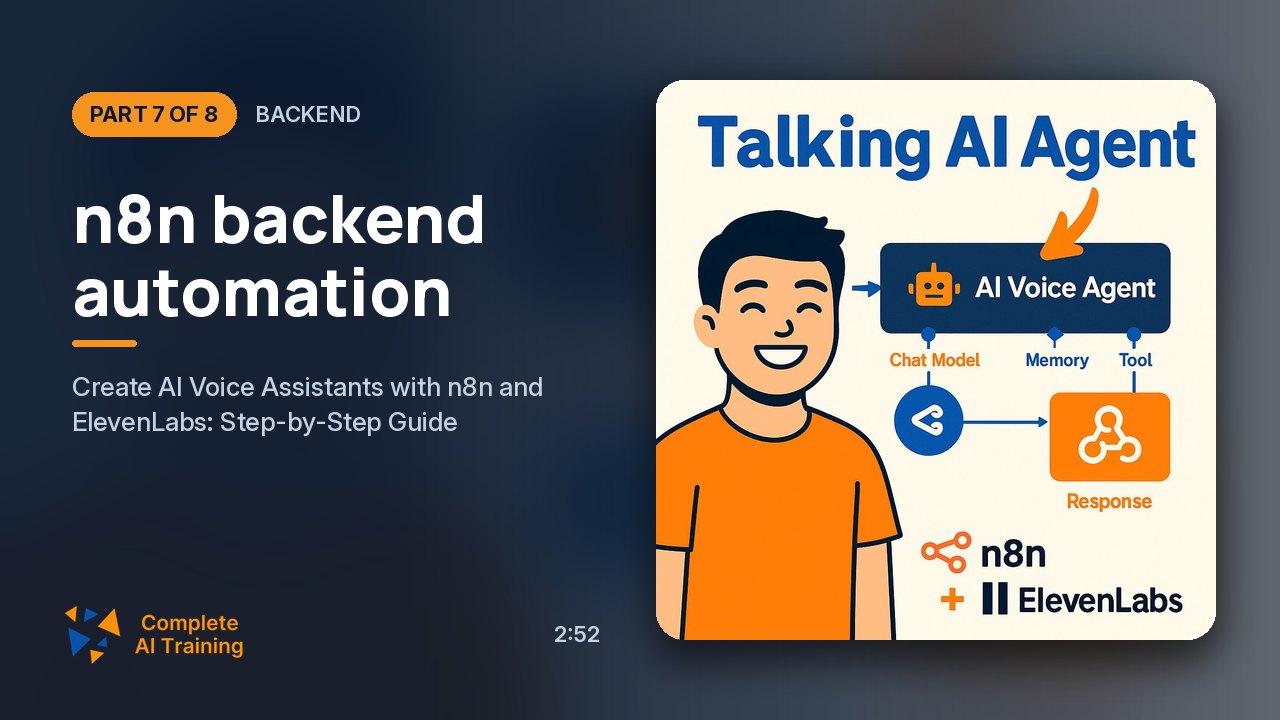 2:52
07Backend Members
n8n backend automation
What happens on tool calls.
2:52
07Backend Members
n8n backend automation
What happens on tool calls.
-
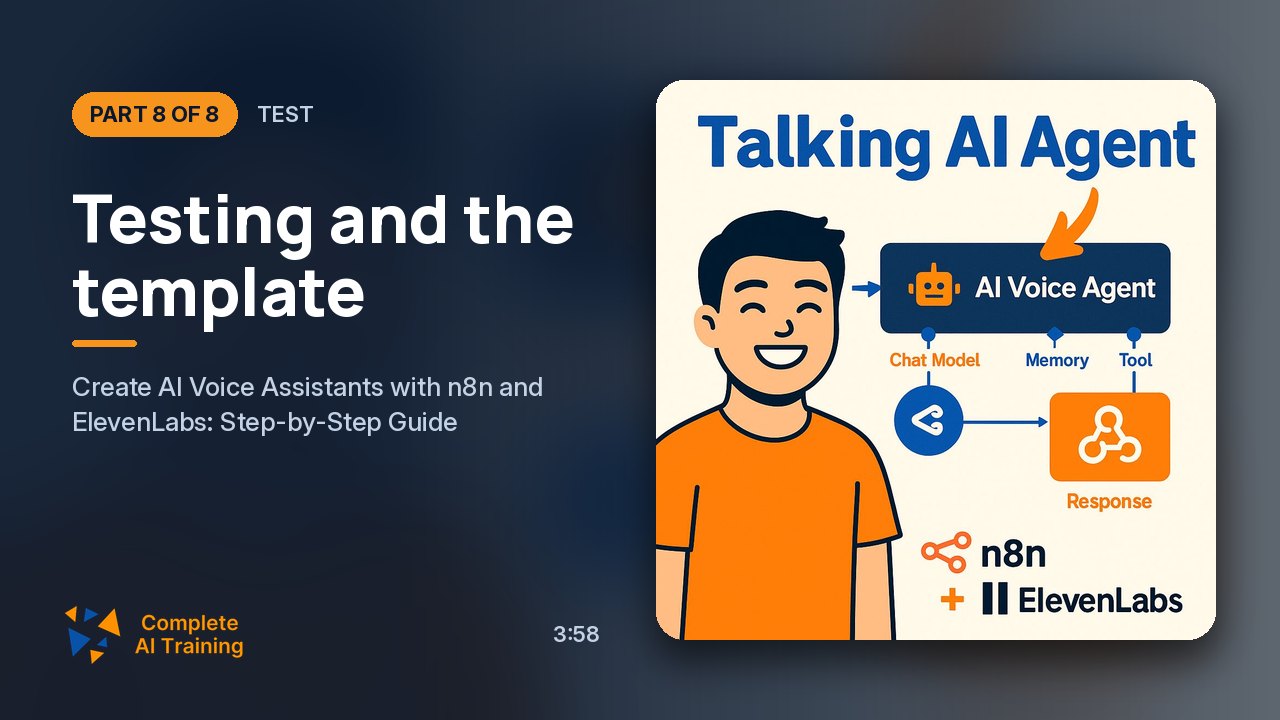 3:58
08Test Members
Testing and the template
Live voice test.
3:58
08Test Members
Testing and the template
Live voice test.
Jobs this course suits
Our AI checked this course against 500 jobs; these get the most out of it. Each job links to its learning path.