
Learning path
Learning AI as an Automation Engineer
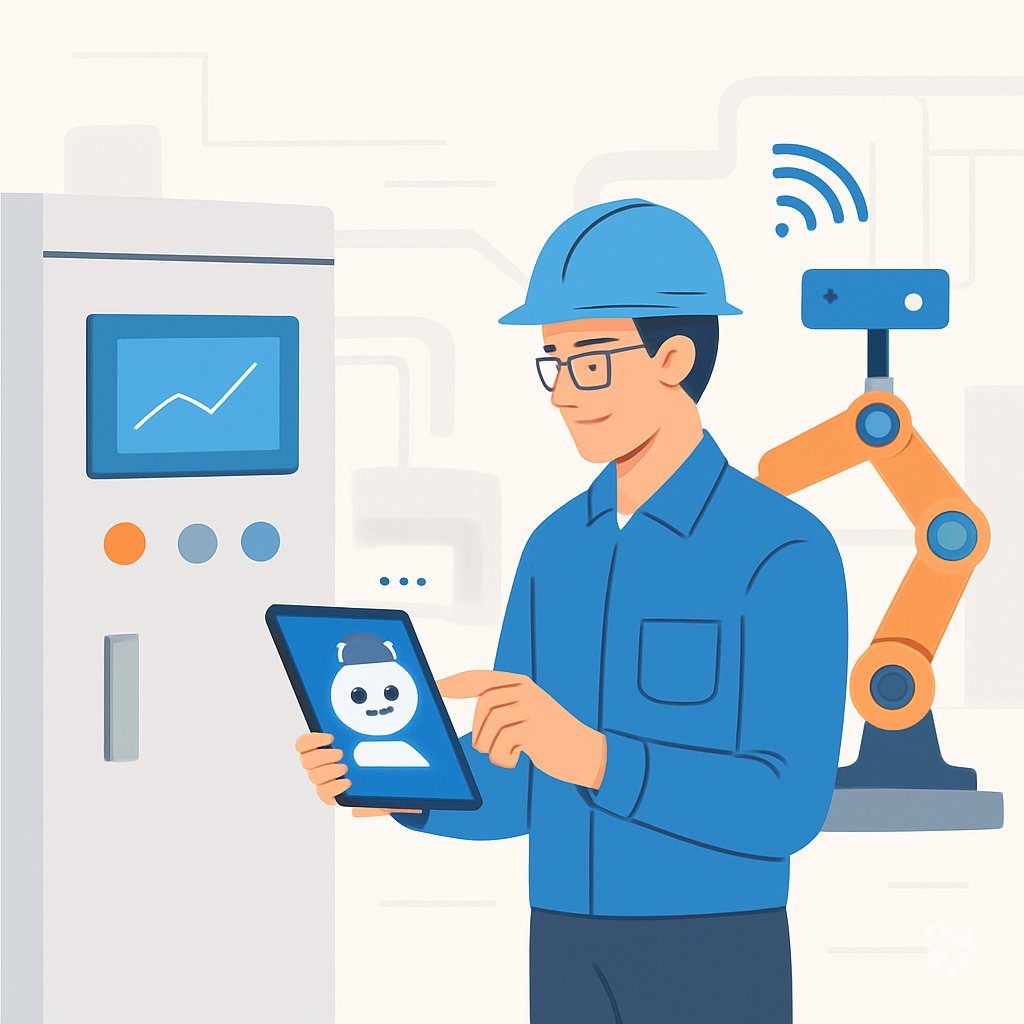
This path helps automation engineers use AI for fault finding, PLC code, system documents and client updates. You start with setup, connect your AI tool, then work through lessons built for the plant floor.
Your path
Everything in the Automation Engineer AI kit, in the order that makes sense. Members tick off each step and see their progress.
Set up your AI
We guide you through each click.
Let skills do your everyday tasks
Connect your apps and pick your AI apps
Hand whole tasks to AI agents
Build your own tools
Everything for automation engineers
All the courses, certifications, AI tools, MCP servers and apps for automation engineers, most relevant first. Open any list to see more.
Take the prompt courses
Two short framework courses to learn how to ask, then 9 lessons with ready-to-use prompts for automation engineers.
Start with these frameworks: how to talk to AI
ICIO and CIDI fit automation engineering because reusable prompts classify PLC alarms and extract sensor logs into repeatable templates.
Context engineering fits your automation work because structured prompts keep agents reliable when you build a Jenkins pipeline that triages failed tests.
Then your prompt course for automation engineers- 1Everyday AI for Automation3 prompts
- 2Documenting Systems and Changes3 prompts
- 3Programming PLC Logic3 prompts
- 4Designing Control Systems3 prompts
- 5Testing and Commissioning2 prompts
- 6Troubleshooting System Faults3 prompts
- 7Integrating Robots and Sensors3 prompts
- 8Optimizing Cycle Times2 prompts
- 9Client and Admin Side2 prompts
Watch the video courses or add them to your Favorites for later
177 video courses our AI picked for automation engineers, most useful first. Save the ones you want to watch later with the heart.
Favorites are saved to your account: sign in or get your AI kit first.
Show all 177 video courses
Get certified, or add certifications to your Favorites
Every course ends in an exam and a certificate you can add to LinkedIn. Save the certifications you are aiming for with the heart.
Favorites are saved to your account: sign in or get your AI kit first.
More certifications for automation engineersShow all 24 certifications
Try the AI tools for automation engineers
1 AI tools our AI matched to the work of automation engineers, best fit first. Each review shows what it does, its alternatives and the jobs it suits.
Favorites are saved to your account: sign in or get your AI kit first.
Connect your AI to the apps automation engineers use
MCP servers let ChatGPT, Claude or Copilot look things up and get work done in other apps, like your email, calendar or bookkeeping software. These 4 fit the work of automation engineers best, well-known apps first.
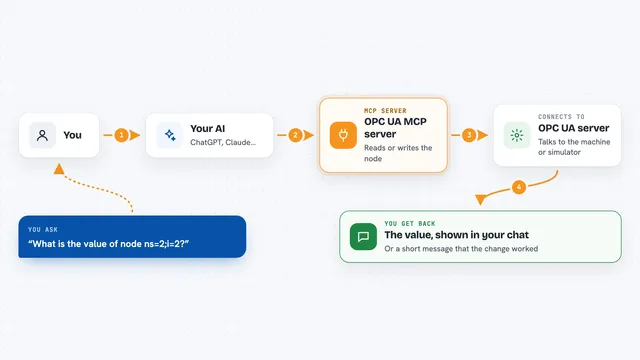
OPC UA MCP server
by kukapayLet your AI read and change live values on industrial machines that speak OPC UA.
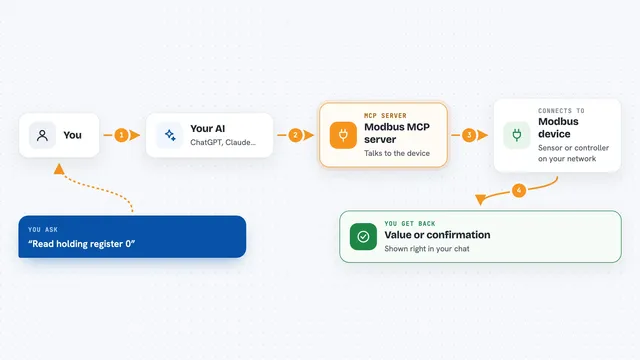
Modbus MCP server
by kukapayLets your AI read and write values on industrial Modbus devices, like sensors and controllers.

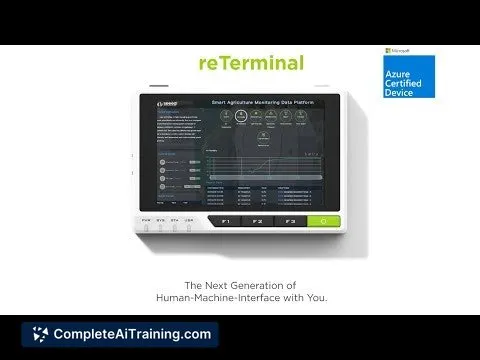
ByteAsk Embedded MCP server
by ByteAskLets your AI look up exact facts from embedded and firmware reference docs, with page citations.
ResearchNo install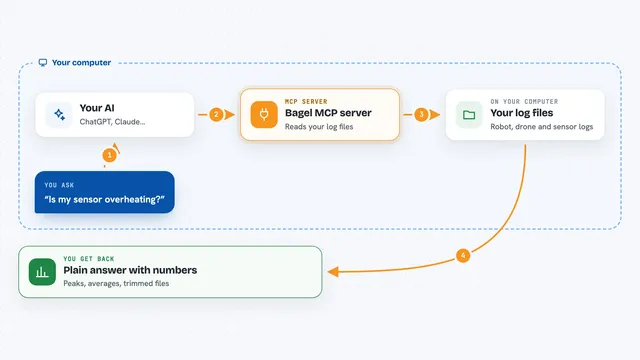
Bagel MCP server
by Extelligence-aiAsk plain-English questions about robot, drone and IoT logs and get real answers back.
Build your own AI apps for automation engineers
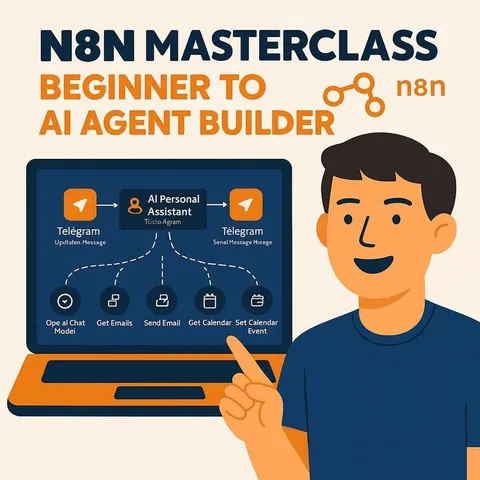
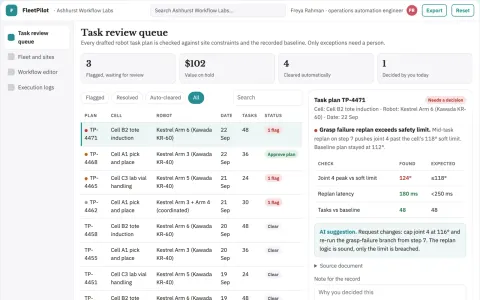
Apps you build yourself with your own AI, no coding needed and no monthly fee. Our AI picked the one that fits the work of automation engineers.








































































































































About this learning path
7 topicsAI for Automation Engineers, From Alarms to Handover
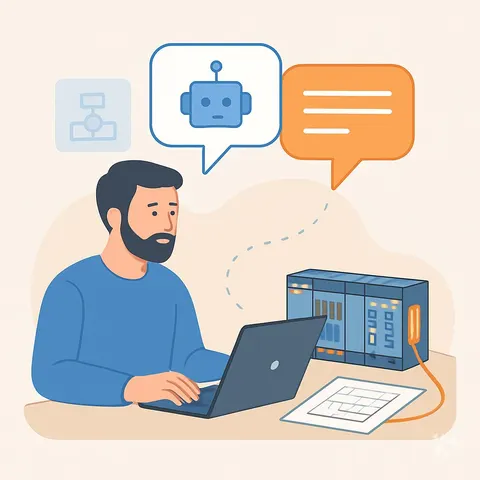
Automation work is a mix of programming, wiring, testing and explaining. The tools are getting better at the parts that eat your day, like writing up a change or sorting through an alarm list.
This path shows you where AI fits in that work, how to set it up safely and which prompts to keep close. It is written for engineers who build and fix real systems, not for software teams in an office.
Why this matters now
Plants and lines keep getting more automated, and the paperwork around them grows with it. Engineers who can move faster on documentation, fault finding and customer questions get handed the harder, more interesting jobs.
AI will not run the line for you. It is a fast assistant for the writing, the lists and the first pass at a problem, which is often most of the delay.
What the path includes
You start with setup questions, so you know which tool to open and what to keep out of it. From there you connect your AI, load the job skills that matter on the floor, and work through a short prompt course built on your day.
Then come video courses chosen for automation work, each with its certification, so you finish with proof of what you learned.
How it saves you time
A change note that used to take an hour at the end of a shift can be drafted in minutes from your own notes. A fault list can be ordered before you walk to the panel, so your first check is often the right one.
The time adds up across a week: fewer late finishes, fewer rewrites, less hunting through manuals.
How it protects your career
AI does not replace the person who knows the machine, the interlock and the customer. It replaces the hours of typing that keep you from that work.
Engineers who use it well stay on the design and commissioning side. The path also covers what not to paste into a tool, which protects you and your employer.
Common worries, answered
Most engineers start with the same two worries: will the output be wrong, and will the company allow it. Both have practical answers, and the path walks through them.
You will learn a check step for every prompt, and a simple rule for what stays off the tool. That keeps the work safe and keeps you confident.
How to start this week
Begin with the setup questions and one prompt from the fault finding lesson. Use it on a small problem you already know the answer to, so you can see how the tool thinks.
Then pick one document you write often and let AI draft it. Small, repeated wins are what make this stick.
Frequently asked questions
Do I need to be good with AI to start?
No. The path starts with setup questions and a first prompt you can copy. If you can describe a fault or a change in plain words, you can use these tools.Can I trust AI with PLC code?
Treat it like a draft from a capable colleague who has never seen your machine. It is very good at common patterns and converting between formats, but you still read it, test it and own it.What should I never put into an AI tool?
Customer names, plant network details, passwords and anything your employer marks confidential. The course shows how to describe a problem in a way that still gets a useful answer.How long does the path take?
The prompt course is short lessons you can finish over a few evenings. The video courses run longer, and you can take them at your own pace around shift work.