
Video course · 6 chapters · 26 min · certificate
Kling 2.0 Video Generator Guide: Easy Prompts, Tips & Workflows
AI Andy's Kling 2.0 guide: getting access and pricing, text-to-video with a reusable prompting framework and settings, an image-first workflow for more control, image-to-video elements that combine references, and multi-elements video editing to swap, add or delete objects for product placement.
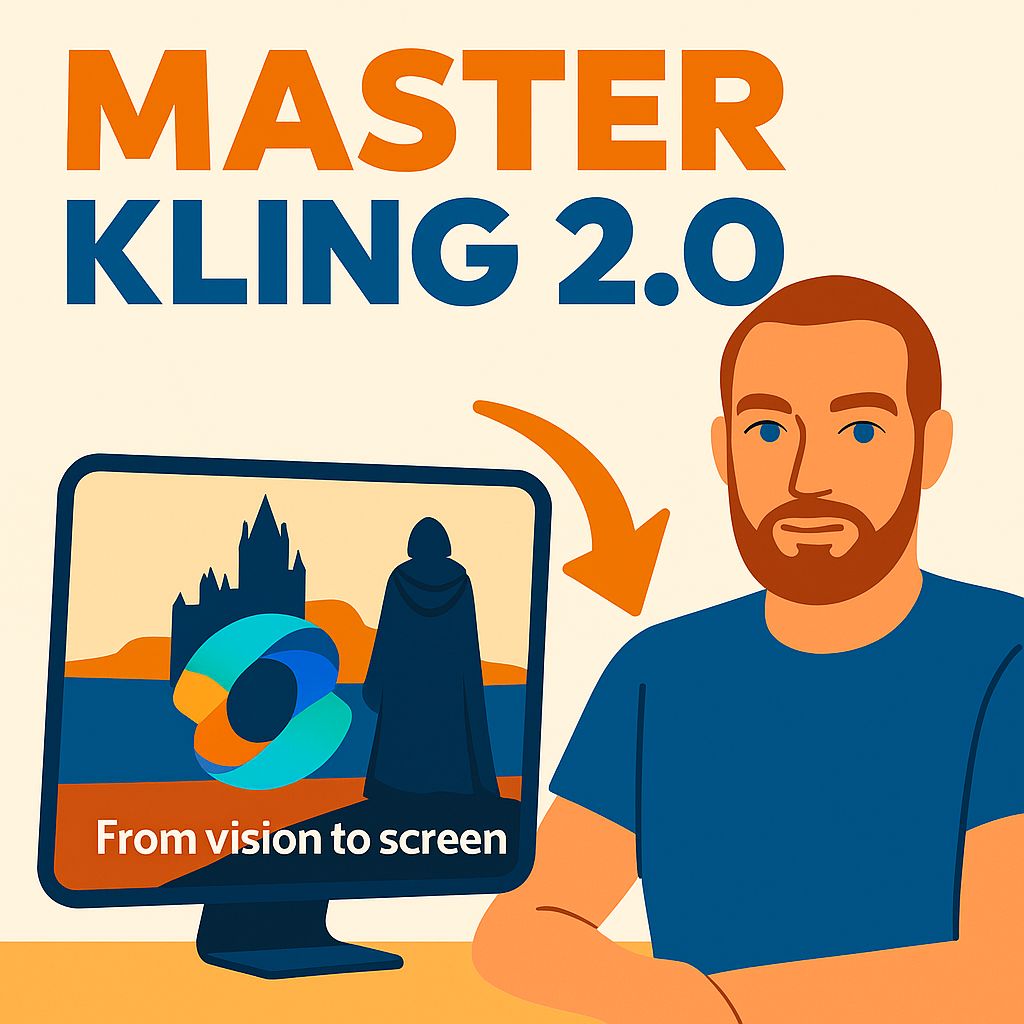
What you'll learn
- Sign up and understand Kling pricing and credits
- Write structured text-to-video prompts and tune settings
- Generate images first for controlled image-to-video
- Combine references with image-to-video elements
- Swap, add or delete objects with multi-elements
- Judge the strengths and limits of Kling 2.0
Chapters
6 chapters · 25:58-
 1:13
01Access Free preview
Intro and getting access
Sign up and pricing.
1:13
01Access Free preview
Intro and getting access
Sign up and pricing.
-
 4:21
02Text-to-video Members
Text to video
Prompt framework.
4:21
02Text-to-video Members
Text to video
Prompt framework.
-
 2:08
03Sponsor Members
Sponsor segment: AI blog writing
Optional tangent.
2:08
03Sponsor Members
Sponsor segment: AI blog writing
Optional tangent.
-
 7:17
04Image-to-video Members
Image to video
Control first.
7:17
04Image-to-video Members
Image to video
Control first.
-
 2:30
05Elements Members
Image to video elements
Combine references.
2:30
05Elements Members
Image to video elements
Combine references.
-
 8:29
06Multi-elements Members
Multi-elements video editing
Swap, add, delete.
8:29
06Multi-elements Members
Multi-elements video editing
Swap, add, delete.
Jobs this course suits
Our AI checked this course against 500 jobs; these get the most out of it. Each job links to its learning path.