MCP server · Privacy
Vedaksha MCP server
by arthiqlabs
Lets your AI build Vedic astrology charts, dashas, panchanga and transits for you.

Vedaksha is a self-hosted Vedic astrology engine. It calculates things like birth charts (janam kundali), planetary periods (dashas), the daily panchanga and transits. It is handy if you follow Jyotish and want your AI assistant to do the maths for you instead of looking up tables by hand.
What is an MCP server? The 30-second version
On its own, your AI can only chat. It cannot calculate a birth chart or look up today's panchanga. An MCP server is a small helper program that gives your AI a new skill. This one connects your AI to the Vedaksha astrology engine, so when you ask for a chart, the AI passes your details to Vedaksha and brings the answer back to you.
What this MCP server does
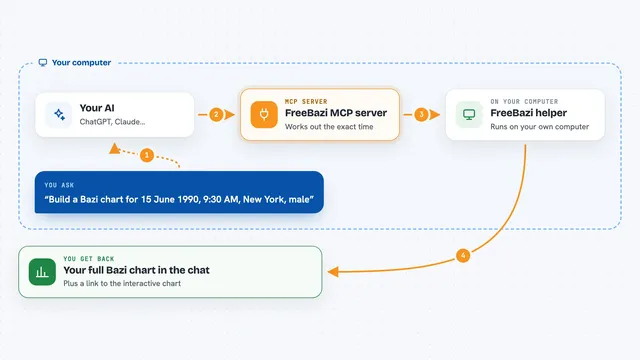
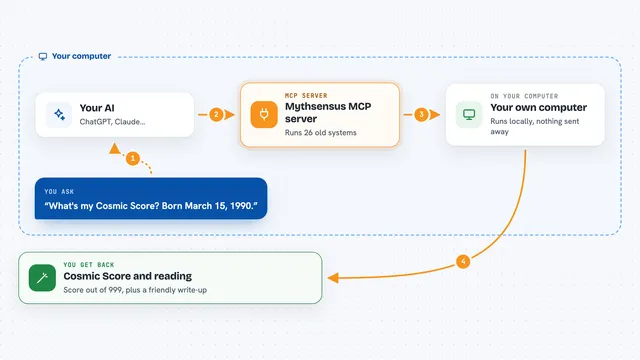
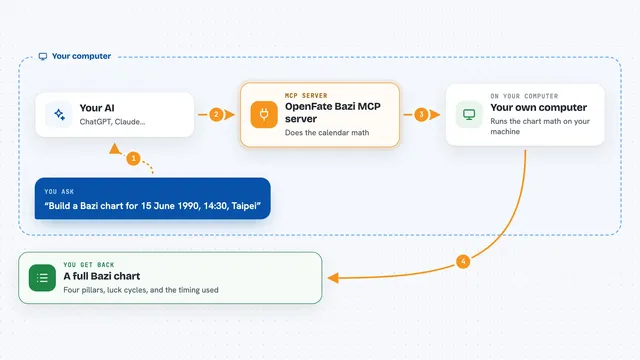
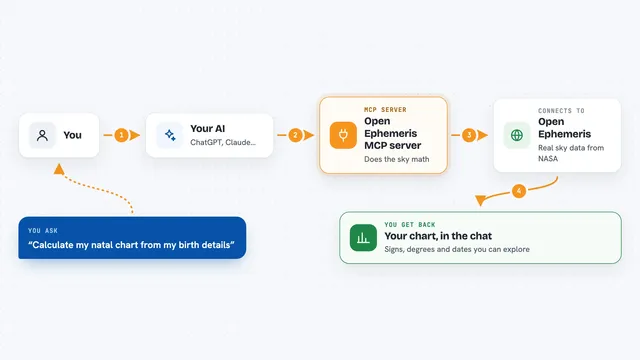
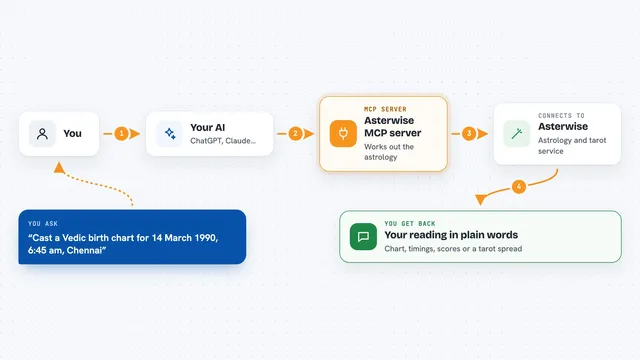
You tell your AI something like your birth date, time and place. The AI sends those details to the Vedaksha helper running on your own computer. Vedaksha works out the planetary positions and the Vedic details, such as nakshatras, dashas, vargas and panchanga. Then the AI shows you the result in the chat, in plain language. You never have to touch the maths yourself.
 Click to zoom
What you can do with it
- Build a natal chart (janam kundali) from a birth date, time and place
- Work out dasha periods for a chart
- Show divisional charts (vargas) such as D-9 or D-60
- Calculate panchanga for a given day and place
- Find good time windows (muhurta) for an event
- Check current transits (gochara) against a birth chart
- Compare two charts for compatibility (synastry)
Try asking your AI
- “Make a Vedic birth chart for someone born 14 March 1990 at 6:45 am in Delhi”
- “What dasha is this person running right now?”
- “Show me the panchanga for tomorrow in London”
- “Find a good muhurta next week for starting a new job”
What it gives back to you
You get answers in the chat: a list of planets with their signs and nakshatras, the current dasha period, a panchanga summary, or suggested time windows. Some tools return structured data you can ask the AI to explain in plain words. If you ask for a graph export, it can also give you the chart as text in formats like JSON or Cypher.
Before you start
What you need
- A computer where you can install and run the Vedaksha MCP server yourself
- Rust installed if you use the cargo install route, or Docker if you prefer that route
- A token (a kind of password) you set yourself if you run it in HTTP mode
- An AI app that supports MCP servers, such as Claude Desktop, Cursor or VS Code
Good to know
It runs on your own machine and calculates charts from the details you give it, so check the birth date, time and place you type in are correct before trusting the result.
Install it with your AI
Add Vedaksha MCP server to your AI, no technical skills needed
You don't install anything by hand. You copy one prompt, paste it into an AI that can work on your computer, and it checks, installs and connects the server for you, asking you when it needs something.
Sign in to get the install prompt
Members get a ready-made prompt that lets the Claude desktop app check Vedaksha MCP server, install it and connect it for them, step by step. You don't need any technical skills: you copy, paste and answer a few questions. Your connected AI can also find and install any of the 4,361 MCP servers here for you.
Who it's for
People who follow Vedic astrology and want their AI assistant to calculate charts, dashas and muhurta for them without doing the maths by hand.