MCP server · Developer tools
Kafka Schema Registry MCP server
by aywengo
Lets your AI look at and manage your Kafka schema registries, and move schemas between them.

This is a helper for people who work with Kafka and its Schema Registry. It connects your AI assistant to one or more registries so you can ask questions and make changes in plain language. It is handy if you deal with data schemas and want to stop clicking around in separate tools.
What is an MCP server? The 30-second version
On its own, your AI can only chat. An MCP server is a small helper program that gives your AI a new skill or a connection to another app. This one connects your AI to Kafka Schema Registry, so it can look up your schemas, check them, and register new ones for you when you ask. You set it up once, and then you just talk to your AI like usual.
What this MCP server does
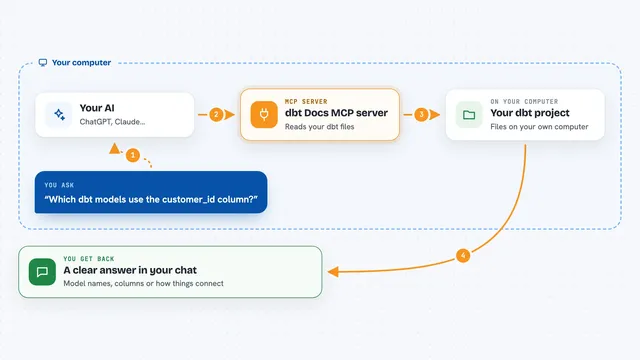
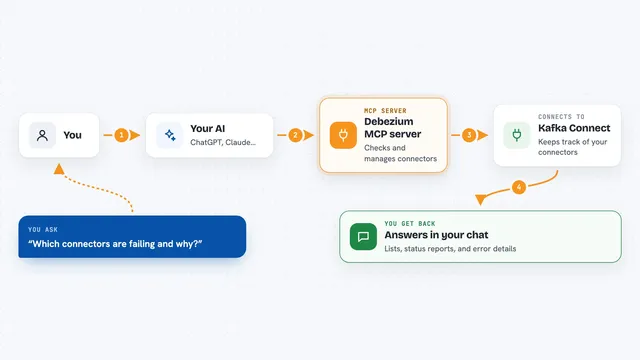
You ask your AI something about your schemas, like what subjects exist or whether a change is safe. The AI sends that request to this helper program. The helper then talks to your Schema Registry over the network. It brings the answer back and the AI explains it to you in the chat. If you ask it to register or change something, it does that too, as long as you have allowed it.
 Click to zoom
What you can do with it
- List all your schema registries and their subjects
- Show the details and versions of any schema
- Check whether a new schema is compatible before you register it
- Register a new schema version
- Create or delete contexts that group schemas by environment
- Export schemas as files for backup or documentation
- Migrate schemas from one registry to another
Try asking your AI
- “List all schema contexts in my production registry”
- “Show me the subjects in the development context”
- “Check if this new user schema is compatible with the current one”
- “Register a new schema for user events with fields id, name, and email”
What it gives back to you
You get answers in plain chat: lists of registries, subjects, or contexts, the full text of a schema, or a yes or no on compatibility. When it registers or changes something, it tells you what it did. For exports, it can hand you a file or a block of text you can save.
Before you start
What you need
- A running Kafka Schema Registry you can reach (a web address like http://localhost:8081)
- Docker installed if you use the recommended setup, or Python if you run it locally
- The Claude desktop app or another AI tool that supports MCP servers
- Optional: a username and password if your registry requires login
Good to know
It can change or delete schemas and contexts, so turn on VIEWONLY mode or use a read-only account if you only want to look, and be careful in production.
Install it with your AI
Add Kafka Schema Registry MCP server to your AI, no technical skills needed
You don't install anything by hand. You copy one prompt, paste it into an AI that can work on your computer, and it checks, installs and connects the server for you, asking you when it needs something.
Sign in to get the install prompt
Members get a ready-made prompt that lets the Claude desktop app check Kafka Schema Registry MCP server, install it and connect it for them, step by step. You don't need any technical skills: you copy, paste and answer a few questions. Your connected AI can also find and install any of the 4,361 MCP servers here for you.
Who it's for
Data engineers, platform teams, and anyone who manages Kafka schemas and wants to do it by chatting instead of clicking.