MCP server · Finance and crypto
Crypto Exchange Fees MCP server
by BestBerlin
Ask your AI which crypto exchange has the lowest fees, using dated figures from official pages.
This is a small helper that lets your AI answer questions about crypto trading fees. It holds a table of maker and taker fees for 15 exchanges, and each number was copied from the exchange's own fee page on a certain date. It is handy if you trade crypto and want to compare costs without opening ten different websites.
What is an MCP server? The 30-second version
On its own, your AI can only chat with you. An MCP server is a small helper program that gives your AI one new skill or one new connection. This helper connects your AI to a public table of crypto exchange fees. So when you ask about fees, your AI can look up real figures instead of guessing from memory.
What this MCP server does
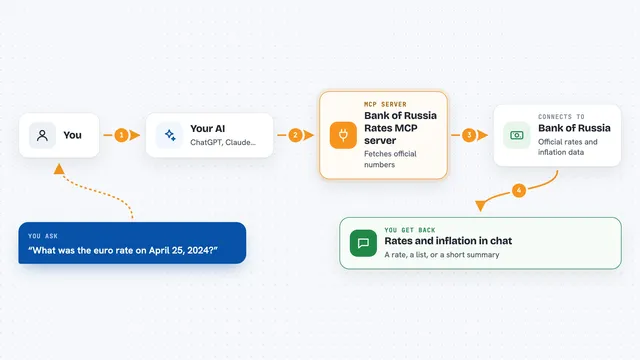
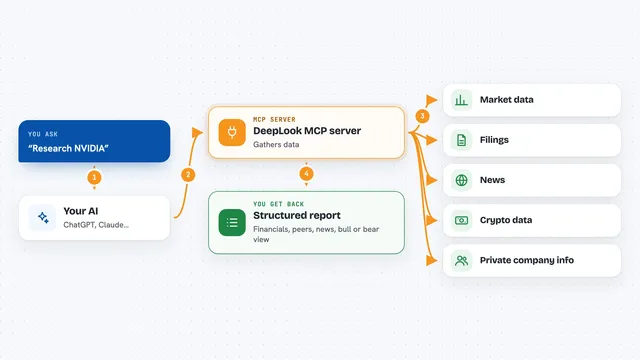
You ask your AI a question about crypto trading fees, in normal words. Your AI passes the question to this helper. The helper reads a public file of fee data that is kept on GitHub, and it also keeps a copy so it still works if the internet is down. It finds the exchange or exchanges you asked about, picks out the maker and taker numbers, and hands them back. Your AI then writes the answer for you, including where the number came from and when it was read.
What you can do with it
- List the 15 exchanges covered and what type each one is
- Look up the maker and taker fees for one exchange
- Compare fees across several exchanges side by side
- Find the cheapest exchange for spot or perpetual trading
- Estimate what a trade of a given size would cost in fees
- See the official source link and the date each figure was read
Try asking your AI
- “Which exchange has the lowest spot taker fee?”
- “Compare Binance, OKX and Bybit fees for perpetual trading.”
- “What would a 5,000 dollar spot trade cost me on Kraken?”
- “Show me the maker and taker fees for Hyperliquid and dYdX.”
What it gives back to you
You get a short written answer in the chat, with the fee numbers you asked about. If you asked for a comparison, you get a small list or table of exchanges with their maker and taker percentages. If you asked for a cost estimate, you get a number in dollars or in percent. Every answer also mentions the official page the figure came from and the date it was read.
Before you start
What you need
- The uv tool installed on your computer (the README links to it; it is a free installer for small programs)
- An AI app that can use MCP servers, such as Claude Desktop or Cursor
Good to know
These are base-tier fees read on a certain date, and real fees can differ by region, account type, trading pair and promotions, so always check the exchange's own page before you trade.
Install it with your AI
Add Crypto Exchange Fees MCP server to your AI, no technical skills needed
You don't install anything by hand. You copy one prompt, paste it into an AI that can work on your computer, and it checks, installs and connects the server for you, asking you when it needs something.
Sign in to get the install prompt
Members get a ready-made prompt that lets the Claude desktop app check Crypto Exchange Fees MCP server, install it and connect it for them, step by step. You don't need any technical skills: you copy, paste and answer a few questions. Your connected AI can also find and install any of the 4,960 MCP servers here for you.
Who it's for
Crypto traders and anyone comparing exchange costs before opening an account or placing a trade.