MCP server · Health and learning
Google Health MCP server
by davidmosiah
Lets your AI read your own Fitbit and Pixel Watch health data, like activity, sleep and heart rate.
This is a small helper that connects your AI assistant to your own Google Health data, the kind that comes from a Fitbit or a Pixel Watch. Once it is set up, you can just ask your AI things like how you slept or how active you were, and it looks it up for you. It is handy for anyone who wears a tracker and wants to chat about their own numbers instead of digging through an app.
What is an MCP server? The 30-second version
On its own, your AI can only chat. It cannot see your Fitbit steps or your sleep last night. An MCP server is a small helper program that gives your AI one new skill, and this one connects it to your Google Health account. So when you ask about your week, the AI uses this helper to fetch your data and then talks it through with you.
What this MCP server does
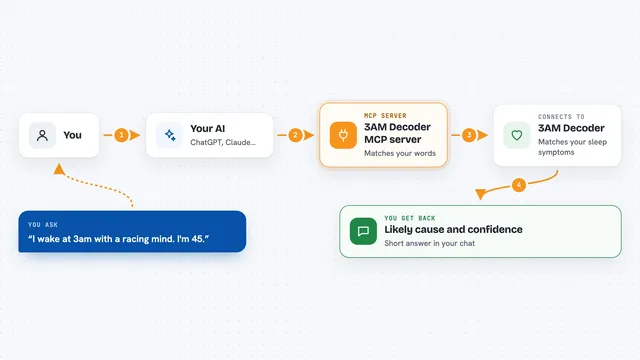
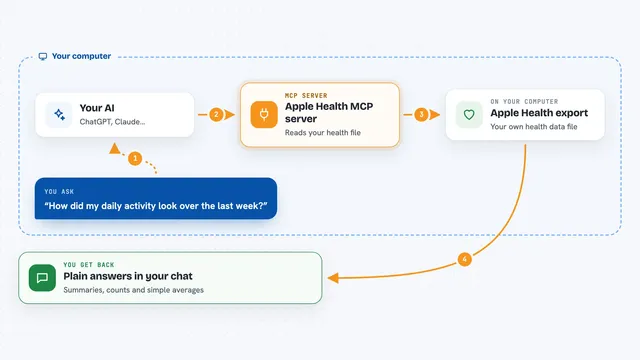
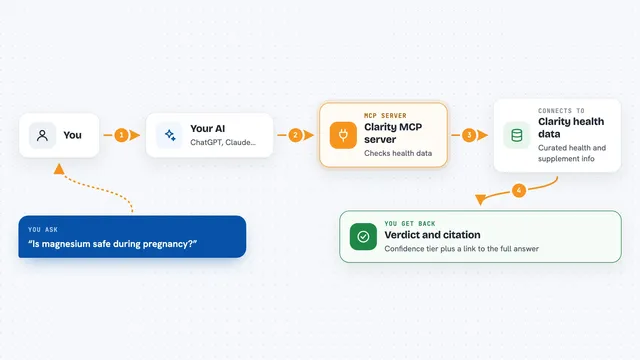
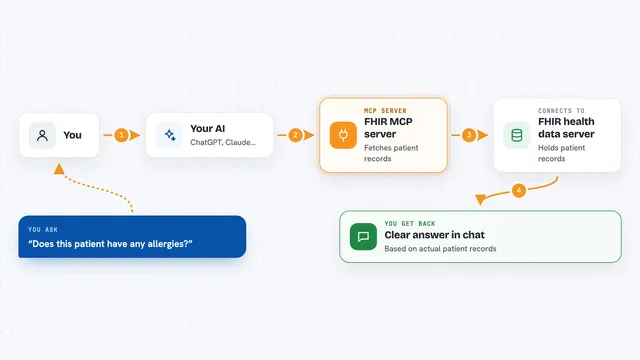
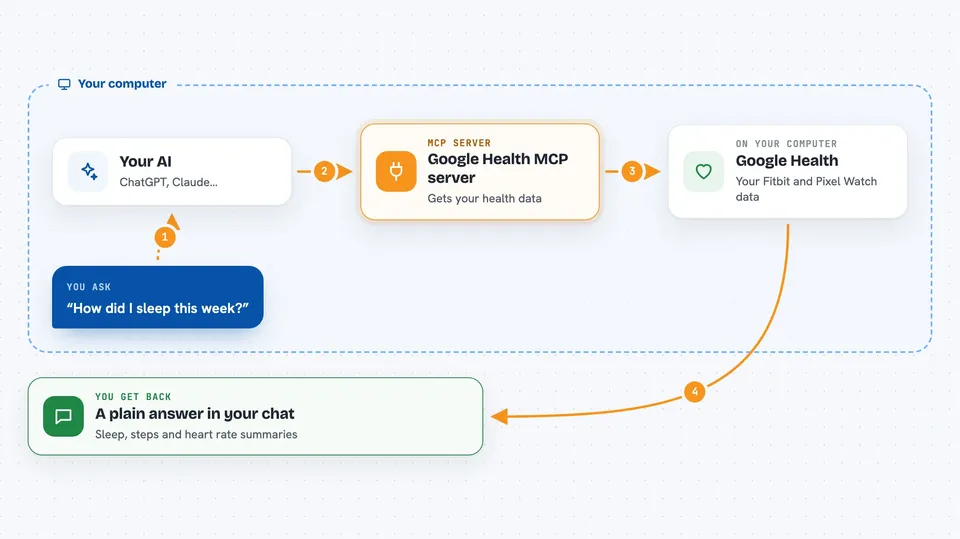
You ask your AI a question about your health data, like how you slept this week. The AI sends that request to this helper running on your own computer. The helper talks to Google Health using permission you gave once, and pulls back your activity, sleep, heart and nutrition numbers. Then the AI turns that into a normal answer in the chat. Nothing is sent anywhere except between your computer and Google.
 Click to zoom
What you can do with it
- Check that your Google Health connection is set up and working
- See which health data types you have allowed access to
- Get a summary of your day, like steps, sleep and heart rate
- Get a weekly review of your activity and rest
- Ask what is stored on your computer and what gets sent to Google
- Keep your location and identity details out of the answers by default
Try asking your AI
- “How did I sleep this week compared to last week?”
- “Give me a summary of my activity today.”
- “Which health data types have I allowed you to see?”
- “Check my connection and tell me if anything needs fixing.”
What it gives back to you
You get normal chat answers: short summaries, daily or weekly overviews, and lists of what data is available. It can also show you a plain report of what is stored locally and what would be sent to Google. It never shows your passwords or secret keys. Everything comes back as readable text you can ask follow-up questions about.
Before you start
What you need
- A Google account with Fitbit, Pixel Watch or Google Health data
- A Google Cloud project where you turn on the Google Health API and create a login key
- Node.js installed on your computer
- The Claude desktop app or another AI app that supports MCP servers
Good to know
This reads your private health data, so only connect it on a computer you trust, and remember it is not a medical device or medical advice.
Install it with your AI
Add Google Health MCP server to your AI, no technical skills needed
You don't install anything by hand. You copy one prompt, paste it into an AI that can work on your computer, and it checks, installs and connects the server for you, asking you when it needs something.
Sign in to get the install prompt
Members get a ready-made prompt that lets the Claude desktop app check Google Health MCP server, install it and connect it for them, step by step. You don't need any technical skills: you copy, paste and answer a few questions. Your connected AI can also find and install any of the 4,609 MCP servers here for you.
Who it's for
People who wear a Fitbit or Pixel Watch and want to ask their AI about their own activity, sleep and heart data in plain language.