MCP server · Health and learning
Garmin Connect MCP server
Ask your AI about your Garmin sleep, HRV, training readiness, activities and workouts.
This is a helper that connects your AI assistant to your Garmin Connect account. Once it is set up, you can ask plain questions about your sleep, heart rate, workouts and more, and the AI will look up the real numbers for you. It is handy if you wear a Garmin watch and want to chat about your health data without opening the Garmin app.
What is an MCP server? The 30-second version
On its own, your AI can only chat with you using what it already knows. An MCP server is a small helper program that gives your AI a new skill or a connection to an app or service. This one connects your AI to Garmin Connect, the place where your watch sends your sleep, heart rate and workout data. So when you ask a question, your AI can go and look things up there for you.
What this MCP server does
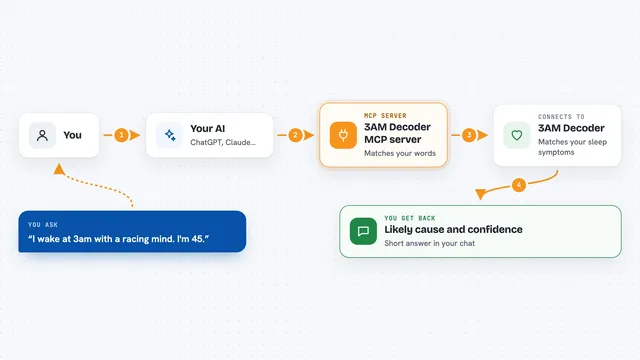
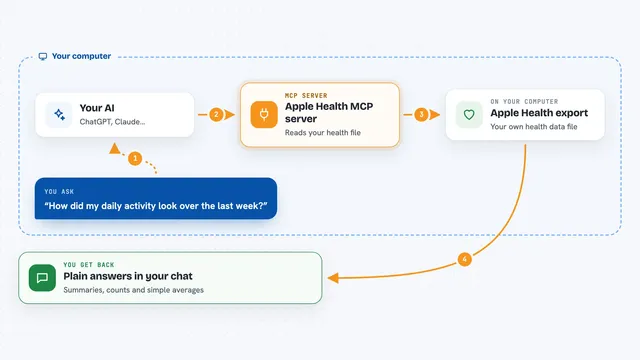
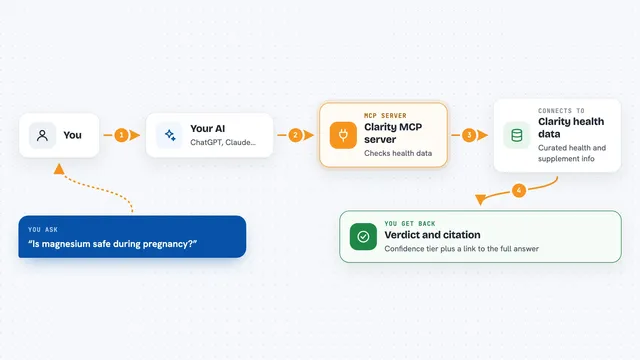
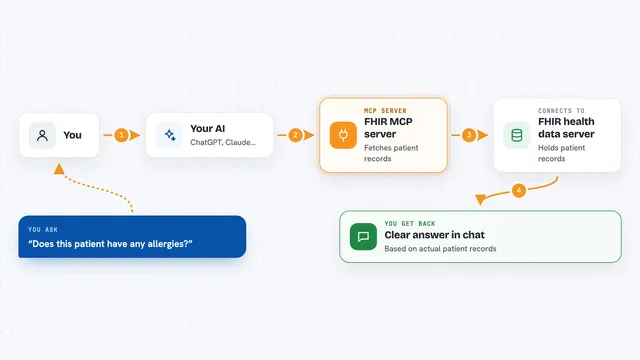
You ask your AI something like how you slept last night. The AI passes that request to this helper. The helper signs in to your Garmin Connect account and fetches the matching data, such as your sleep score, HRV or training readiness. It sends the answer back to the AI, and the AI explains it to you in the chat. It can also read your activities, workouts, weight and other records.
What you can do with it
- Check last night's sleep score and sleep stages
- Look up your HRV and training readiness for a day
- List your recent runs, rides and other activities
- See your workouts and training plans
- Read your weight and body composition entries
- Ask about steps, stress and heart rate over time
Try asking your AI
- “How did I sleep last night?”
- “What was my training readiness this morning?”
- “Show me my last five runs with distance and pace”
- “What is my weight trend over the past month?”
What it gives back to you
You get answers in plain chat text, often with lists or short summaries. For example, it might list your recent activities with dates and distances, or describe your sleep stages and score. Numbers like HRV, resting heart rate or weight come back as values you can read at a glance. If you ask it to change something, it can also confirm what it did.
Before you start
What you need
- A Garmin Connect account with your watch data
- Your Garmin email and password, or a saved login token
- Node.js 18 or newer if you run it yourself
- The Claude desktop app or another AI tool that supports MCP
Good to know
It can read your private health data and, if you allow writes, change or upload things like weight and workouts in your Garmin account.
Install it with your AI
Add Garmin Connect MCP server to your AI, no technical skills needed
You don't install anything by hand. You copy one prompt, paste it into an AI that can work on your computer, and it checks, installs and connects the server for you, asking you when it needs something.
Sign in to get the install prompt
Members get a ready-made prompt that lets the Claude desktop app check Garmin Connect MCP server, install it and connect it for them, step by step. You don't need any technical skills: you copy, paste and answer a few questions. Your connected AI can also find and install any of the 4,609 MCP servers here for you.
Who it's for
Garmin watch owners who want to ask their AI about sleep, training and health data without digging through the Garmin app.