MCP server · Health and learning
Fulcra Context MCP server
Lets your AI look up your sleep, heart rate, glucose, workouts, calendar and location data from Fulcra.
This is a small helper that connects your AI assistant to your own Fulcra Life data. Fulcra gathers things like sleep stages, heart rate, HRV, glucose, workouts, calendar and location in one place. Once this is connected, you can just ask your AI questions about your own body and days instead of digging through charts yourself.
What is an MCP server? The 30-second version
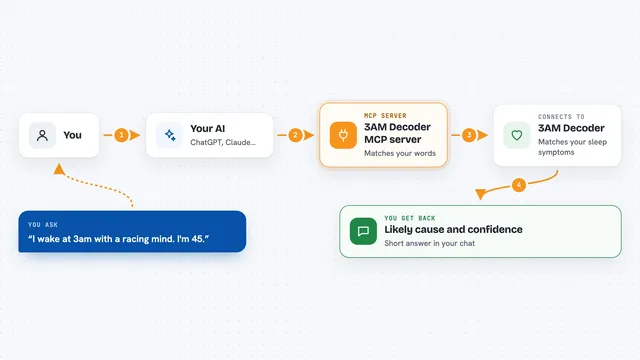
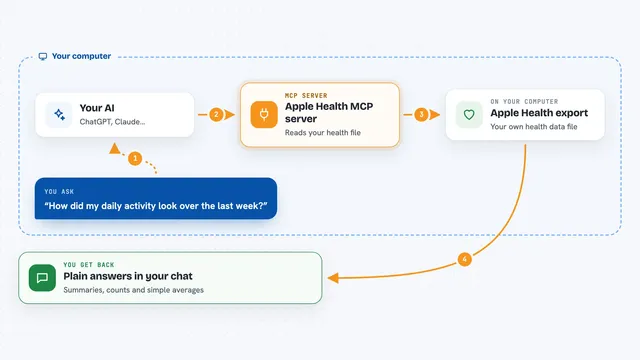
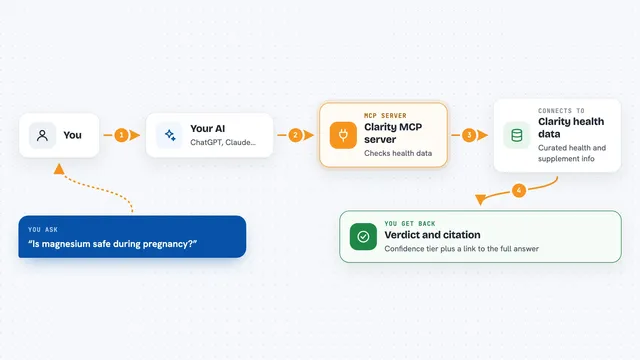
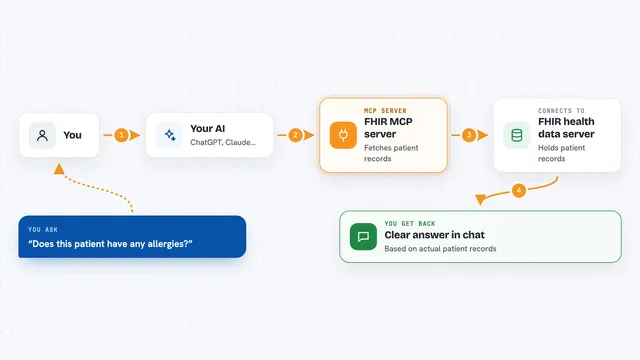
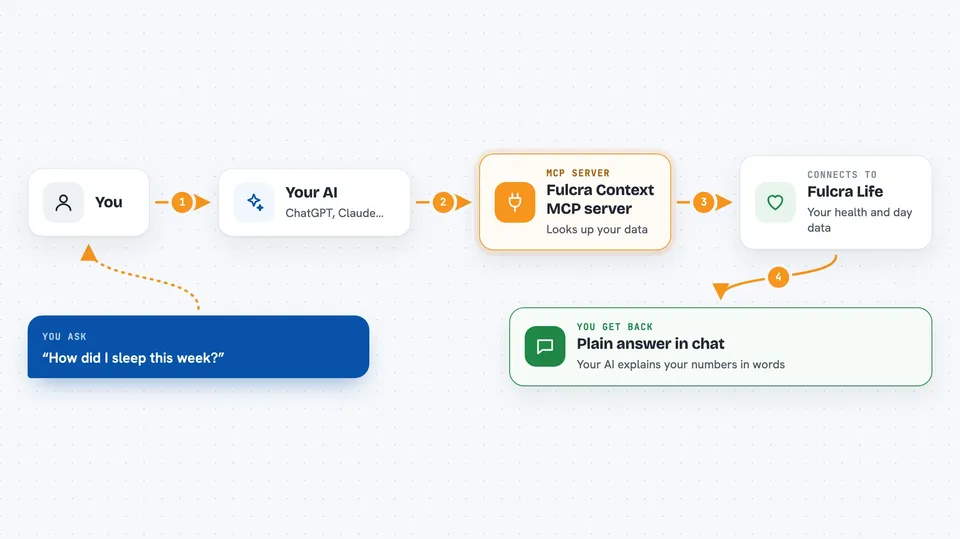
On its own, your AI can only chat with you. It has no way to see your sleep numbers or your calendar. An MCP server is a small helper program that gives your AI one new skill, and here that skill is talking to Fulcra. So when you ask about last night's sleep, your AI asks this helper, the helper asks Fulcra, and the answer comes back to you in the chat.
What this MCP server does
You ask your AI a question about your health, body or day. Your AI sends that request to this Fulcra helper. The helper talks to the Fulcra Life service, which holds your personal data like sleep, heart rate, HRV, glucose, workouts, calendar and location. Fulcra sends the numbers back, and the helper hands them to your AI. Your AI then explains them to you in plain words in the chat.
 Click to zoom
What you can do with it
- Ask how well you slept last night and what your sleep stages looked like
- Check your resting heart rate or HRV over the past week
- Look up your glucose readings around a meal
- Review your recent workouts and how long they lasted
- See what is on your calendar for a given day
- Ask where you were at a certain time, if location is recorded
- Compare this week's numbers with last week's
Try asking your AI
- “How did I sleep this week compared to last week?”
- “What was my heart rate variability over the past 7 days?”
- “Show me my glucose readings after dinner yesterday.”
- “What workouts did I do in the last month, and how long were they?”
What it gives back to you
You get answers in normal chat language, not raw tables. Your AI can summarise your sleep, list your workouts, give you average heart rate or HRV numbers, or describe your day based on calendar and location. If you ask for a comparison, it can put the numbers side by side in a short summary. It reads your data, it does not change it.
Before you start
What you need
- A Fulcra account with your health and life data in it
- An AI app that can use MCP servers, like the Claude desktop app
- For the local setup: the uv tool installed on your computer
Good to know
This helper can read your private health, calendar and location data, so only connect it to an AI app you trust.
Install it with your AI
Add Fulcra Context MCP server to your AI, no technical skills needed
You don't install anything by hand. You copy one prompt, paste it into an AI that can work on your computer, and it checks, installs and connects the server for you, asking you when it needs something.
Sign in to get the install prompt
Members get a ready-made prompt that lets the Claude desktop app check Fulcra Context MCP server, install it and connect it for them, step by step. You don't need any technical skills: you copy, paste and answer a few questions. Your connected AI can also find and install any of the 4,361 MCP servers here for you.
Who it's for
People who track their health and sleep in Fulcra and want to ask plain questions about their own data without opening charts.