MCP server · Research
Zillow MCP server
by HasData
Lets your AI search Zillow homes for sale, for rent or sold, and pull full details on any listing.

This is a ready-made connection that lets your AI look things up on Zillow for you. You ask in normal words, and it searches listings or opens a single property page and brings back the facts. It is handy for agents, buyers, renters and anyone who spends too long clicking around Zillow by hand.
What is an MCP server? The 30-second version
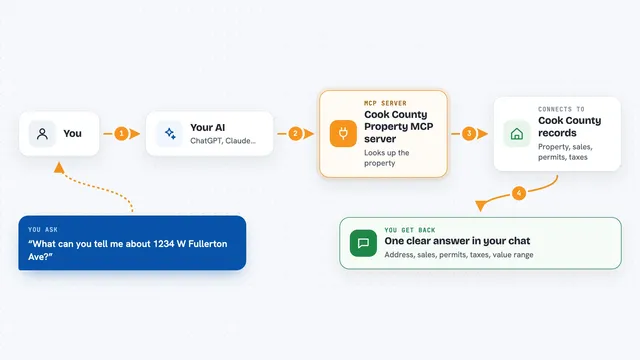
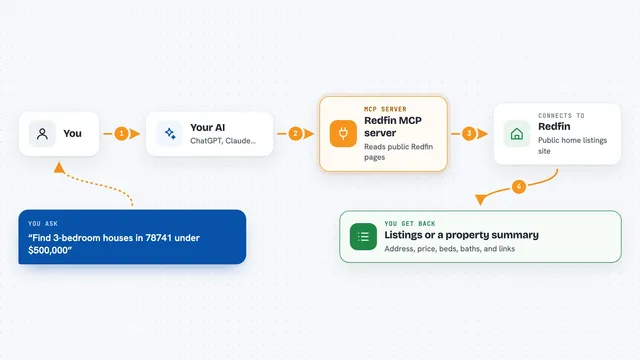
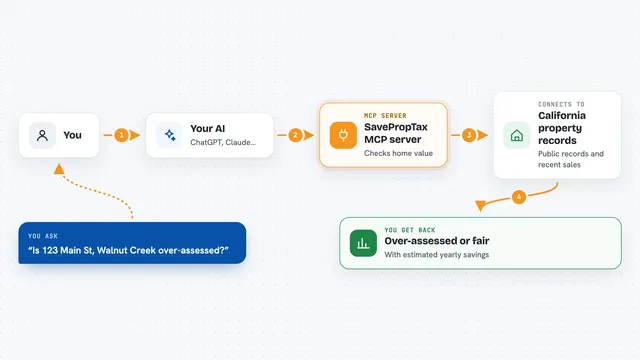
On its own, your AI can only chat with you. It cannot go and check a website. An MCP server is a small helper that gives your AI one new skill, and here that skill is talking to Zillow. So when you ask about homes in Austin, your AI passes the question to this helper, the helper reads the public Zillow pages, and the answer comes back into your chat.
What this MCP server does
You type a request in plain English, like homes for sale in a certain city under a certain price. Your AI sends that to this helper, which searches Zillow's public listing pages with your filters. You get back a tidy list of matching homes with price, beds, baths, size and days on market. If you then ask about one specific home, the helper opens that property's page and brings back the deeper details. Everything comes back as structured data your AI can read, sort and summarise for you.
 Click to zoom
What you can do with it
- Search homes for sale in a city with price, bed and bath filters
- Search rentals and see which ones allow pets
- Look up recently sold homes to compare prices
- Pull the full detail page for one property, including price and tax history
- Check the assigned schools for a home
- See the listing agent and broker for a property
- Sort results by newest, price or square footage
Try asking your AI
- “Search for-sale homes in Austin, TX with at least three beds under $600k, sorted newest first, and give me the ten most recent with price and days on market”
- “Find for-rent condos in Austin that allow cats, then pull the rental estimate on the three cheapest”
- “For this property URL, give me the list price, the price estimate, and the last three sales in its price history”
- “Show me homes sold in this zip code in the last 90 days and summarise the typical price per square foot”
What it gives back to you
You get back a list of listings with address, price, beds, baths, size, home type, days on Zillow and a link, plus a total count. For a single property you get the full picture: list price, Zillow's price estimate and rent estimate, price and tax history, year built, HOA fee, schools and agent details. Your AI usually turns that into a short table or a few sentences in the chat. The raw data is also there if you want to copy it out.
Before you start
What you need
- An MCP client such as Claude, Cursor, Windsurf or VS Code
- A HasData API key from their dashboard (a kind of password for apps; it is free to create and no card is needed)
- The server URL https://mcp.hasdata.com/mcp?apis=zillow
Good to know
Each successful call uses 5 credits from your HasData account, and asking for the agent's email costs double, so keep an eye on your free monthly allowance.
Install it with your AI
Add Zillow MCP server to your AI, no technical skills needed
You don't install anything by hand. You copy one prompt, paste it into an AI that can work on your computer, and it checks, installs and connects the server for you, asking you when it needs something.
Sign in to get the install prompt
Members get a ready-made prompt that lets the Claude desktop app check Zillow MCP server, install it and connect it for them, step by step. You don't need any technical skills: you copy, paste and answer a few questions. Your connected AI can also find and install any of the 4,361 MCP servers here for you.
Who it's for
Real estate agents, buyers, renters and analysts who want quick answers about Zillow listings without clicking through pages by hand.