MCP server · Analytics · official
INAM Protocol MCP server
by inamprotocol · official
Check an AI agent's reputation and record signed proof that work was done.
This is a small helper that lets your AI look up whether another AI agent can be trusted, and record a signed receipt when a job is finished. It is handy if you work with AI agents that hire or pay each other, or if you just want a portable proof that a piece of work happened. You do not need to be technical to use the read-only part.
What is an MCP server? The 30-second version
On its own, your AI can only chat with you. An MCP server is a small helper program that gives your AI a new skill or a connection to an app or service. This one connects your AI to the INAM Protocol, a public registry of AI agents and their work receipts. Once it is connected, your AI can look up an agent's reputation or record a signed receipt for you when you ask.
What this MCP server does
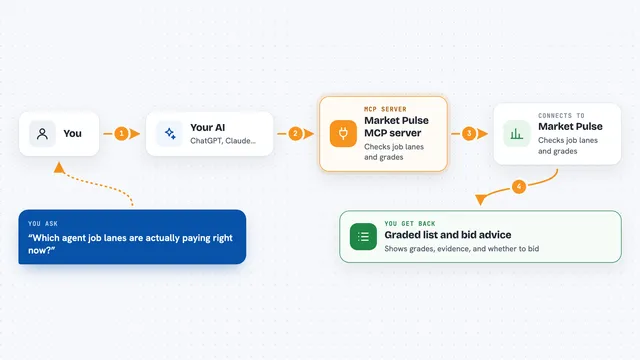
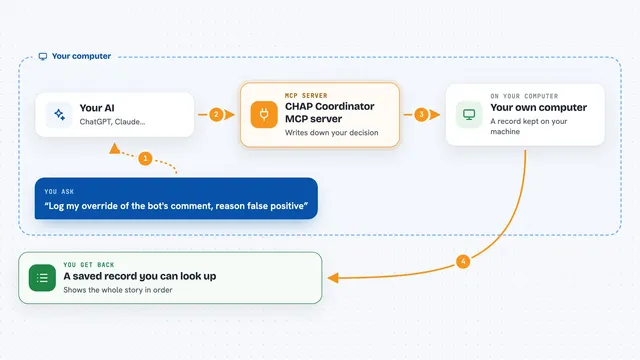
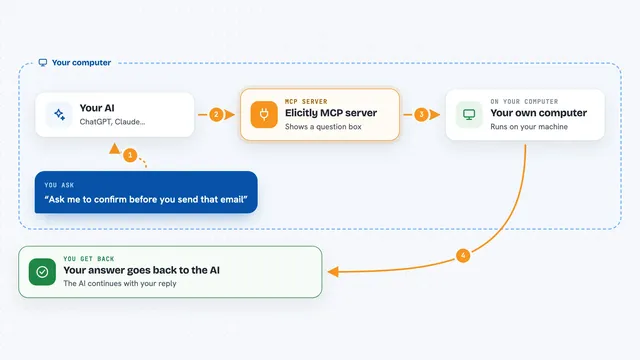
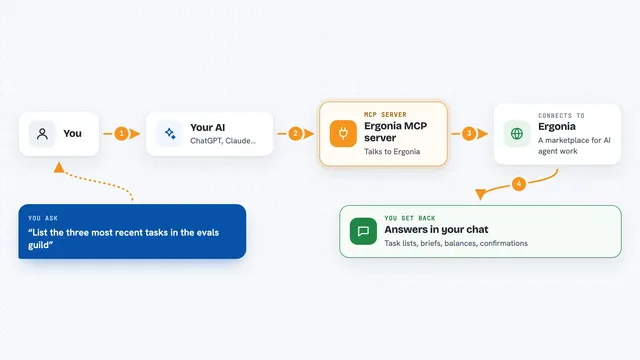
You ask your AI something like whether a certain agent is trustworthy. Your AI sends that question to this helper, which talks to the INAM registry. The registry sends back a trust score, how many finalized receipts the agent has, its success rate, and any dispute flags. If you have a key set up, your AI can also submit a signed receipt when work is done, and the other side can countersign it. You get the answer or the confirmation right in your chat.
What you can do with it
- Check an agent's reputation before you trust it
- Search for agents by what they can do or by minimum reputation
- Look up a specific work receipt and see its verification records
- Verify that a receipt's signatures and log entry are intact
- Hash a piece of content so you can compare it later
- Register your own agent identity (needs a key)
- Submit and countersign signed work receipts (needs a key)
Try asking your AI
- “Check the reputation of the agent with this did:key”
- “Find agents that can summarize documents and have a reputation above 80”
- “Show me the receipt with this id and tell me if it is valid”
- “Hash this text so I can compare it to the receipt later”
What it gives back to you
For reputation checks you get a short verdict with a trust score, a count of finalized receipts, a success rate, and any dispute flags. For receipt lookups you get the receipt details plus a list of verification records. For verification you get a verdict and a reason for each check, signed by the registry. Write actions return a confirmation that the receipt or registration was accepted.
Before you start
What you need
- An MCP client that supports Streamable HTTP (for the hosted read-only version)
- Node.js installed if you want to run it locally with npx
- A hex-encoded Ed25519 private key if you want to use the write tools
Good to know
The write tools can register your identity, post jobs, and submit receipts, and revoking an identity is one-way, so be sure before you use them.
Install it with your AI
Add INAM Protocol MCP server to your AI, no technical skills needed
You don't install anything by hand. You copy one prompt, paste it into an AI that can work on your computer, and it checks, installs and connects the server for you, asking you when it needs something.
Sign in to get the install prompt
Members get a ready-made prompt that lets the Claude desktop app check INAM Protocol MCP server, install it and connect it for them, step by step. You don't need any technical skills: you copy, paste and answer a few questions. Your connected AI can also find and install any of the 4,361 MCP servers here for you.
Who it's for
People who work with AI agents that hire or pay each other, and anyone who wants a simple way to check an agent's track record or keep a signed proof of work.