MCP server · Productivity · official
CHAP Coordinator MCP server
by BrightbeamAI · official
Keep a clear, tamper-evident record of every time you approve, edit, or reject an AI agent's work.

CHAP is a helper that keeps a written record of the decisions you make about AI work. Every time you approve a draft, change a line, or send it back, that decision gets saved in one tidy chain you can look up later. It is handy if you work with AI agents that draft things for you, like code reviews, ticket replies, or contract notes, and you need to show what you did and why.
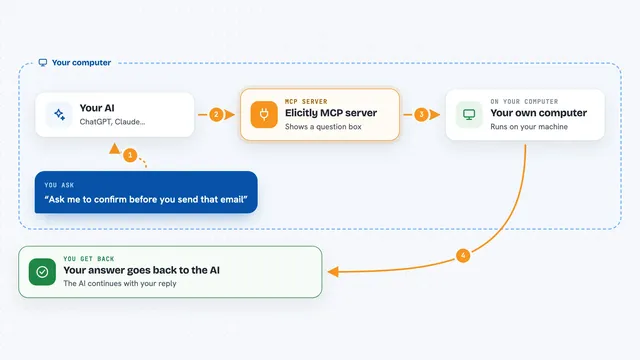
What is an MCP server? The 30-second version
On its own, your AI can only chat with you. An MCP server is a small helper program that gives your AI a new skill or a connection to another tool. This one connects your AI to CHAP, a shared record of human decisions about agent work. Once it is connected, your AI can log your approvals, overrides, handoffs, and escalations into that record, and read them back when you ask.
What this MCP server does
You tell your AI what you decided about a piece of agent work, for example that you are approving a draft or changing one comment. Your AI passes that decision to this helper. The helper writes it into a shared record, with the details of what changed, why, and who did it, and links it to the earlier entries. Later, you can ask your AI to pull up that record and it will show you the whole story in order.
 Click to zoom
What you can do with it
- Record your approval, edit, rejection, or override of an agent's draft
- Note why you changed something, using short tags your team agrees on
- Hand a piece of work from one person or agent to another and keep the trail
- Escalate a decision that needs a manager or specialist
- Look up the full history of a task and see every decision in order
- Group past overrides by tag to see which patterns keep coming up
Try asking your AI
- “Log my override of the bot's review comment on PR-482, with the reason false positive and the tag framework-pattern-misread”
- “Show me the full decision history for task 7f3a”
- “Hand this contract review over to Priya for a second look”
- “Escalate the settlement suggestion to my manager because the amount is over my limit”
What it gives back to you
You get back a short confirmation that the decision was saved, with a reference you can use later. When you ask for history, you get a list of entries in order, each showing who acted, what they did, and any note or tag attached. Analytics requests come back as grouped counts, for example how many overrides carried a particular tag.
Before you start
What you need
- The CHAP coordinator package installed (npm install @brightbeamai/chap-coordinator or pip install chap-coordinator)
- Node.js 18 or newer if you use the TypeScript version, or Python 3.10 or newer if you use the Python version
- A place to store the record, such as a local SQLite file
Good to know
This keeps a permanent record of decisions, so anything you log stays in the chain, and the record may be shared with others on your team.
Install it with your AI
Add CHAP Coordinator MCP server to your AI, no technical skills needed
You don't install anything by hand. You copy one prompt, paste it into an AI that can work on your computer, and it checks, installs and connects the server for you, asking you when it needs something.
Sign in to get the install prompt
Members get a ready-made prompt that lets the Claude desktop app check CHAP Coordinator MCP server, install it and connect it for them, step by step. You don't need any technical skills: you copy, paste and answer a few questions. Your connected AI can also find and install any of the 4,361 MCP servers here for you.
Who it's for
Teams and solo workers who use AI agents for drafting or reviewing work and need a clear, checkable record of the human decisions around it.