MCP server · Health and learning
Oura Ring MCP server
by Rajskij
Ask your AI about your Oura Ring sleep, readiness, activity and heart rate, in plain words.
This is a small helper that connects your Oura Ring data to the AI chat you already use, like ChatGPT or Claude. Once it is set up, you can just ask questions about your sleep, stress or workouts and get a normal answer back. It is handy for anyone who wears an Oura Ring and would rather chat about the numbers than dig through charts.
What is an MCP server? The 30-second version
On its own, your AI can only chat with you. An MCP server is a small helper program that gives your AI a new skill or a connection to an app or service. This one connects your AI to your Oura Ring account, so when you ask a question, the AI can look up your real sleep, readiness and activity data and explain it. You stay in the same chat window; the helper does the fetching behind the scenes.
What this MCP server does
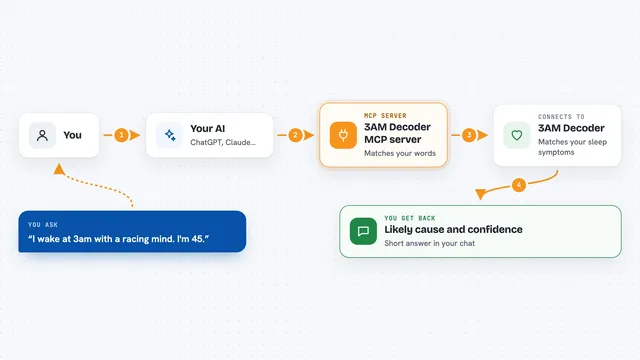
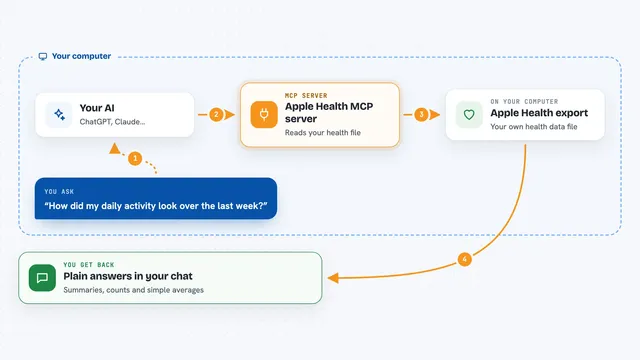
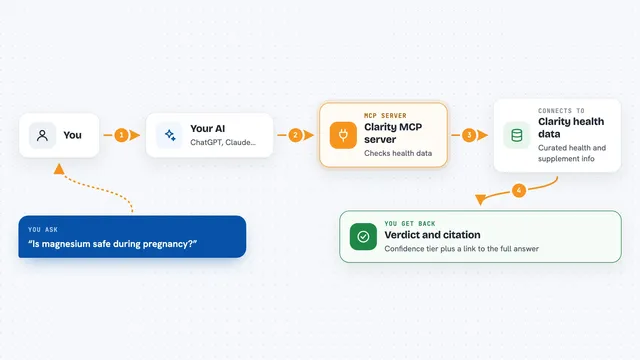
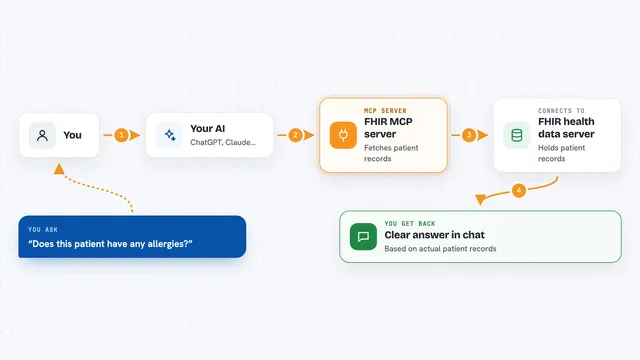
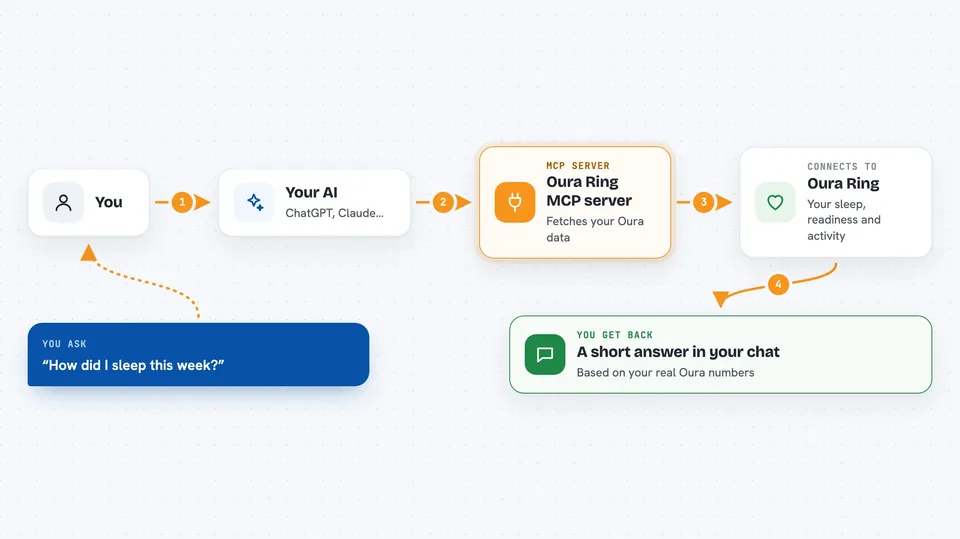
You ask your AI something like how you slept this week. The AI picks the right tool from this helper, and the helper asks Oura for your data. Oura sends the numbers back, and the helper tidies them up into short, readable pieces. Your AI then turns that into a normal answer in whatever language you are using. Everything is read-only, so nothing in your Oura account gets changed.
 Click to zoom
What you can do with it
- Ask how you slept this week and get a plain summary
- Check your readiness score before deciding to train hard
- See your steps, calories and activity for a day
- Look at your stress levels on a chosen day
- Review your workouts and meditation sessions
- Check your night heart rate and how it relates to things you tagged, like coffee
- Ask about your SpO2, VO2 max or cardiovascular age
Try asking your AI
- “How did I sleep this week?”
- “Should I train hard today or take it easy?”
- “Compare my sleep on workdays vs the weekend.”
- “Did the late coffee I tagged yesterday show up in my night heart rate?”
What it gives back to you
You get a short written answer in the chat, based on your real Oura data. It might be a summary of your week, a single number, or a small list of nights or workouts. The helper keeps the data compact, so answers stay quick and easy to read. Nothing is changed in your Oura account.
Before you start
What you need
- An Oura Ring with an active Oura subscription (the data will not load without one)
- A free Oura developer app (you register it yourself in about 5 minutes)
- Node 22 or newer, or Docker, if you run it yourself
- For ChatGPT or claude.ai web, a small always-on server with a public web address
Install it with your AI
Add Oura Ring MCP server to your AI, no technical skills needed
You don't install anything by hand. You copy one prompt, paste it into an AI that can work on your computer, and it checks, installs and connects the server for you, asking you when it needs something.
Sign in to get the install prompt
Members get a ready-made prompt that lets the Claude desktop app check Oura Ring MCP server, install it and connect it for them, step by step. You don't need any technical skills: you copy, paste and answer a few questions. Your connected AI can also find and install any of the 4,609 MCP servers here for you.
Who it's for
Oura Ring wearers who use ChatGPT or Claude and want to chat about their sleep, readiness and activity instead of reading charts.