AI-made scams are getting harder to spot: a frontline guide for Customer Support
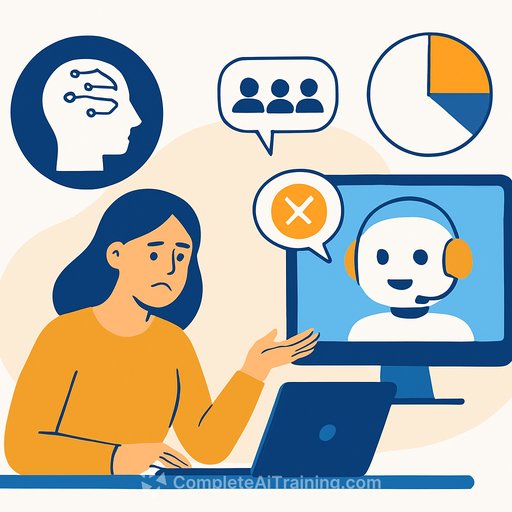
AI now writes a huge share of phishing and spam - estimates put it at half to three-quarters worldwide. Messages look clean, read like real colleagues, and pull in public details to feel personal. Add fake voices and video, and simple gut checks stop working.
For customer support teams, this shifts the job - you're not just answering tickets; you're protecting accounts, money, and data in real time. For practical tips and role-specific materials, see AI for Customer Support. The goal isn't perfection. It's fast detection, tight verification, and clear playbooks.
What changed (and why it matters to support)
- Credibility at scale: Attackers train AI on company emails, news, and social posts. As one threat analyst put it, the shift is "credibility at scale."
- Personalization by default: AI scrapes social media and public records to target people during stressful life events - a prime setup for social engineering.
- Cleaner language: Grammar mistakes that gave scams away are fading. Overseas attackers can pass as native speakers.
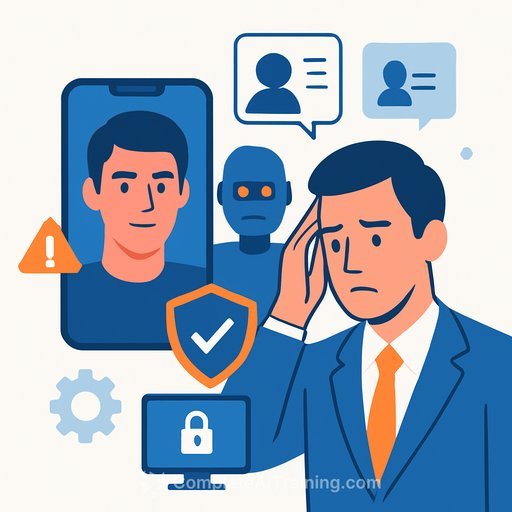
- Multimodal tricks: Deepfake audio and video impersonate leaders or customers to rush account changes and payments.
Dark web markets lower entry barrier
Underground marketplaces rent AI tools for about $90 a month, with tiered pricing and even customer support. Names like WormGPT, FraudGPT, and DarkGPT pop up frequently. They generate phishing kits, malware, and step-by-step playbooks.
Some attackers use "vibe-coding" - prompting general AI models to produce harmful code. Providers say they're blocking these attempts, but it only takes a few slips for criminals with little skill to get dangerous output.
Speed and automation reshape criminal networks
What used to require a small team of specialists can now be automated. Access, lateral movement, and the phishing that kicks it off are all getting faster.
Fully autonomous attacks aren't here yet, but it's close enough that volume and quality both climbed. Think of it as higher throughput without needing more skilled people on the attacker's side.
High-risk moments in customer support
- Requests to change the email, phone, or recovery method on an account.
- Rush payment updates, refund re-routes, or gift card/crypto-based compensation.
- Executive "urgents" over voice or chat that bypass normal process.
- Account unlocks after failed logins from new devices or countries.
- Third-party "contractors" asking for access or data exports.
Agent playbook: verify before you act
- Always move sensitive requests to a verified channel: If the request came by chat or email, call the verified number on file. Never use a number provided in the same message.
- Require 2 of 3: Knowledge check (not easily found online), possession check (one-time code to a verified device), and a stable behavioral signal (logged-in session + device fingerprint).
- Use an out-of-band codeword: Keep a customer-set passphrase on file. Ask for it on voice calls and live chat when making profile or payment changes.
- For deepfake-resistant checks: Ask the caller to repeat a random 5-word phrase twice, then change the phrase order. Latency and artifacts often break the fake.
- Enforce cooling-off windows: High-risk changes get a 24-hour hold plus a confirmation via the original email/phone on file.
- Never accept file attachments to "prove identity": IDs and invoices are easy to forge. Trust verified channels and multifactor, not screenshots.
Red flags worth a pause
- Impeccable grammar but unusual urgency, flattery, or guilt trips.
- Requests that jump channels (email to personal SMS, WhatsApp, or Telegram).
- Excessive personal detail in the first message (pulled from LinkedIn or obituaries).
- Repeat phrasing after minor clarification requests (LLMs "reset" and reuse lines).
- Voice calls with tiny delays, flat tone, or weird breathing gaps when interrupted.
Templates your team can use
- Verification nudge (chat/email): "Happy to help. For security, we need to confirm this request using the phone and email already on file. I'll send a one-time code now and call the number ending in ****."
- Executive bypass refusal (voice): "I understand the urgency. Our policy requires out-of-band verification and a 2-step confirmation for payment or access changes. I can start that process now."
- Cooling-off notice: "This change is queued and will finalize after a short security hold. You'll get a confirmation at your existing contact methods."
Team guardrails to implement this week
- Policy: No email/phone change, refund reroute, or payment update without 2 independent verifications.
- Access notes: Flag VIP accounts and high-risk orgs with extra step-up checks by default.
- Call authentication: Require passphrases or one-time codes for voice-only support.
- Attachment hygiene: Block macro-enabled files and external links in tickets by default.
- DMARC/SPF/DKIM: Align email security so agents can trust domain signals.
- FIDO2 security keys for staff: Protect agent and admin accounts against phishing.
- Playbooks in the help desk: One-click macros for "suspicious request," "account freeze," and "escalate to security."
Signals to log and share with security
- New device + new location + high-value request within 24 hours.
- Multiple accounts requesting similar changes with the same phrasing.
- Refunds or payment updates routed to first-time destinations.
- Tickets referencing recent company news or leadership posts you didn't announce to customers.
If you suspect an attack
- Freeze the account for sensitive changes and note "pending verification."
- Capture headers, call recordings, and chat logs. Tag with a standard incident label.
- Notify security with a short summary: who, what, channel, risk level, and your next step.
- Send a courtesy alert to the verified contact methods on file.
Where defense AI actually helps
- Inline coaching: An AI assistant can score risk in the ticket, summarize signals, and surface policy steps - but agents approve final actions.
- Pattern spotting: AI can cluster near-duplicate messages, detect phrasing reuse, and flag coordinated campaigns early.
- Continuous code and config checks: Engineering teams can use AI to scan for security gaps while keeping humans in the loop for all changes.
Why urgency without process is the real threat
Attackers rely on speed and pressure. Your advantage is a repeatable process that slows them down without wrecking customer experience. Clear scripts, mandatory second checks, and short holds beat charisma every time.
Further reading and training
- CISA: Avoiding Social Engineering and Phishing Attacks
- FTC: Phishing guidance for businesses
- Practical AI training by job role (Customer Support)
- Hands-on certification: AI assistants for support workflows
Your membership also unlocks: