Google Ads Replaces Support Form With an AI Agent: What Customer Support Teams Need to Know
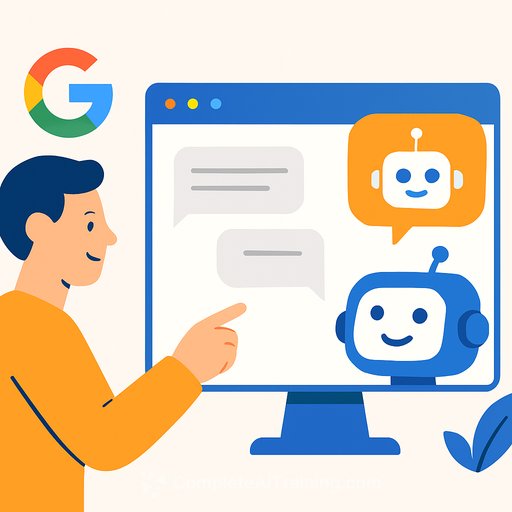
Google Ads is redirecting the usual support form to an AI chat agent, likely tied to its Ads Advisor system and underlying models like Generative AI and LLM. Multiple accounts are seeing the chat experience at the standard help URL. It may not be universal yet, but it's active for many users right now.
The agent asks for your issue, suggests fixes, and then offers to "look into options" for your account if needed. Reports also suggest it can auto-pick details from your past cases to prefill forms, which can save time but needs oversight for accuracy.
What changed
- Redirect from the support form to an AI chat experience.
- Appears on both suspended and active accounts.
- Practitioners flagged the shift: Marcin Wsól noted the redirect; Arpan Banerjee observed auto-filled case details.
Why this matters for customer support teams
- Your first line is now a bot; human handoff isn't guaranteed without a clear ask.
- Outcomes depend on how crisply you present the issue and proof of prior troubleshooting.
- Auto-filled case context can help, but verify it's correct and complete.
How to get faster resolutions with the AI agent
- Lead with a tight brief: Account ID, role/email, policy or error text, timeline, scope/impact, steps tried, and the outcome you want.
- Use numbered steps and yes/no answers to avoid long back-and-forth; applying basic Prompt Engineering principles helps keep requests actionable.
- Include prior case IDs and the last known decision; ask it to reference those.
- After one or two loops, request escalation to a human specialist for the exact area (billing, policy, account access, etc.).
Escalation triggers worth stating up front
- Billing disputes, refunds, invoice errors.
- Account suspensions, policy appeals, identity verification.
- Compromised accounts or suspected unauthorized changes.
- Legal or privacy-related requests.
Paste-ready structure for your first message
Issue summary: [one sentence]
Account: [Customer ID] - [email] - [MCC: yes/no]
Error/policy: [exact message]
Timeline: [dates, last occurrence]
Impact: [ads paused? spend lost?]
Troubleshooting done: [1-3 bullets]
Goal: [the specific action/outcome you need]
Prior cases: [IDs, links]
Request: If unresolved after one step, route to a human specialist for [topic].
Data and access hygiene
- Share only what's needed; avoid sensitive PII in free text.
- Confirm you're signed in with the correct role before starting the chat.
- Log prompts, responses, and final outcomes in your internal ticket for continuity.
Team playbook updates
- Add an "AI-first" contact path with the message structure above.
- Set a two-iteration limit before requesting a human handoff.
- Track metrics: time to useful answer, loops to escalation, resolution rate, and deflection quality.
Contingency paths
- If the redirect is broken or loops, try the entry point here: Google Ads Support.
- If you have a rep or partner channel, open a parallel thread and include the AI chat transcript and case ID.
Bottom line
Google is steering Ads support through an AI gatekeeper. Treat it like a triage desk: deliver a sharp brief, cap the loops, and ask for a human when the issue warrants it.
Upskill your team for AI-first support
If you want practical, role-based training on prompt structure and escalation discipline, explore AI for Customer Support.
Your membership also unlocks: