Nvidia's opt-in GPU fleet monitoring: what managers need to know
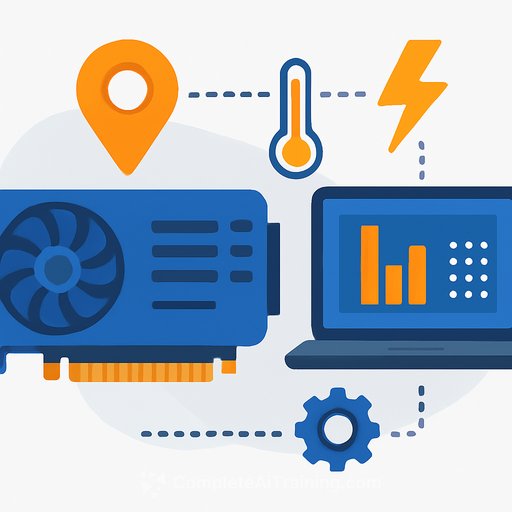
Nvidia has introduced a fleet-level monitoring system for AI GPUs that can track physical location, monitor energy draw and thermals, and surface performance issues across data centers. It is opt-in. That means it can deter chip smuggling and improve oversight, but only for customers who deploy it.
For leaders running large AI clusters, the takeaway is simple: this is a way to gain clear, unified visibility across your GPU assets without building the stack yourself.
What the software actually does
The system collects telemetry from an open-source client agent and displays it in a central dashboard on Nvidia's NGC platform. You can view status globally or by compute zones that map to specific sites or cloud regions, which enables detection of a device's physical location.
It tracks energy behavior (including short spikes), utilization, memory bandwidth, interconnect health, airflow, and temps. It also flags software drift across nodes, like mismatched drivers or settings that can derail training runs.
What it does not do
It is observational only. There is no backdoor and no kill switch.
That means if hardware shows up in a restricted region, Nvidia sees it on the dashboard, but cannot shut it down. The data can still help trace how gear moved through the supply chain.
Why this matters for management
- Cost control: Spot energy spikes and idle cycles. Optimize workloads to improve performance per watt and reduce waste.
- Uptime and reliability: Early warning on hotspots, airflow issues, and link errors cuts silent performance loss and premature aging.
- Compliance and audit: Physical location tracking supports export-control checks, data residency, and asset governance.
- Operational consistency: Surface software drift that causes unpredictable training behavior.
How it fits with Nvidia's other tools
DCGM exposes low-level health data at the node level, but you build the dashboards yourself. Base Command focuses on orchestration and workflows, not deep hardware telemetry. The new service stitches the view across sites and clouds for fleet-wide visibility.
For context, see Nvidia's pages on NGC and DCGM.
Risks and constraints to plan for
- Opt-in limits coverage: If a site or partner does not install the agent, you will have blind spots.
- Privacy and legal reviews: Location tracking and telemetry collection need clear policies, contract terms, and data retention standards.
- Vendor dependence: The dashboard is hosted on NGC. Validate access controls, data isolation, and export of raw metrics for your own lakehouse.
- Change management: Standardizing drivers and configs across teams may require new workflows and ownership.
Rollout game plan (fast track)
- 1) Define outcomes: Pick three targets: energy reduction, uptime, and configuration compliance.
- 2) Start with one high-density cluster: Install the agent, map compute zones, validate location reporting.
- 3) Set alert thresholds: Energy spikes, thermal ceilings, link error rates, and config drift.
- 4) Integrate with ops: Pipe alerts into your existing NOC/SOC tools and incident process.
- 5) Expand and standardize: Make installation part of provisioning for every new node and site.
KPIs to watch weekly
- Average and peak energy draw per cluster
- GPU utilization distribution (time in idle vs. under load)
- Thermal and airflow incidents per rack
- Interconnect error rate and bandwidth saturation
- Driver/firmware compliance rate across nodes
Questions to ask your team
- Do we have full coverage, or are any locations not opted in?
- How do we reconcile NGC metrics with our internal observability stack?
- What's our policy for location data access, retention, and audits?
- Where are we seeing the biggest energy spikes, and what's the remediation plan?
- Which workloads are underperforming due to bandwidth or config drift?
Bottom line
If you manage AI infrastructure, this is a pragmatic way to see what's really happening across your GPU fleet. It helps reduce energy waste, guard uptime, and prove compliance, with the caveat that coverage depends on adoption.
Train your team on monitoring practices and operational checklists, then make opt-in installation a default in procurement and provisioning.
Further learning for your team
Upskill operators and engineering leads with role-based programs: AI courses by job function.
Your membership also unlocks: