AI agent for ux researchers
Accessibility Test Session Prep Agent
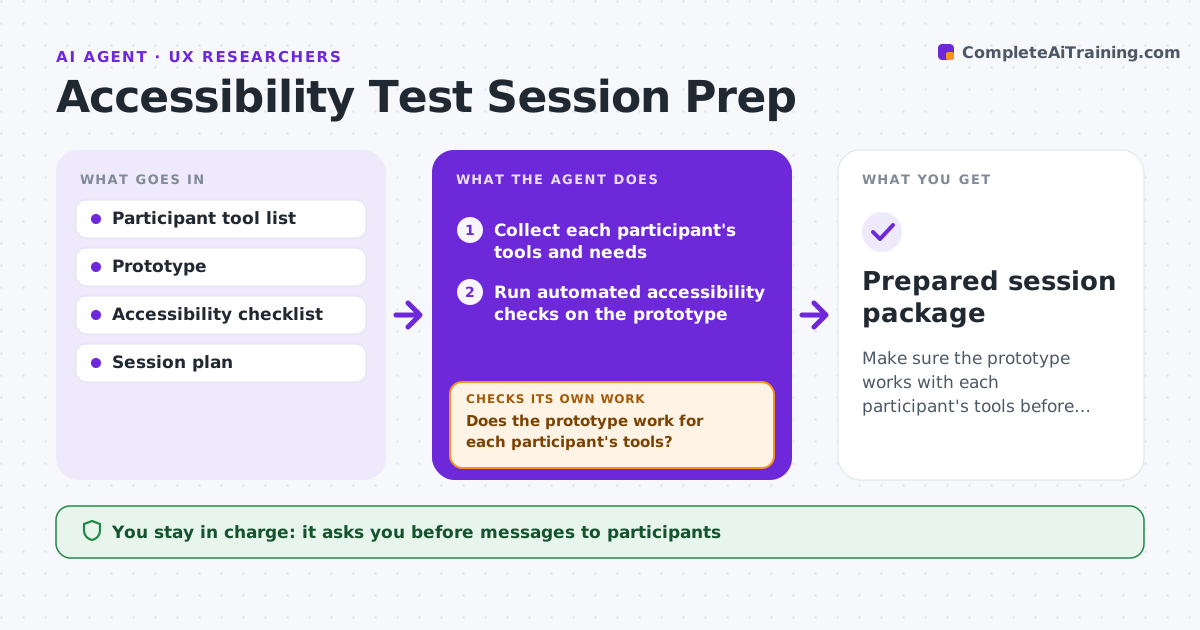
Make sure the prototype works with each participant's tools before the session.
What it does
Sessions with assistive technology users often hit surprises, like a prototype that a screen reader cannot read. This agent collects each participant's tools and needs, such as the screen reader, browser, zoom level or switch device. It then checks the prototype against those tools, using automated checks and a manual review list. It lists blockers and drafts adjustments, such as adding alt text or reordering focus. It retests after each fix. It also drafts a session guide that fits the participant's pace and tools. You approve all messages to participants. Edge case: a participant uses a screen reader that your prototype tool does not support, and the agent proposes an exported version.
How it works
Follow the arrows from top to bottom. The orange dashed arrow is the loop: when a check fails, the agent goes back and tries again.
Read the steps as a list
- Accessibility sessions are scheduled
- Collect each participant's tools and needs
- Run automated accessibility checks on the prototype
- Review the checklist for each tool combination
- Does the prototype work for each participant's tools?If not: List the blockers by participant and task. Back to step 4.
- Draft adjustments and workarounds
- Retest the prototype for each tool
- Are the task blockers cleared?If not: Return the remaining blockers to the designer with details. Back to step 6.
- Draft the session guide and participant messages
- Researcher approves participant messagesThe agent waits here for your OK.
- Prepared session package
How it decides
It tests the prototype for each tool combination and marks blockers that stop the task. Task blockers are fixed before cosmetic issues.
- Task-blocking issues are fixed first
- Each tool combination is tested separately
- Do not ask participants to work around a blocker
- Session length is adjusted to the participant's needs
Make it yours
Every agent is a starting point. You choose these settings for your own situation.
- Tools and browsers tested
- Session length
- Checklist version
- Lead time (default 1 week)
- Fallback if a blocker remains
What keeps you in control
It always asks you first
- Messages to participants
- Any prototype change request
Hard limits
- Never shares health details
- Never sends without approval
- Never tests without consent
It stops when
- Done: no task blockers remain
- Stop: blocker cannot be fixed; propose an alternative task
Set it up
We guide you through the set-up, step by step
Members get the full set-up guide for this agent. No technical skills needed: you copy, paste and upload.
- One set of instructions to paste into your AI, with the clicks for ChatGPT, Claude, Microsoft 365 Copilot, Gemini and Grok
- The agent then walks you through connecting your own data, one source at a time
- A downloadable copy with the flow chart, the rules and the full guide