
Learning path
Learning AI as a Web Designer
AI helps web designers turn messy client notes into clear briefs, plan layouts, and hand off work developers can build. This path shows you how, step by step, in the tools you already use.

Your path
Everything in the Web Designer AI kit, in the order that makes sense. Members tick off each step and see their progress.
Set up your AI
We guide you through each click.
Let skills do your everyday tasks
Connect your apps and pick your AI apps
Hand whole tasks to AI agents
Build your own tools
Keep growing
Everything for web designers
All the courses, certifications, AI tools, MCP servers and apps for web designers, most relevant first. Open any list to see more.
Take the prompt courses
A short framework course to learn how to ask, then 9 lessons with ready-to-use prompts for web designers.
Start with this framework: how to talk to AI
RACE fits web design because you define your role, action, context, and expected quality, like specifying a homepage redesign for mobile users.
Then your prompt course for web designers- 1Client Briefs And Discovery3 prompts
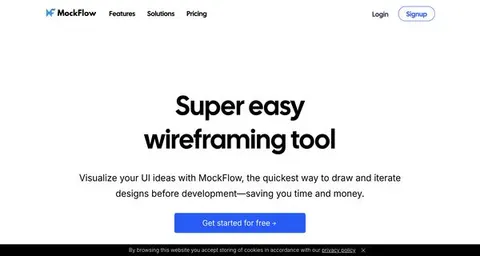
- 2Wireframes And Page Structure3 prompts
- 3Color Palette Selection3 prompts
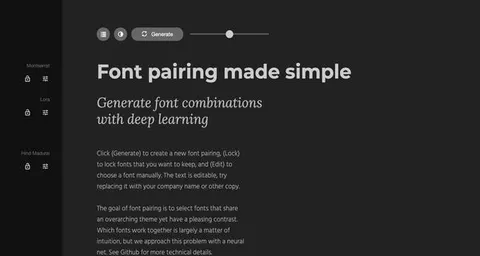
- 4Typography Systems5 prompts
- 5Responsive Layout Planning3 prompts
- 6UX Copy And Microcopy3 prompts
- 7Accessibility And Inclusive Design4 prompts
- 8Developer Handoff And Specs2 prompts
- 9Design Critique And Iteration2 prompts
Watch the video courses or add them to your Favorites for later
112 video courses our AI picked for web designers, most useful first. Save the ones you want to watch later with the heart.
Favorites are saved to your account: sign in or get your AI kit first.
Show all 112 video courses
Get certified, or add certifications to your Favorites
Every course ends in an exam and a certificate you can add to LinkedIn. Save the certifications you are aiming for with the heart.
Favorites are saved to your account: sign in or get your AI kit first.
More certifications for web designersShow all 24 certifications
Try the AI tools for web designers
24 AI tools our AI matched to the work of web designers, best fit first. Each review shows what it does, its alternatives and the jobs it suits.
Favorites are saved to your account: sign in or get your AI kit first.
Show all 24 AI tools
Connect your AI to the apps web designers use
MCP servers let ChatGPT, Claude or Copilot look things up and get work done in other apps, like your email, calendar or bookkeeping software. These 12 fit the work of web designers best, well-known apps first.
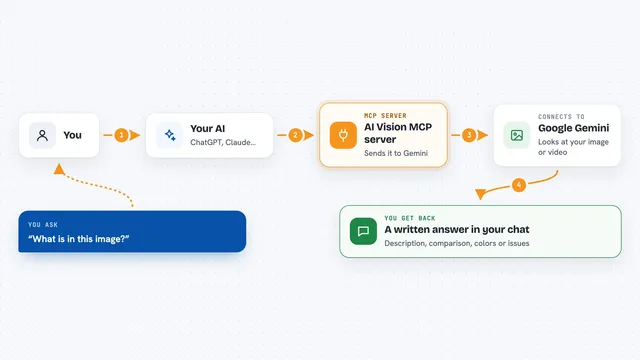
AI Vision MCP server
by tan-yong-shengLets your AI look at images and videos, describe them, compare them, and check design quality.

Unsplash MCP server
by hanoakLets your AI search Unsplash photos, collections and topics, with ready-made photo credits.
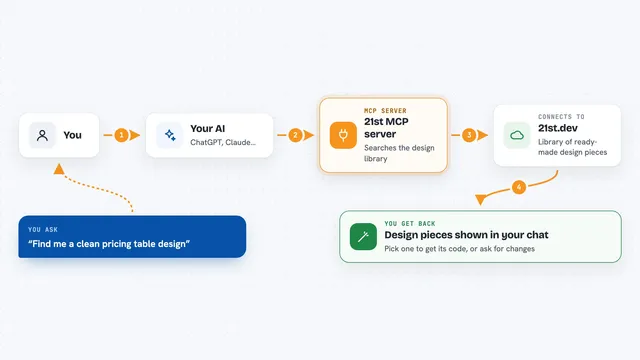
21st MCP server
by 21st-devLets your AI find ready-made website and app design pieces and help build new ones from your description.
Design toolsNo install
Infyicon MCP server
by krupalghori44-devYour AI can search 161,000+ hand-drawn icons and hand you ready-to-use SVG code or PNG links.
Design toolsNo install
Identity Forge MCP server
by KasayoDotComLet your AI pick a design kit, apply it to your project, and research brand names and domains.

Aesthete Agent MCP server
by docsor1212Lets your AI pick colors for websites and apps that are readable, color-blind safe, and not generic AI purple.
Show all 12 MCP servers

Stocky stock photo MCP server
by joelioSearch and download free stock photos from Pexels and Unsplash right from your AI chat.
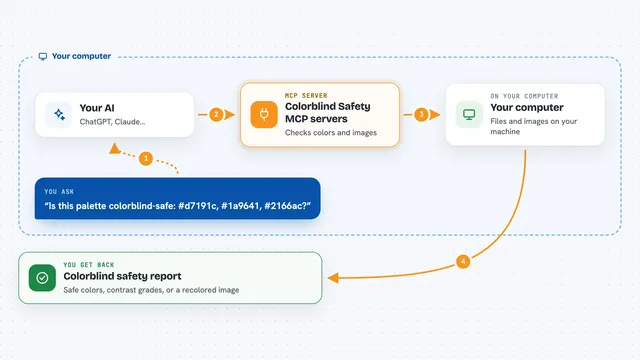
Colorblind Safety MCP servers
by vince-gonzalezCheck if your colors and images are colorblind-safe, and see them the way a colorblind person does.
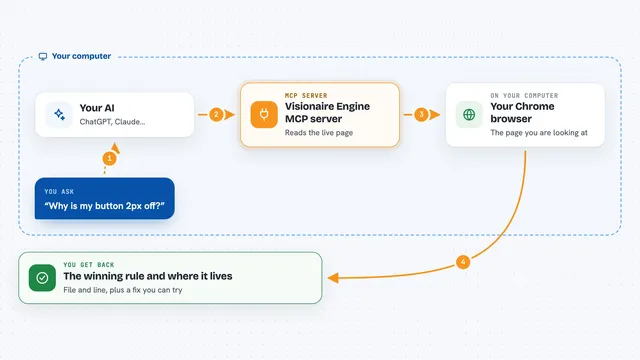
Visionaire Engine MCP server
by mi60devLets your AI inspect a live web page and tell you exactly which CSS rule wins, from which file and line.
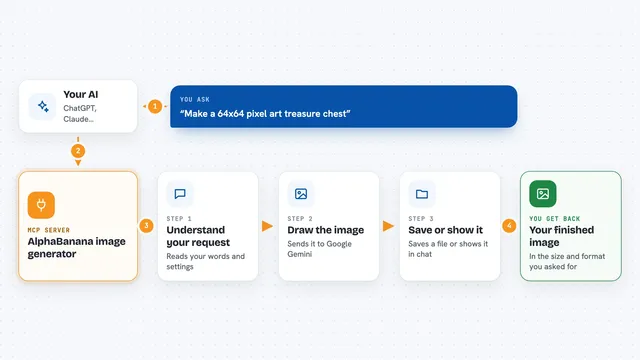
AlphaBanana image generator
by tasopenLet your AI create images with Google Gemini, including transparent PNGs and exact sizes.
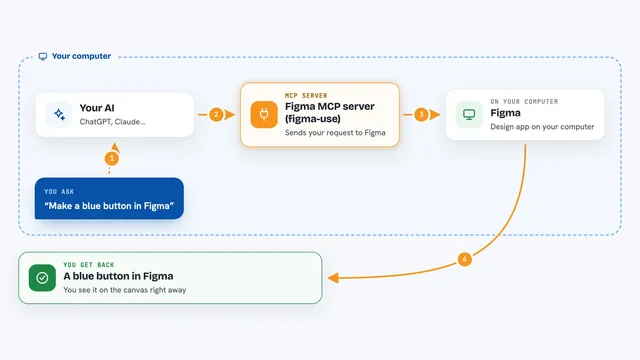
Figma MCP server (figma-use)
by dannoteLets your AI create and change things in Figma, like shapes, text, buttons and layouts, right from a chat.

Pexels MCP server
by afshinatorYour AI can search free Pexels stock photos and videos and bring back links and credits.
Build your own AI apps for web designers
Apps you build yourself with your own AI, no coding needed and no monthly fee. Our AI picked the 12 that fit the work of web designers.
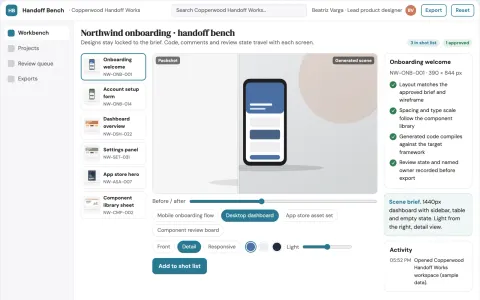
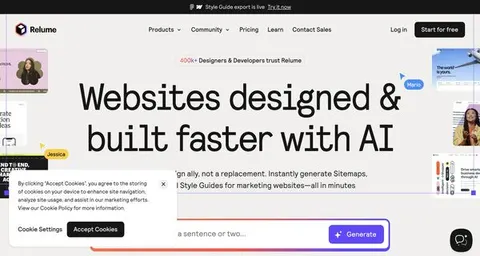
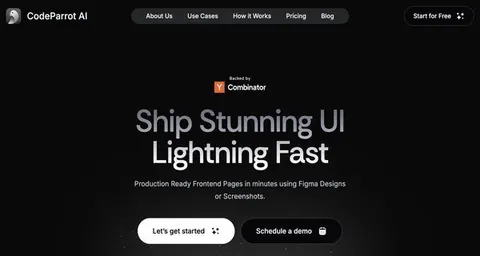
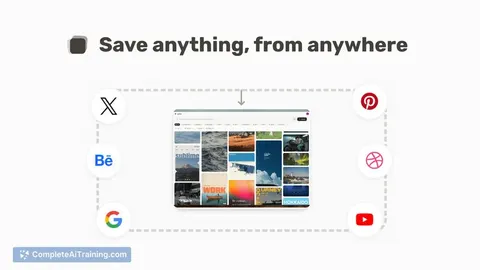
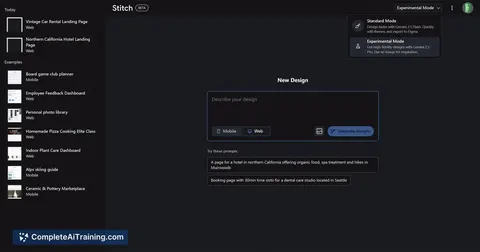
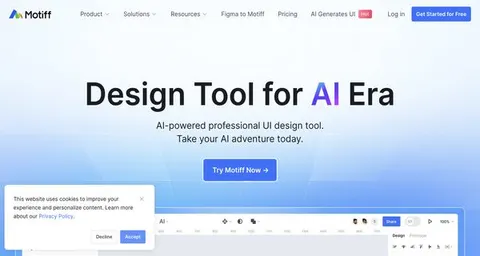
Design-to-code production workbench
Reduce handoff cycles between design and frontend while keeping a reviewable record from input to shipped code.
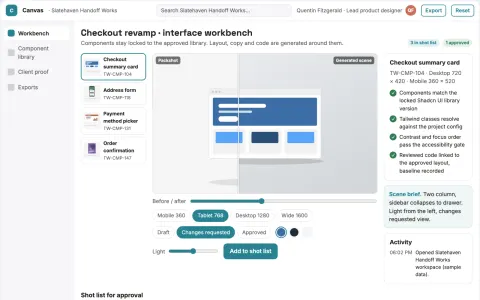
Visual interface design to code workbench
Reduce handoff rework while keeping the approved interface as the source of truth.
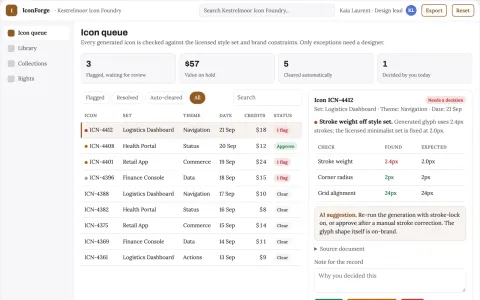
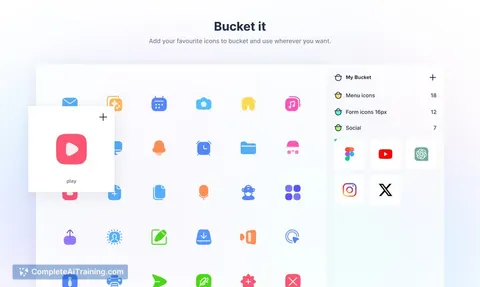
Icon library and AI customization console
Reduce icon sourcing time while keeping one consistent, licensed set.
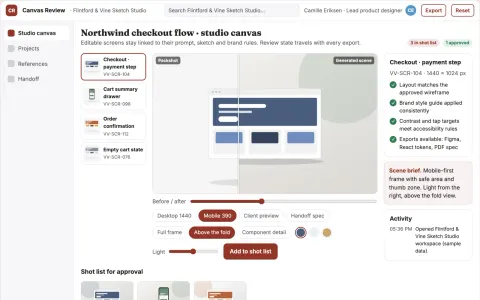
Editable UI production and review platform
Reduce tool sprawl and rework while keeping design decisions under named review.
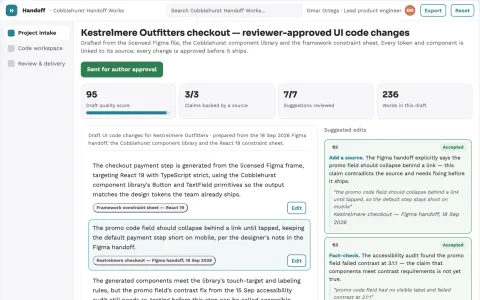
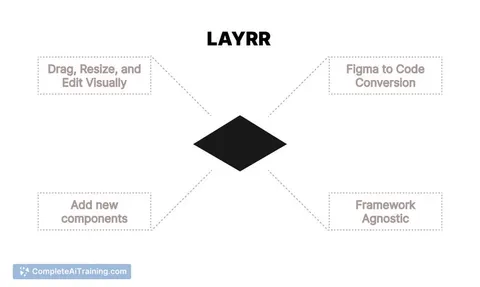
Design-to-code delivery workspace with managed implementation
Reduce handoffs between design and working code while keeping the team's own components and review rules.
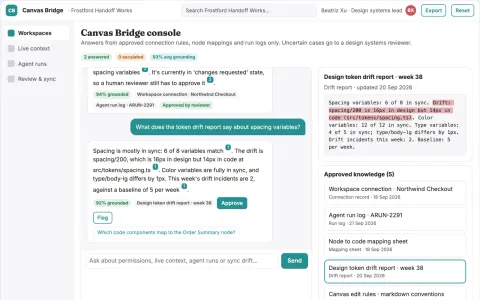
Live design file agent access console
Reduce manual design-to-code copying while keeping design files and code aligned.
Show all 12 apps
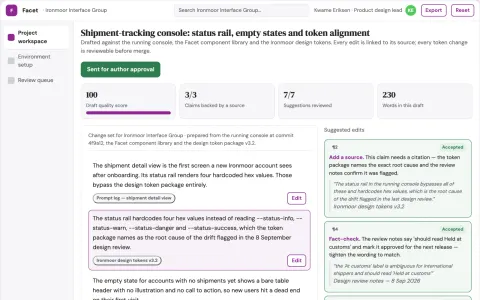
Live interface change review workbench
Reduce hand-coded interface work while keeping every change reviewable and reversible.
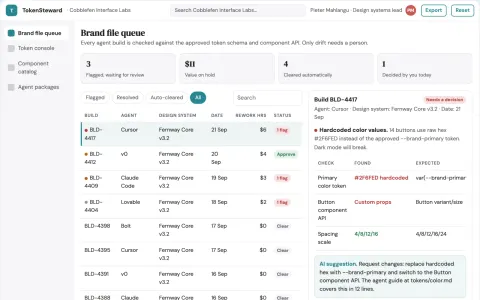
Agent-readable design system library and brand stewardship console
Reduce interface rework while keeping one consistent brand across agent-assisted builds.
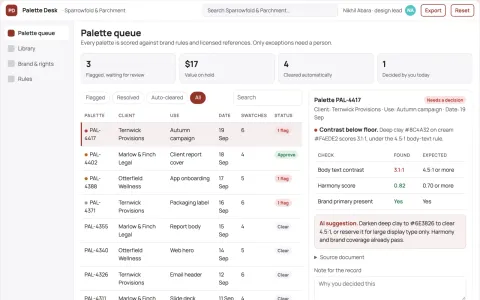
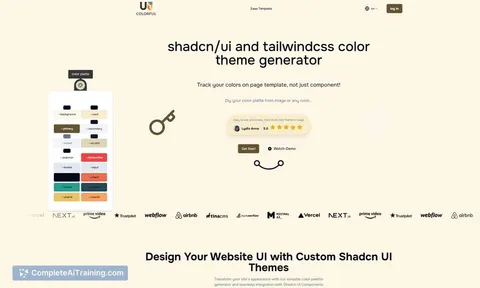
Design palette library and stewardship console
Reduce palette search and rework time while keeping one approved brand record.
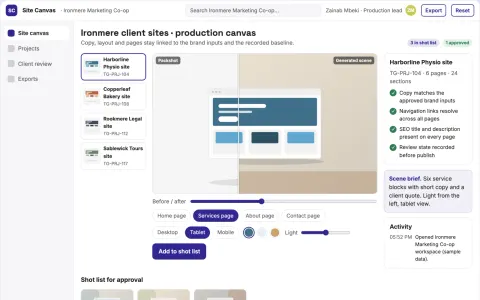
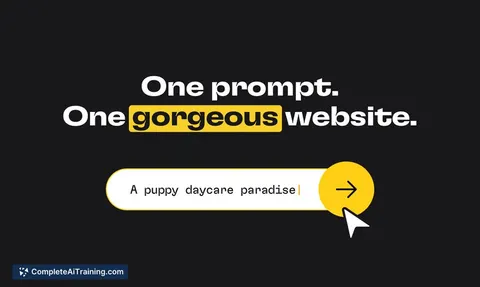
AI website content, design and page production platform
Reduce tool subscriptions and manual page assembly while keeping one owned workflow.
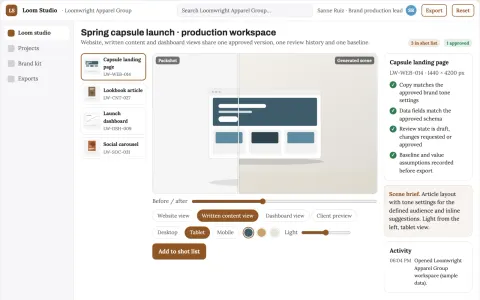
Multi-format visual production and review workspace
Reduce tool switching and rework while keeping one approved visual version.
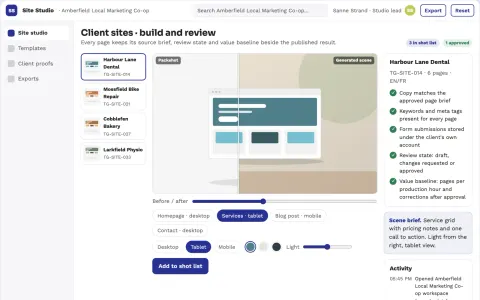
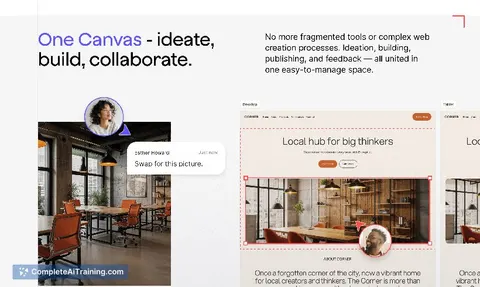
No-code website build and creative review platform
Reduce tool switching and review cycles while keeping the site and its content under the client's own brand and account.





























































































About this learning path
7 topicsA practical AI path for web designers
Web design work is part craft, part translation. You take what a client says in a rushed call and turn it into something a person can use on a phone, a laptop, or a screen reader.
AI can carry some of that load. Not the taste or the judgment, but the sorting, the drafting, and the checking that eats your afternoons. This path teaches you how to use it well.
Why AI matters for this job now
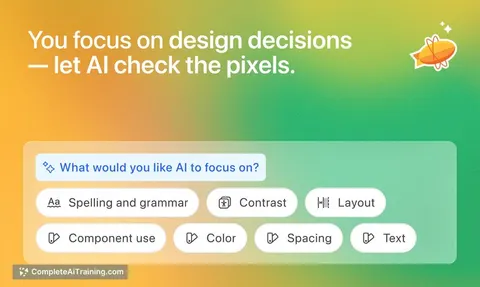
Clients expect more pages, more variations, and faster turnarounds than a few years ago. AI tools can draft a brief, suggest a structure, or check a layout for problems in minutes. Designers who use them spend their time on the parts clients actually pay for: the thinking and the polish.
It is not about replacing your eye. It is about not spending your best hours on the parts a tool can do.
What the path includes
You start with a short set of setup questions so your AI tool knows your role, your clients, and the kind of sites you build. Then you connect the tool you already use, whether that is ChatGPT, Claude, or Gemini.
From there you work through skills for the job inside your AI, then the prompt course on client briefs, wireframes, color, type, responsive layouts, UX copy, accessibility, developer handoff, and critique. Short video courses picked for web design sit alongside, and each one shows the certification you earn when you finish.
What you will be able to do
Turn a messy discovery call into a one-page brief you can design from. Plan a page section by section before you open your design tool. Build a palette you can defend to a client, and know which text and background pairs people can actually read.
You will also write the small interface words, catch accessibility problems early, and hand developers specs they can build without guessing.
How it saves you time
The slow parts of a project are rarely the drawing. They are the back and forth, the rewrites, the questions you forgot to ask, and the fixes that arrive after development has started.
This path gives you prompts that handle those parts. You get a first draft of a brief, a layout plan, a copy pass, and a handoff checklist in the time it used to take to open a blank document and stare.
How it protects your career
Design roles are shifting. The people who stay in demand are the ones who can move a project from a vague request to a buildable design without losing the thread.
Learning to work with AI keeps your skills current and makes you the person who can take on more without burning out. It also means you can explain your choices, which matters when a client pushes back.
How to start
Begin with the setup questions. Answer them honestly, including the parts of your work you find tedious. Then connect your AI tool and run one real task from a project you already have open.
Do not try to learn everything in a day. Pick one lesson, use it on live work, and keep what helps.
Frequently asked questions
Do I need to know how to code?
No. This path is about design decisions, briefs, layouts, and handoff. You will work alongside developers, not replace them.Which AI tool should I use?
ChatGPT, Claude, and Gemini all work with these prompts. Pick the one you already pay for or use most, and the lessons will fit.Will this replace my design judgment?
No. The prompts give you drafts and checklists. You still decide what looks right, what fits the brand, and what the client actually needs.How long does the path take?
Most people work through it in a few weeks, a lesson at a time, alongside their normal projects. There is no fixed schedule, and you can revisit any part.