AI agent for financial controllers
Accrual and Unvouchered Receipts Agent
Record received-not-invoiced costs in the right month with estimates that prove accurate.
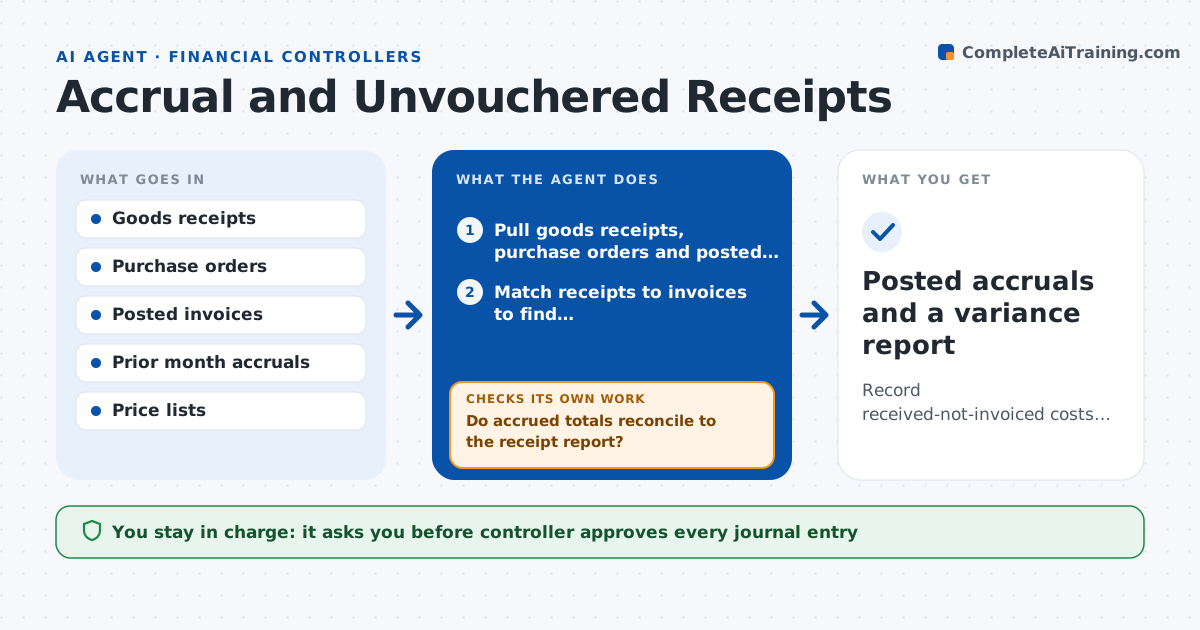
What it does
At month-end, goods have arrived but the supplier invoice has not, so the expense is missing from the period. This agent compares goods receipts and approved purchase orders against posted invoices and lists everything received but not invoiced. It estimates each accrual from the purchase order price and quantity received, groups them by account, and drafts the journal entry. After month-end it watches for late invoices and compares each to the estimate, then adjusts its method where estimates were off. If actual invoices exceed the accrual by more than the tolerance, it flags the supplier pattern. The controller approves the journal entries.
How it works
Follow the arrows from top to bottom. The orange dashed arrow is the loop: when a check fails, the agent goes back and tries again.
Read the steps as a list
- Month-end close begins
- Pull goods receipts, purchase orders and posted invoices
- Match receipts to invoices to find received-not-invoiced lines
- Estimate accrual by line from order price and quantity
- Reverse last month's accruals that have since been invoiced
- Do accrued totals reconcile to the receipt report?If not: find missing or double-counted lines and rematch. Back to step 3.
- Draft the accrual journal entry by account
- Controller approves journal entriesThe agent waits here for your OK.
- After month-end compare late invoices with the estimates
- Is each estimate within 5 percent of the invoice?If not: adjust the price basis for that supplier and note it. Back to step 4.
- Posted accruals and a variance report
How it decides
It accrues the received quantity at the order price, and uses past variance by supplier to adjust where estimates were off.
- Accrue only receipts dated on or before month-end
- Use the contract price when the purchase order price is missing
- Flag suppliers whose invoices differ from estimate by more than 5 percent
- Skip lines under the materiality threshold
Make it yours
Every agent is a starting point. You choose these settings for your own situation.
- Materiality threshold per line (default $500)
- Variance limit (default 5 percent)
- Account mapping for accruals
- Cutoff date rule
What keeps you in control
It always asks you first
- Controller approves every journal entry
Hard limits
- Never posts journal entries
- Does not change purchase orders or invoices
It stops when
- Done: accruals approved and late invoice variances reviewed
- Stop: receipts report is incomplete for the month
Set it up
We guide you through the set-up, step by step
Members get the full set-up guide for this agent. No technical skills needed: you copy, paste and upload.
- One set of instructions to paste into your AI, with the clicks for ChatGPT, Claude, Microsoft 365 Copilot, Gemini and Grok
- The agent then walks you through connecting your own data, one source at a time
- A downloadable copy with the flow chart, the rules and the full guide